
Introduction
Thank you for choosing the Portronics Vader X USB Wired Programmable Gaming Mouse. This manual provides detailed instructions for setting up, operating, maintaining, and troubleshooting your new gaming mouse. Designed for precision, speed, and customizable control, the Vader X mouse enhances your gaming experience with its high-performance features and ergonomic design.
Product Overview
Key Features
- High-Precision Optical Sensor: Equipped with a 7000 FPS optical sensor for accurate tracking.
- Adjustable DPI: Up to 12800 DPI for customizable sensitivity.
- 7 Programmable Buttons: Assign macros and shortcuts for enhanced control.
- Dynamic RGB Lighting: Customizable lighting effects to personalize your setup.
- 1000Hz Polling Rate: Ensures quick response and reduced input lag.
- Ergonomic Design: Comfortable grip for extended gaming sessions.
- Durable Build: Designed for up to 10 million clicks.
- Universal Compatibility: Plug & Play with Windows, Mac OS, and Linux.
- Braided Cable: 1.5-meter rugged braided cable for durability.
Package Contents
- 1 x Portronics Vader X Wired Gaming Mouse
- 1 x User Manual

Image: The Portronics Vader X Gaming Mouse, showcasing its ergonomic design and prominent buttons.
Setup Instructions
- Connect the Mouse: Insert the USB connector of the Portronics Vader X mouse into an available USB port on your computer (PC, laptop) or gaming console.
- Automatic Driver Installation: The mouse is plug-and-play. Your operating system (Windows, Mac OS, Linux) will automatically detect and install the necessary drivers. This process may take a few moments.
- Verify Functionality: Once connected, move the mouse and click the buttons to ensure basic functionality.
- Install Customization Software (Optional): For advanced features like button programming, DPI customization, and RGB lighting control, download the dedicated software from the official Portronics website. Refer to the software's instructions for installation and usage.
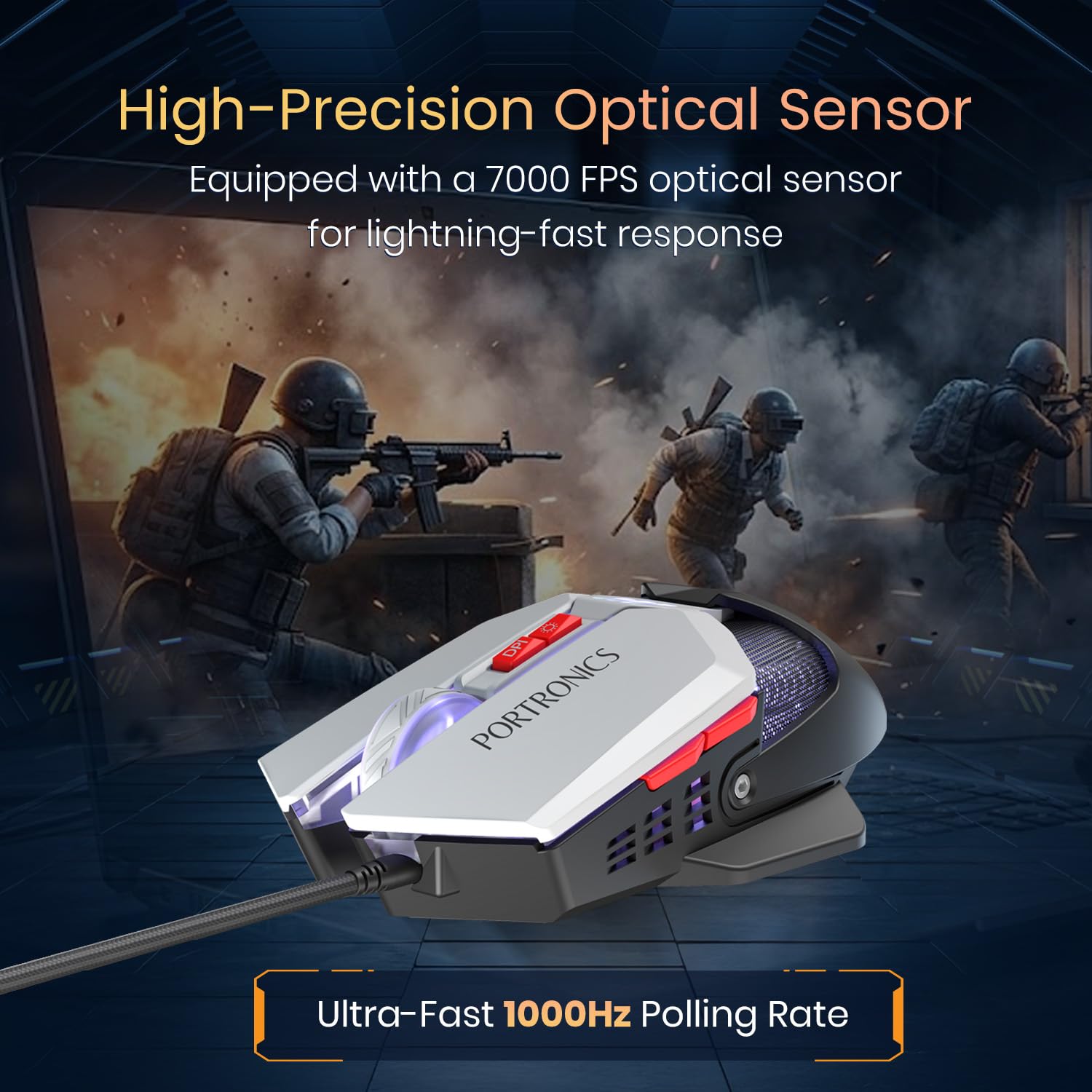
Image: The Portronics Vader X Gaming Mouse in a gaming environment, emphasizing its performance features.
Operating Instructions
DPI Adjustment
The Portronics Vader X mouse features adjustable DPI settings, allowing you to change cursor sensitivity on the fly. Use the dedicated DPI button (usually located near the scroll wheel) to cycle through preset DPI levels. The mouse supports up to 12800 DPI. For precise control over DPI steps, use the customization software.

Image: The mouse illustrating different DPI levels, indicating adjustable sensitivity for various tasks.
Button Programming
Your Vader X mouse is equipped with 7 programmable buttons. To customize these buttons, download and install the official Portronics customization software. The software allows you to:
- Assign macros for complex in-game actions.
- Remap buttons to specific keyboard functions.
- Create multiple gaming profiles for different games or applications.
- Utilize dedicated backward and forward buttons for navigation.

Image: The mouse alongside its software interface, demonstrating options for backlight, performance, macro, and button customization.
RGB Lighting Control
The dynamic RGB lighting of the Vader X mouse can be customized to match your preferences. Use the Portronics customization software to:
- Choose from various lighting effects and patterns.
- Select specific colors.
- Adjust brightness and speed of effects.

Image: The mouse displaying its customizable RGB lighting, enhancing the visual appeal of a gaming setup.
Ergonomics and Comfort
The Vader X mouse is designed for all-day comfort with an ergonomic shape that reduces hand fatigue during extended use. Its lightweight construction (approximately 119 grams) contributes to smooth gliding and precise movements.

Image: The mouse highlighting its lightweight and ergonomic design, suitable for portability and comfortable use.
Maintenance
- Cleaning: Use a soft, dry cloth to wipe the surface of the mouse. For stubborn dirt, slightly dampen the cloth with water. Avoid using harsh chemicals or abrasive materials.
- Sensor Cleaning: Occasionally, use a cotton swab lightly dampened with isopropyl alcohol to gently clean the optical sensor on the underside of the mouse. Ensure no liquid enters the mouse body.
- Cable Care: Avoid sharp bends or excessive pulling on the braided USB cable to prevent damage. Store the cable neatly when not in use.
- Storage: Store the mouse in a clean, dry environment away from extreme temperatures and direct sunlight.
Troubleshooting
| Problem | Solution |
|---|---|
| Mouse not responding |
|
| DPI not changing |
|
| RGB lights not working or incorrect |
|
| Buttons not responding or incorrect function |
|
Specifications
| Feature | Detail |
|---|---|
| Brand | Portronics |
| Model Name | Vader X |
| Model Number | POR-3351 |
| Connectivity Technology | USB Wired |
| Movement Detection Technology | Optical |
| Optical Sensor FPS | 7000 FPS |
| Maximum DPI | 12800 DPI |
| Polling Rate | 1000Hz |
| Button Quantity | 7 (Programmable) |
| Click Lifespan | Up to 10 Million Clicks |
| Cable Length | 1.5 meters (Braided) |
| RGB Lighting | Customizable RGB Lights |
| Compatible Devices | Gaming Console, Laptop, Personal Computer |
| Operating System | Windows, Mac OS, Linux |
| Item Weight | 119 Grams |
| Dimensions (L x W) | 14.2L x 8.8W Centimeters |
| Enclosure Material | ABS Plastic |
| Country of Origin | China |
Warranty and Support
Warranty Information
The Portronics Vader X USB Wired Programmable Gaming Mouse comes with a 1-year warranty from the date of purchase. This warranty covers manufacturing defects and ensures the product is free from defects in material and workmanship under normal use. Please retain your purchase receipt for warranty claims.
Customer Support
For any assistance, technical support, or warranty-related queries, please contact Portronics customer service:
- Email: help@portronics.com
- Phone: +91 9555-245-245 (Available 10 AM - 6 PM)
- Online Support: Visit the official Portronics website for FAQs and additional resources.
