
1. Introduction
Thank you for choosing the Mrowly SP1-1 Outdoor Wi-Fi Camera. This camera is designed to provide reliable and comprehensive outdoor surveillance with its advanced features, including 4MP/2.5K resolution, 360° pan-tilt-zoom (PTZ) capabilities, dual-band Wi-Fi connectivity, and a flexible solar panel for continuous power. This manual will guide you through the installation, setup, operation, and maintenance of your new security camera.
2. Package Contents
Please check the package for the following items:
- Mrowly SP1-1 Outdoor Camera
- Solar Panel
- Mounting Screws
- Charging Cable
- Instruction Manual
3. Product Overview
The Mrowly SP1-1 camera combines high-definition video with smart features for enhanced security. It features a 4MP/2.5K sensor for clear images, a 360° PTZ mechanism for wide coverage, and a solar panel for eco-friendly power. The camera is built with durable ABS material and is IP65 water-resistant, suitable for various outdoor conditions.

Image: Mrowly SP1-1 camera showcasing its 2-in-1 solar panel design, allowing for integrated or separate mounting.

Image: Close-up of the Mrowly SP1-1 camera with its solar panel, highlighting the integrated design.
4. Installation
The Mrowly SP1-1 camera offers flexible installation options with its 2-in-1 solar panel design, allowing for integrated or separate mounting to optimize solar charging and camera placement.
4.1 Mounting Options
- Wall Mount: Secure the camera and/or solar panel directly to a wall.
- Ceiling Mount: Attach the camera to a ceiling or overhang.
4.2 Installation Steps
- Choose a suitable location for the camera and solar panel. Ensure the solar panel receives adequate sunlight.
- Use the provided mounting screws to fix the bracket to the desired surface (wall or ceiling).
- Attach the camera to the bracket. If using the separate solar panel option, connect the solar panel to the camera using the charging cable.
- Adjust the camera angle and solar panel orientation for optimal coverage and charging efficiency.

Image: Step-by-step guide for both integrated and separate solar panel installation methods.
5. Setup
5.1 App Download and Account Creation
Download the recommended mobile application (e.g., YESKAMO APP) from the App Store (iOS) or Google Play Store (Android). Follow the in-app instructions to create an account and log in.
5.2 Connecting to Wi-Fi
The Mrowly SP1-1 supports dual-band 2.4/5GHz Wi-Fi for a stable and fast connection. It also features quick Bluetooth pairing.
- Ensure your smartphone is connected to a 2.4GHz or 5GHz Wi-Fi network.
- Open the app and select "Add Device" or similar option.
- Follow the on-screen prompts to connect the camera. This typically involves scanning a QR code on the camera or using Bluetooth for quick pairing.
- Once connected, the camera will appear in your app, and you can begin live viewing.

Image: Illustration of the quick Bluetooth connection process for the camera.

Image: Depiction of the camera's dual-band Wi-Fi connectivity (2.4GHz and 5GHz) for stable signal.
6. Operating Instructions
6.1 Pan-Tilt-Zoom (PTZ) Control
The camera offers 355° horizontal rotation and 90° vertical tilt, along with a 120° wide-angle lens, providing 360° coverage. Use the app to remotely adjust the camera's viewing angle and utilize the 10x digital zoom.

Image: The Mrowly camera's 360-degree coverage, eliminating blind spots around a property.
6.2 Video Quality and Night Vision
The camera records in 4MP/2.5K (2560x1440) resolution, offering sharper images than 1080p. With its integrated spotlight, the camera provides clear color night vision, ensuring details are visible even in low-light conditions. It also supports infrared night vision.

Image: Demonstrates the clarity of 2.5K HD color night vision and 4MP resolution, with 10x digital zoom capability.
6.3 Two-Way Audio
The built-in microphone and speaker allow for two-way communication. You can speak to visitors or deter intruders directly through the camera via the app.
6.4 Smart Alarms and Detection
The camera features PIR (Passive Infrared) and AI-powered human detection to minimize false alarms. When motion is detected, the camera can:
- Send real-time alerts to your smartphone.
- Activate a bright spotlight.
- Trigger a customizable audible alarm.

Image: The camera's triple protection alarm system, including light, app notification, and audible alarm, deterring an intruder.
6.5 Storage Options
The Mrowly SP1-1 offers flexible storage solutions:
- Local Storage: Supports a microSD card up to 128GB (not included) for local recording without monthly fees.
- Cloud Storage: Optional cloud backup service available via subscription for secure off-site storage.
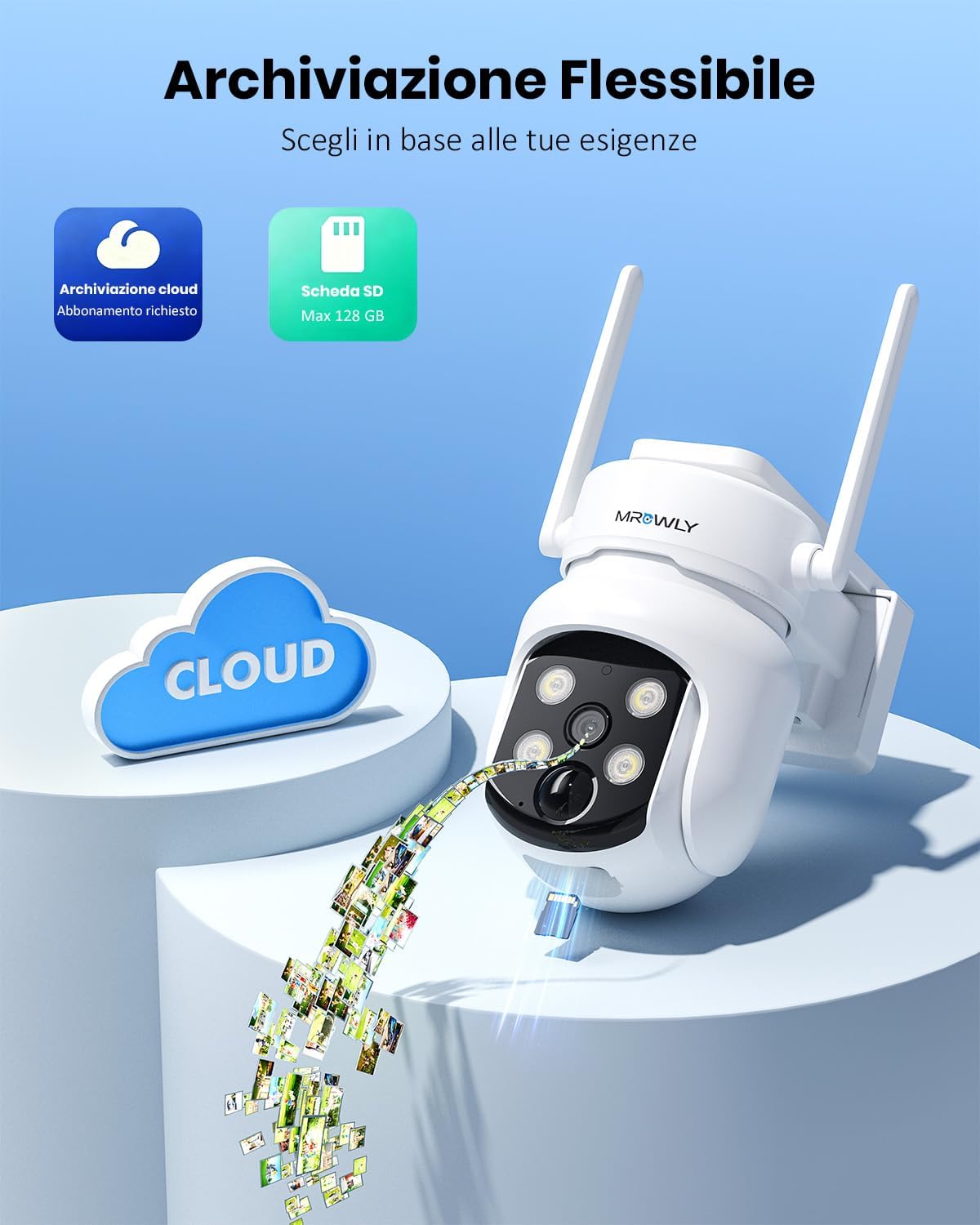
Image: Visual representation of the camera's flexible storage options, including cloud and local microSD card storage.
7. Maintenance
- Cleaning: Regularly wipe the camera lens and solar panel with a soft, damp cloth to ensure clear vision and efficient solar charging. Avoid abrasive cleaners.
- Firmware Updates: Check the app periodically for firmware updates to ensure optimal performance and security.
- Battery Health: While the solar panel keeps the battery charged, ensure the panel is positioned to receive maximum sunlight, especially during winter months or prolonged cloudy periods.
8. Troubleshooting
- Camera Not Connecting to Wi-Fi:
- Ensure your Wi-Fi network is 2.4GHz or 5GHz and stable.
- Check that the camera is within range of your Wi-Fi router.
- Restart your router and the camera.
- Verify Wi-Fi password is correct during setup.
- Frequent Disconnections:
- Improve Wi-Fi signal strength by moving the router closer or using a Wi-Fi extender.
- Ensure no physical obstructions are blocking the signal.
- False Alarms:
- Adjust the PIR sensitivity settings in the app.
- Define specific detection zones to exclude areas with frequent non-human movement (e.g., trees swaying).
- Poor Night Vision:
- Ensure the camera lens is clean and free from obstructions.
- Check if the integrated spotlight is enabled in the app for color night vision.
- Battery Not Charging:
- Ensure the solar panel is clean and exposed to direct sunlight for several hours daily.
- Check the connection cable between the solar panel and the camera.
- Verify the solar panel is not shaded by trees or buildings.
- App Issues (Lag, Freezing):
- Ensure your app is updated to the latest version.
- Check your smartphone's internet connection speed.
- Clear the app's cache or reinstall the app if issues persist.
9. Specifications
| Feature | Specification |
|---|---|
| Brand | Mrowly |
| Model Name | SP1-1 |
| Connectivity Technology | Wireless (Bluetooth, Wi-Fi 2.4/5GHz) |
| Special Features | 100% Wireless, 4MP/2.5K, Two-way Audio, Adjustable Solar Panels, PTZ Technology, Color Night Vision, PIR Detection |
| Indoor/Outdoor Use | Outdoor |
| Compatible Devices | Smartphone (Android, iOS) |
| Mounting Type | Wall/Ceiling Installation |
| Color | White |
| Material | Acrylonitrile Butadiene Styrene (ABS) |
| Water Resistance Level | Water Resistant (IP65) |
| Alarm Type | Motion Only |
| Effective Still Image Resolution | 4 MP |
| Video Capture Resolution | 2.5K, 4MP |
| Video Encoding | MPEG-4 |
| Video Capture Format | MP4 |
| Item Dimensions | 17 x 18 x 12.5 cm |
| Flash Memory Size | 128 GB (Max MicroSD) |
| Power Source | Solar Powered |
| Wattage | 3 watts |
| Optical Zoom | 10 x |
| Night Vision Field of View | 10 Meters |
| Number of IR LEDs | 4 |
10. Warranty and Support
For any product inquiries, technical support, or warranty claims, please refer to the contact information provided with your purchase or visit the official Mrowly website. Keep your purchase receipt as proof of purchase for warranty services.
