
Introduction
Thank you for choosing the Mobo DREX 3D Bluetooth Over-Ear Headphones. These headphones are designed to provide an immersive audio experience with advanced features such as Active Noise Cancellation (ANC), 3D Surround Sound, and multipoint connectivity. This manual will guide you through the setup, operation, maintenance, and troubleshooting of your new headphones to ensure optimal performance and enjoyment.

Image: Front view of the Mobo DREX 3D Bluetooth Over-Ear Headphones in gray.
Setup
1. Unboxing and Package Contents
Carefully unpack your Mobo DREX 3D headphones. The package should contain:
- Mobo DREX 3D Over-Ear Headphones
- Carrying Case
- USB Charging Cable
- Audio Cable (3.5mm)
- User Manual

Image: The protective carrying case for the Mobo DREX 3D headphones.
2. Charging the Headphones
Before first use, fully charge your headphones. Connect the USB charging cable to the charging port on the headphones and to a compatible USB power source. The LED indicator will show the charging status. A full charge provides up to 3 days of average use.
3. Bluetooth Pairing
- Ensure the headphones are powered off.
- Press and hold the Power button until the LED indicator flashes blue and red, indicating pairing mode.
- On your device (smartphone, tablet, computer), enable Bluetooth and search for available devices.
- Select 'Mobo DREX 3D' from the list of devices.
- Once connected, the LED indicator will turn solid blue.
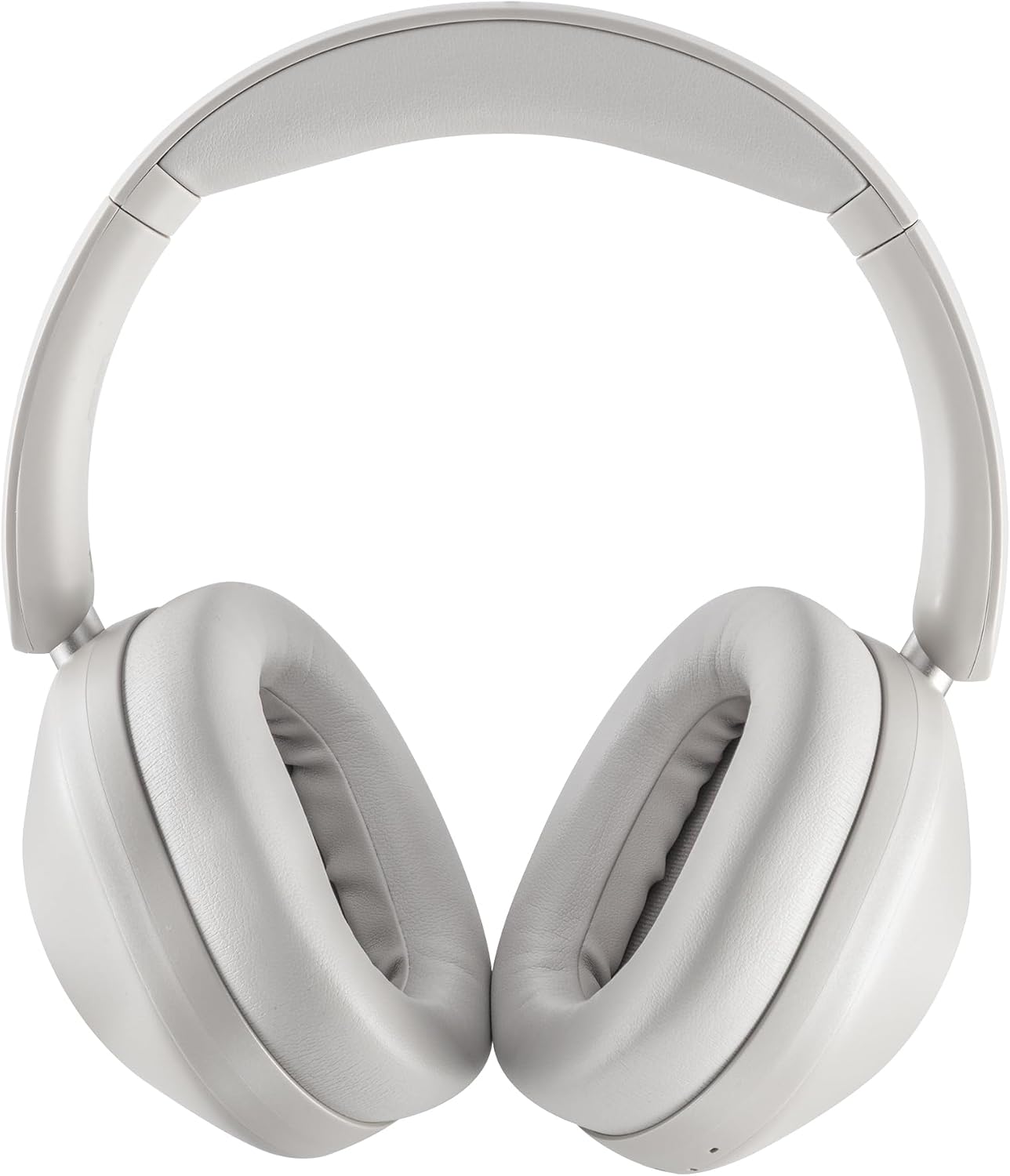
Image: Side view of the Mobo DREX 3D headphones, highlighting the control buttons for power, volume, and mode selection.
Operating Instructions
1. Power On/Off
- Power On: Press and hold the Power button for 3 seconds.
- Power Off: Press and hold the Power button for 3 seconds.
2. Active Noise Cancellation (ANC)
The Mobo DREX 3D features Active Noise Cancellation to reduce ambient noise. Locate the ANC switch on the left earcup.
- Activate ANC: Slide the ANC switch to the 'ON' position. The ANC indicator light will illuminate.
- Deactivate ANC: Slide the ANC switch to the 'OFF' position.

Image: Close-up of the left earcup of the Mobo DREX 3D headphones, showing the dedicated ANC (Active Noise Cancellation) switch.
3. 3D Surround Sound
Experience enhanced audio depth with the 3D Surround Sound feature. This mode creates a cinematic atmosphere for media consumption.
- Activate 3D Sound: Press the dedicated 3D Sound button (refer to button layout diagram in the included quick start guide).
- Deactivate 3D Sound: Press the 3D Sound button again.
4. Volume and Track Control
- Volume Up: Press the '+' button.
- Volume Down: Press the '-' button.
- Next Track: Press and hold the '+' button.
- Previous Track: Press and hold the '-' button.
5. Call Management
- Answer/End Call: Press the Multi-function button once.
- Reject Call: Press and hold the Multi-function button for 2 seconds.
6. Multipoint Connection
The Mobo DREX 3D headphones support multipoint connection, allowing you to connect to two Bluetooth devices simultaneously.
- Pair the headphones with the first device as described in the 'Bluetooth Pairing' section.
- Disable Bluetooth on the first device.
- Put the headphones back into pairing mode and pair with the second device.
- Re-enable Bluetooth on the first device. The headphones should now be connected to both devices.
- Audio will automatically switch between devices based on active playback or incoming calls.
Maintenance
1. Cleaning
- Use a soft, dry cloth to clean the exterior of the headphones.
- For earcups, gently wipe with a slightly damp cloth and allow to air dry completely before use.
- Do not use harsh chemicals, solvents, or abrasive cleaners.
2. Storage
- When not in use, store the headphones in their protective carrying case to prevent damage.
- Avoid storing in extreme temperatures, direct sunlight, or high humidity.
3. Battery Care
- To prolong battery life, avoid fully discharging the headphones frequently.
- Charge the headphones regularly, even if not used for extended periods.
Troubleshooting
| Problem | Possible Cause | Solution |
|---|---|---|
| Headphones do not power on | Low battery | Charge the headphones fully. |
| Cannot pair with device | Headphones not in pairing mode; Bluetooth off on device | Ensure headphones are in pairing mode (flashing blue/red LED). Turn on Bluetooth on your device. |
| No sound | Volume too low; Not connected; Incorrect audio output selected | Increase volume. Re-pair headphones. Check device's audio output settings. |
| ANC not working effectively | ANC off; Improper fit | Ensure ANC switch is ON. Adjust headphones for a snug fit over your ears. |
| Intermittent connection | Distance from device; Interference | Move closer to your device. Avoid strong Wi-Fi signals or other Bluetooth devices. |
Specifications
- Brand: Mobo
- Model: DREX
- Color: Gray
- Form Factor: Over-Ear (Circumaural)
- Noise Control: Active Noise Cancellation (ANC)
- Connectivity Technology: Wireless (Bluetooth)
- Wireless Technology: Bluetooth
- Battery Life: Up to 3 days (average use)
- Country of Origin: China
- UPC: 842797052547
- Specific Uses: Work, Travel
- Compatible Devices: Bluetooth-enabled devices
- Other Features: Noise Cancellation, Surround Sound
Warranty Information
The Mobo DREX 3D Bluetooth Over-Ear Headphones come with a 12-month warranty from the date of purchase. This warranty covers manufacturing defects. It does not cover damage caused by misuse, accidents, unauthorized modifications, or normal wear and tear. Please retain your proof of purchase for warranty claims.
Support
For further assistance, technical support, or warranty inquiries, please visit the official Mobo website or contact their customer service department. Refer to the contact information provided on the product packaging or the official Mobo website.