
Introduction
This manual provides essential information for the safe and effective use of your WALKINGPAD Z1R Foldable Treadmill. Please read all instructions carefully before assembly, operation, or maintenance. Keep this manual for future reference.
Important Safety Information:
- Ensure the treadmill is placed on a flat, stable surface.
- Maintain a clear space of at least 20 inches (50 cm) around the treadmill.
- Do not allow children or pets near the treadmill during operation.
- Always use the safety handle bar for added stability, especially during initial use or if you feel unsteady.
- Disconnect power when not in use or before cleaning/maintenance.
What's in the Box
Verify that all components are present upon unpacking:
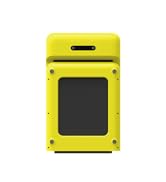
- WALKINGPAD Z1R Treadmill Unit
- Power Cord
- Remote Control
- Silicone Oil (for lubrication)
- User Manual (this document)
- Wristband
Setup
- Unfolding the Treadmill: Carefully unfold the treadmill from its compact storage position. Ensure the running deck is fully extended and locked into place before use.
- Attaching the Safety Handle Bar: The Z1R features a removable handle bar for enhanced safety and stability. Insert the handle bar into the designated slots on the treadmill base and secure it using the provided fasteners or locking mechanisms.
- Power Connection: Connect the power cord to the treadmill and then to a suitable electrical outlet. Ensure the power switch on the treadmill is in the 'Off' position before plugging it in.
- Placement: Position the treadmill on a level surface. For under-desk use, ensure sufficient clearance for the handle bar if attached, or remove it for a more compact setup.


Operating Instructions
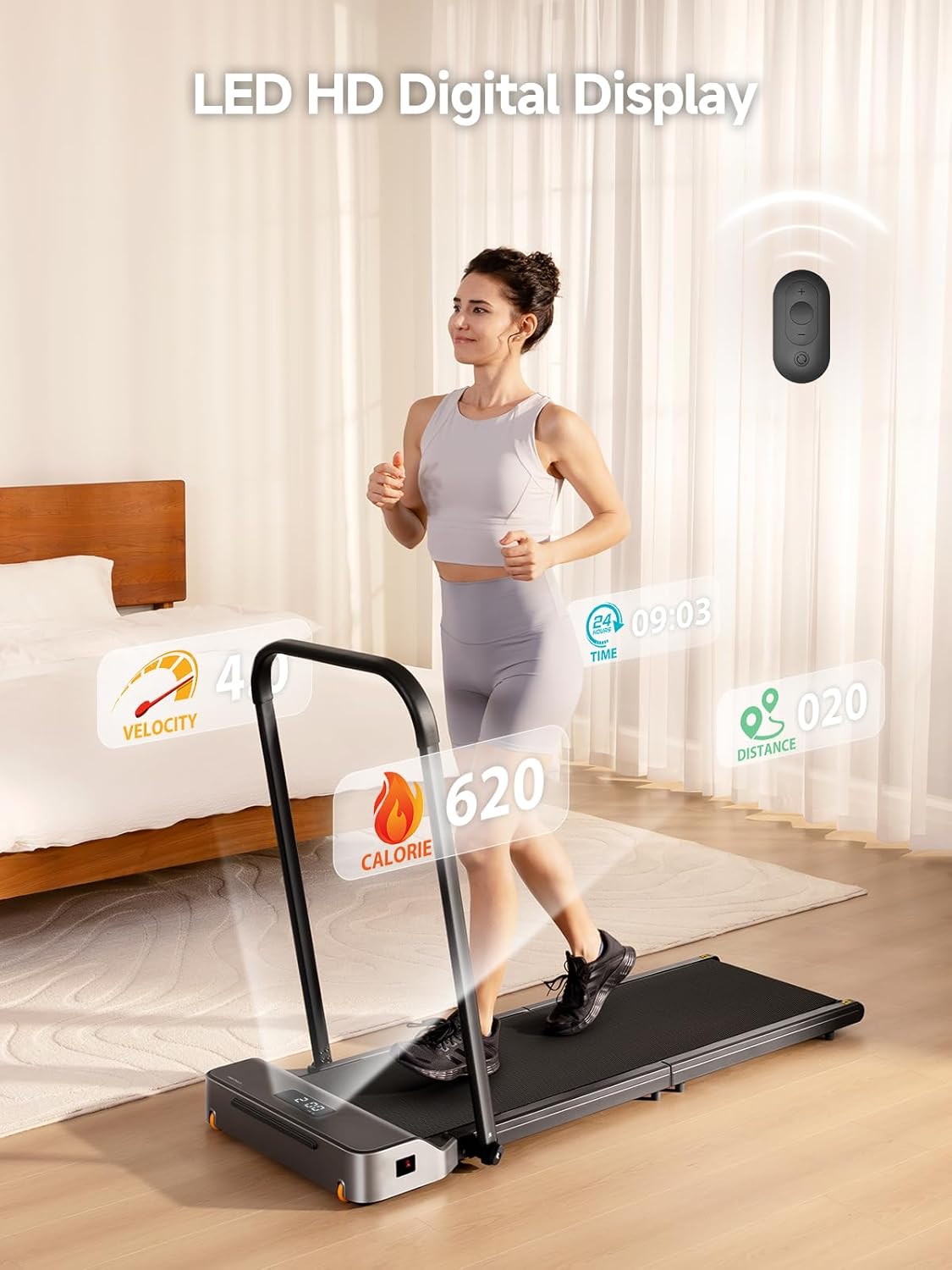
- Power On: Flip the main power switch to the 'On' position. The LED display will illuminate.
- Starting a Workout: Use the included remote control to start the treadmill. Press the 'Start' button. The treadmill will begin at a low speed.
- Adjusting Speed: Use the '+' and '-' buttons on the remote control to adjust the speed. The speed range is 1-5 MPH. Adjust gradually to a comfortable pace.
- Using the APP Control: Download the WALKINGPAD app on your smartphone. Pair your device with the treadmill via Bluetooth. The app allows for advanced control, tracking, and recording of your fitness progress.
- Monitoring Progress: The LED display shows key metrics such as speed, distance, time, and calories burned. The app provides a more detailed overview of your workout data.
- Stopping a Workout: Press the 'Stop' button on the remote control or within the app to safely stop the treadmill.

Maintenance
- Lubrication: Apply silicone oil to the running belt every 3 months or after 100 hours of use, whichever comes first. Lift the edge of the belt and apply a small amount of oil to the center of the deck. Run the treadmill at a low speed for 5 minutes to distribute the lubricant.
- Cleaning: Wipe down the treadmill with a damp cloth after each use. Avoid using abrasive cleaners.
- Belt Adjustment: If the running belt becomes misaligned or slips, refer to the detailed instructions in the app or contact customer support for guidance on adjusting the belt tension and alignment.
Troubleshooting
- Treadmill Not Starting: Check if the power cord is securely plugged in and the main power switch is 'On'. Ensure the safety key (if applicable) is correctly inserted.
- Unusual Noises: Inspect the running belt for any obstructions. If the noise persists, it may indicate a need for lubrication or belt adjustment.
- Remote Control Not Responding: Check the battery in the remote control. Ensure there are no obstructions between the remote and the treadmill's receiver.
- App Connectivity Issues: Ensure Bluetooth is enabled on your device and the treadmill. Try restarting both the app and the treadmill.
For further assistance, please refer to the comprehensive troubleshooting guide in the WALKINGPAD app or contact customer support.
Specifications
| Feature | Specification |
|---|---|
| Model Name | WalkingPad Z1R |
| Speed Range | 1-5 Miles per Hour (MPH) |
| Maximum Weight Recommendation | 242 Pounds |
| Item Weight | 57 Pounds |
| Motor Horsepower | 2 Horsepower (Brushless) |
| Product Dimensions (Unfolded) | 55.9"D x 23.2"W x 37.9"H |
| Folded Size | 49.2" x 23.2" x 5.5" |
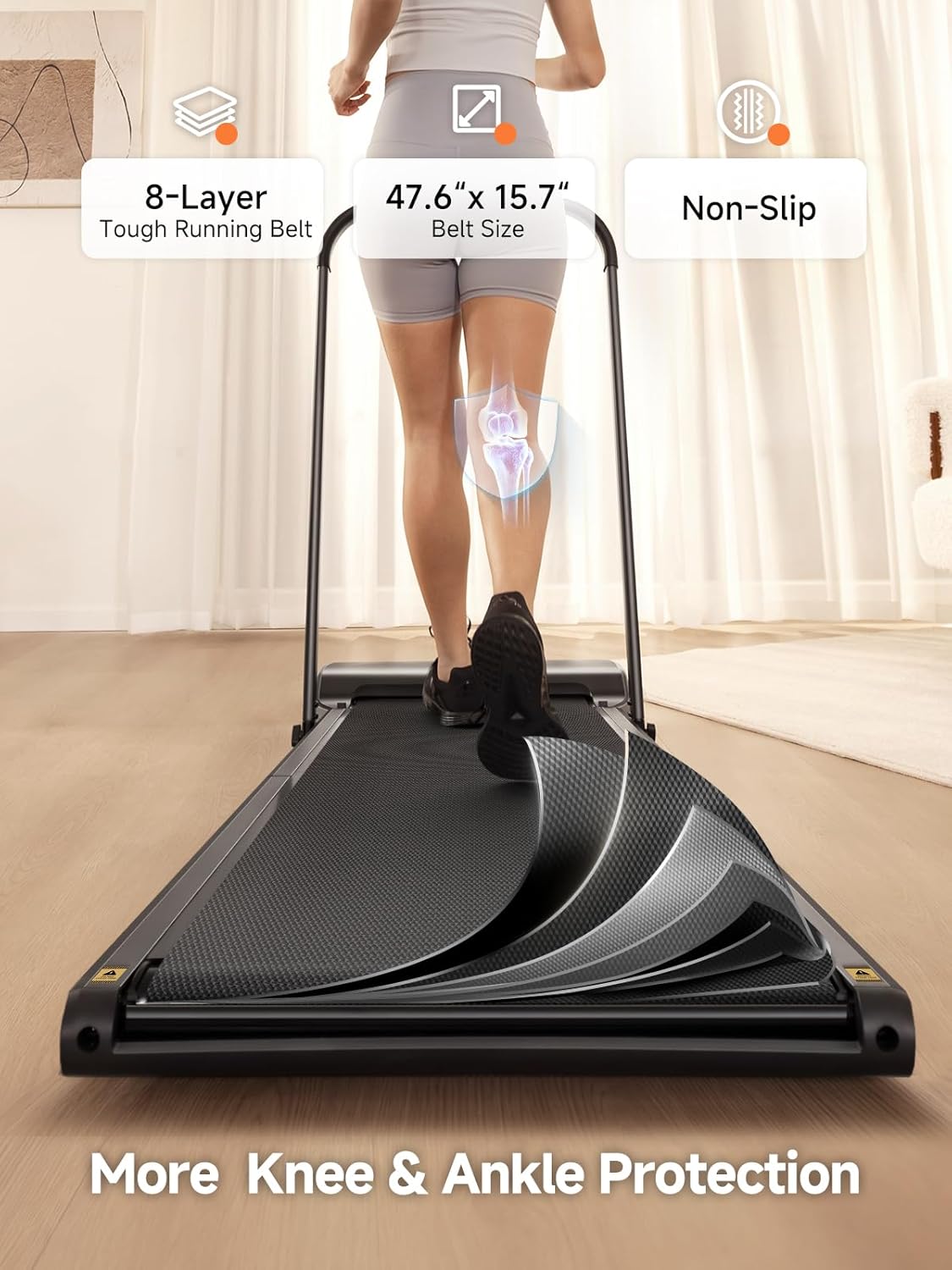
| Deck Length | 47.6 Inches |
| Deck Width | 15.7 Inches |
| Material | Aluminum Frame |
| Display Type | LED |
| Special Features | Adjustable Speed, Compact Design, Foldable, Removable Handle Bar, 8-Layer Shock-absorbing Running Belt |


Warranty & Support
The WALKINGPAD Z1R Treadmill comes with a 1-Year Warranty from the date of purchase, covering manufacturing defects and malfunctions under normal use. Please retain your proof of purchase for warranty claims.
For technical support, warranty inquiries, or replacement parts, please contact WALKINGPAD customer service:
- Email: support@walkingpad.com
- Phone: 1-888-927-6888
- Website: www.walkingpad.com


