
Introduction
Thank you for choosing the NIMO N159 Thin & Light Gaming Laptop. This manual provides essential information for setting up, operating, maintaining, and troubleshooting your new device. Please read this manual thoroughly before using the laptop to ensure optimal performance and longevity.
The NIMO N159 is designed for both gaming and productivity, featuring an AMD Ryzen 7 7735HS processor, 16GB DDR5 RAM, a 512GB NVMe PCIe SSD, and a 15.6-inch Full HD IPS display.
Package Contents
Verify that all items are present in your package:
- 1 x NIMO N159 Laptop
- 1 x Type-C 100W PD Fast Charger
- 1 x User Manual (this document)
- Windows 11 Home Operating System (pre-installed)
Setup Guide
1. Initial Power On and Charging
Before first use, ensure your NIMO N159 laptop is fully charged.
- Connect the provided 100W Type-C PD Fast Charger to a power outlet and to one of the USB Type-C ports on your laptop.
- Allow the laptop to charge for at least 30 minutes before powering it on for the first time. A full charge can take approximately 1 hour for up to 9 hours of standby time.
- Press the power button located on the keyboard to turn on the laptop.


2. Operating System Setup (Windows 11 Home)
Follow the on-screen prompts to complete the initial setup of Windows 11 Home. This typically involves:
- Selecting your region and keyboard layout.
- Connecting to a Wi-Fi network.
- Signing in with a Microsoft account or creating a new one.
- Setting up a PIN or password.
- Reviewing privacy settings.
Operating Your Laptop
Display and Visuals
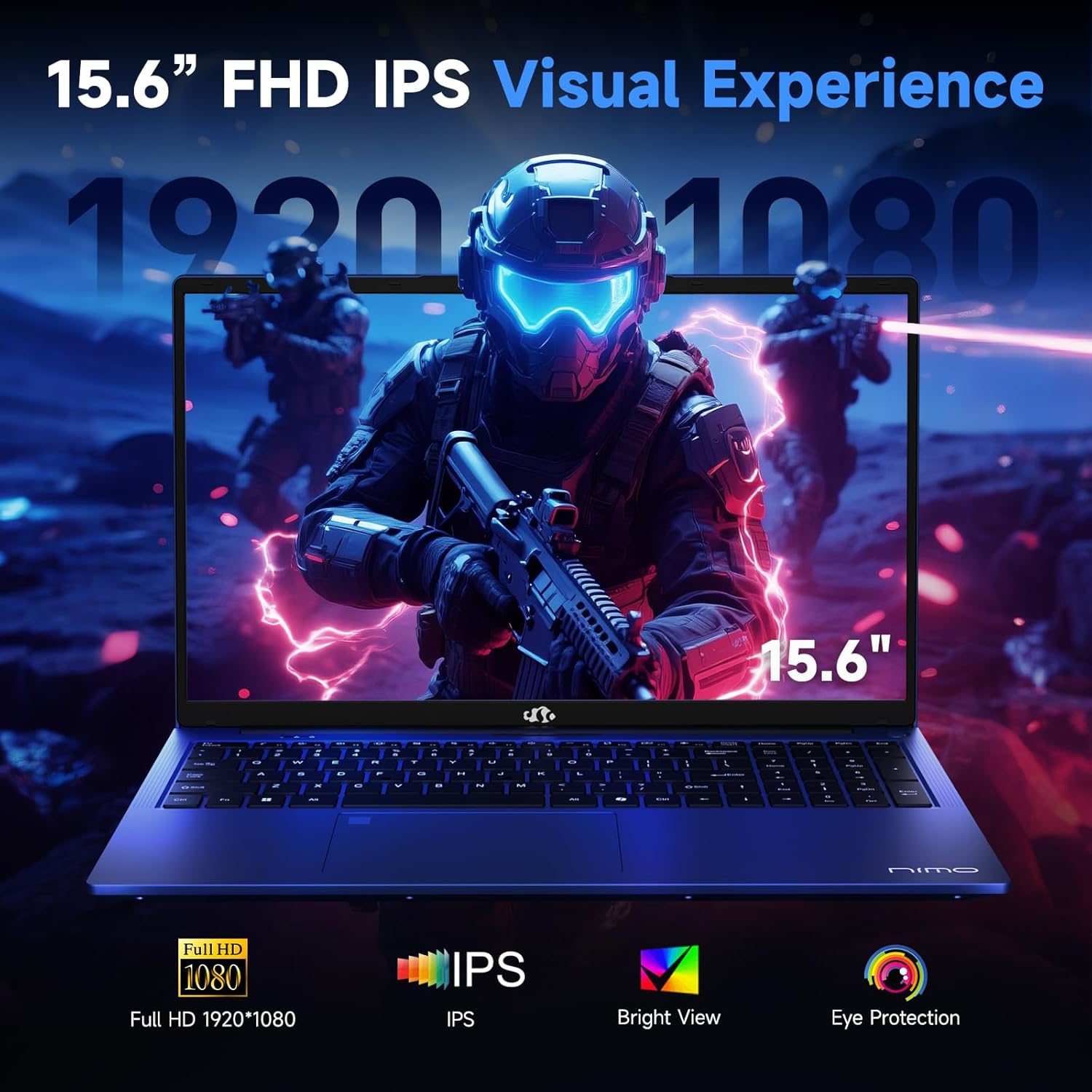
The NIMO N159 features a 15.6-inch Full HD (1920x1080) IPS anti-glare display.
- IPS Technology: Provides wide viewing angles and accurate color reproduction.
- Anti-Glare Coating: Reduces reflections and eye strain, especially in brightly lit environments.
- 180° Hinge: The flexible hinge allows the screen to lay nearly flat, facilitating screen sharing and collaboration.
Keyboard and Input
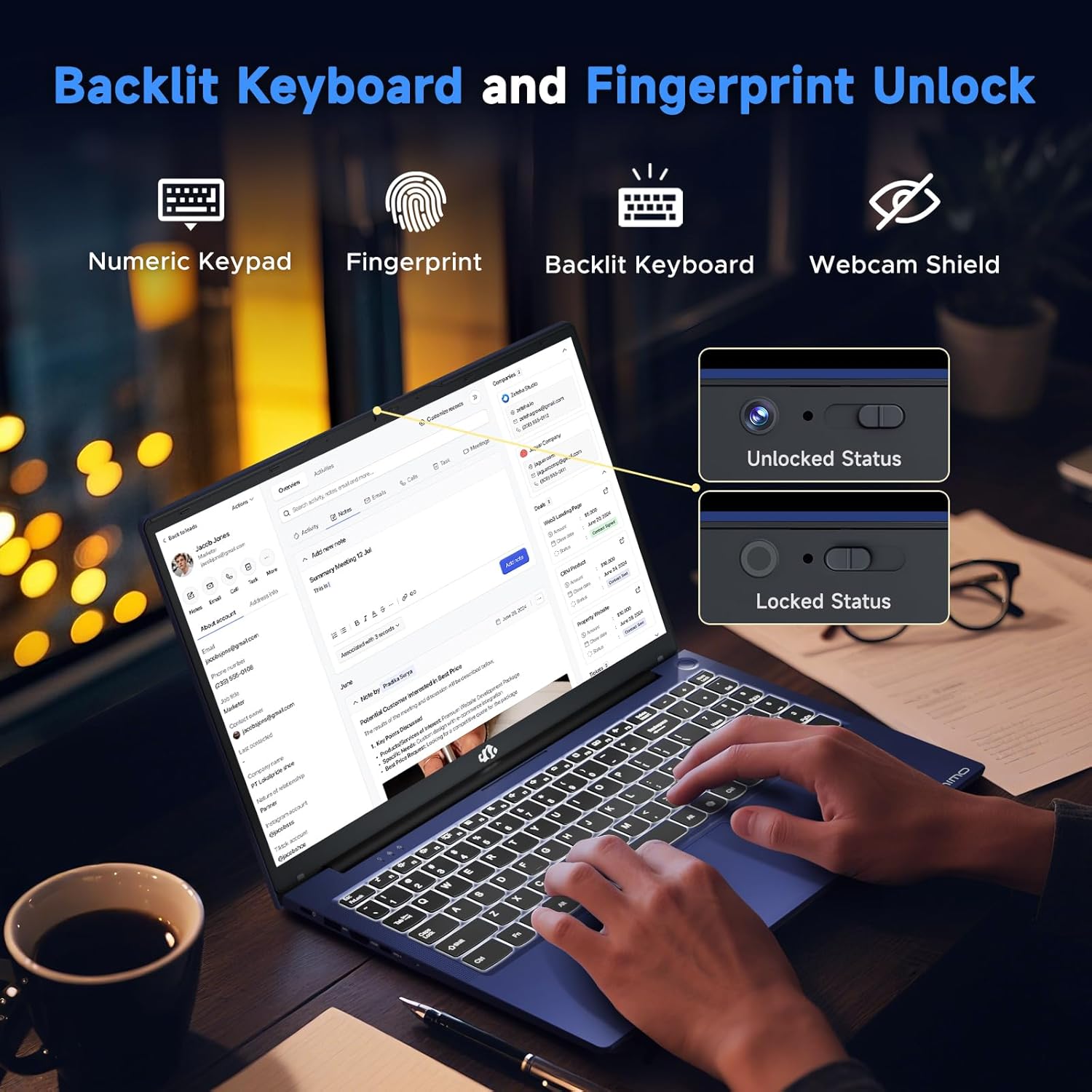
- Backlit Keyboard: Adjust the keyboard backlight for comfortable typing in various lighting conditions.
- Numeric Keypad: For efficient data entry.
- Fingerprint Sensor: Located on the touchpad for secure and quick login.
- Privacy Webcam Shutter: A physical shutter for the 2MP front webcam ensures privacy when the camera is not in use.
Connectivity Ports
The NIMO N159 offers a range of ports for connecting peripherals and external displays:
- 2 x USB Type-C 3.2 Gen2 (supports Power Delivery, DisplayPort, and Data transfer)
- 2 x USB Type-A 3.2 Gen1
- 1 x USB Type-A 2.0
- 1 x Standard HDMI 2.0
- 1 x Micro SD card reader
- 1 x 3.5mm headphone/microphone combo jack
- Kensington Lock slot

Wireless Connectivity
- Wi-Fi 5 (802.11ac): For high-speed wireless internet access.
- Bluetooth 5.2: For connecting wireless peripherals such as headphones, mice, and keyboards.
Performance Features
Processor and Graphics
The NIMO N159 is equipped with an AMD Ryzen 7 7735HS processor, featuring 8 cores and 16 threads, with a max turbo speed of 4.75 GHz. Integrated AMD Radeon 680M graphics provide capable performance for gaming and creative tasks.

Memory and Storage
- 16GB DDR5 RAM: High-speed memory for efficient multitasking and demanding applications.
- 512GB NVMe PCIe SSD: Provides fast boot times, quick application loading, and ample storage.

Cooling System
The laptop features an advanced dual-fan cooling system designed to maintain optimal temperatures during heavy workloads, preventing thermal throttling and ensuring consistent performance.
Maintenance and Care
General Cleaning
- Use a soft, lint-free cloth to clean the screen and exterior surfaces.
- For stubborn marks, slightly dampen the cloth with water or a screen-safe cleaner. Avoid harsh chemicals.
- Regularly clean the keyboard with compressed air to remove dust and debris.
Battery Care
- Avoid fully discharging the battery frequently.
- Store the laptop in a cool, dry place if not used for extended periods.
- Use only the provided 100W Type-C PD Fast Charger.
Software Updates
Regularly check for and install operating system and driver updates to ensure optimal performance, security, and compatibility.
Troubleshooting
Common Issues and Solutions
- Laptop does not power on:
- Ensure the charger is securely connected and the power outlet is functional.
- Allow the laptop to charge for at least 30 minutes before attempting to power on again.
- Poor battery life:
- Adjust power settings in Windows to optimize battery usage.
- Close unnecessary background applications.
- Reduce screen brightness.
- Ensure the battery is fully charged before use.
- Wi-Fi connectivity issues:
- Restart your router and modem.
- Ensure Wi-Fi is enabled on the laptop (check Windows settings).
- Update Wi-Fi drivers.
- System slow or unresponsive:
- Close unused programs.
- Check for and remove any malware or viruses.
- Ensure sufficient free space on the SSD.
- Restart the laptop.
For further assistance, please refer to the Warranty and Support section.
Specifications
| Feature | Detail |
|---|---|
| Brand | NIMO |
| Model Name | NIMO N159 |
| Screen Size | 15.6 Inches |
| Screen Resolution | 1920 x 1080 (FHD) IPS |
| Processor | AMD Ryzen 7 7735HS (8-core, 16-thread, up to 4.75 GHz) |
| Graphics | AMD Radeon 680M (Integrated) |
| RAM | 16GB DDR5 (4800 MHz) |
| Storage | 512GB NVMe PCIe SSD |
| Operating System | Windows 11 Home |
| Wireless Connectivity | Wi-Fi 5 (802.11ac), Bluetooth 5.2 |
| Ports | 2x USB-C 3.2 Gen2 (PD+DP+Data), 2x USB-A 3.2 Gen1, 1x USB-A 2.0, 1x HDMI 2.0, 1x Micro SD, 1x 3.5mm Audio Combo |
| Webcam | Front 2MP with Privacy Shutter |
| Battery | Li-polymer Smart Battery, 53.58 Wh (Up to 9 hours) |
| Power Supply | 100W Type-C Adapter |
| Dimensions (LxWxH) | 14.07 x 8.89 x 0.76 Inches |
| Weight | 3.75 lbs |
| Special Features | Backlit Keyboard, Fingerprint Reader, HD Audio, Numeric Keypad, 180° Hinge |
Warranty and Support
Warranty Information
Your NIMO N159 laptop comes with a 2-year warranty from NIMO Direct Inc. This warranty covers manufacturing defects and ensures product reliability.
Additionally, NIMO offers a 90-day return policy from the date of purchase. Please refer to the official NIMO website or your purchase documentation for full terms and conditions.
Customer Support
For any product-related questions, technical assistance, or warranty claims, please contact NIMO customer support:
- Email: service@nimopc.com
- Online: Visit the official NIMO website for support resources and contact options.
- Service Availability: 24-hour service is available.


Important Safety Information
Please observe the following safety guidelines to prevent damage to your device or injury to yourself:
- Do not expose the laptop to extreme temperatures, direct sunlight, or high humidity.
- Avoid placing heavy objects on the laptop.
- Do not attempt to disassemble or repair the laptop yourself. Refer to qualified service personnel.
- Keep liquids away from the laptop to prevent electrical shock or damage.
- Use only NIMO-approved accessories and power adapters.
Official Product Videos
15.6 Inch NIMO Light Gaming Laptop Overview
This video provides a comprehensive overview of the NIMO 15.6-inch Light Gaming Laptop, highlighting its design and key features. Duration: 9 minutes, 20 seconds.
NIMO 15.6" 7735HS Gaming Laptop Features
A detailed look at the features of the NIMO 15.6-inch laptop with the AMD Ryzen 7 7735HS processor. Duration: 43 seconds.
The Laptop That Adapts to You
This video highlights the adaptability and versatility of the NIMO laptop for various user needs. Duration: 1 minute, 0 seconds.
