
Introduction
Welcome to your GOBOULT Earl TWS Earbuds. This manual provides detailed instructions to help you get the most out of your new earbuds, including setup, operation, maintenance, and troubleshooting tips. Please read this manual carefully before using the product.
What's in the Box
Upon unboxing, please ensure all the following items are present:
- GOBOULT Earl TWS Earbuds (Left and Right)
- Charging Case
- USB Type-C Charging Cable (not explicitly listed but standard)
- Eartips (various sizes, not explicitly listed but standard)
- Warranty Card
Product Overview
The GOBOULT Earl TWS Earbuds are designed for an immersive audio experience with advanced features. Familiarize yourself with the key components and technologies.

Image: Overview of GOBOULT Earl TWS Earbuds features, including Dual Drivers, 50dB Hybrid ANC, Hex Mic ENC, GOBOULT AMP App Support, Dual Device Pairing, and Spatial Audio.
Dual Drivers for Enhanced Audio

Image: Detailed diagram showing the internal structure of the earbuds with a 10mm sub-woofer driver and a 6mm tweeter driver for balanced sound reproduction.
The earbuds feature a revolutionary dual-driver system with an in-built sub-woofer and tweeter. This design delivers powerful bass, clear vocals, and crisp highs, ensuring an audiophile-grade immersive sound experience for music, calls, and gaming.
Hybrid Active Noise Cancellation (ANC)

Image: Illustration detailing the Hybrid ANC technology, utilizing both external and internal microphones for a two-stage noise cancellation process, achieving up to 50dB noise reduction.
Experience distraction-free listening with advanced Hybrid Active Noise Cancellation, reducing background noise by up to 50dB. This feature is ideal for travel, work, or any environment where you need to focus on your audio.
Hex Mic Environmental Noise Cancellation (ENC)
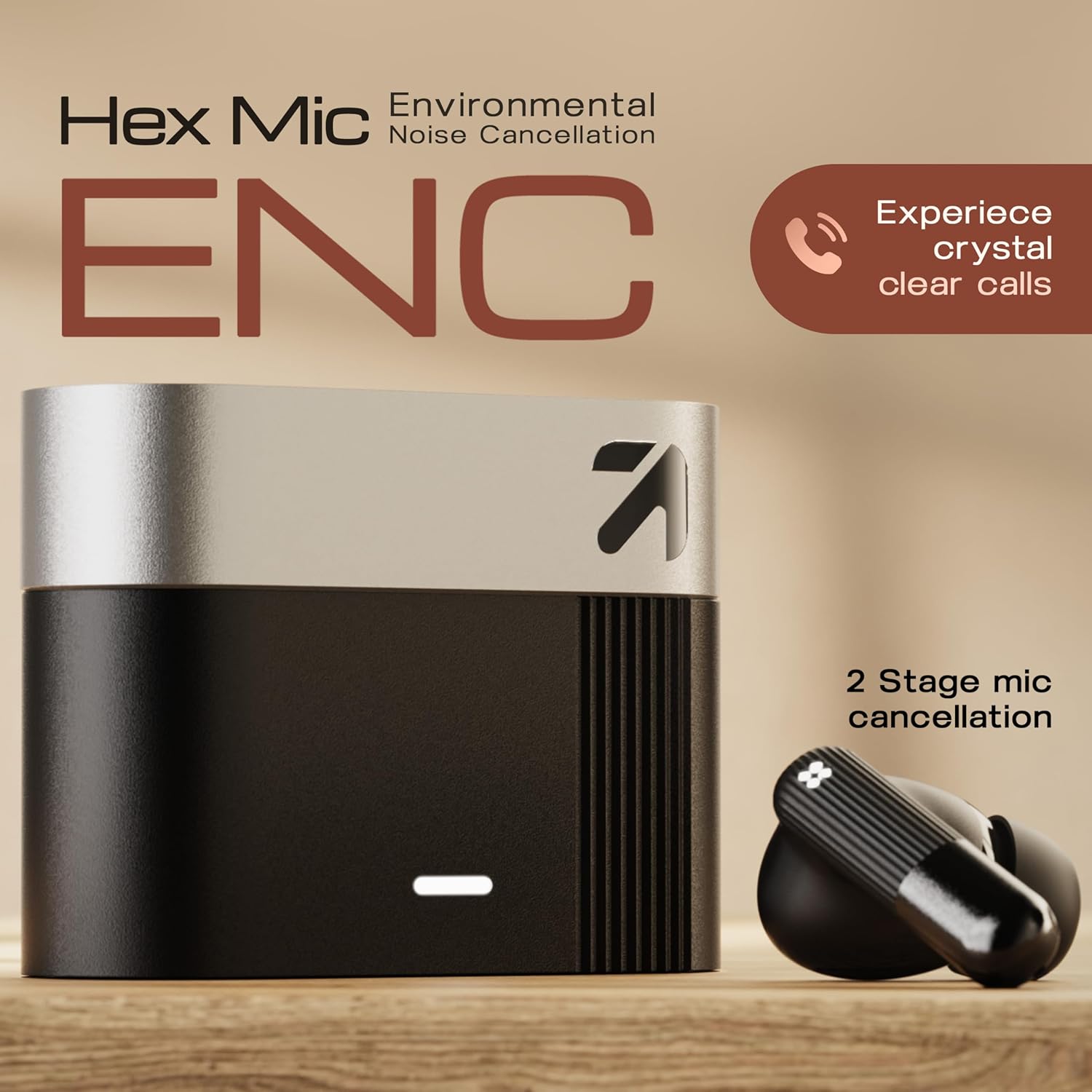
Image: The earbuds and charging case, emphasizing the Hex Mic ENC system designed for crystal clear call quality by minimizing background noise.
Equipped with Hex Mic Environmental Noise Cancellation technology, these earbuds minimize background noise and enhance voice clarity during calls, making them suitable for office calls, online classes, and hands-free communication.
GOBOULT AMP App Support

Image: A smartphone displaying the GOBOULT AMP App, illustrating options for custom EQ modes, renaming earbuds, water ejection, and multiple music modes.
Customize your sound experience with the GOBOULT AMP App. Adjust EQ settings, personalize audio profiles, and optimize earbud performance for music, calls, and entertainment through smart app-based controls.
Spatial Audio

Image: A visual representation of 360-degree Spatial Audio, showing sound waves moving around a person wearing the earbuds, creating an immersive soundscape.
Enjoy an immersive Spatial Audio experience that creates a surround-sound effect, adding depth and direction to audio for movies, gaming, and music, delivering a cinematic and realistic listening experience.
Long Playtime and Rapid Charging

Image: The charging case and a gaming controller, illustrating the earbuds' capability for up to 50 hours of total playtime, rapid charging, and a dedicated gaming mode for zero delay.
The earbuds offer up to 50 hours of total playtime with the charging case. Type-C fast charging ensures quick power-ups, keeping your earbuds ready for extended use.
Bluetooth 5.4 and Dual Device Pairing
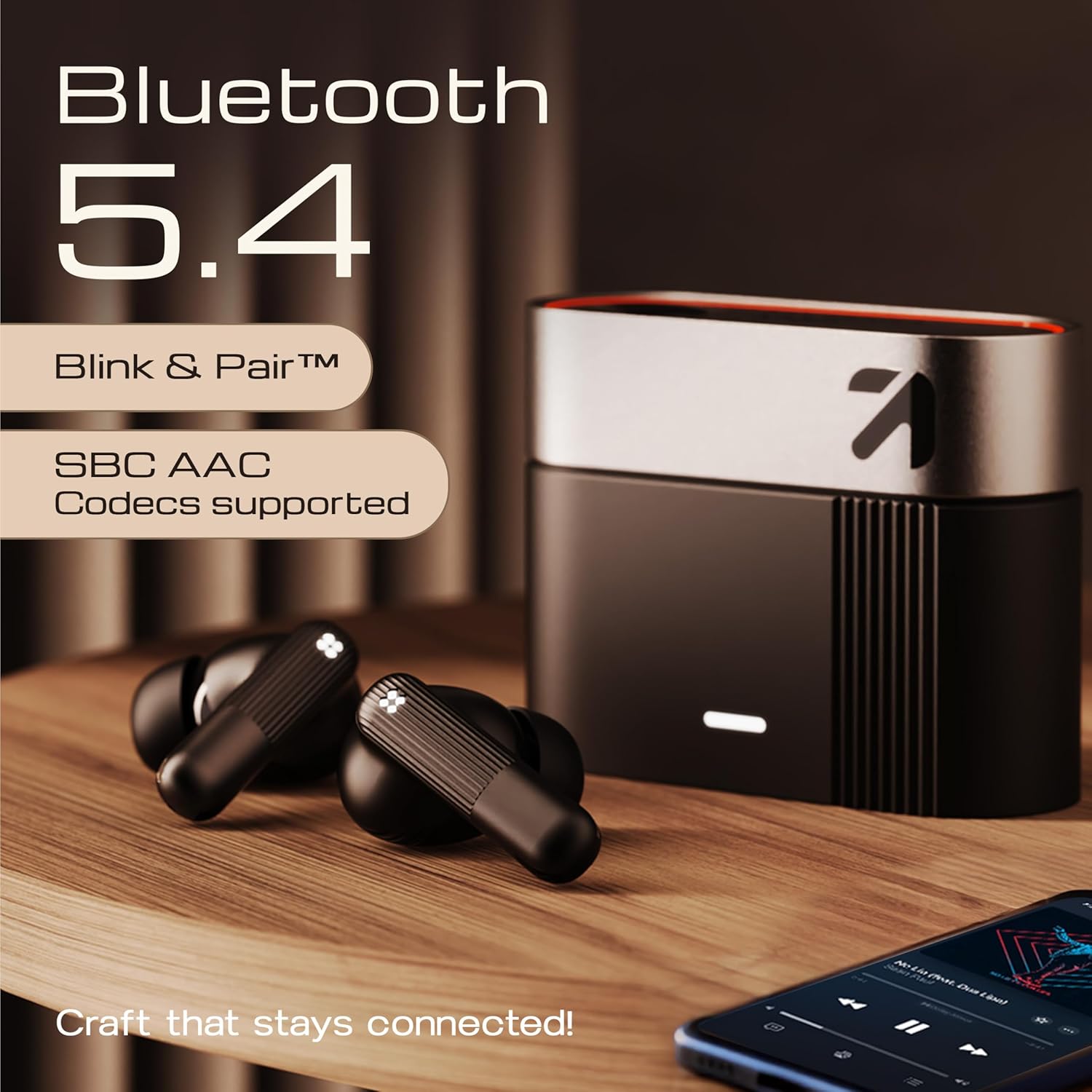
Image: The earbuds and charging case, showcasing Bluetooth 5.4 connectivity with "Blink & Pair" feature and support for SBC AAC Codecs, ensuring stable and high-quality wireless audio.
Equipped with Bluetooth 5.4, the earbuds provide stable and efficient wireless connectivity. They also support dual device pairing, allowing seamless switching between two connected devices.
Setup
1. Charging the Earbuds and Case
- Initial Charge: Before first use, place both earbuds into the charging case and connect the case to a power source using the provided USB Type-C cable. Ensure the case and earbuds are fully charged.
- Charging Indicators: Refer to the LED indicators on the charging case and earbuds to monitor charging status.
- Rapid Charging: The Type-C port supports rapid charging for quick power-ups.
2. Pairing with Your Device
- First-Time Pairing: Open the charging case. The earbuds will automatically enter pairing mode (indicated by flashing LED lights).
- Enable Bluetooth: On your device (smartphone, tablet, laptop), go to Bluetooth settings and turn on Bluetooth.
- Select Device: Look for "GOBOULT Earl" or "Airbass" in the list of available devices and select it to connect.
- Successful Connection: Once connected, the earbuds' LED indicators will change, and you will hear an audio prompt.
- Subsequent Pairing: After the initial pairing, the earbuds will automatically connect to the last paired device when removed from the case and Bluetooth is enabled on the device.
Operating Instructions
1. Power On/Off
- Power On: Open the charging case, and the earbuds will automatically power on.
- Power Off: Place the earbuds back into the charging case and close the lid to power them off.
2. Touch Controls
The GOBOULT Earl TWS Earbuds feature intuitive touch controls on each earbud. Specific functions may vary slightly based on the GOBOULT AMP App settings.
| Action | Function |
|---|---|
| Single Tap (Left/Right) | Play/Pause Music, Answer/End Call |
| Double Tap (Right) | Next Track |
| Double Tap (Left) | Previous Track |
| Triple Tap (Left/Right) | Activate Voice Assistant (Google Assistant) |
| Long Press (Left/Right) | Switch ANC/Transparency/Normal Mode |
| Long Press (Incoming Call) | Reject Call |
3. Active Noise Cancellation (ANC) Modes
Cycle through ANC modes by long-pressing either earbud. The available modes are:
- ANC Mode: Reduces ambient noise for immersive listening.
- Transparency Mode: Allows you to hear your surroundings while listening to audio.
- Normal Mode: Standard audio playback without noise cancellation or transparency.
4. Dual Device Pairing
The earbuds support connecting to two devices simultaneously. To switch between devices, pause audio on the currently active device, and then play audio on the second device. The earbuds will automatically switch.
5. GOBOULT AMP App Features
Download the GOBOULT AMP App from your device's app store to unlock additional features:
- Custom EQ Settings: Fine-tune your audio preferences.
- Personalized Audio Profiles: Create and save different sound profiles.
- Firmware Updates: Keep your earbuds updated with the latest features and improvements.
- Water Ejection Mode: Helps clear water from the earbuds after exposure.
6. Gaming Mode
Activate Gaming Mode via the GOBOULT AMP App or specific touch control (refer to app for customization) to reduce audio latency for a more synchronized gaming experience.
Maintenance
1. Cleaning
- Earbuds: Gently wipe the earbuds, especially the eartips and charging contacts, with a soft, dry, lint-free cloth. Remove eartips and clean them separately with mild soap and water if necessary, ensuring they are completely dry before reattaching.
- Charging Case: Clean the charging case with a soft, dry cloth. Avoid using abrasive materials or harsh chemicals.
2. Water Resistance (IPX5)
The GOBOULT Earl TWS Earbuds are rated IPX5, meaning they are protected against low-pressure water jets from any direction. This makes them suitable for workouts and light rain. However, they are not designed for submersion in water. Avoid exposing them to strong water jets or swimming.
3. Storage
When not in use, store the earbuds in their charging case to protect them and conserve battery life. Store in a cool, dry place away from extreme temperatures and direct sunlight.
Troubleshooting
If you encounter any issues with your GOBOULT Earl TWS Earbuds, refer to the following common solutions:
- Earbuds not pairing:
- Ensure earbuds are charged and out of the case.
- Turn off and on Bluetooth on your device.
- Forget the device from your Bluetooth list and re-pair.
- Try resetting the earbuds (refer to the GOBOULT AMP App or brand website for specific reset instructions).
- No sound or low volume:
- Check the volume level on both your device and the earbuds.
- Ensure earbuds are properly connected to your device.
- Clean any debris from the earbud speakers and eartips.
- ANC not working effectively:
- Ensure the earbuds are properly seated in your ears to create a good seal.
- Confirm ANC mode is active (long press touch control).
- Try different sized eartips for a better fit.
- Call quality issues:
- Ensure the microphones are not obstructed.
- Move to a quieter environment if possible.
- Check for strong Bluetooth interference.
- Charging issues:
- Ensure the charging cable is securely connected to both the case and the power source.
- Try a different charging cable or power adapter.
- Clean the charging contacts on both the earbuds and the case.
Specifications
Below are the technical specifications for the GOBOULT Earl TWS Earbuds (Model: Airbass):
| Feature | Detail |
|---|---|
| Model Name | Airbass |
| Connectivity Technology | Wireless (Bluetooth) |
| Bluetooth Version | 5.4 |
| Audio Driver Type | Dynamic Driver (Dual Drivers: Sub-Woofer & Tweeter) |
| Audio Driver Size | 10mm (Sub-Woofer), 6mm (Tweeter) |
| Frequency Response | 20 KHz (Upper limit, typical for human hearing range) |
| Sensitivity | 106 dB |
| Noise Control | Hybrid Noise Cancellation (up to 50dB) |
| Microphone | Hex Mic Environmental Noise Cancellation (ENC) |
| Control Method | Touch |
| Special Features | Fast Charging, Lightweight, Touch Control, Spatial Audio, Dual Device Pairing, App Support |
| Water Resistance Rating | IPX5 |
| Battery Life | Up to 50 hours (with charging case) |
| Battery Composition | Lithium Polymer |
| Charging Port | Type-C |
| Compatible Devices | Android, Desktops, iPhone, Laptops, Tablets |
| Product Dimensions | 6.2 x 2.4 x 4.7 cm |
| Item Weight | 0.54 g |
| Material | Plastic |
| Country of Origin | China |
Warranty and Support
Warranty Information
Your GOBOULT Earl TWS Earbuds come with a standard manufacturer's warranty. Please refer to the included Warranty Card for specific terms, conditions, and duration of the warranty. Keep your proof of purchase for warranty claims.
Customer Support
For further assistance, technical support, or warranty claims, please contact GOBOULT customer service. You can typically find contact information on the official GOBOULT website or on the packaging of your product.
- Online Support: Visit the official GOBOULT website for FAQs, support articles, and contact forms.
- Email/Phone: Refer to your warranty card or product packaging for direct contact details.


