
1. Introduction
Thank you for choosing the POOLHACKER Handheld Pool Vacuum Cleaner. This device is designed for efficient spot cleaning of pool corners, steps, benches, and other tight spaces. Its rechargeable battery system and lightweight design ensure convenient and effective pool maintenance. Please read this manual thoroughly before operation to ensure proper use and maintenance.

The POOLHACKER Handheld Pool Vacuum Cleaner is ideal for quick and easy pool cleanups.
2. Safety Information
- Always ensure the vacuum is turned off before assembly, disassembly, or cleaning.
- Do not operate the vacuum if any part is damaged. Contact customer support for replacement parts.
- Keep the charging port dry and clean. Do not charge the unit near water or with wet hands.
- Use only the charger provided by POOLHACKER.
- This product is designed for pool cleaning. Do not use it for other purposes.
- Keep out of reach of children.
3. Setup
- Unpack Components: Carefully remove all parts from the packaging. Verify that all components are present according to the packing list.
- Charge the Battery: Connect the charger to the vacuum's charging port and plug it into a power outlet. Allow the battery to fully charge before first use. The indicator light will show charging status.
- Assemble the Handle: Attach the handle sections together, ensuring they click securely into place. Then, connect the assembled handle to the main vacuum body.
- Attach Cleaning Head: Securely attach the desired cleaning head (if multiple are provided) to the vacuum's intake nozzle.
4. Operating Instructions
- Submerge the Vacuum: Slowly lower the vacuum into the pool water until it is fully submerged.
- Activate Power: Press the power button located on the main body of the vacuum to turn it on.
- Begin Cleaning: Guide the vacuum along the pool surfaces, steps, corners, and tight areas that require cleaning. Move it slowly to allow for effective debris collection.
- Monitor Debris Tank: Periodically check the transparent debris tank to see if it needs emptying.
- Turn Off and Remove: Once cleaning is complete, press the power button to turn off the vacuum. Carefully lift it out of the water.
5. Maintenance
5.1. Emptying the Debris Tank
- Ensure the vacuum is turned off.
- Locate the debris release mechanism, typically a button or latch.
- Press the release to open the debris tank and empty its contents into a waste receptacle.
- Rinse the debris tank and filter thoroughly with clean water.
- Reassemble the tank and filter, ensuring they are securely latched.
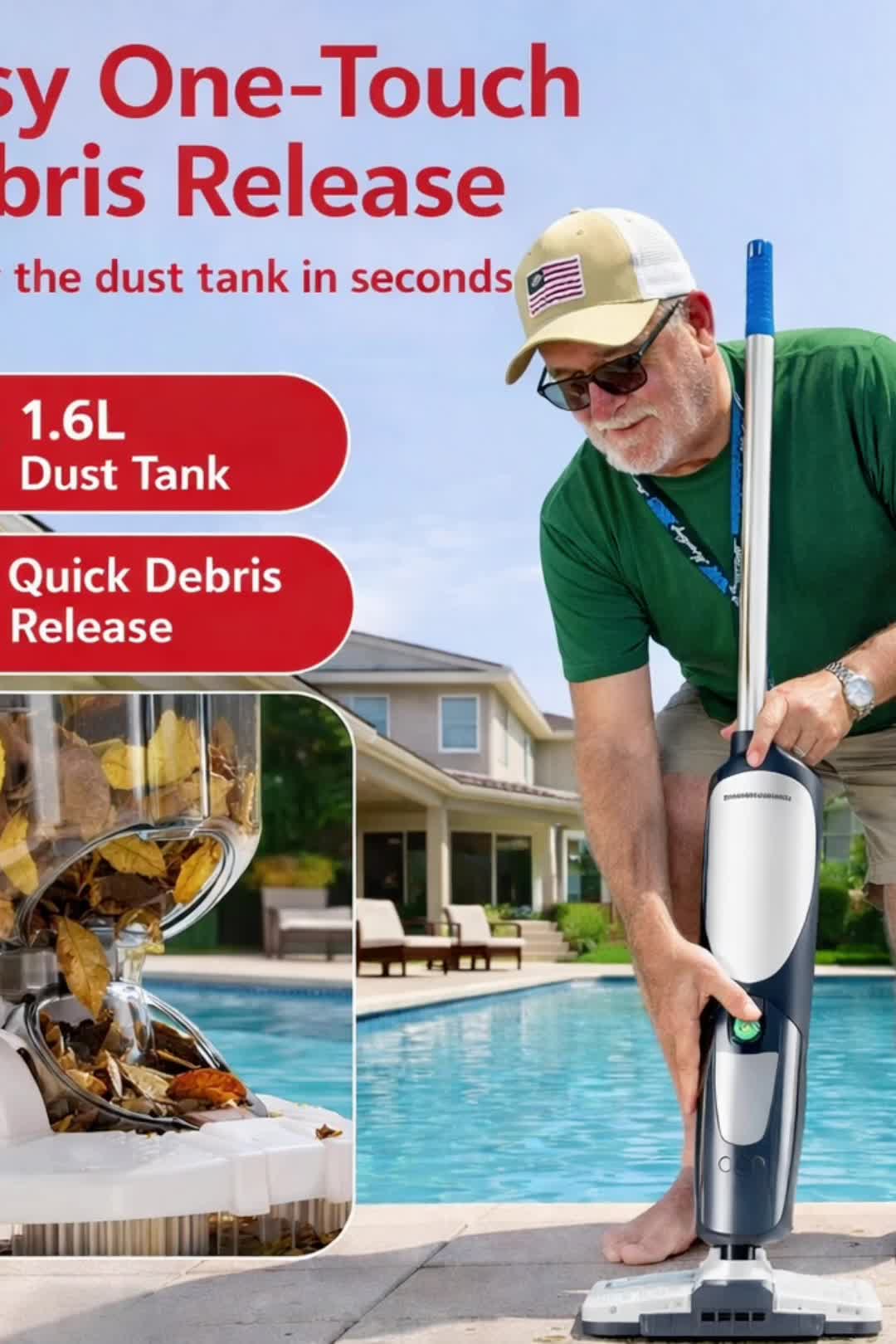
The 1.6L dust tank features an easy one-touch debris release for quick emptying.
5.2. Charging
- Charge the vacuum after each use or when the battery indicator shows low power.
- Always charge in a dry, well-ventilated area.
- Do not overcharge the battery; disconnect once fully charged.
5.3. Storage
- Clean and dry the vacuum completely before storing.
- Store in a cool, dry place away from direct sunlight and extreme temperatures.
- If storing for an extended period, charge the battery periodically to maintain its health.
6. Troubleshooting
| Problem | Possible Cause | Solution |
|---|---|---|
| Vacuum does not turn on. | Battery is not charged. | Charge the battery fully. |
| Vacuum loses suction. | Debris tank is full or filter is clogged. | Empty the debris tank and clean the filter. |
| Vacuum is not picking up debris effectively. | Cleaning head is blocked or worn. | Check for blockages and clean the cleaning head. Replace if worn. |
| Charging indicator light not working. | Charger not properly connected or faulty. | Ensure charger is securely connected. Try a different power outlet. Contact support if issue persists. |
7. Specifications
- Brand: POOLHACKER
- Model Name: Pool Vacuum
- Model Number: PH-HV12.5-CURVE-GY
- Color: Blue Gray
- Product Dimensions (L x W x H): 13" x 7" x 17.32"
- Power Source: Battery Powered
- Load Capacity: 5 pounds
- Installation Type: Manual
- UPC: 768837701582
- Manufacturer: POOLHACKER
8. Warranty Information
This POOLHACKER product comes with a Limited Warranty. Please refer to the warranty card included in your product packaging for specific terms, conditions, and duration of coverage. The warranty typically covers manufacturing defects and malfunctions under normal use. Proof of purchase is required for all warranty claims.
9. Support
For further assistance, troubleshooting, or to inquire about replacement parts, please contact POOLHACKER customer support. You can also visit the official POOLHACKER store online for more information and product resources.
- Manufacturer: POOLHACKER
- Online Store: Visit the POOLHACKER Store