
Introduction
Thank you for choosing the ANSTEN S950 Bone Conduction Swimming Headphones. These headphones are designed to provide a high-quality audio experience for various activities, including swimming, running, and cycling, while maintaining awareness of your surroundings. This manual will guide you through the setup, operation, and maintenance of your device.
Package Contents
Please check the box for the following items:
- ANSTEN S950 Swimming Headphones x1
- Magnetic Charging Cable x1
- Adjustable Headband x1
- Silicone Earplugs x2
- User Manual x1
Product Overview
Familiarize yourself with the main components of your ANSTEN S950 headphones.

Image: Front view of the ANSTEN S950 Bone Conduction Swimming Headphones.

Image: Detailed view highlighting AI call noise reduction, magnetic charging port, and multi-device connection capability.
Charging the Headphones
Before first use, fully charge your headphones. A full charge takes approximately 2 hours.
- Connect the magnetic charging cable to the charging port on the headphones.
- Connect the USB end of the cable to a standard USB power adapter (not included) or a computer's USB port.
- The LED indicator will show charging status (refer to LED indicator section for details).
- Once fully charged, disconnect the cable.

Image: The magnetic charging cable attached to the ANSTEN S950 headphones.
Power On/Off
- Power On: Press and hold the Power button for 3 seconds until the LED indicator flashes blue.
- Power Off: Press and hold the Power button for 5 seconds until the LED indicator flashes red and then turns off.
Bluetooth Pairing
The headphones support Bluetooth 6.0 for stable wireless connection.
- Ensure the headphones are powered off.
- Press and hold the Power button for 5-7 seconds until the LED indicator flashes red and blue alternately, indicating pairing mode.
- On your device (smartphone, tablet, laptop), enable Bluetooth and search for "ANSTEN S950".
- Select "ANSTEN S950" to connect. The LED indicator will turn solid blue once paired.
- The headphones support simultaneous connection to two devices. After pairing with the first device, disable Bluetooth on it, then pair with the second device. Re-enable Bluetooth on the first device, and the headphones should connect to both.

Image: Visual representation of the Bluetooth 6.0 chip and its benefits for connectivity.
MP3 Mode Operation
The headphones feature a built-in 8GB MP3 memory for storing up to 1500 lossless music files, ideal for use where Bluetooth is not available or recommended (e.g., underwater).
- Switching Modes: Double-click the function key (usually the Power button) to switch between Bluetooth mode and MP3 mode.
- Transferring Music: Connect the headphones to a computer using the magnetic charging cable. The headphones will appear as a removable disk. Drag and drop your music files (MP3 format recommended) into the device's storage.
- Important for Swimming: When swimming, switch to MP3 mode and ensure your phone's Bluetooth is turned off to prevent connection issues underwater.

Image: Illustration of the 8GB internal storage for MP3 mode and the Bluetooth 6.0 connectivity.

Image: Demonstrates the use of Bluetooth mode for outdoor activities and MP3 mode for swimming, with a note about Bluetooth not functioning underwater.
Controls
The headphones feature intuitive button controls for various functions:

Image: Close-up of the control buttons on the headphone frame, detailing their functions.
| Button | Action | Function |
|---|---|---|
| Power/Multi-function Button | Short press | Play/Pause music, Answer/End call |
| Double-click | Switch between Bluetooth and MP3 mode | |
| Long press (3s) | Power On | |
| Long press (5s) | Power Off, Enter Pairing Mode (from off) | |
| Volume Up (+) | Short press | Increase volume |
| Long press (1s) | Next track | |
| Volume Down (-) | Short press | Decrease volume |
| Long press (1s) | Previous track |
Wearing Instructions
For optimal comfort and sound quality, wear the headphones correctly.
- Gently pull to expand the frame of the headphones.
- Place the headphones over your head, with the transducers resting on your cheekbones, just in front of your ears.
- Adjust the fit for comfort. The adjustable strap can be used to secure the fit if needed.

Image: Step-by-step guide on how to properly wear the ANSTEN S950 headphones.
The open-ear design allows you to hear your surroundings, which is crucial for safety during outdoor activities like cycling or running.

Image: A cyclist wearing the headphones, demonstrating the safety benefit of the open-ear design by being aware of traffic sounds.
Waterproof Usage Guidelines (IPX8)
The ANSTEN S950 headphones are IPX8 waterproof, meaning they can be submerged in water up to two meters deep for up to one hour. They are suitable for swimming, surfing, and other water activities.
- For Underwater Use: Always switch to MP3 mode before entering water. Bluetooth signals do not transmit effectively underwater.
- After Water Exposure: Ensure the charging port is completely dry before connecting the magnetic charging cable to prevent damage.
- Earplugs: Use the provided silicone earplugs for an enhanced audio experience while swimming, as they can help block out water noise.

Image: A swimmer wearing the ANSTEN S950 headphones in a pool, illustrating their waterproof capability.
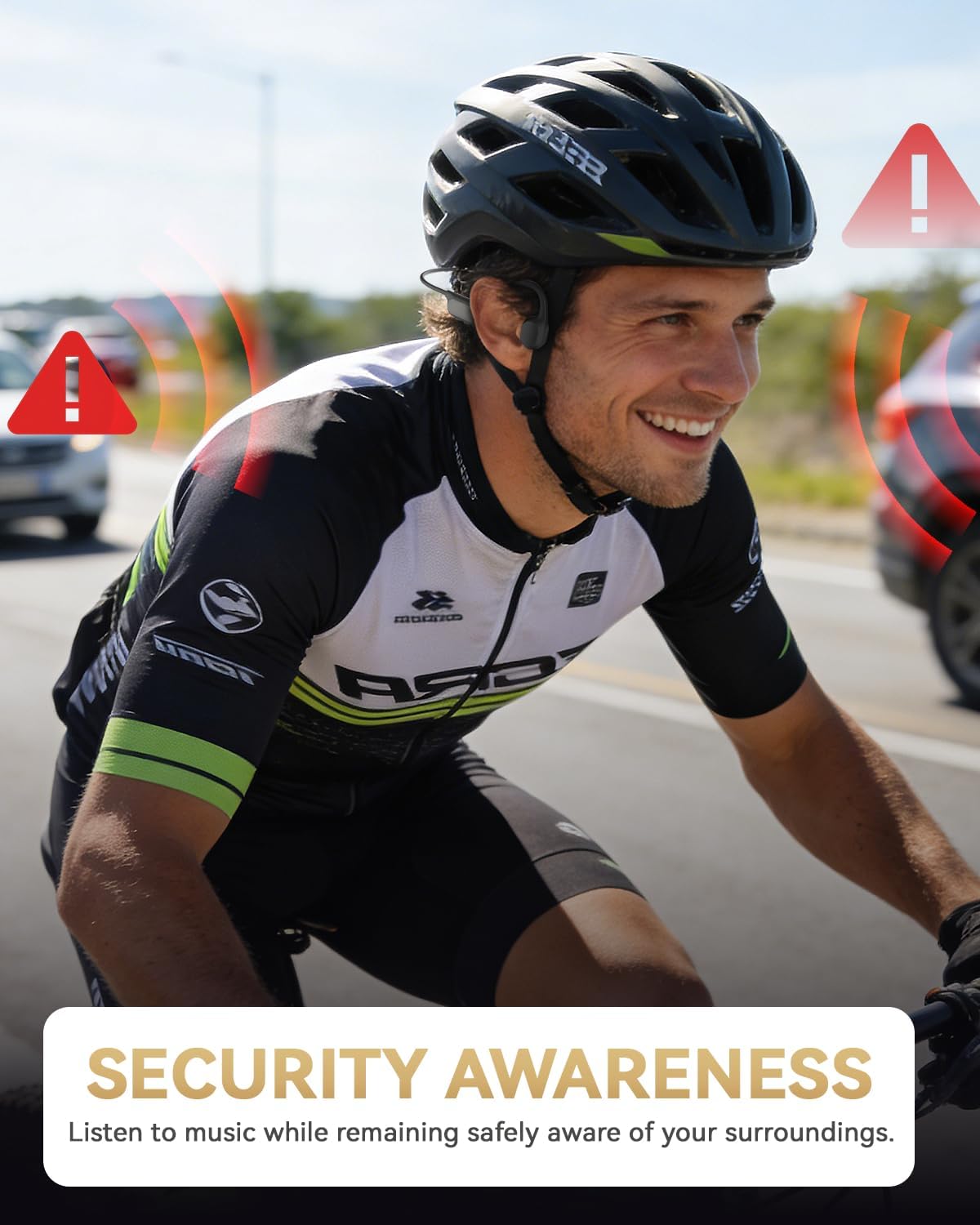
Image: The headphones partially submerged in water, with water splashing, emphasizing their IPX8 waterproof feature.
Maintenance and Care
- Cleaning: Wipe the headphones with a soft, damp cloth after use, especially after exposure to sweat or chlorinated water. Do not use abrasive cleaners.
- Drying: Ensure the headphones, especially the charging contacts, are completely dry before charging or storing.
- Storage: Store in a cool, dry place away from direct sunlight and extreme temperatures.
- Flexibility: The headphones feature a flexible and anti-break design, tested to withstand up to 10,000 bends. However, avoid excessive twisting or bending beyond normal use.

Image: Highlights the durability of the flexible frame and the 8-hour battery life of the headphones.
Troubleshooting
| Problem | Possible Cause | Solution |
|---|---|---|
| Cannot power on | Low battery | Charge the headphones for at least 2 hours. |
| Cannot pair via Bluetooth | Not in pairing mode, device Bluetooth off, too far from device | Ensure headphones are in pairing mode (flashing red/blue). Turn on Bluetooth on your device. Move closer to the device (within 10 meters). |
| No sound or low volume | Volume too low, not connected, incorrect mode | Increase volume on headphones and connected device. Ensure headphones are paired. Check if you are in the correct mode (Bluetooth/MP3). |
| Bluetooth disconnects underwater | Bluetooth signal does not transmit through water | Switch to MP3 mode for underwater use. |
| Cannot transfer MP3 files | Improper connection, incorrect file format | Ensure headphones are properly connected to computer. Use MP3 file format. |
Specifications
| Feature | Detail |
|---|---|
| Model Name | S950 |
| Brand | ANSTEN |
| Connectivity | Bluetooth 6.0, MP3 Mode |
| Bluetooth Range | Up to 10 meters (33 feet) |
| Internal Memory | 8GB (stores up to 1500 songs) |
| Waterproof Rating | IPX8 (submersible up to 2 meters for 1 hour) |
| Battery Life | Up to 8 hours of music playtime |
| Standby Time | 200 hours |
| Charging Time | Approximately 2 hours |
| Weight | 26 grams |
| Driver Type | 13mm Bone Conduction Driver |
| Noise Reduction | AI Noise Cancellation for calls |
| Material | Acrylonitrile Butadiene Styrene (ABS), Silicone |
Warranty and Support
All ANSTEN products come with a 1-year warranty for replacement or refund. If you encounter any issues or have questions, please contact ANSTEN customer support through your order message system.
For further assistance, please refer to the contact information provided with your purchase or visit the official ANSTEN website.
Product Video
Watch this official product video for a visual guide on the ANSTEN S950 Bone Conduction Swimming Headphones.
Video: An overview of the ANSTEN Bone Conduction Swimming Headphones, demonstrating features and use cases.
