
1. Introduction
This manual provides essential information for setting up, operating, and maintaining your HP 15 Inch Touchscreen Laptop. This device is designed for productivity and entertainment, featuring an Intel Core i5 processor, 32GB RAM, 2TB SSD, and Windows 11 Pro operating system.
Please read this manual thoroughly to ensure proper use and to maximize the performance and longevity of your laptop.
2. Package Contents
Verify that all items are present in the package:
- HP 15 Inch Touchscreen Laptop
- AC Power Adapter and Power Cord
Note: Additional accessories such as a docking station or charging cable may be included depending on your specific purchase bundle. Refer to your purchase invoice for details.

Figure 2.1: Example of potential bundled accessories (YGYTE Docking Station and Charging Cable).
3. Product Overview
Familiarize yourself with the main components and ports of your HP 15 Inch Touchscreen Laptop.
3.1 Front and Top View
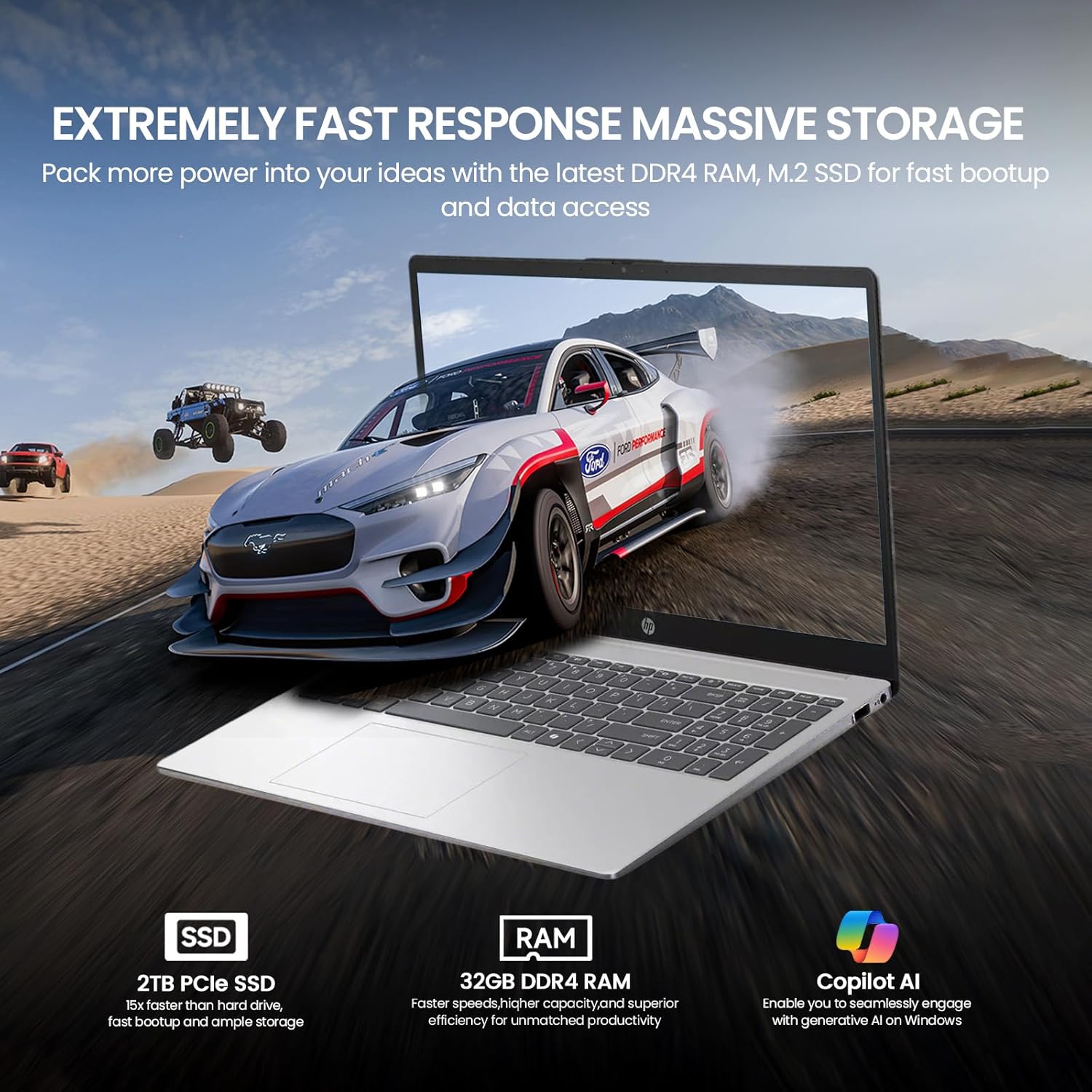
Figure 3.1: Front view of the HP 15 Inch Touchscreen Laptop, showcasing the 15.6-inch Full HD IPS Touch Display.
- 15.6" FHD IPS Touch Display: High-definition, anti-glare screen with touch functionality.
- Full-size Keyboard with Numeric Keypad: For comfortable typing and data entry.
- Touchpad: For navigation and gesture control.
- HP True Vision 720p HD Camera: Integrated webcam for video calls.
- Dual Array Digital Microphones: For clear audio input.
- B&O-tuned Stereo Speakers: For enhanced audio output.
3.2 Side Views and Ports
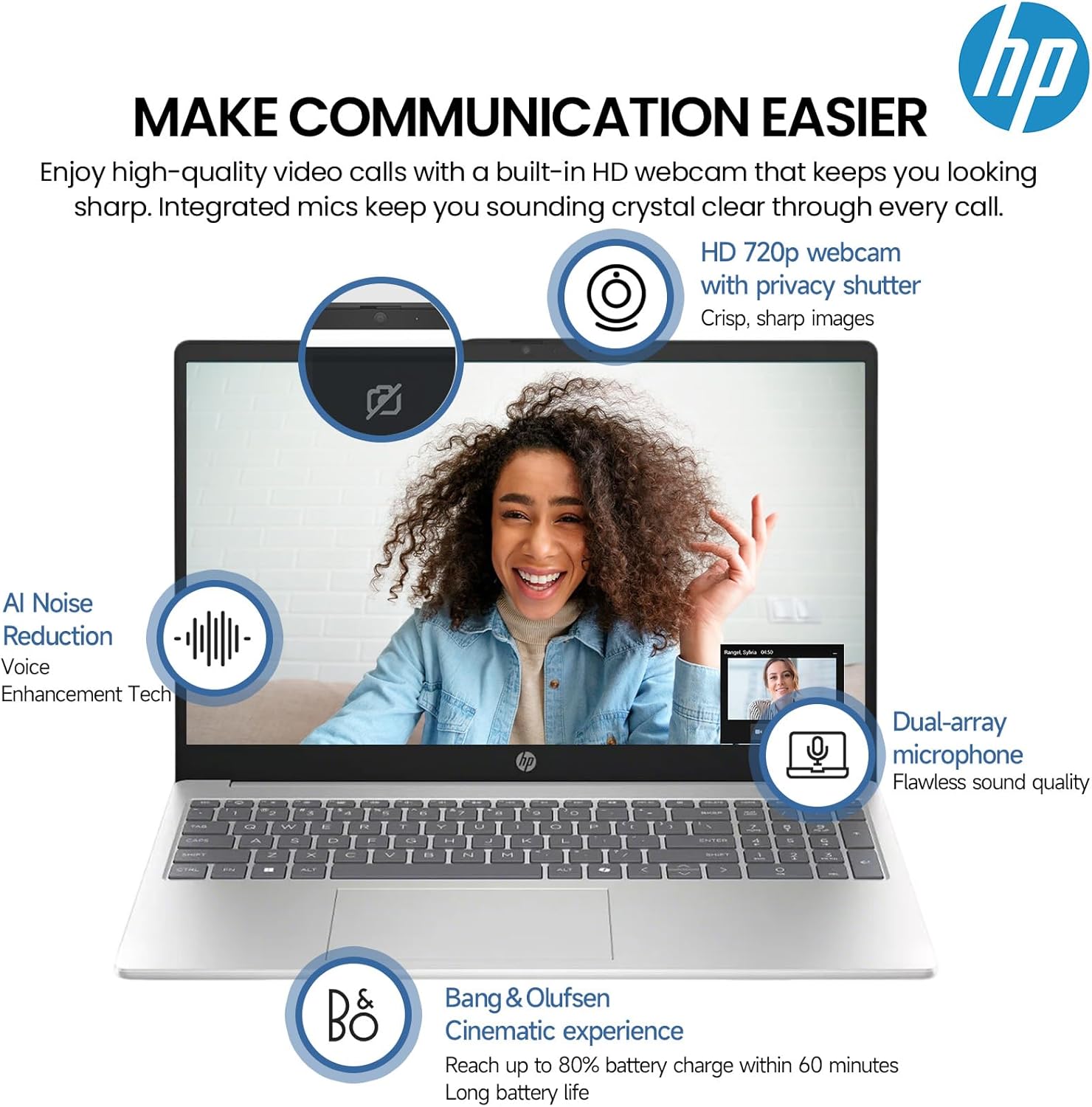
Figure 3.2: Side view of the HP 15 Inch Touchscreen Laptop, illustrating port locations and physical dimensions.
- HDMI 1.4b Port: For connecting to external displays.
- SuperSpeed USB Type-C (5Gbps signaling rate): For data transfer and power delivery.
- USB Type-A (5Gbps signaling rate) Ports (x2): For connecting USB devices.
- Headset Jack: For connecting headphones or a headset.
- AC Smart Pin: For connecting the power adapter.
4. Setup
4.1 Initial Power On and Charging
- Connect the AC power adapter to the laptop's AC Smart Pin port and then plug it into a power outlet.
- Open the laptop lid. The laptop may power on automatically, or you may need to press the power button.
- Allow the battery to charge fully before initial use, or continue using it while charging. The laptop supports fast charge technology.
4.2 Windows 11 Pro Setup
Follow the on-screen instructions to complete the Windows 11 Pro setup process. This typically includes:
- Selecting your region and keyboard layout.
- Connecting to a Wi-Fi network.
- Signing in with a Microsoft account or creating a local account.
- Setting up privacy settings.
Video 4.1: An overview of the HP 15 Inch Touchscreen Laptop, demonstrating its features and capabilities, including the Windows 11 Pro operating system.
4.3 Connecting Peripherals
You can connect various external devices to your laptop:
- USB Devices: Use the USB Type-A or USB Type-C ports for external storage, mice, keyboards, or other USB accessories.
- External Displays: Connect an external monitor or projector using the HDMI port.
- Wireless Devices: Enable Wi-Fi 6 for internet access and Bluetooth for connecting wireless headphones, speakers, or other compatible devices.
5. Operating Instructions
5.1 Using the Touchscreen
The 15.6-inch display supports touch input. You can interact with the operating system and applications using gestures similar to a tablet or smartphone:
- Tap: To select an item or open an application.
- Double-tap: To open files or folders.
- Swipe: To scroll through content or navigate.
- Pinch-to-zoom: To zoom in or out on images and documents.
5.2 Keyboard and Touchpad
The laptop features a full-size keyboard with a dedicated numeric keypad for efficient data entry. The touchpad supports multi-touch gestures for navigation.
- Function Keys: Use the Fn key in combination with the function row (F1-F12) for special functions like adjusting brightness, volume, or toggling Wi-Fi.
- Numeric Keypad: Activate the numeric keypad using the Num Lock key for quick number input.
5.3 Communication Features
Your laptop is equipped with features for clear communication:
- HP True Vision 720p HD Camera: For video conferencing. Ensure good lighting for optimal image quality.
- Dual Array Digital Microphones with AI Noise Removal: Position yourself appropriately to ensure your voice is clear during calls.
- B&O-tuned Stereo Speakers: Provide clear audio for calls and multimedia.

Figure 5.1: Communication features of the HP 15 Inch Touchscreen Laptop.
5.4 Using Copilot AI
The laptop includes a dedicated Copilot Key, providing instant access to AI tools within Windows 11 Pro for enhanced productivity and assistance.
6. Maintenance
6.1 Cleaning Your Laptop
- Screen: Use a soft, lint-free cloth lightly dampened with water or a screen cleaner. Avoid harsh chemicals.
- Keyboard and Chassis: Use a soft cloth. For dust, use compressed air.
- Ensure the laptop is powered off and unplugged before cleaning.
6.2 Software Updates
Regularly check for and install Windows updates to ensure system stability, security, and optimal performance. Go to Settings > Windows Update.
6.3 Battery Care
- Avoid extreme temperatures.
- Do not fully discharge the battery frequently.
- For long-term storage, charge the battery to about 50-70%.
7. Troubleshooting
This section addresses common issues you might encounter with your laptop.
7.1 Power and Startup Issues
- Laptop does not turn on:
- Ensure the power adapter is securely connected to both the laptop and a working power outlet.
- Verify the power outlet is functional by plugging in another device.
- If the battery is completely drained, it may take a few minutes of charging before the laptop can power on.
- Slow startup or unresponsive:
- Restart the laptop.
- Ensure Windows is up to date.
- Check for any recently installed software that might be causing conflicts.
7.2 Display Issues
- Screen is black or blank:
- Press any key or move the mouse/touchpad to wake the screen from sleep mode.
- Ensure the laptop is powered on.
- If an external monitor is connected, try disconnecting it.
- Restart the laptop.
- Touchscreen not responding:
- Restart the laptop.
- Check for updated display drivers in Windows Device Manager.
7.3 Connectivity Issues
- Cannot connect to Wi-Fi:
- Ensure Wi-Fi is enabled (check function keys or Windows settings).
- Restart your router and modem.
- Forget the network and reconnect.
- Bluetooth device not pairing:
- Ensure Bluetooth is enabled on both the laptop and the device.
- Place the devices close to each other.
- Check the device's manual for specific pairing instructions.
8. Specifications
Key technical specifications for the HP 15 Inch Touchscreen Laptop (Model B0GHR2ZRSR):
| Feature | Detail |
|---|---|
| Brand | HP |
| Model Name | HP Laptop |
| Model Number | B0GHR2ZRSR |
| Screen Size | 15.6 Inches |
| Display Type | FHD IPS Touchscreen, Anti-glare, Micro-edge |
| Resolution | 1920 x 1080 Pixels |
| Processor | Intel Core i5-1335U (10 Cores, 12 Threads, up to 4.6 GHz) |
| Graphics | Intel UHD Graphics (Integrated) |
| RAM Memory | 32 GB DDR4 SDRAM (Max 64 GB) |
| Storage | 2 TB PCIe SSD |
| Operating System | Windows 11 Pro |
| Connectivity | Wi-Fi 6 (802.11ax), Bluetooth |
| Ports | 1x SuperSpeed USB-C (5Gbps), 2x USB-A (5Gbps), 1x HDMI 1.4b, 1x Headset Jack, 1x AC Smart Pin |
| Webcam | HP True Vision 720p HD Camera |
| Audio | HD Audio with B&O-tuned stereo speakers, Dual Array Digital Microphones |
| Keyboard | Full-size with Numeric Keypad |
| Special Features | Copilot Key, Numeric Keypad, Touchscreen |
| Battery | Lithium Ion, 41 Watt Hours (Long-lasting with fast charge support) |
| Dimensions (L x W x H) | 14.17" x 9.29" x 0.73" |
| Item Weight | 3.52 Pounds |

Figure 8.1: Intel Core i5 processor details, a key component of the laptop's performance.

Figure 8.2: Storage and memory features, including 2TB PCIe SSD and 32GB DDR4 RAM.
9. Warranty and Support
9.1 Product Warranty
This HP laptop comes with a Limited Warranty. For specific terms and conditions, please refer to the warranty documentation included with your purchase or visit the official HP support website.
9.2 Technical Support
For technical assistance, driver downloads, or further information, please visit the official HP support website:
When contacting support, please have your laptop's model number (B0GHR2ZRSR) and serial number ready.