
Introduction
The MAXRUNON D9 Motorcycle Bluetooth Headset is designed to provide seamless communication and entertainment for riders. Featuring Bluetooth 5.3, a 2-way intercom system, noise cancellation, and audio multitasking, this headset enhances your riding experience. This manual provides detailed instructions for installation, operation, maintenance, and troubleshooting to ensure optimal performance.
Package Contents
Verify that all items listed below are included in your package:
- D9 Main Unit
- Button Microphone (for full-face helmets)
- Hybrid Boom Microphone (for open-face or modular helmets)
- Speaker Unit (40mm speakers)
- Adhesive Mount
- Back Clip
- Speaker Pads
- Hook-and-Loop Fastener for Speaker
- Type-C Charging Cable
- User Manual

The package includes all necessary components for mounting and operation, including two microphone types to suit different helmet designs.
Setup and Installation
Proper installation ensures optimal audio quality and secure attachment of the headset to your helmet.
- Mounting the Main Unit: Choose between the adhesive mount or the back clip. Securely attach the chosen mount to the side of your helmet. Ensure it is positioned where it will not obstruct your vision or helmet functionality.
- Installing Speakers: Place the 40mm speakers inside the helmet's ear pockets. Use the provided hook-and-loop fasteners or speaker pads to secure them. Ensure the speakers are aligned with your ears for the best audio experience.
- Connecting Microphone: Select the appropriate microphone for your helmet type. For full-face helmets, use the button mic. For open-face or modular helmets, use the boom mic. Connect the microphone to the main unit. Ensure the connection is secure.
- Cable Management: Route all cables neatly within the helmet padding to prevent discomfort and ensure they are not exposed to wind or snagging.

The installation process is designed to be straightforward, allowing for quick setup on various helmet types.

The main unit can be easily attached and detached from the helmet mount by pushing and sliding along the arrows, facilitating charging or storage.
Operating Instructions
Familiarize yourself with the controls and functions of your D9 headset.
Power On/Off
- Power On: Press and hold the main function button until the indicator light illuminates.
- Power Off: Press and hold the main function button until the indicator light turns off.
Bluetooth Pairing (Phone)
To connect your D9 headset to your smartphone:
- Ensure the headset is powered off.
- Press and hold the main function button until the indicator light flashes red and blue, indicating pairing mode.
- On your smartphone, enable Bluetooth and search for "MAXRUNON D9".
- Select the device to pair. Once connected, the indicator light will turn blue.
Intercom Pairing (2-Way)
To establish a 2-way intercom connection with another D9 headset:
- Ensure both D9 headsets are powered on and not connected to any other devices.
- On one headset, press the intercom button once. The indicator light will flash green.
- On the second headset, press the intercom button once.
- Both headsets will automatically search and connect. Once connected, the indicator lights will turn solid blue, and you will hear a confirmation tone.

The D9 supports a 2-way intercom system with a range of up to 600 meters (0.62 miles) in open terrain, allowing for clear communication between riders.
Music Playback
- Play/Pause: Press the main function button once.
- Next Track: Press the volume up button.
- Previous Track: Press the volume down button.
FM Radio
- Turn On/Off FM Radio: Press the FM button once.
- Scan Stations: Press and hold the volume up or down button to scan for the next available station.

The integrated FM radio allows you to listen to broadcasts with a wide frequency range of 87.5-108 MHz.
Phone Calls
- Answer/End Call: Press the main function button once.
- Reject Call: Press and hold the main function button for 2 seconds.
- Redial Last Number: Double-press the main function button.
This video illustrates how to manage incoming calls using the headset's main function button.
Voice Assistant
Activate your smartphone's voice assistant (e.g., Siri, Google Assistant) by double-tapping the main function button. This allows for hands-free control of your phone's features.

The headset supports voice commands for convenient operation while riding.
Audio Multitasking
The D9 headset supports audio multitasking, allowing you to listen to music or GPS instructions while maintaining an active intercom conversation. The system automatically adjusts music volume when intercom communication is detected.

This feature ensures you stay connected and entertained without interruption.
Maintenance
To ensure the longevity and optimal performance of your MAXRUNON D9 headset, follow these maintenance guidelines:
- Cleaning: Wipe the headset unit with a soft, damp cloth. Avoid using harsh chemicals or abrasive cleaners.
- Water Resistance: The D9 is IPX5 water-resistant, meaning it can withstand splashes and light rain. Do not submerge the unit in water. Ensure the charging port cover is securely closed when not charging to prevent water ingress.
- Storage: Store the headset in a cool, dry place when not in use. Avoid extreme temperatures.
- Battery Care: For optimal battery life, charge the unit regularly. Avoid fully discharging the battery for extended periods.
Troubleshooting
If you encounter issues with your D9 headset, refer to the following common solutions:
| Problem | Possible Cause | Solution |
|---|---|---|
| Cannot power on | Low battery; Unit frozen | Charge the battery; Perform a reset by pressing and holding the power button for 10 seconds. |
| Cannot pair with phone | Headset not in pairing mode; Phone Bluetooth off | Ensure headset is in pairing mode (flashing red/blue); Enable Bluetooth on phone and retry. |
| Intercom not connecting | Headsets too far apart; Already connected to other devices | Bring headsets closer; Disconnect from other Bluetooth devices before intercom pairing. |
| Poor audio quality/noise | Speakers/mic improperly positioned; High wind noise | Adjust speaker and microphone placement; Ensure helmet is properly sealed against wind. |
| Battery drains quickly | Frequent use of high volume/intercom; Old battery | Reduce volume when possible; Contact support if battery life significantly degrades. |
Specifications
- Model: D9
- Bluetooth Version: 5.3
- Battery Capacity: 1000mAh
- Talk Time: Up to 12 hours
- Music Time: Up to 12 hours
- Intercom + Music Time: Up to 12 hours
- Standby Time: Up to 350 hours
- Charging Time: Approximately 2 hours (Type-C)
- Intercom Range: Up to 600m (0.62 miles) in open terrain
- Speakers: 40mm Hi-Fi speakers
- Noise Control: CVC/DSP Noise Cancellation
- Water Resistance: IPX5
- Operating Temperature: -20°C to 60°C
- Weight: 50 Grams
- Material: Plastic
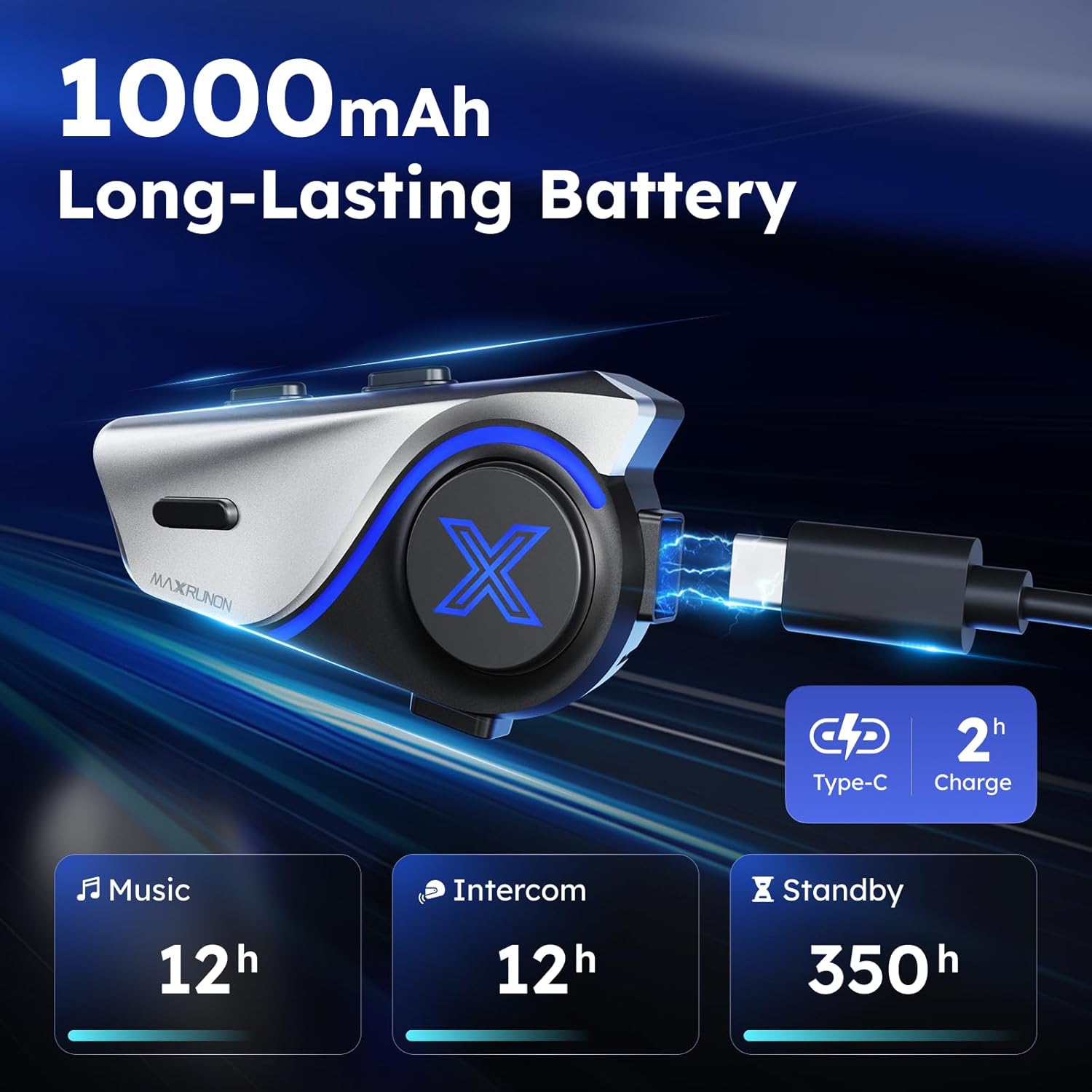
The 1000mAh battery provides extended usage times for long rides.
Warranty
The MAXRUNON D9 Motorcycle Bluetooth Headset comes with a 2-year warranty from the date of purchase. This warranty covers manufacturing defects and ensures product reliability. Please retain your proof of purchase for warranty claims.
Support
For further assistance, technical support, or warranty inquiries, please contact MAXRUNON customer service through the retailer where the product was purchased or visit the official MAXRUNON website for contact information.


