
Introduction
The Energizer Vision HD Ultra LED Flashlight is designed to provide powerful and reliable illumination for various situations. Featuring advanced LED technology, durable construction, and multiple light modes, this flashlight is an essential tool for home, outdoor activities, and emergencies.
- Advanced LED Technology: Delivers up to 1300 lumens on High mode, providing exceptional brightness.
- Multi-Use Design: Ideal for emergency lighting, DIY projects, camping, and general household use.
- Long-Lasting Light: Offers hours of runtime, ensuring dependable performance when needed.
- Rugged Construction: IPX4 water-resistant and impact-resistant up to 1 meter, built for durability.

Image: The Energizer Vision PRO Flashlight showcasing its ultra-bright 1300 lumens output, illuminating a dark area.
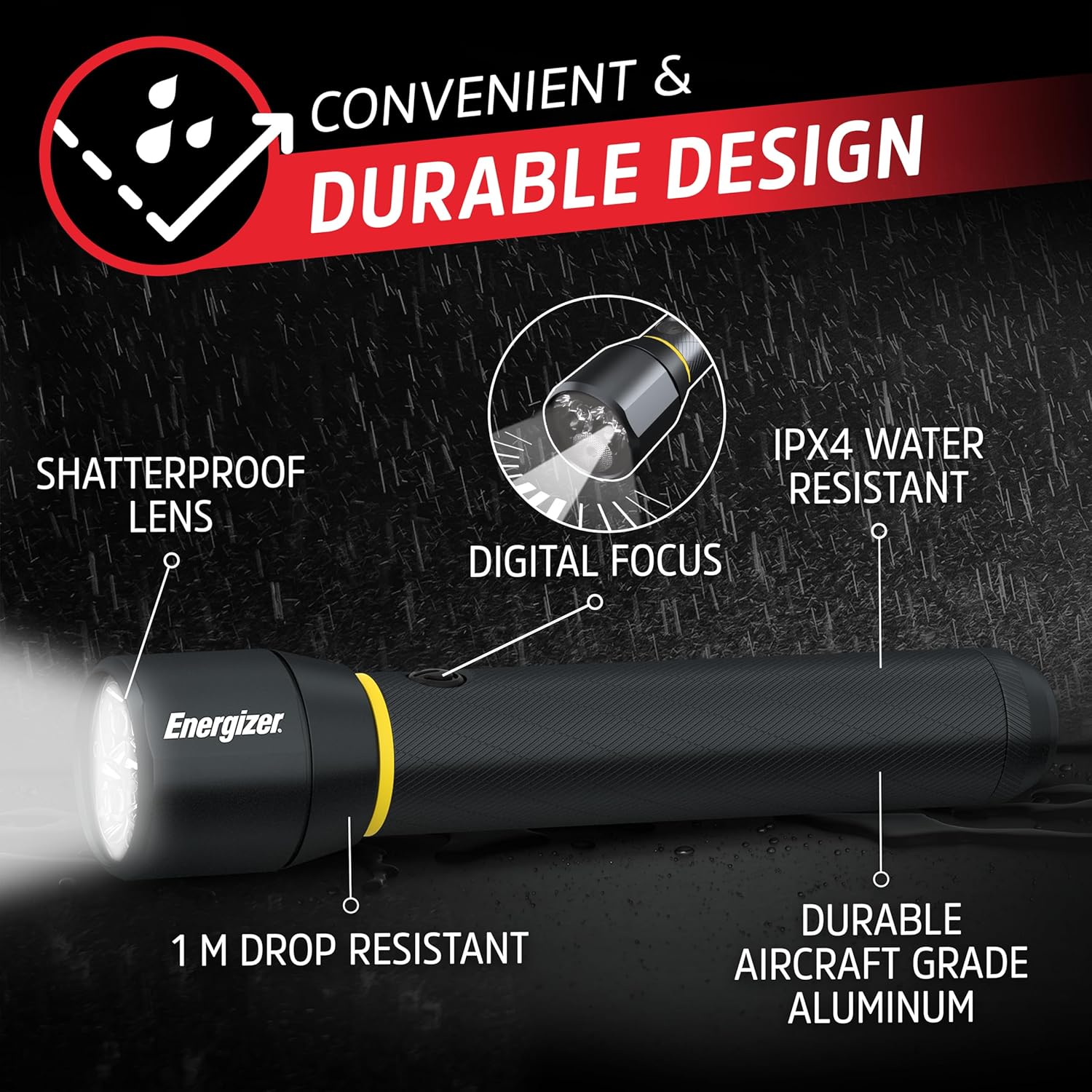
Image: A close-up of the Energizer Vision PRO Flashlight, emphasizing its durable aircraft-grade aluminum body, shatterproof lens, 1-meter drop resistance, and IPX4 water resistance.
Setup: Battery Installation
Your Energizer Vision HD Ultra LED Flashlight requires 6 AA alkaline batteries (included). Proper installation is crucial for optimal performance.
- Unscrew the tail cap of the flashlight by turning it counter-clockwise.
- Insert the 6 AA batteries into the battery compartment, ensuring correct polarity (+/-) as indicated inside the flashlight. The batteries are typically inserted head-first.
- Carefully re-attach the tail cap by turning it clockwise. Ensure it is tightened securely to establish proper electrical contact and maintain water resistance.
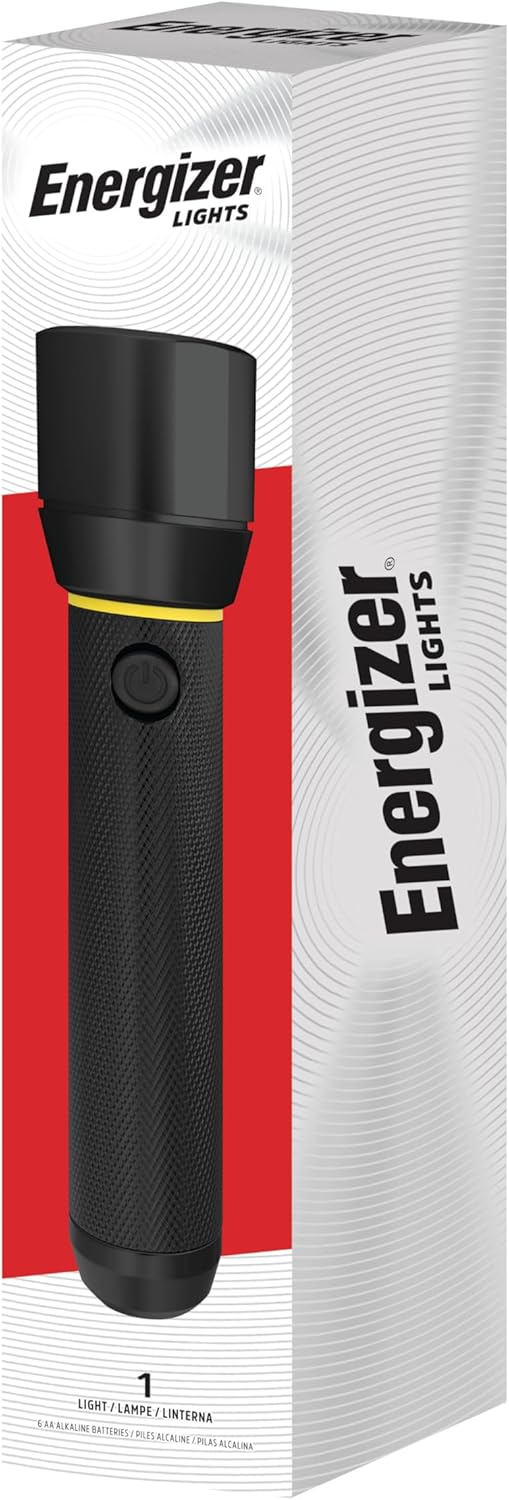
Image: The Energizer Vision PRO Flashlight shown in its retail packaging, indicating it comes with batteries.
Video: A detailed demonstration of how to unbox the Energizer LED Flashlight Vision PRO and correctly install the AA batteries. This video is provided by the seller.
Operating Instructions
The Energizer Vision HD Ultra LED Flashlight features a single button for controlling its various light modes and digital focus function.
- Power On/Off: Press the power button once to turn the flashlight on to its brightest setting. Press it again to turn it off.
- Cycle Through Modes: From the 'on' position, quickly press the power button to cycle through different brightness levels (High, Low) and the Strobe mode.
- Digital Focus: To adjust the beam from a wide floodlight to a focused spotlight, gently twist the head of the flashlight.
- Strobe Mode: This mode is activated by cycling through the regular brightness settings. It can be used for signaling in emergency situations.
Video: A user demonstrates the brightness and different light modes (high, low, strobe) of the Energizer LED Flashlight Vision PRO in a home setting. This video is provided by the seller.
Maintenance
To ensure the longevity and optimal performance of your Energizer LED Flashlight, follow these maintenance guidelines:
- Battery Replacement: Replace all batteries simultaneously with new, high-quality alkaline AA batteries. Do not mix old and new batteries or different battery types.
- Cleaning: Wipe the flashlight body with a soft, damp cloth. Do not use abrasive cleaners or solvents. Keep the lens clean for maximum light output.
- Water Resistance: The flashlight is IPX4 water-resistant, meaning it is protected against splashing water from any direction. It is not designed for submersion. Ensure the tail cap is securely tightened to maintain water resistance.
- Storage: If storing the flashlight for extended periods, remove the batteries to prevent leakage and potential damage to the device. Store in a cool, dry place.
Troubleshooting
If your flashlight is not functioning as expected, consider the following common issues and solutions:
- Flashlight does not turn on:
- Ensure batteries are inserted with correct polarity.
- Check if the batteries are depleted and replace them with new ones.
- Verify that the tail cap is fully and securely tightened. A loose tail cap can prevent electrical contact.
- Dim or flickering light:
- Batteries may be low; replace them.
- Clean battery contacts with a pencil eraser or cotton swab.
- Ensure the tail cap is securely tightened.
- Difficulty changing modes or focus:
- Ensure the power button is being pressed firmly and quickly to cycle modes.
- For digital focus, twist the head of the flashlight smoothly.
Specifications
| Brand | Energizer |
| Model Number | 39800139061 |
| Light Source Type | LED |
| Brightness (High Mode) | 1300 Lumens |
| Brightness (Low Mode) | 250 Lumens |
| Beam Distance | Up to 230 meters |
| Power Source | Battery Powered |
| Battery Type | 6 AA Alkaline batteries (included) |
| Water Resistance Level | IPX4 Water Resistant |
| Impact Resistance | Up to 1 meter |
| Material | Plastic (with Aircraft-Grade Aluminum components) |
| Product Dimensions | 1.97"D x 2.09"W x 11.42"H |
| Item Weight | 15.9 ounces |
Warranty and Support
This Energizer LED Flashlight Vision PRO is sold with No Warranty as per product specifications. For any product inquiries or support, please refer to the official Energizer website or contact their customer service directly.
Official Website: www.energizer.com


