
Introduction
The Nanit Display Screen is an 8-inch touchscreen monitor designed for dedicated at-home viewing of your baby. It pairs with your existing Nanit Smart Baby Monitor (sold separately) to provide a clear 1080p HD live stream, two-way audio, night vision, and real-time safety notifications. This portable display serves as a central hub for caregivers, offering convenience and peace of mind without relying on a smartphone.

Figure 1: Front view of the Nanit Display Screen.
What's Included
- Nanit Display Screen (8-inch Touchscreen)
- Charging Adapter
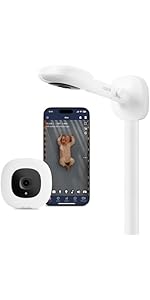
Figure 2: Nanit Display Screen and Charger.
Setup
- Charge the Device: Before initial use, fully charge the Nanit Display Screen using the provided charging adapter. A full charge takes approximately 2.5 hours.
- Pair with Nanit Smart Baby Monitor: The Nanit Display Screen requires a Nanit Smart Baby Monitor (sold separately) to function. Follow the on-screen instructions to pair the display with your existing Nanit camera system.
- Connect to Wi-Fi: Ensure your display is connected to a 2.4GHz Wi-Fi network for optimal performance.
- Placement: Position the display in a convenient location for at-home viewing, such as a nightstand, kitchen counter, or desk.
Operating Instructions
Basic Operation
- Power On/Off: Press and hold the power button located on the device to turn it on or off.
- Touchscreen Navigation: Use the 8-inch touchscreen to navigate menus, adjust settings, and interact with the live feed.
- Adjust Brightness: Swipe down from the top of the screen or access settings to adjust screen brightness.
Viewing Live Feed
- 1080p HD Video: The display provides a crisp 1080p HD live stream of your baby's nursery.
- Night Vision: Automatically switches to clear night vision in low-light conditions.
- Digital Zoom: Pinch to zoom on the touchscreen to get a closer look at your baby.

Figure 3: Superior 1080p HD video clarity.
Audio Features
- Two-Way Audio: Tap the microphone icon on the screen to speak to your baby through the monitor.
- Background Audio Mode: Enable this feature in settings to listen to audio from the nursery even when the screen is dimmed or off.
- Adjust Volume: Use the volume controls on the device or on-screen controls to adjust audio levels.
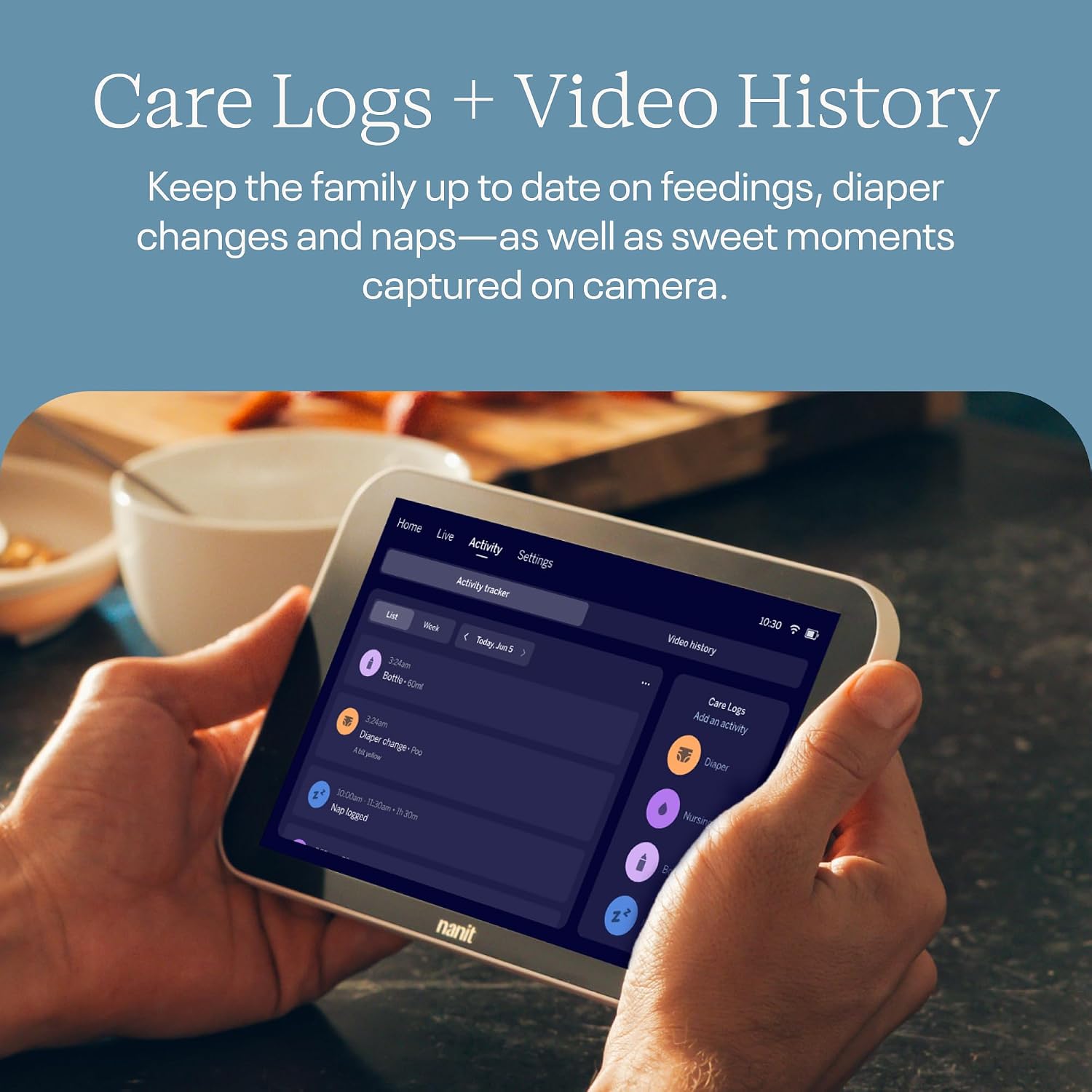
Figure 4: Activating two-way audio on the display.
Monitoring Features
- Live Sleep Status: View real-time updates such as "Fell asleep 10 min ago" directly on the display.
- Split-Screen Capability: If you have multiple Nanit cameras, use the split-screen feature to monitor up to two rooms simultaneously.
- Real-time Safety Notifications: Receive alerts for sound, motion, cry/cough detection, temperature/humidity changes, and events like "Baby Standing" or "Child Out of Bed."

Figure 5: Live sleep status and notifications on the display.

Figure 6: Accessing smart features on the display and app.

Figure 7: Split-screen viewing of multiple cameras.
Battery Management
- The display offers 3-6 hours of screen-on monitoring, depending on brightness and usage.
- To extend battery life, enable auto-dim or background audio mode.
- Recharge the device when the battery indicator is low.
Maintenance
- Cleaning: Use a soft, dry cloth to clean the screen and exterior of the device. Avoid abrasive cleaners or solvents.
- Storage: Store the display in a cool, dry place when not in use for extended periods.
- Software Updates: Periodically check for and install software updates to ensure optimal performance and access to new features.
Troubleshooting
- Frequent Updates: The device may require occasional software updates. Allow the updates to complete to ensure proper functionality. Ensure a stable Wi-Fi connection during updates.
- Rapid Battery Drain: If the battery drains quickly, try reducing screen brightness or utilizing background audio mode. Ensure the device is fully charged before use.
- Camera Not Recognized: If the display does not recognize the Nanit camera, verify that the Nanit Smart Baby Monitor is powered on and properly connected to the Wi-Fi network. Restart both the display and the camera if necessary.
- Video Lag: Intermittent video lag can occur due to network congestion or a weak Wi-Fi signal. Ensure the display and camera are within range of your Wi-Fi router and that your internet connection is stable.
Specifications
| Model Number | B0GGLZNCS3 |
| Display Size | 8 inches |
| Video Resolution | 1080p HD |
| Material Composition | Plastic |
| Item Weight | 1.54 pounds |
| Package Dimensions | 10.24 x 6.85 x 2.68 inches |
Official Product Videos
Nanit Smart Baby Monitor Overview
Official video demonstrating the features and benefits of the Nanit Smart Baby Monitor system, including the display screen.
Nanit Smart Baby Monitor System Showcase
Official video showcasing the Nanit Smart Baby Monitor System, highlighting its integration with the display screen for comprehensive baby monitoring.
Warranty and Support
For detailed warranty information, please refer to the official Nanit website or the warranty card included with your Nanit Smart Baby Monitor. For additional support, troubleshooting tips, and FAQs, visit the Nanit support page or contact Nanit customer service directly. You can also find helpful resources within the Nanit app.
