
1. Introduction
This manual provides essential information for the proper setup, operation, and maintenance of your CASCHO P125 Smart Watch. Please read it thoroughly before using your device to ensure optimal performance and longevity.
2. Package Contents
Verify that all items are present in your package:
- 1 x CASCHO P125 Smart Watch
- 1 x Charging Cable
- 1 x User Manual
- 1 x Box
- 2 x Replaceable Straps (Metal and Silicone)

Image: Package contents and size information for the CASCHO P125 Smart Watch.
3. Setup Guide
3.1 Charging the Smart Watch
Before first use, fully charge your smart watch. Connect the magnetic charging cable to the charging points on the back of the watch and plug the USB end into a power adapter (not included) or a computer's USB port. The watch will display a charging indicator.

Image: The CASCHO P125 Smart Watch connected to its magnetic charging cable.

Image: Information on the ultra-long battery life and charging time of the smart watch.
3.2 App Download and Pairing
To unlock the full features of your smart watch, download and connect to the Da Fit app.
- Turn on the Bluetooth function on your mobile phone.
- Open the Google Play Store (for Android) or Apple App Store (for iOS), or scan the QR code provided in the manual to download the Da Fit APP.
- Open the Da Fit app, navigate to 'Add Device', and select 'P125' from the list to pair.

Image: Visual guide for connecting the smart watch to the Da Fit app.
4. Operating Instructions
4.1 Basic Navigation
The CASCHO P125 Smart Watch features a 1.85-inch HD touch screen for intuitive navigation. Swipe left, right, up, or down to access different functions and menus. Press the side button to return to the home screen or power on/off.

Image: The 1.85-inch HD screen of the CASCHO P125 Smart Watch.
4.2 Bluetooth Calling and AI Voice Assistant
With Bluetooth 5.4, the watch supports direct call making and receiving. It also features an AI voice assistant for hands-free control.
- Making Calls: Access the dial pad or contacts directly from the watch.
- Receiving Calls: Answer or reject incoming calls directly on your wrist.
- AI Voice Assistant: Activate the voice assistant for tasks like weather inquiries, setting alarms, or controlling music.

Image: Bluetooth 5.4 call functionality on the smart watch.

Image: Voice assistant features demonstrated on the smart watch.
4.3 Health Monitoring
The watch provides continuous health tracking for various metrics.
- Heart Rate: Monitors your heart rate 24/7.
- SpO2: Tracks blood oxygen levels.
- Sleep Monitoring: Analyzes deep, light, and awake sleep patterns.
- Stress Levels: Provides insights into your stress levels.
- Women's Health: Offers tracking for menstrual regularity.

Image: All-day activity recording and health tracking.

Image: Women's health tracking feature on the smart watch.
4.4 Sports Modes
The watch supports over 120 professional sports modes to track your workouts.
- Select your desired sport mode from the watch menu.
- The watch will record data such as calories burned, distance, duration, and steps.

Image: Overview of 120+ sport modes available on the smart watch.
4.5 Customizable Watch Faces
Personalize your watch with over 200 watch faces available through the Da Fit app, or use your own photos.
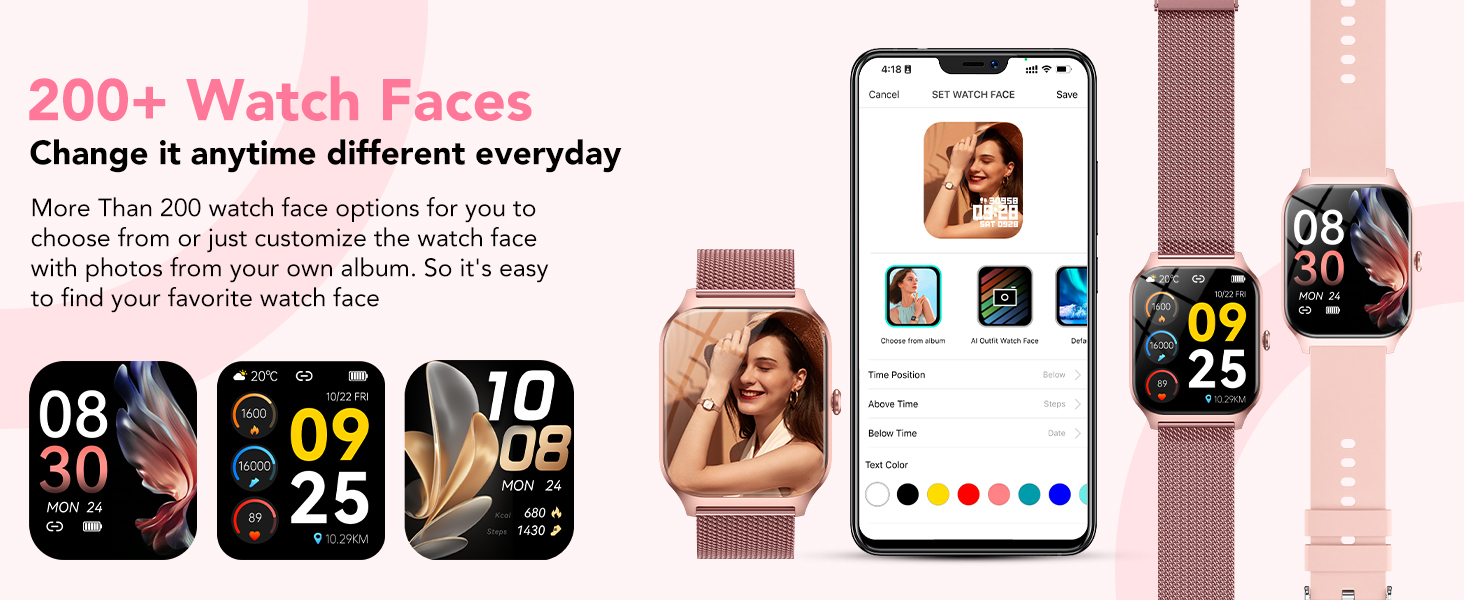
Image: Customizable watch faces and personalization options.
4.6 Smart Notifications
Receive real-time notifications for calls, text messages, and social media apps directly on your watch when connected to your phone.
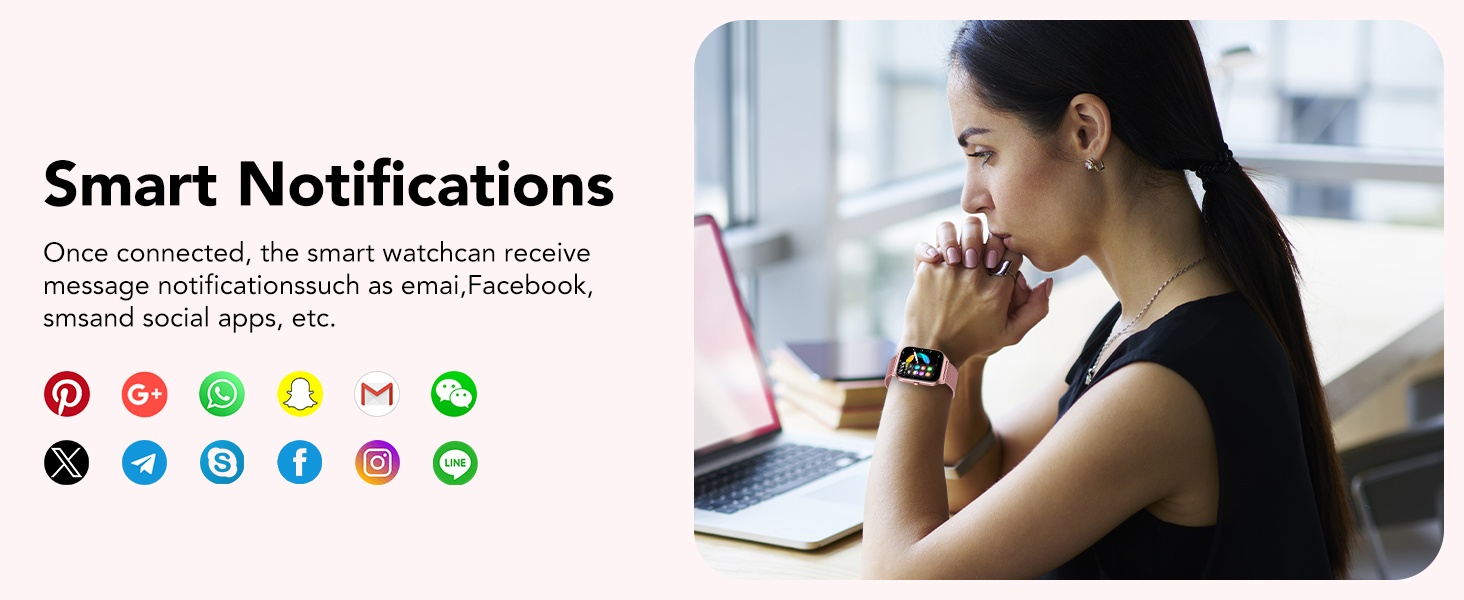
Image: Smart notifications displayed on the watch.
4.7 Other Functions
The CASCHO P125 Smart Watch includes additional useful features:
- Music Control
- Stopwatch
- Alarm Clock
- Find Phone
- Camera Control
- Weather Report
- Calculator

Image: Multifunctional features of the smart watch.
5. Maintenance
5.1 Water Resistance
The CASCHO P125 Smart Watch is IP68 waterproof, meaning it is resistant to splashes, sweat, and short-term immersion. It is suitable for daily use like washing hands or wearing in the rain. Note: It is not suitable for swimming, diving, surfing, hot showers, or other water activities that involve high pressure or prolonged submersion.
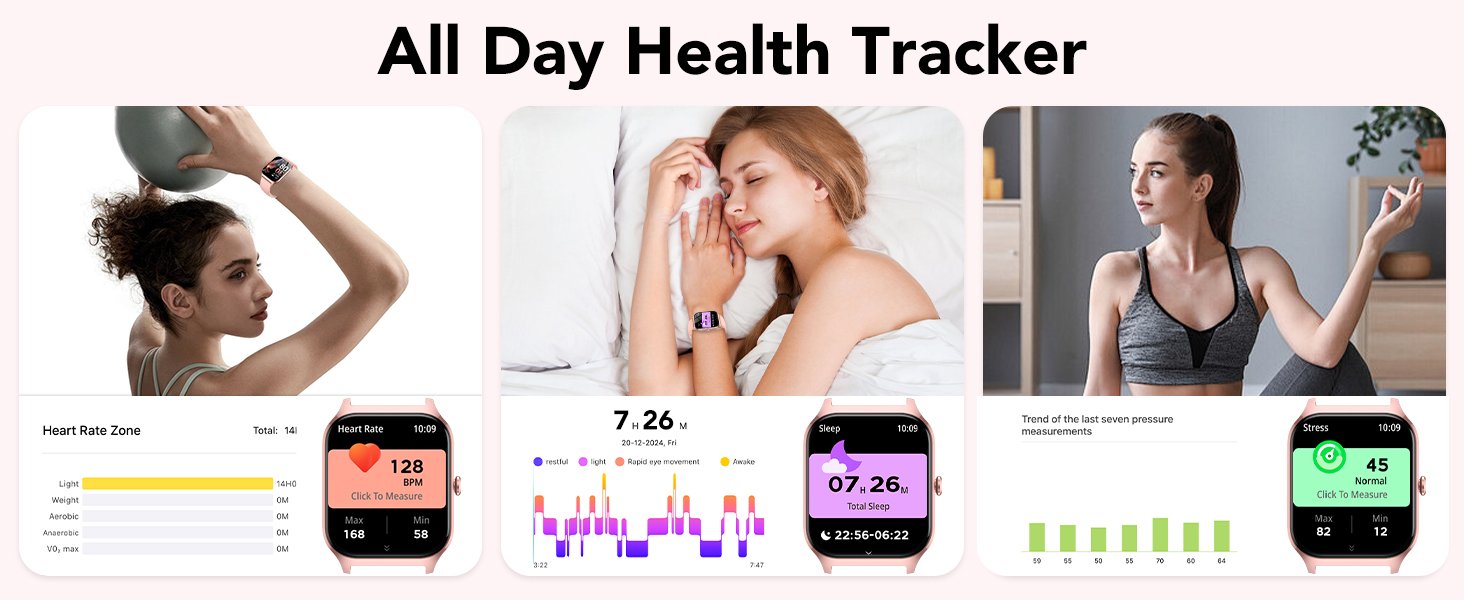
Image: Three protection designs: IP68 waterproof, shockproof, and dustproof.
5.2 Cleaning and Care
To maintain your watch, regularly clean the screen and straps with a soft, dry cloth. Avoid using harsh chemicals or abrasive materials.
6. Troubleshooting
If you encounter issues with your CASCHO P125 Smart Watch, try the following steps:
- Watch not turning on: Ensure the watch is fully charged.
- Cannot pair with phone: Make sure Bluetooth is enabled on your phone and the watch is within range. Restart both devices and try pairing again through the Da Fit app.
- Inaccurate health data: Ensure the watch is worn snugly on your wrist, not too tight or too loose. Clean the sensors regularly.
- Notifications not appearing: Check app permissions in your phone settings and ensure notifications are enabled for the Da Fit app and the specific social media apps.
- Touch screen unresponsive: Restart the watch. If the issue persists, ensure the screen is clean and dry.
For further assistance, please refer to the Da Fit app's help section or contact CASCHO customer support.
7. Specifications
| Feature | Specification |
|---|---|
| Model Name | P125 |
| Brand | CASCHO |
| Screen Size | 1.85 Inches |
| Display Type | AMOLED |
| Operating System | Wear OS 1.0 |
| Connectivity Technology | Bluetooth |
| Water Resistance Level | Waterproof (IP68) |
| Battery Cell Composition | Lithium Ion |
| Memory Storage Capacity | 1 GB |
| GPS | Built-in GPS |
| Special Feature | Alarm Clock |
| Color | Rose Gold |
8. Product Videos
Video: This video demonstrates the various sports modes and health tracking features of the CASCHO P125 Smart Watch, including fitness tracking, heart rate monitoring, and sleep analysis.
Video: This video highlights the key functionalities of the CASCHO P125 Smart Watch, such as Bluetooth calling, customizable watch faces, 24/7 health tracking, and IP68 waterproof rating.
9. Warranty and Support
Warranty information for the CASCHO P125 Smart Watch is not explicitly provided in the product details. For specific warranty terms and conditions, or for technical support, please contact CASCHO customer service directly through their official website or the Da Fit app support section.


