
1. Introduction
This manual provides essential information for the safe and efficient operation of your Wowuwoai W20 10000mAh Magnetic Wireless Power Bank. This device is designed to provide portable power for your compatible smartphones and other electronic devices, featuring magnetic wireless charging, wired fast charging, and a convenient built-in kickstand.
2. Package Contents
Please verify that all items are present in your package:
- 1 x Wowuwoai W20 Magnetic Wireless Power Bank
- 1 x USB-C Charging Cable
- 1 x User Manual (this document)
3. Product Features
- Magnetic Attachment: Strong 11N magnetic force for secure attachment to compatible devices.
- High Capacity: 10000mAh lithium-polymer battery for extended power.
- Dual Charging Options: Supports up to 15W MagSafe wireless charging and up to 20W USB-C Power Delivery (PD)/Quick Charge (QC 3.0) wired fast charging.
- Built-in Kickstand: Integrated foldable kickstand for hands-free viewing while charging.
- Smart LED Indicators: 5-LED display to show remaining battery level and charging status.
- Compact & Portable: Slim and lightweight design (4.05"L x 2.61"W x 0.85"Th, 7.9 oz) for easy portability.
- Broad Compatibility: Compatible with iPhone 12/13/14/15/16/17 series (including Plus/Pro/Pro Max/Air models) and other Android phones that support wireless charging. Works with MagSafe cases.
- Advanced Safety: Intelligent chip provides protection against overcharging, overheating, overcurrent, overvoltage, short circuits, and over-discharge.
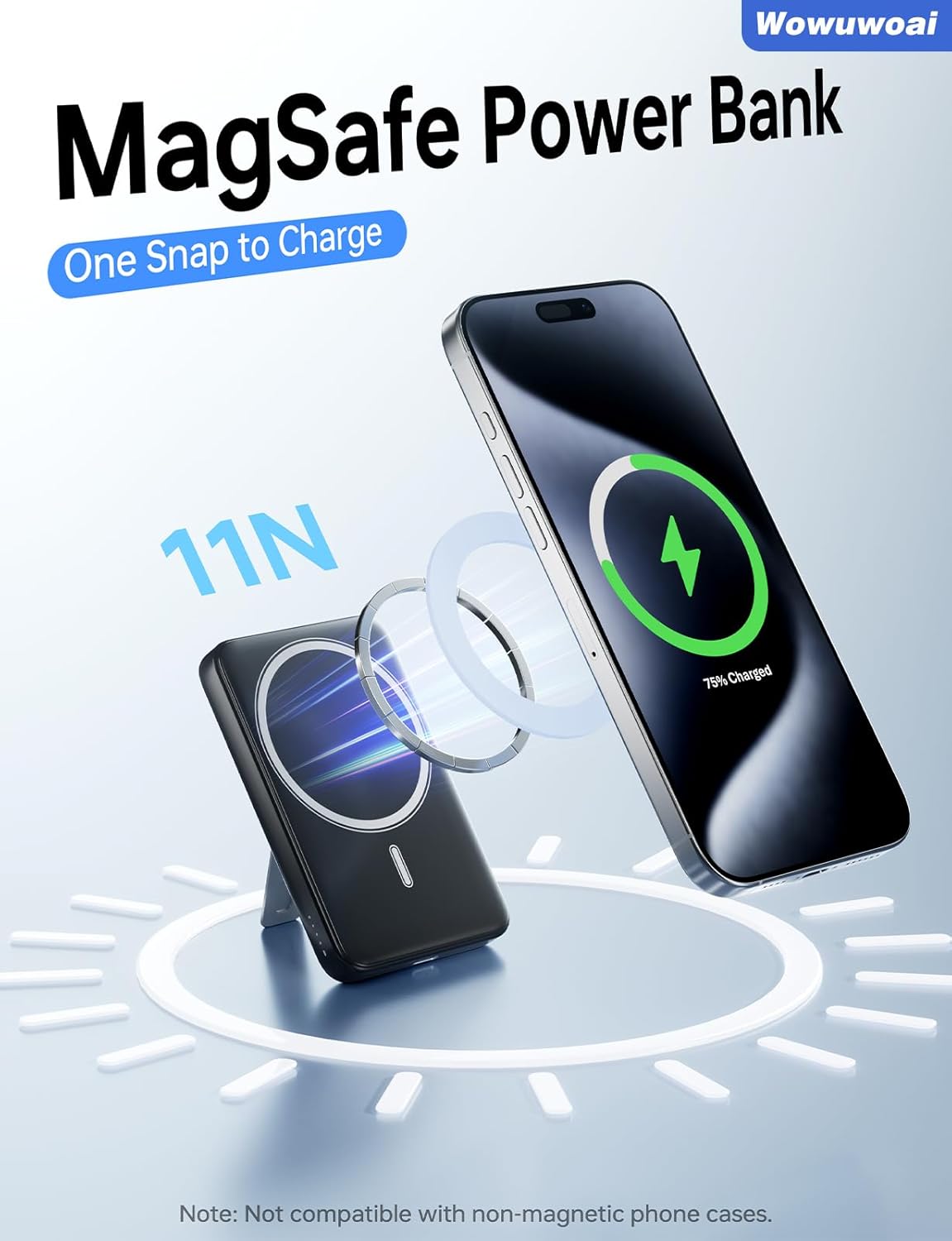
Image: The Wowuwoai W20 Power Bank featuring magnetic attachment, wireless charging, and a built-in kickstand.

Image: Visual representation of the 10000mAh capacity and the 'one snap to charge' magnetic function.
4. Setup
- Initial Charging: Before first use, fully charge your Wowuwoai W20 Power Bank. Connect the provided USB-C cable to the power bank's USB-C port and to a compatible power adapter (not included). The LED indicators will illuminate to show charging progress.
- Check Battery Level: Press the power button once to check the current battery level via the LED indicators.

Image: Explanation of the LED indicators for battery status (75%-100%, 50%-75%, 20%-50%, below 20%).
5. Operating Instructions
5.1 Charging the Power Bank
To recharge your Wowuwoai W20 Power Bank:
- Connect the small end of the provided USB-C cable to the USB-C input/output port on the power bank.
- Connect the large end of the USB-C cable to a compatible USB wall adapter (e.g., 20W PD adapter, not included).
- The LED indicators will show the charging progress. All 5 LEDs will be solid when fully charged.
5.2 Charging Your Devices
Wireless Charging (MagSafe Compatible)
- Ensure your device is MagSafe compatible (iPhone 12 series or newer) or has a MagSafe-compatible case.
- Align the back of your phone with the magnetic charging area on the power bank. The magnets will snap into place, and charging will begin automatically.
- The power bank supports up to 15W wireless charging.
Wired Charging (USB-C)
- Connect your device to the power bank's USB-C input/output port using a compatible USB-C cable.
- The power bank supports up to 20W Power Delivery (PD) or Quick Charge (QC 3.0) for fast wired charging.
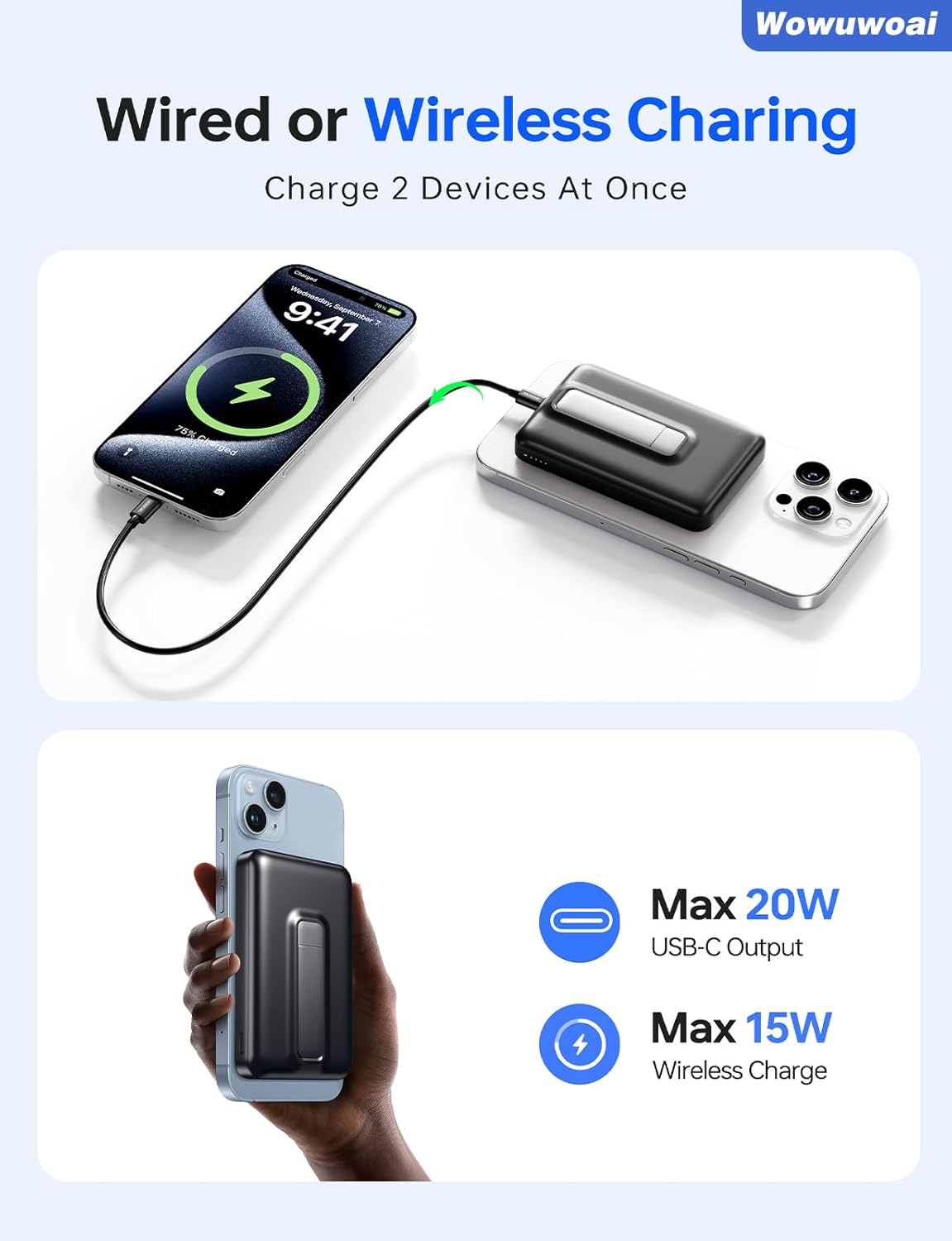
Image: The power bank demonstrating its capability to charge two devices concurrently via wired USB-C and wireless magnetic connection.
5.3 Using the Built-in Kickstand
The integrated kickstand allows for hands-free use of your phone while it charges:
- Gently pull out the kickstand from the back of the power bank until it locks into position.
- Place the power bank on a flat surface. Your phone, attached to the power bank, will be propped up for comfortable viewing.
- When not in use, fold the kickstand back into the power bank until it is flush with the surface.

Image: Examples of using the foldable kickstand for hands-free viewing of your phone.
6. Safety Information
To ensure safe operation and prolong the life of your device, please observe the following:
- Do not expose the power bank to water, moisture, or extreme temperatures.
- Avoid dropping, hitting, or disassembling the device.
- Keep out of reach of children.
- Do not use if the power bank is damaged or swollen.
- The power bank is equipped with multiple safety features including overcharge protection, short-circuit protection, overvoltage protection, overcurrent protection, over-discharge protection, and overheating protection.
- Only use the provided USB-C cable or certified cables for charging.
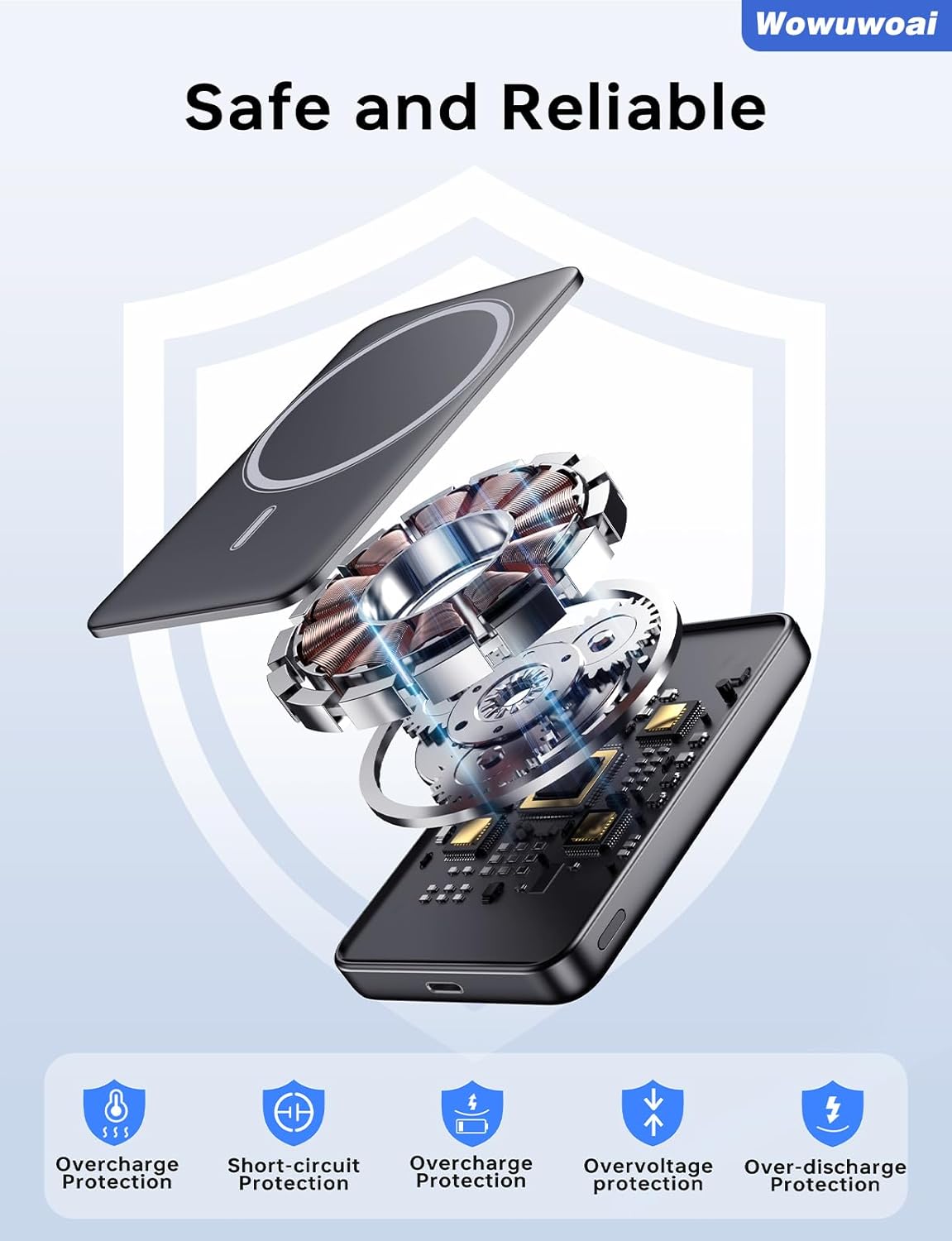
Image: Diagram illustrating the internal components and advanced safety features of the power bank.
7. Maintenance
- Clean the power bank with a dry, soft cloth. Do not use harsh chemicals or abrasive materials.
- Store the device in a cool, dry place away from direct sunlight.
- If the power bank is not used for an extended period, recharge it at least once every three months to maintain battery health.
8. Troubleshooting
- Q: My device is not charging wirelessly.
- A: Ensure your phone is MagSafe compatible or has a MagSafe-compatible case. Verify that the power bank is adequately charged and that your phone is correctly aligned with the magnetic charging area.
- Q: The charging speed is slow.
- A: For wired charging, ensure you are using a high-quality USB-C cable and a power adapter that supports PD/QC 3.0. For wireless charging, ensure optimal alignment and that your phone supports fast wireless charging.
- Q: The power bank is not charging.
- A: Check that the USB-C cable is securely connected to both the power bank and the power adapter. Try using a different USB-C cable or power adapter to rule out faulty accessories.
- Q: The LED indicators are not lighting up.
- A: The power bank might be completely discharged. Connect it to a power source for a few minutes to see if the LEDs activate. If not, the device may be faulty.
9. Specifications
| Feature | Specification |
|---|---|
| Brand | Wowuwoai |
| Model Name | W20 |
| Battery Cell Composition | Lithium Polymer |
| Capacity | 10000mAh |
| Product Dimensions | 4.06"L x 2.61"W x 0.85"Th |
| Battery Weight | 128 Grams |
| Wireless Output | Up to 15W |
| USB-C Output/Input | Up to 20W (PD/QC 3.0) |
| Compatible Devices | iPhone 17/AIR/16/15/14/13/12 Series, other wireless charging compatible Android phones |
10. Warranty and Support
For warranty information and customer support, please refer to the documentation provided with your purchase or contact the manufacturer directly. Keep your proof of purchase for any warranty claims.
Video: An overview of the Wowuwoai 10000mAh Wireless Power Bank with Stand, showcasing its features and ease of use.