
Introduction
This manual provides detailed instructions for the KALOGL B01-1 Wireless Video Doorbell with Screen 1080p. This device offers a secure and convenient way to monitor your doorstep with its integrated monitor screen, two-way audio, and night vision capabilities. It operates wirelessly and supports local storage without requiring subscriptions or a Wi-Fi connection for basic functionality.
What's in the Box
Please ensure all items are present before proceeding with installation:
- KALOGL B01-1 Video Doorbell Unit
- Indoor Monitor Screen
- Mounting Screw Kit
- USB-C Charging Cable
- USB-A Chime Unit
- Instruction Manual (this document)
Setup
1. Charging the Doorbell
Before initial use, fully charge the doorbell unit using the provided USB-C charging cable. Connect the cable to the doorbell and a compatible USB power adapter (not included). The doorbell is designed for easy removal from its mount for convenient charging indoors.
2. Installing the Doorbell
The doorbell can be installed using the adhesive mount or the included mounting screws. Choose a location at your desired height and angle near your front door. The doorbell unit can be easily detached from its mounting bracket for charging or maintenance.

Image: The KALOGL B01-1 Video Doorbell unit and its accompanying monitor screen.
3. Setting up the Indoor Chime
Plug the USB-A chime unit into any standard USB-A port or power adapter within your home. Once powered, it will automatically pair with the doorbell unit and sound when the doorbell button is pressed.
4. App Installation and Pairing (Optional)
For remote monitoring and advanced features, download the 'iCam365' app from your smartphone's app store. Follow the in-app instructions to create an account and pair your doorbell. This typically involves scanning a QR code located on the doorbell unit with your phone's camera. Allow notifications to receive alerts when someone rings your doorbell.
Operating the Doorbell
1. Answering a Doorbell Ring
When a visitor presses the doorbell button, the indoor chime will sound, and if the app is set up, you will receive a notification on your smartphone. You can answer the call via the app to engage in two-way audio communication with the visitor.
2. Live View and Recording
The integrated 4.3-inch HD monitor screen provides a real-time video feed from the doorbell camera. You can also access a live view through the 'iCam365' app at any time. The system supports local storage (Micro SD card not included) for recording video footage and taking still pictures.

Image: The 4.3-inch HD monitor screen, which can be wall-mounted or moved freely, showing a live view of a person at the door.
3. Two-Way Audio and Night Vision
The doorbell features two-way audio, allowing you to speak with visitors directly through the monitor or the app. Advanced night vision capabilities ensure clear visibility and communication even in low-light conditions, providing security 24/7.

Image: Illustration of the doorbell's two-way audio communication and infrared (IR) night vision capabilities.
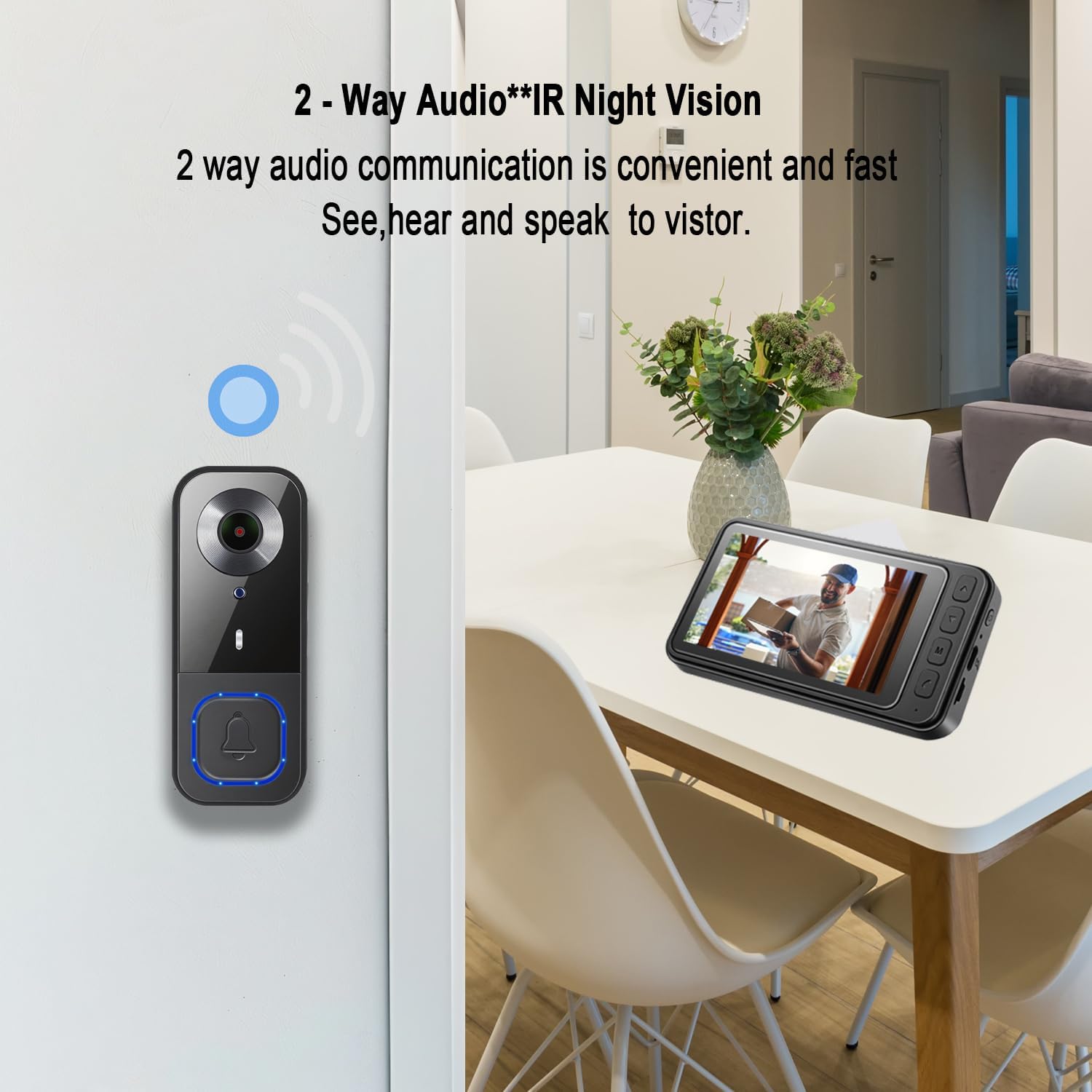
Image: A visual comparison demonstrating the crystal-clear HD video quality of the doorbell camera versus standard 480P resolution.
Maintenance
1. Battery Charging
The doorbell unit is battery-powered. Monitor the battery level via the monitor screen or the app. Recharge the unit as needed by detaching it from its mount and connecting the USB-C cable.
2. Local Storage Management
If using a Micro SD card for local storage, periodically check its capacity and manage recorded footage as necessary. The system will typically overwrite older files once the card is full.
3. Weather Resistance
The KALOGL B01-1 doorbell is designed to be rain-proof, snow-proof, and dust-proof, making it suitable for various outdoor weather conditions. Ensure the unit is properly installed to maintain its weather resistance.
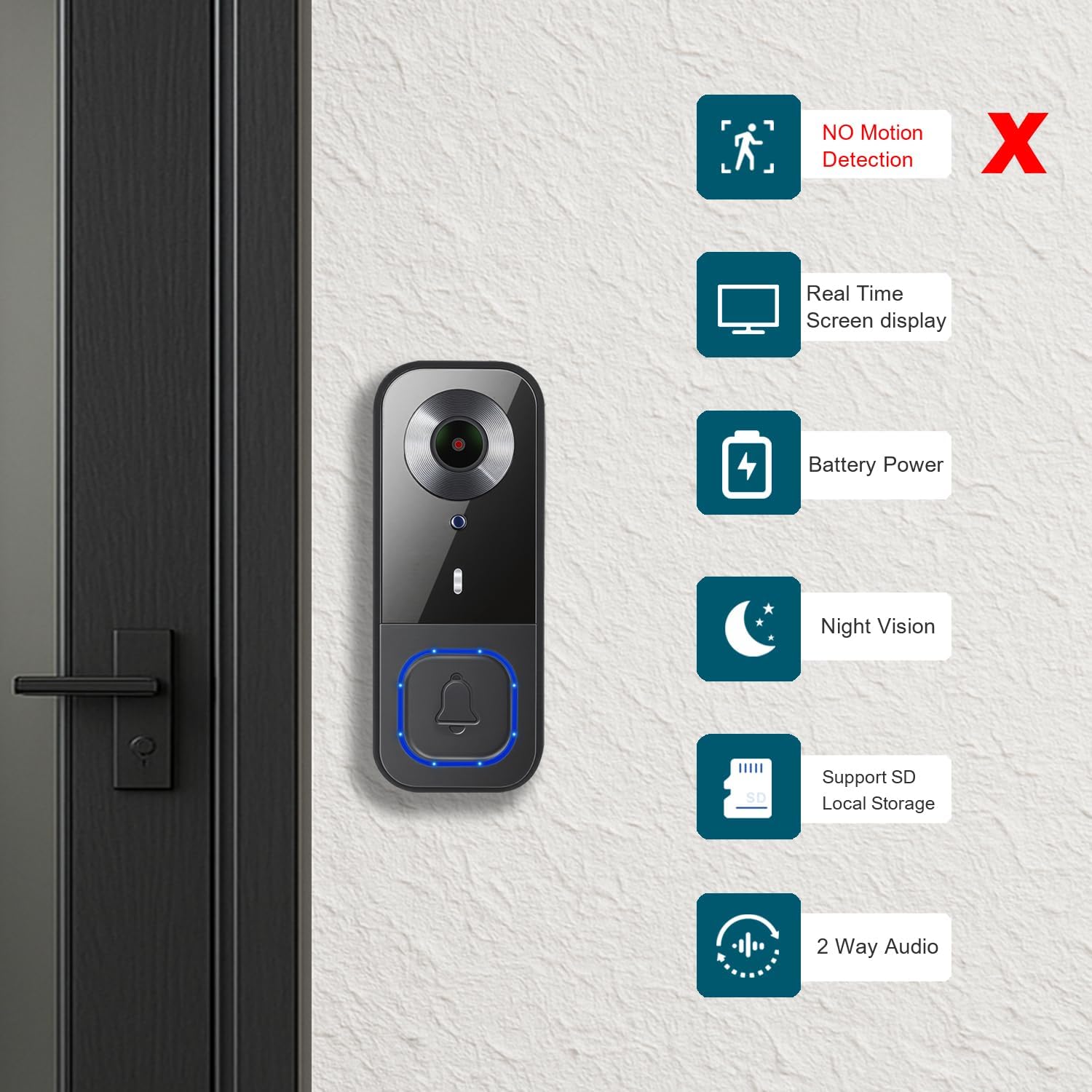
Image: The doorbell unit is shown to be resistant to various weather conditions including rain, snow, dust, and high temperatures.
Troubleshooting
- No Power/Not Turning On: Ensure the doorbell unit is fully charged. Check the USB-C cable and power adapter for proper connection.
- Chime Not Sounding: Verify the USB-A chime unit is plugged into a working USB port. Ensure it is within range of the doorbell unit.
- No Video Feed on Monitor/App: Check the doorbell's battery level. Ensure the doorbell and monitor are within effective wireless range. If using the app, confirm your phone has internet access and the app is correctly paired.
- Poor Video Quality: Ensure the camera lens is clean and free from obstructions. Check for sufficient lighting; night vision should activate automatically in low light.
- Two-Way Audio Issues: Check volume settings on both the monitor/app and the doorbell. Ensure there are no obstructions blocking the microphone or speaker on either device.
Specifications
| Brand | KALOGL |
| Model Name | B01-1 |
| Connectivity Technology | Wireless |
| Special Features | 2-Way Audio, HD Resolution, Local Recording, Night Vision, Weather Proof |
| Indoor/Outdoor Usage | Outdoor |
| Compatible Devices | Screen |
| Mount Type | Wall Mount |
| Color | Black |
| Photo Sensor Resolution | 2 MP |
| Connectivity Protocol | Bluetooth |
| Power Source | Battery Powered |
| Video Capture Format | MP4 |
| Item Dimensions | 2 x 1 x 4 inches |
| Video Capture Resolution | 1080p |
| Photo Sensor Technology | CMOS |

Image: Detailed dimensions of the doorbell unit and the monitor screen for installation planning.
Warranty and Support
For warranty information and technical support, please refer to the documentation included in your product packaging or visit the official KALOGL website. Contact details for customer service are typically provided within the product's warranty card or support section.