
1. Introduction
Thank you for choosing SIEDiNLAR Solar Post Cap Lights. These lights are designed to enhance the aesthetic and safety of your outdoor spaces, including decks, fences, patios, and garden areas. Utilizing solar power, they offer two distinct lighting modes (Cool White and Warm White) and are built for durability in various weather conditions. This manual provides detailed instructions for installation, operation, maintenance, and troubleshooting to ensure optimal performance of your lights.
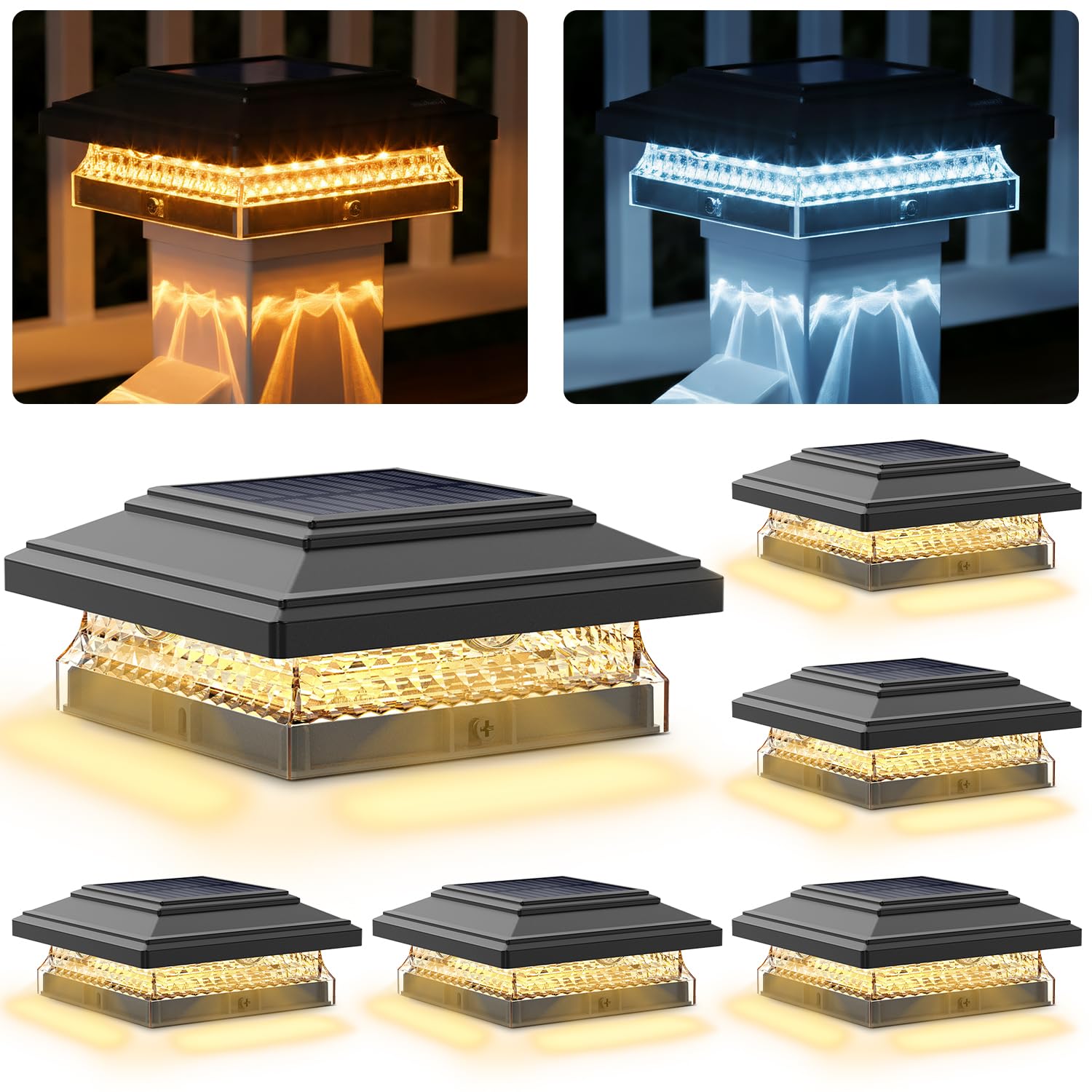
Image 1: SIEDiNLAR Solar Post Cap Light
2. Product Features
- Solar Powered: Equipped with advanced convex lens LED technology, these lights provide up to 50 lumens of illumination, casting light downward and outward. They charge during the day and automatically activate at night.
- Dual Color Modes: Easily switch between Cool White (6000K) and Warm White (3000K) to match your desired outdoor ambiance.
- Versatile Post Compatibility: Designed to fit nominal 3.5x3.5, 4x4, 4.5x4.5, and 5x5 inch wooden or vinyl posts. Includes a removable inner liner for precise adjustment.
- Weather-Ready Durability: Constructed to withstand various outdoor elements, including heat, rain, and snow, ensuring reliable operation year-round.
- Efficient Charging & Runtime: A 4-5 hour charge in direct sunlight can provide up to 48 hours of continuous light.
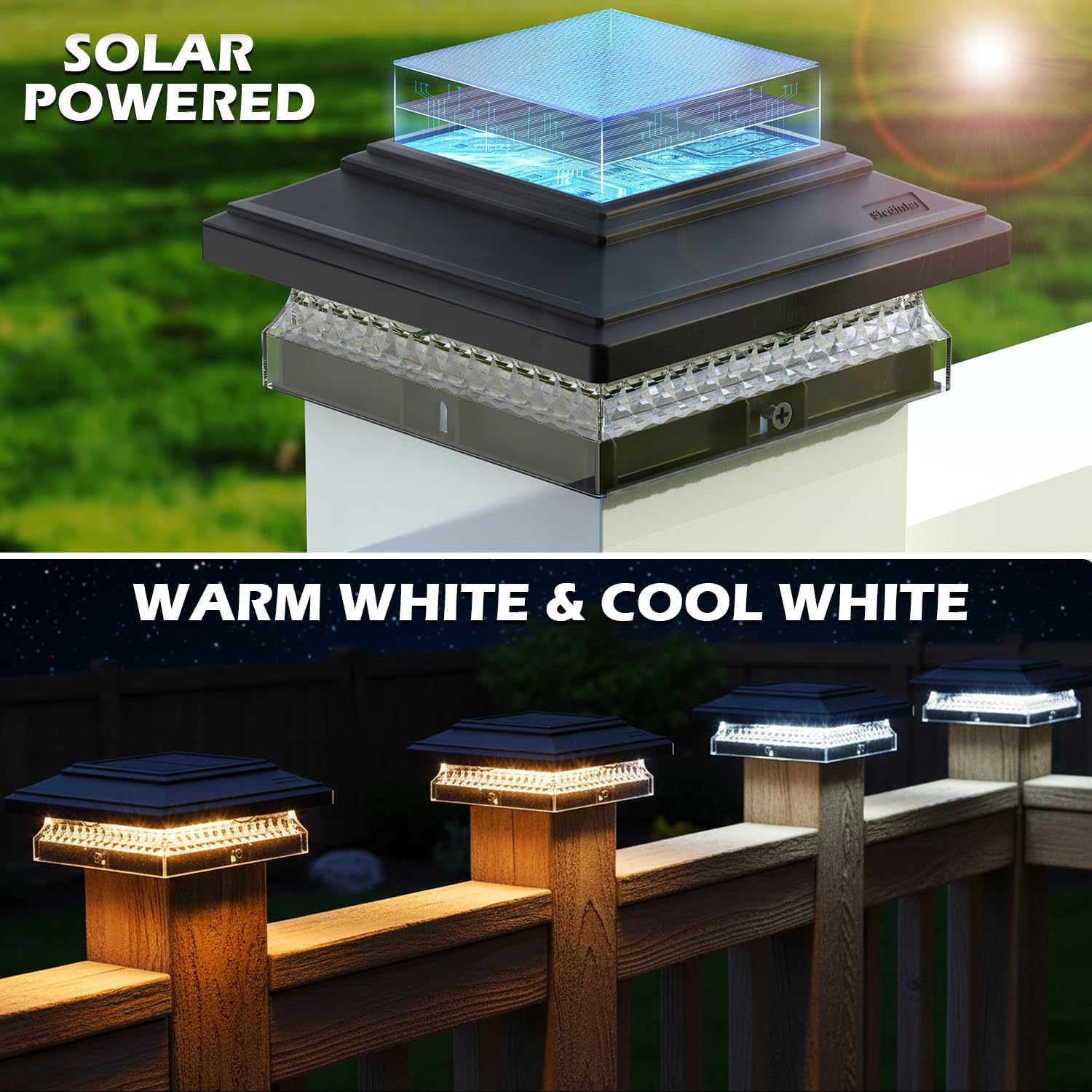
Image 2: Solar Powered and Dual Color Modes

Image 3: Diamond Pattern Light Diffusion

Image 4: 10 LED Lenses for Enhanced Brightness
3. Package Contents
Each SIEDiNLAR Solar Post Cap Light package includes the following components:
- Solar Post Cap Light unit (with integrated solar panel and LED lenses)
- Rechargeable Lithium Ion Battery (pre-installed)
- 5" x 5" Base
- 4.5" x 4.5" Adapter
- 4" x 4" Adapter
- 3.5" x 3.5" Adapter
- Mounting Screws
- Instruction Manual

Image 5: Product Accessories and Adapters
4. Specifications
| Feature | Detail |
|---|---|
| Brand | SIEDiNLAR |
| Model Number | SD719B-6PK |
| Dimensions | 6.13 x 6.13 x 2.7 inches |
| Item Weight | 4.75 pounds (for 6-pack) |
| Material | Polycarbonate, Acrylonitrile Butadiene Styrene |
| Power Source | Solar Powered |
| Battery Type | 1 Lithium Ion battery (included) |
| Light Output | 50 Lumens |
| Color Temperature | Cool White (6000K), Warm White (3000K) |
| Special Features | Adjustable Color Temperature, Waterproof (IP65) |
| Post Compatibility | Nominal 3.5x3.5, 4x4, 4.5x4.5, 5x5 inch wooden/vinyl posts |

Image 6: Product Dimensions and Post Compatibility
5. Setup and Installation
Follow these steps to properly install your SIEDiNLAR Solar Post Cap Lights:
- Unpack and Inspect: Carefully remove all components from the packaging. Ensure all parts listed in Section 3 are present and undamaged.
- Select Light Mode: Before installation, rotate and remove the lamp head from the base. Locate the switch on the underside of the lamp head. The switch is set to "OFF" by default. Move the switch to position "1" for Cool White (6000K) or position "2" for Warm White (3000K).
- Choose Adapter: The light comes with multiple adapters to fit various post sizes. Select the appropriate adapter(s) for your post (3.5x3.5, 4x4, 4.5x4.5, or 5x5 inches). The inner lining is removable to accommodate different post dimensions.
- Position on Post: Place the assembled light (with chosen adapter) onto the top of your fence or deck post. Ensure it sits securely.
- Secure the Light: Use the provided screws to fasten the light to the post through the designated holes on the base. Tighten securely but do not overtighten.
- Solar Panel Placement: Ensure the solar panel on top of the light is exposed to direct sunlight for optimal charging. Avoid placing the light under shadows from trees, buildings, or other light sources (like streetlights or porch lights) that could interfere with its charging or automatic operation.

Image 7: Installation Guide

Image 8: 4 Mounting Sizes Available
Video 1: SIEDiNLAR Solar Deck Post Lights 2 Modes 50 Lumens (Black) - This video demonstrates the physical features and light modes of the solar post cap lights.
6. Operating Instructions
The SIEDiNLAR Solar Post Cap Lights are designed for automatic operation:
- Automatic On/Off: Once the light mode is selected (Cool White or Warm White) and the unit is fully charged, the lights will automatically turn on at dusk and turn off at dawn.
- Charging: The integrated solar panel requires 4-5 hours of direct sunlight to fully charge the internal battery. This charge can provide up to 48 hours of illumination.
- Light Mode Selection: The switch located under the lamp head allows you to choose between Cool White (position 1) and Warm White (position 2) light. Ensure the switch is not in the "OFF" (middle) position for automatic operation.

Image 9: Dual Color Modes (Cool White & Warm White)
Video 2: SIEDiNLAR Solar Post Cap Lights 2 Modes 50 Lumens Warm/White - This video showcases the warm and cool white light options and their appearance.
7. Maintenance
To ensure the longevity and optimal performance of your solar post cap lights, follow these maintenance guidelines:
- Cleaning: Periodically clean the solar panel and light fixture with a soft cloth and warm, soapy water. This helps maintain charging efficiency and light output.
- Solar Panel Exposure: Regularly check that the solar panel is free from dirt, debris, snow, or any obstructions that might block direct sunlight.
- Battery Check: Ensure the battery is securely connected. If the light performance degrades over time, the rechargeable battery may need replacement.

Image 10: Weather-Ready Durability
8. Troubleshooting
If your solar post cap light is not functioning as expected, consider the following:
- Light Not Turning On at Dusk:
- Ensure the '1' or '2' switch for the light mode is turned ON.
- Check the battery to ensure it is making secure contact with the terminals.
- Verify the solar panel is in a relatively sunny location and not affected by other light sources (e.g., street lights, porch lights) that might prevent it from activating automatically.
- Insufficient Brightness or Runtime:
- Ensure the solar panel receives at least 4-5 hours of direct sunlight daily.
- Clean the solar panel regularly to remove any dirt or debris that may hinder charging efficiency.
- Consider the geographical location and seasonal sunlight availability, as these factors can affect charging performance.
9. Warranty and Support
This product is warranted against defects in workmanship or materials at the time of purchase for one year (batteries excluded). For service or questions, please contact our dedicated customer support team.
Customer Support Email: support@siedinlar.com