
1. Safety Information
Please read this manual carefully before operating your ASKGO GT12 Electric Scooter. Failure to follow instructions can result in serious injury or damage to the scooter. Always wear a helmet and appropriate safety gear. Observe all local traffic laws and regulations. Do not ride in adverse weather conditions or on slippery surfaces. Ensure the battery is fully charged and all components are securely fastened before each ride.
- Always wear a helmet and protective gear.
- Do not exceed the maximum weight limit of 300 pounds.
- Avoid riding in heavy rain, snow, or on icy roads.
- Perform regular checks on brakes, tires, and all connections.
- Keep both hands on the handlebars while riding.
2. Package Contents
Verify that all items are present in the package:
- ASKGO GT12 Electric Scooter
- Charger
- User Manual
3. Product Overview
The ASKGO GT12 Electric Scooter is designed for efficient and comfortable urban travel. It features a powerful 1000W peak motor, a top speed of 25 MPH, and a range of up to 35 miles on a single charge. The scooter is equipped with a 48V 13AH high-capacity battery, dual suspension, and 14-inch pneumatic tires for a smooth ride. Its foldable design allows for easy storage and transport, complemented by an adjustable seat and a large storage basket.

ASKGO GT12 Electric Scooter with a visible 1000W peak motor, highlighting its 25 MPH max speed and 25-degree climbing capability.

ASKGO GT12 Electric Scooter showcasing its 48V 13AH high-capacity battery, offering up to 35 miles range and 3-5 hours charging time.

Close-up of the ASKGO GT12 Electric Scooter's intelligent LCD display, showing battery level, speed, gear shift, and one-touch startup.

A person riding the ASKGO GT12 Electric Scooter, illustrating the adjustable seat post and large capacity basket for convenience.
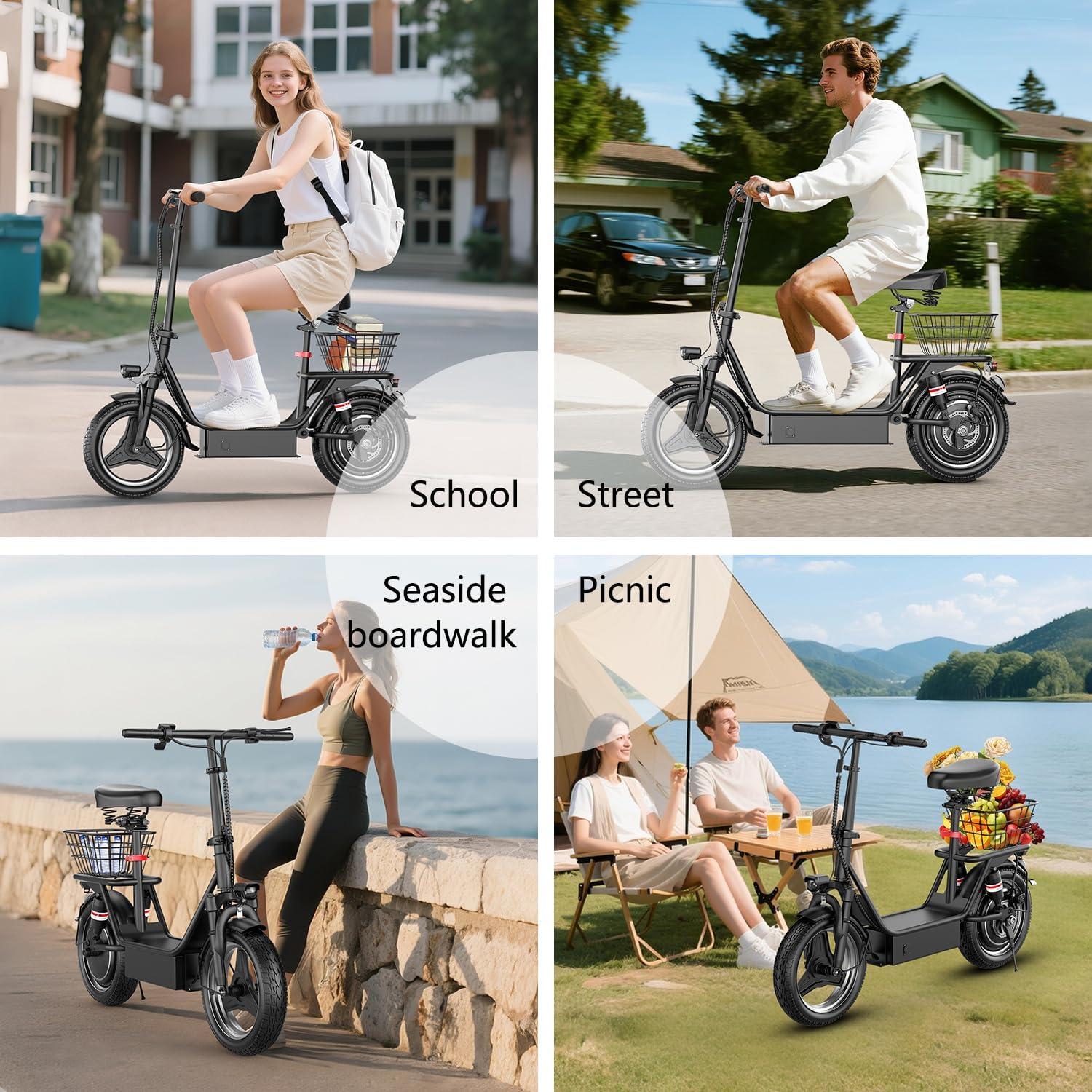
Collage of four images showing the ASKGO GT12 Electric Scooter in various usage scenarios: school, street, seaside boardwalk, and picnic.

Diagram illustrating the dimensions of the ASKGO GT12 Electric Scooter, including seat height, scooter length, handle height, handle width, and scooter width, along with weight limit and recommended rider height.
4. Assembly
Your ASKGO GT12 Electric Scooter comes partially assembled. Please follow the included quick start guide or visual instructions to complete the assembly. Ensure all bolts and fasteners are tightened before your first ride. If you encounter any difficulties, please contact customer support.
5. Charging the Battery
The scooter is equipped with a 48V 13AH battery. Before first use, fully charge the battery. Charging typically takes 3-5 hours. Always use the provided charger.
- Locate the charging port on the scooter.
- Ensure the scooter's battery switch is turned ON before charging.
- Connect the charger to the charging port, then plug the charger into a power outlet.
- The indicator light on the charger will change (e.g., from red to green) when charging is complete.
- Disconnect the charger once charging is complete.
For long-term storage, turn off the battery switch to disconnect the power supply and increase battery life.
6. Operating Instructions
6.1 Power On/Off
- Press the battery switch button located on the scooter's frame to turn on the main power.
- Press the display switch button on the handlebar to activate the LCD display and power on the scooter's control system.
- To turn off, press and hold the display switch button until the display turns off. For complete power disconnection, press the battery switch button again.
6.2 Display Operation
The intelligent LCD display shows essential information such as battery level, current speed, trip distance, total mileage, and selected speed mode.
- Turn On/Off Light: Press the 'Menu' button once to toggle the headlight and taillight.
- Switch Gears/Speed Modes: Press the 'Menu' button twice continuously to cycle through the available speed gears (e.g., Eco, Drive, Sport).
- Switch Display Units: Triple-press the 'Menu' button to switch the speed and distance display between kilometers and miles.
6.3 Riding the Scooter
Once powered on and a speed mode is selected, gently push off with your foot and then apply the throttle to accelerate. Use the rear disc brake for controlled stopping.
This video demonstrates how to operate the battery switch and the display functions of the ASKGO GT12 Electric Scooter, including turning on/off the power, activating the display, controlling the light, and switching speed gears.
7. Folding and Storage
The ASKGO GT12 Electric Scooter features a convenient foldable design for easy transport and storage. Follow these steps to fold your scooter:
- Ensure the scooter is powered off.
- Locate the folding mechanism on the main frame.
- Engage the release lever or button as per the design.
- Carefully fold the handlebar stem down towards the deck until it locks into place.
- For storage, ensure the scooter is clean and dry. Store in a cool, dry place away from direct sunlight and extreme temperatures.
8. Maintenance
Regular maintenance ensures the longevity and safe operation of your scooter.
- Tires: Check tire pressure regularly. The 14-inch pneumatic tires require proper inflation for optimal performance and safety.
- Brakes: Inspect the rear disc brake system periodically for wear and proper function. Adjust or replace brake pads as needed.
- Battery: Avoid completely draining the battery. Charge it regularly, even if not in use, to maintain battery health.
- Cleaning: Clean the scooter with a damp cloth. Do not use high-pressure water or corrosive cleaners.
- Fasteners: Periodically check and tighten all screws and bolts.
9. Troubleshooting
If you encounter issues with your scooter, refer to the following common solutions:
| Problem | Possible Cause | Solution |
|---|---|---|
| Scooter does not power on | Battery switch off; Low battery; Loose connection | Ensure battery switch is ON. Charge the battery. Check all visible connections. |
| Reduced range or speed | Low tire pressure; Overload; Headwind; Battery degradation | Inflate tires to recommended pressure. Reduce load. Charge battery fully. |
| Brakes not effective | Worn brake pads; Loose brake cable | Inspect and replace brake pads. Adjust brake cable tension. |
| Unusual noises | Loose components; Debris in wheels | Check and tighten all fasteners. Inspect wheels for obstructions. |
If the problem persists, please contact customer support.
10. Specifications
| Feature | Detail |
|---|---|
| Brand | ASKGO |
| Model Name | GT12 |
| Motor | 1000W Peak Brushless Motor |
| Max Speed | 25 MPH |
| Battery | 48V 13AH |
| Max Range | Up to 35 Miles |
| Charging Time | 3-5 Hours |
| Weight Limit | 300 Pounds |
| Wheel Size | 14 Inches |
| Wheel Type | Pneumatic |
| Suspension Type | Dual Suspension |
| Brake Style | Rear Braking |
| Special Feature | Foldable, Adjustable Seat, Storage Basket |
| Material | Alloy Steel |
| Age Range | Adult |
11. Warranty and Support
The ASKGO GT12 Electric Scooter comes with a 1-Year Warranty from the date of purchase. This warranty covers manufacturing defects under normal use. It does not cover damage caused by misuse, accidents, unauthorized modifications, or normal wear and tear.
For warranty claims, technical support, or any questions regarding your scooter, please contact ASKGO customer service through the retailer where you purchased the product or visit the official ASKGO website for contact information.