
Introduction
This manual provides essential information for the proper installation, operation, and maintenance of your SYLVOX 22" 12V/24V Smart RV QLED TV. This television is designed for recreational vehicles, campers, vans, trucks, boats, and off-grid setups, featuring wide voltage support, a QLED display, Google TV, and a built-in DVD player. Please read this manual thoroughly before using the product and retain it for future reference.
What's in the Box
Carefully unpack all components and ensure you have received the following items:
- SYLVOX 22" Smart RV QLED TV
- Remote Control
- Power Adapter (for 110V AC use)
- 12V Car Connector (for DC power)
- TV Stand Components (Base, Column Bracket, Screws)
- User Manual (this document)
- Warranty Card
- AAA Batteries (2x) for Remote Control

Image: Included accessories and TV dimensions. The package contains the TV, remote control, power adapter, 12V car cable, batteries, stand components, user manual, and warranty card.
Product Overview
Front View

Image: Front view of the SYLVOX 22-inch RV TV with its stand.
Side View
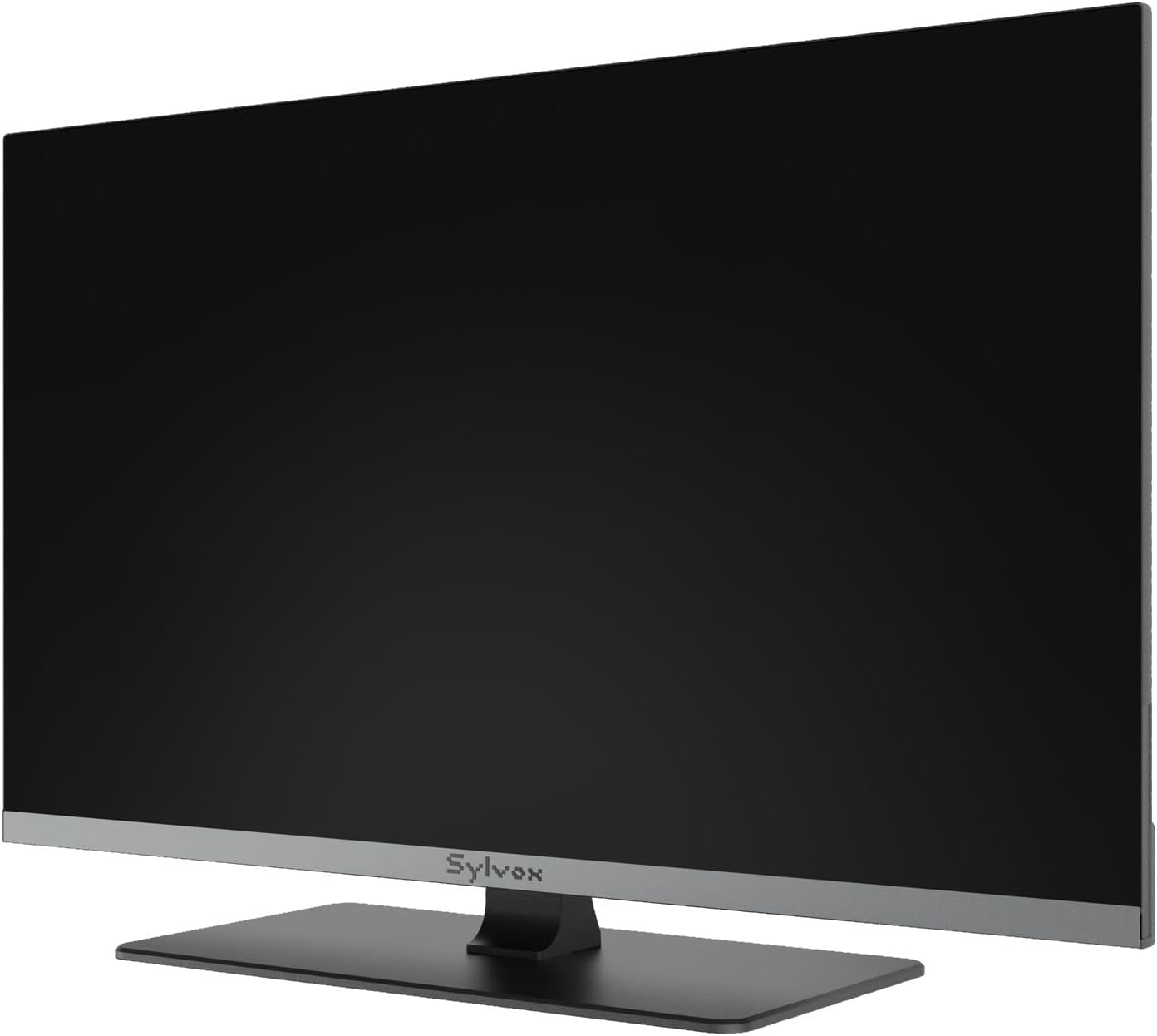
Image: Side view of the SYLVOX 22-inch RV TV, highlighting its slim profile.
Rear View and Connectivity Ports

Image: Rear view of the SYLVOX 22-inch RV TV, showing the VESA mounting holes and various input/output ports.

Image: Detailed diagram of the TV's connectivity ports, including USB-A 1, Headphone Out, USB-A 2, Antenna In (RF), HDMI Input, HDMI with eARC, Analog Audio Out (L/R), Optical Audio Out, Ethernet, and 12V DC Power Input.
Setup
1. Power Connection
The SYLVOX RV TV supports both 12V/24V DC and 110V AC power inputs.
- For RV/Vehicle Use (DC Power): Connect the provided 12V car connector cable to the 12V DC Power Input port on the TV and to your vehicle's 12V or 24V power source. The TV is designed with built-in voltage stabilization, surge protection, and reverse polarity protection for safe operation within a 9-32V range.
- For Home/Standard Use (AC Power): Connect the provided power adapter to the 12V DC Power Input port on the TV, then plug the adapter into a standard 110V AC wall outlet.

Image: Illustration of AC power adapter connection for home use and 12V car connector for RV/vehicle use.

Image: Diagram showing the TV's stable internal power management, protecting against fluctuating power input common in RVs.
2. Mounting Options
- Stand Installation: Attach the provided stand base and column bracket to the TV using the included screws. Ensure the stand is securely fastened before placing the TV on a flat, stable surface.
- Wall Mounting: The TV supports a VESA 100 x 100 mm wall mount. Use a compatible wall mount (sold separately) and appropriate M4 8mm screws (not included) to secure the TV to a sturdy wall or mounting surface. Ensure the mount can support the TV's weight (6.5 lbs / 3.0 kg).
3. Initial Setup (Google TV)
Upon first power-on, the TV will guide you through the Google TV setup process. This includes:
- Language selection.
- Connecting to a Wi-Fi network.
- Signing in with your Google account to access apps and services.
- Scanning for Over-the-Air (OTA) channels if an antenna is connected.
Operating Instructions
1. Basic TV Functions
- Power On/Off: Press the Power button on the remote control or the TV.
- Input Selection: Use the 'Input' button on the remote to switch between HDMI, USB, Antenna, and DVD sources.
- Volume Control: Use the 'Volume Up/Down' buttons.
- Channel Selection: Use the 'Channel Up/Down' buttons for OTA channels.
2. Google TV Smart System
Your TV is powered by Google TV, providing access to a wide range of streaming services and smart features.
- Apps: Download and install apps from the Google Play Store.
- Google Cast: Wirelessly stream content from compatible mobile devices to your TV.
- Voice Control: Use the voice assistant feature on your remote control to search for content, control playback, and manage settings.
- Live TV Hub: Access free OTA channels and integrated streaming live content.

Image: The Google TV home screen displaying various streaming apps and content recommendations.

Image: The SYLVOX remote control, highlighting its voice control button for easy command input.

Image: A mobile phone casting content wirelessly to the SYLVOX TV via Google Cast.
3. Built-in DVD Player
Insert DVD, VCD, or CD discs into the disc slot located on the side of the TV. The TV will automatically switch to the DVD input or prompt you to do so. Use the remote control for playback functions (Play, Pause, Stop, Skip).
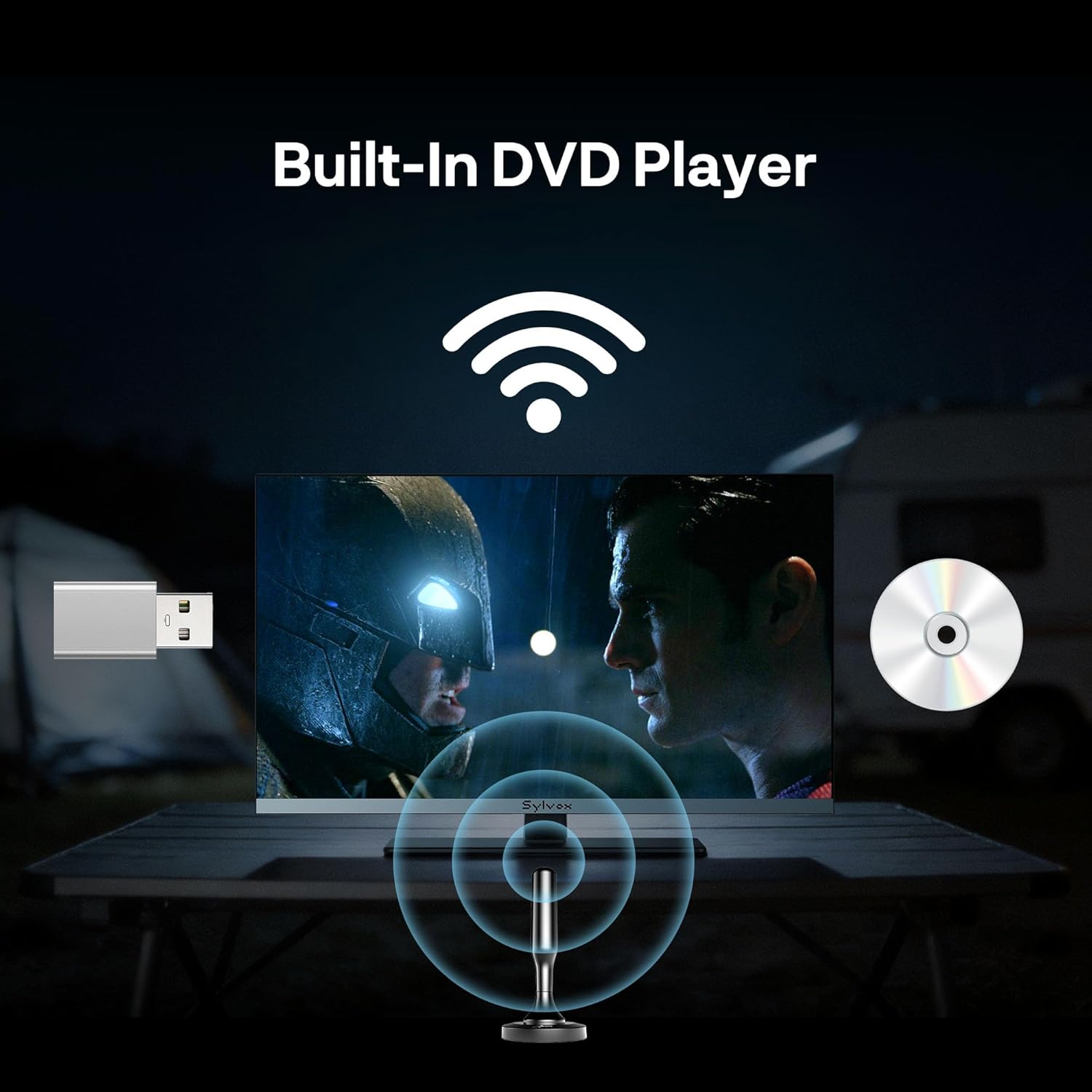
Image: The SYLVOX RV TV displaying content from its built-in DVD player, ideal for entertainment without internet access.

Image: A close-up view of the integrated DVD player slot on the side of the TV.
4. Audio Features
The TV features integrated Hi-Fi speakers designed to deliver clear dialogue and balanced audio in compact spaces, eliminating the need for external speakers.

Image: Visual representation of the TV's Hi-Fi sound projection within an RV interior.
Maintenance
- Cleaning: Use a soft, dry cloth to clean the screen and TV body. For stubborn marks, lightly dampen the cloth with water or a screen-safe cleaning solution. Avoid harsh chemicals or abrasive materials.
- Environmental Considerations: While designed for RV and marine travel, avoid exposing the TV to extreme temperatures, direct sunlight for prolonged periods, or excessive moisture.
- Anti-Vibration Design: The TV is engineered with a shock-resistant structure to withstand road bumps and movement. However, ensure it is securely mounted during travel to prevent damage.

Image: Diagram illustrating the TV's anti-vibration features, designed to protect it during travel in an RV or boat.
Troubleshooting
If you encounter issues with your SYLVOX RV TV, refer to the following common solutions:
- No Power: Ensure the power cable is securely connected to both the TV and the power source (12V DC or 110V AC). Check the power outlet or vehicle's power supply.
- No Picture/Sound: Verify the correct input source is selected. Check all cable connections (HDMI, antenna). If using a DVD, ensure the disc is clean and inserted correctly.
- Sluggish Performance/Unresponsive Remote: The Google TV operating system may occasionally become slow. Try restarting the TV by unplugging it from power for a few minutes, then plugging it back in. Ensure the remote control batteries are fresh (2x AAA). If issues persist, a factory reset may be necessary (refer to the TV's settings menu).
- Wi-Fi Connectivity Issues: Ensure the TV is within range of your Wi-Fi router or hotspot. Restart your router/hotspot. Re-enter the Wi-Fi password in the TV's network settings.
- DVD Player Not Working: Ensure the disc is inserted correctly with the label facing up. Try a different disc to rule out disc damage.
- Black and White Picture: This can sometimes be resolved by performing a factory reset. Navigate to the TV's settings menu to initiate a factory data reset.
Specifications
| Feature | Specification |
|---|---|
| Screen Size | 22 inches |
| Display Technology | QLED |
| Resolution | 1080p (1920x1080) |
| Refresh Rate | 60 Hz |
| Viewing Angle | 178° |
| Operating System | Google TV |
| Connectivity | Wi-Fi, 2x HDMI, 2x USB, Ethernet, Antenna In (RF), Optical Audio Out, Analog Audio Out (L/R), Headphone Out |
| Special Features | Built-in DVD Player, Google Cast, Voice Control, Anti-Vibration Design |
| Power Input | 12V/24V DC (9-32V wide voltage), 110V AC (via adapter) |
| Power Consumption | 30 watts |
| VESA Mount Standard | 100 x 100 mm |
| Product Dimensions (D x W x H) | 4.9" x 19.4" x 12.2" |
| Item Weight | 6.5 pounds (3.0 kg) |
| Model Number | RQ22R3KHCA |
| UPC | 810191903499 |
Warranty and Support
Warranty Information
The SYLVOX 22" Smart RV QLED TV comes with a 1-year limited warranty. Please refer to the included warranty card for specific terms, conditions, and registration details. Retain your proof of purchase for warranty claims.
Customer Support
For technical assistance, troubleshooting not covered in this manual, or warranty inquiries, please contact SYLVOX customer support. Contact information can typically be found on the warranty card or the official SYLVOX website.


