
Introduction
This guide provides step-by-step instructions for navigating Android 15. It is designed to assist users who are new to Android, transitioning from other platforms, or returning to smartphone usage after a break. The content focuses on practical, everyday tasks and aims to provide clear, directive instructions without technical jargon.
Disclaimer: This guide is an independent publication for educational and reference purposes. It is not affiliated with, endorsed, or sponsored by Google LLC, Android, or any smartphone or device manufacturer. Product names, logos, and brands mentioned are the property of their respective owners. While efforts have been made to ensure accuracy at the time of writing, software updates and interfaces may change. The author and publisher are not responsible for errors, omissions, or outcomes from using this guide. Always follow official safety guidelines and instructions from your device manufacturer and software provider. This guide does not replace official product manuals or support resources.
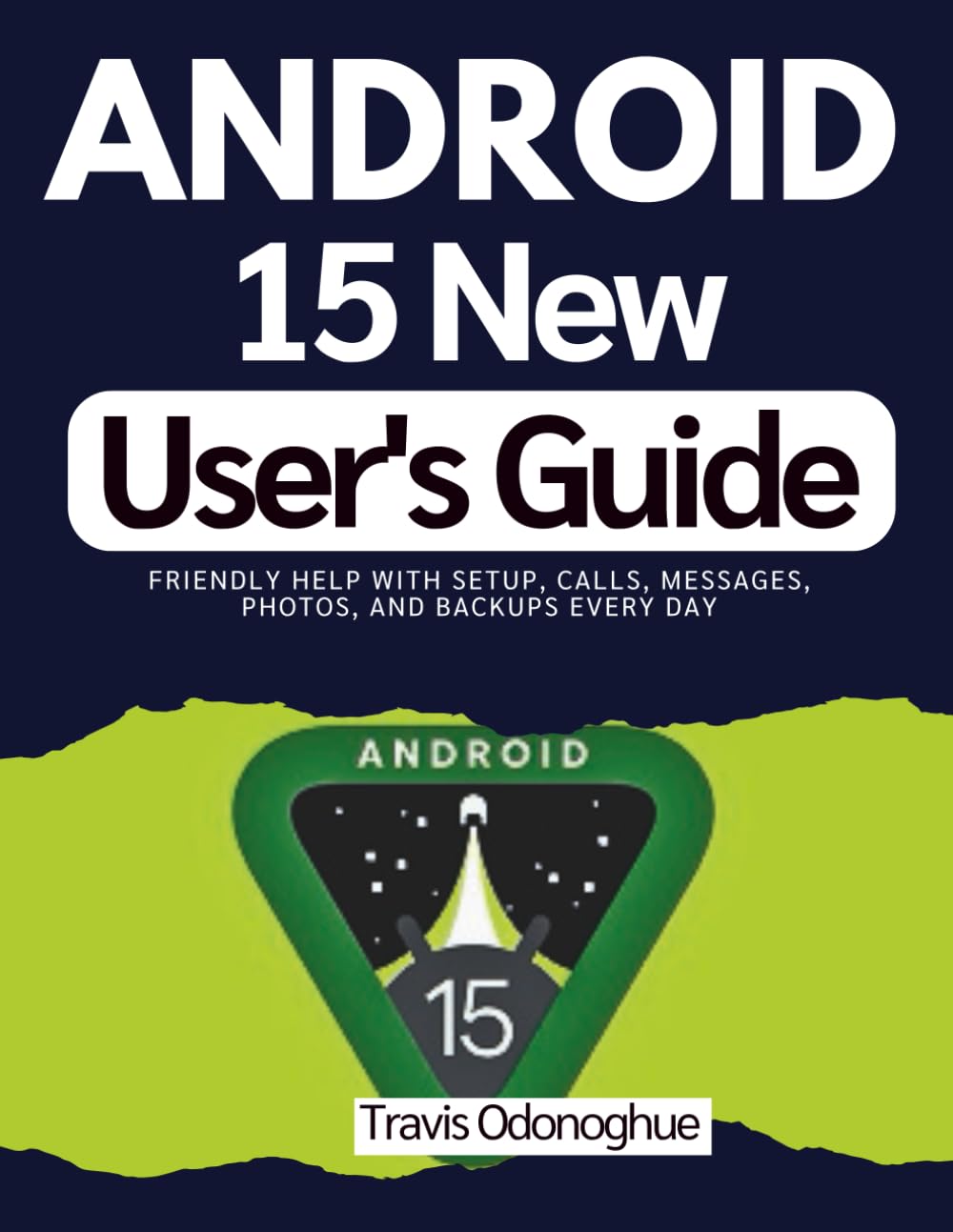
Image 1: Front cover of the Android 15 New User's Guide. This image displays the title "ANDROID 15 New User's Guide" in white text on a dark blue background, along with copyright information and an ISBN barcode.
1. Getting Started: Initial Setup
This section covers the fundamental steps to set up your Android 15 phone and familiarize yourself with its basic interface.
1.1 Initial Configuration
- Learn how to set up your Android 15 phone from scratch, including initial power-on and essential settings.
- Connect to Wi-Fi networks to enable internet access.
- Configure your Google account and other necessary accounts.
1.2 Understanding the Home Screen
- Familiarize yourself with the home screen layout, icons, and widgets.
- Understand the function of physical buttons and on-screen gestures.
- Navigate through menus and settings to locate desired options.
2. Daily Operations
This section details common daily tasks and how to perform them efficiently on your Android 15 device.
2.1 Communication Essentials
- Make and receive calls, manage call logs, and handle voicemail.
- Manage your contacts, including adding, editing, and organizing entries.
- Send and receive text messages, multimedia messages, and participate in chat applications.
- Control notifications to prevent overwhelming alerts.
2.2 Photography and Media
- Capture clear photos and videos using your device's camera.
- Locate, view, and organize your media files.
- Perform basic editing on photos and videos.
- Understand options for keeping private pictures secure.
2.3 Connectivity and Personalization
- Connect to Bluetooth devices and utilize hotspot functionality.
- Customize your phone's appearance with wallpapers, sounds, themes, and modes.
3. Device Care and Management
Proper device care ensures longevity and optimal performance of your Android 15 phone.
3.1 Battery Health and Optimization
- Strategies for maintaining optimal battery health.
- Tips for extending battery life during daily use.
3.2 Storage Management
- Methods for monitoring and managing your device's internal storage.
- Techniques for freeing up space and organizing files.
3.3 Data Backup and Transfer
- Steps to back up your data to ensure its safety.
- Procedures for transferring data to a new device smoothly.
4. Common Issues and Solutions
This section provides guidance on resolving common issues and maintaining device security.
4.1 Addressing Basic Problems
- Utilize practice questions and tests to reinforce understanding of common tasks and solutions.
- Apply proven strategies to remember key steps for resolving minor operational difficulties.
4.2 Privacy and Security
- Implement lock screens and manage app permissions to protect your privacy.
- Understand and utilize features like Private Space for sensitive data.
- Develop scam-aware habits to safeguard your personal information.
5. Product Specifications (Guide Book)
This section provides details regarding the physical specifications of the "Android 15 New User's Guide" paperback book.
| ASIN | B0GF63GN1W |
| Publisher | Independently published |
| Publication Date | January 5, 2026 |
| Language | English |
| Print Length | 185 pages |
| ISBN-13 | 979-8242704008 |
| Item Weight | 1.22 pounds |
| Dimensions | 8.5 x 0.42 x 11 inches |
Image 2: Back cover of the Android 15 New User's Guide. This image shows the back of the book, featuring a barcode, ISBN, and additional copyright information on a dark blue background.
6. Additional Information and Support
As this product is an instructional guide, it does not come with a direct product warranty. For support related to your Android 15 device or the Android operating system itself, please refer to the official documentation and support channels provided by Google LLC or your specific smartphone manufacturer.
This guide is intended to supplement, not replace, official resources. Always consult your device's manufacturer for specific operational details, safety warnings, and warranty information pertaining to your hardware.


