
GOBOULT Tuff Hawk Smart Watch User Manual
Model: Tuff Hawk
Introduction
This manual provides essential instructions for setting up, operating, and maintaining your GOBOULT Tuff Hawk Smart Watch. Please read this guide thoroughly before using your device to ensure optimal performance and longevity.

Image: The GOBOULT Tuff Hawk Smart Watch, highlighting its design and features.
What's in the Box
Verify that all items are present in your product packaging:
- GOBOULT Tuff Hawk Smart Watch
- Charging Cable
- User Manual (This Document)
Setup
1. Charging the Smart Watch
Before initial use, fully charge your GOBOULT Tuff Hawk Smart Watch. Connect the provided charging cable to the charging port on the watch and a compatible USB power source. A full charge takes approximately 150 minutes.

Image: The GOBOULT Tuff Hawk Smart Watch connected to its charging cable, illustrating the charging process and battery indicator.
2. Powering On/Off
To power on the watch, press and hold the Power button until the screen illuminates. To power off, press and hold the Power button, then select "Power Off" on the screen.
3. Pairing with Your Smartphone
The GOBOULT Tuff Hawk Smart Watch uses Bluetooth 5.3 for connectivity. Follow these steps to pair your watch with your smartphone:
- Ensure your watch is charged and powered on.
- Enable Bluetooth on your smartphone.
- Download and install the companion application (refer to the watch screen or packaging for app name) from your phone's app store.
- Open the app and follow the on-screen instructions to add your device.
- Select "GOBOULT Tuff Hawk" from the list of available Bluetooth devices in the app to establish a one-click connection.

Image: The GOBOULT Tuff Hawk Smart Watch showing an incoming call notification, demonstrating its Bluetooth calling feature with a dedicated speaker and microphone.
Operating the Smart Watch
1. Display and Navigation
The watch features a 1.39-inch TFT HD display with a 240x240 resolution and 450 nits brightness for clear visuals. Navigate the interface using the touchscreen or the working crown.
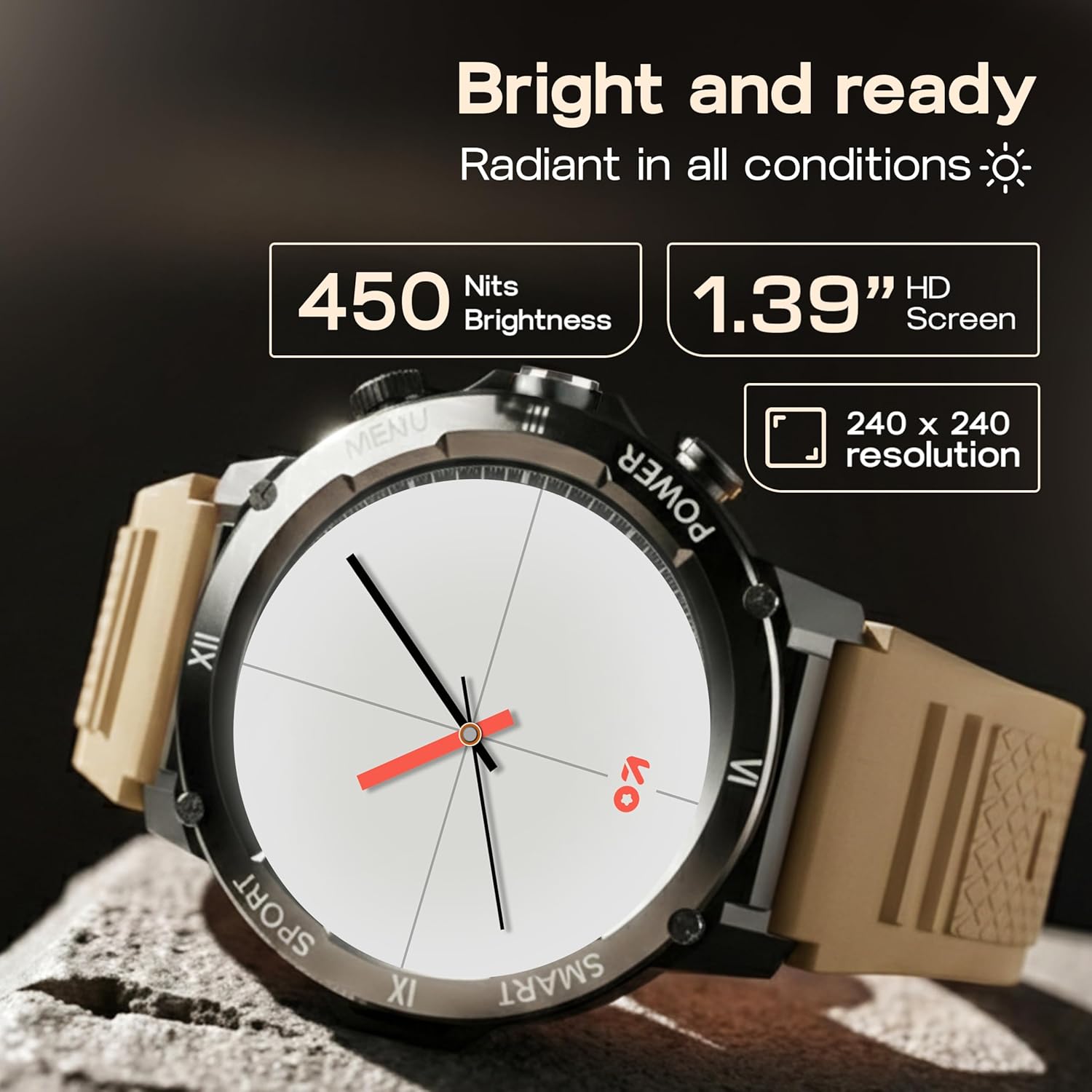
Image: Close-up of the GOBOULT Tuff Hawk Smart Watch display, highlighting its 1.39-inch HD screen, 240x240 resolution, and 450 nits brightness.
2. Using the Working Crown
Rotate the working crown to scroll through menus, lists, and adjust settings effortlessly. Press the crown to select items or return to the home screen.

Image: The GOBOULT Tuff Hawk Smart Watch interface with app icons, demonstrating how to use the rotating working crown for navigation.
3. Bluetooth Calling
With Bluetooth 5.3 and a single-chip design, the Tuff Hawk Smart Watch allows you to make and receive calls directly from your wrist. It includes a dedicated speaker and microphone for clear communication.
4. AI Voice Assistant
Access your AI Voice Assistant (compatible with Google Assistant and Siri) directly from your watch. Simply activate the feature and speak your commands for hands-free assistance.
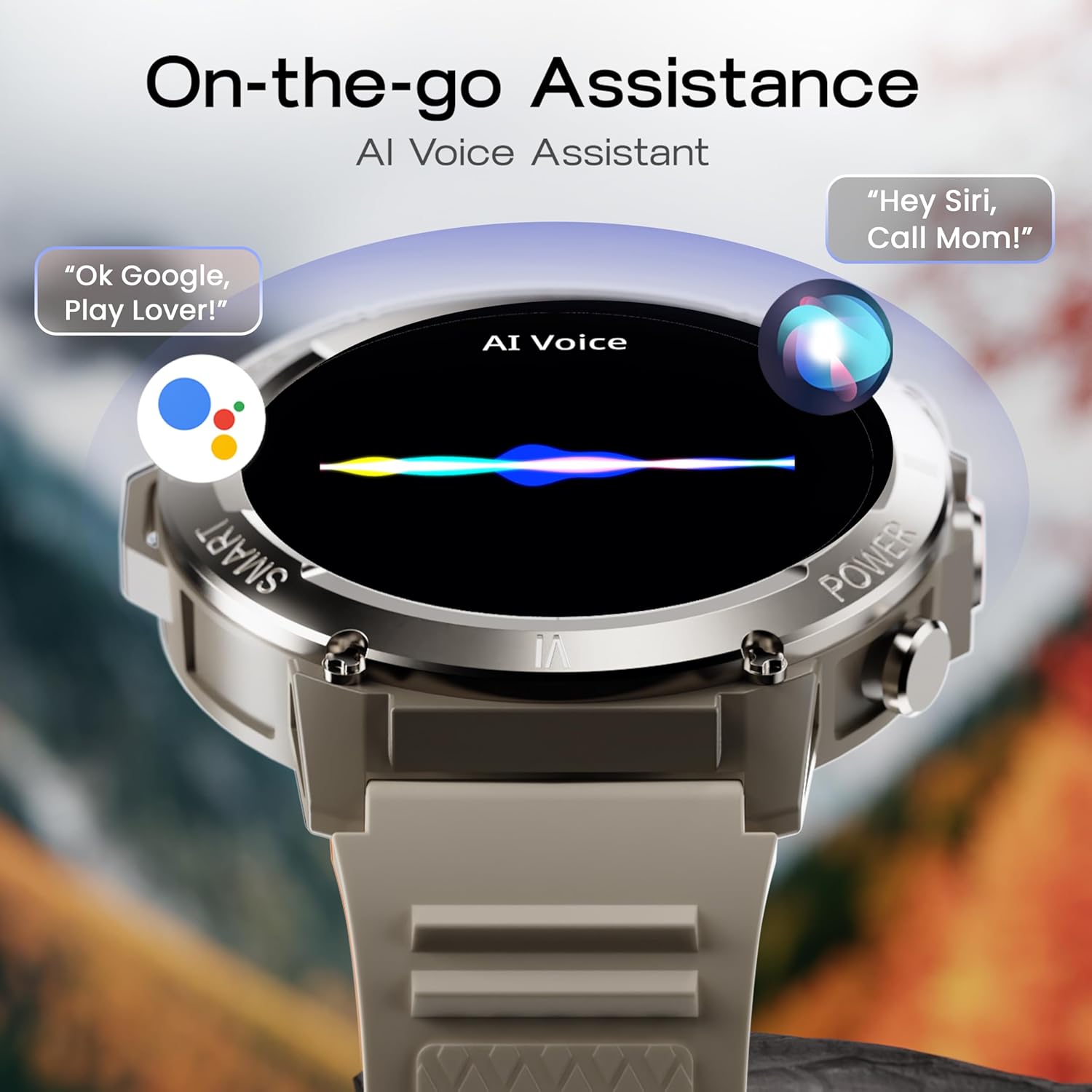
Image: The GOBOULT Tuff Hawk Smart Watch screen showing the AI Voice Assistant in action, with examples of voice commands for Google Assistant and Siri.
5. Sports Modes and Health Tracking
The watch supports over 120 sports modes for various activities. It also provides comprehensive health monitoring features:
- Blood Pressure Monitor: Track your blood pressure levels.
- Heart Rate Monitor: Continuously monitor your heart rate.
- Sleep Monitor: Analyze your sleep patterns.
- SpO2 Monitor: Measure your blood oxygen saturation.
- Activity Tracker: Records steps taken, calories burned, and distance covered.
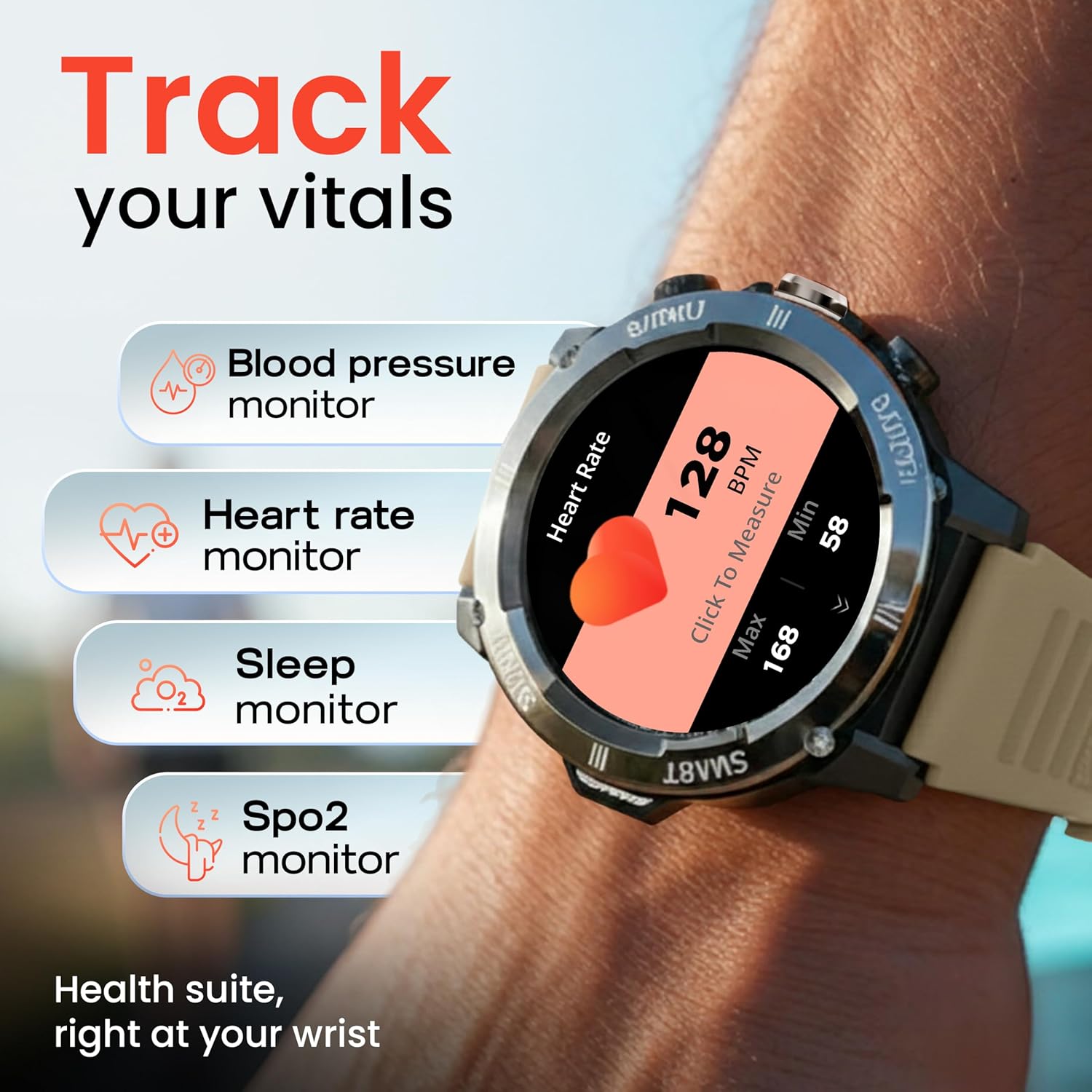
Image: The GOBOULT Tuff Hawk Smart Watch displaying various health tracking features such as blood pressure, heart rate, sleep, and SpO2 monitoring.

Image: The GOBOULT Tuff Hawk Smart Watch on a user's wrist, illustrating the availability of over 120 sports modes for diverse activities.
6. Watch Faces
Personalize your watch with over 150 available watch faces to match your style or activity.

Image: The GOBOULT Tuff Hawk Smart Watch showcasing a selection of over 150 customizable watch faces.
7. Dedicated Flashlight
Activate the quick access flashlight feature for instant illumination when needed.

Image: A close-up view of the GOBOULT Tuff Hawk Smart Watch demonstrating its dedicated flashlight feature, providing instant light.
8. Additional Features
The watch includes several utility features:
- Find My Phone: Locate your paired smartphone.
- World Clock: View time in different time zones.
- Weather Details: Get current weather information.
- Remote Camera Control: Control your phone's camera remotely.
- Calculator: Perform basic calculations.

Image: The GOBOULT Tuff Hawk Smart Watch screen showing the 'Find My Phone' feature, alongside icons for world clock, weather details, remote camera, and calculator.
Maintenance
1. Water Resistance
The GOBOULT Tuff Hawk Smart Watch is IP68 water resistant, making it suitable for rain, dust, and rugged outdoor conditions. It can withstand immersion up to 1.5 meters. Avoid prolonged exposure to hot water or steam.

Image: The GOBOULT Tuff Hawk Smart Watch partially submerged in water, highlighting its IP68 water resistance for protection against rain and dust.
2. Cleaning
Wipe the watch and strap regularly with a soft, dry cloth. If necessary, use a slightly damp cloth and mild soap, then dry thoroughly. Avoid harsh chemicals or abrasive materials.
3. Storage
When not in use for extended periods, store the watch in a cool, dry place. Ensure it is partially charged to prevent battery degradation.
Troubleshooting
1. Watch Not Powering On
- Ensure the watch is fully charged. Connect it to the charging cable and allow it to charge for at least 30 minutes before attempting to power on again.
- Press and hold the Power button for 10-15 seconds to perform a forced restart.
2. Unable to Pair with Smartphone
- Ensure Bluetooth is enabled on your smartphone and the watch.
- Make sure the watch is within the Bluetooth range of your phone (typically 10 meters).
- Restart both your smartphone and the watch.
- Clear the Bluetooth cache on your phone or forget the device and try pairing again.
- Ensure the companion app is updated to the latest version.
3. Inaccurate Health Data
- Ensure the watch is worn snugly on your wrist, but not too tight.
- Clean the sensor on the back of the watch.
- Avoid excessive movement during measurements.
- Note that the watch is not a medical device; readings are for reference only.
4. Short Battery Life
- Reduce screen brightness.
- Disable unnecessary notifications.
- Limit continuous heart rate monitoring or other intensive features.
- Ensure the watch is fully charged each time.
Specifications
| Feature | Detail |
|---|---|
| Model Name | Tuff Hawk |
| Display Size | 1.39 Inches |
| Display Type | TFT |
| Resolution | 240x240 |
| Maximum Display Brightness | 450 Nits |
| Connectivity Technology | Bluetooth 5.3 |
| Battery Cell Composition | Lithium Polymer |
| Battery Charge Time | 150 Minutes |
| Battery Life | Up to 7 days |
| Water Resistance Rating | IP68 (1.5 Metres depth) |
| Case Material | Zink Alloy |
| Band Material | Silicone |
| Weight | 48 Grams |
| Human Interface Input | Touchscreen, Working Crown |
| Controller Type | Google Assistant, Siri |
| Metrics Measured | Blood Oxygen (SpO2), Calories Burned, Sleep Duration, Step Count |
| Compatible Devices | Android, iOS Smartphones |
| Box Contents | Charging Cable, User Manual |
Warranty and Support
Warranty Information
Your GOBOULT Tuff Hawk Smart Watch comes with a 1 Year Manufacturer's Warranty from the date of purchase. This warranty covers manufacturing defects. Please retain your proof of purchase for warranty claims.
Customer Support
For technical assistance, warranty claims, or product inquiries, please contact GOBOULT customer support. Refer to the product packaging or the official GOBOULT website for the most current contact information.
Manufacturer: Exotic Mile Private Limited, Boult Audio, B-67 Wazirpur Industrial Area, New Delhi 110052
