
Introduction
Thank you for choosing the NekSide Portable Voice Recorder USB-02. This device is designed for high-quality audio recording with advanced features such as DSP 5.0 noise reduction, voice activation, and OTG functionality for easy data transfer. This manual provides detailed instructions for setting up, operating, maintaining, and troubleshooting your voice recorder to ensure optimal performance.
Product Overview
The NekSide USB-02 is a compact and discreet recording device, featuring a sleek design with a carbon fiber texture and a durable metal loop for portability. It is equipped with a built-in microphone and a Micro USB Type B port for charging and data transfer.
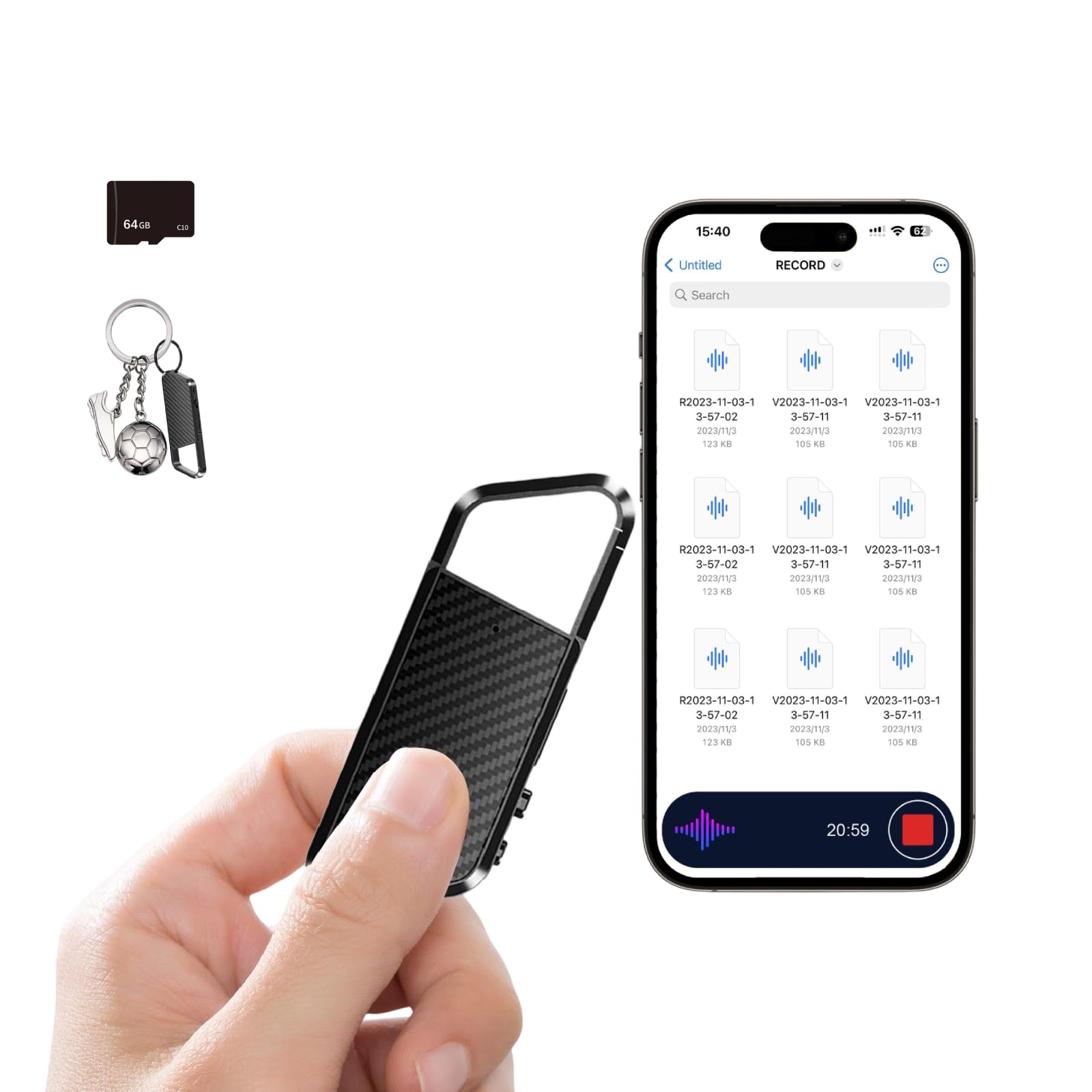
Image: The NekSide Portable Voice Recorder USB-02, showcasing its compact design and metal loop.
Key Features:
- DSP 5.0 Noise Reduction: Filters background noise for clear audio.
- HD Recording: Captures detailed and natural sound.
- OTG Function: Direct connection to smartphones/tablets for data transfer.
- 64GB Internal Memory: Stores up to 6000 hours of audio.
- 72 Hours Continuous Recording: Extended battery life for long sessions.
- Voice Activated Recording (VAD): Records only when sound is detected.
- One-Click Operation: Simple and quick recording activation.

Image: Diagram illustrating the DSP 5.0 noise reduction technology, showing how background noise is filtered for clearer audio.
Setup
1. Charging the Device
Before first use, fully charge the voice recorder. Connect the included Micro USB cable to the device's Micro USB port and the other end to a USB power adapter (not included) or a computer's USB port. The indicator light will show charging status and turn off or change color when fully charged.
2. Powering On/Off
To power on the device, slide the power switch to the 'ON' position. To power off, slide the switch to the 'OFF' position. The device will automatically save any active recording before shutting down.
Operating Instructions
1. Basic Recording
To start recording, simply slide the power switch to the 'ON' position. The device will automatically begin recording. To stop and save the recording, slide the switch back to the 'OFF' position. Each recording will be saved as a separate file.
2. Voice Activated Recording (VAD)
The device supports voice activated recording. When enabled, the recorder will only record when sound is detected, pausing during silence to conserve memory and battery. Refer to the device's internal settings (accessible via computer connection) for instructions on how to enable or disable VAD mode.
3. Playback
Connect 3.5mm headphones (not included) to the device's headphone jack for audio playback. Once headphones are connected, the device will enter playback mode. Use the device's controls (if available, typically a multi-function button or switch) to navigate through recordings and adjust volume. Alternatively, connect the device to a computer or smartphone/tablet to play recordings.
4. Connecting to Mobile Devices (OTG Function)
The OTG function allows direct connection to compatible Android smartphones or tablets for instant data transfer and file management. Use an appropriate OTG adapter (not included) to connect the recorder to your mobile device. For iPhones, an additional converter may be required and must be purchased separately.

Image: Illustration of the OTG function, showing the voice recorder connected to various devices like iPhone, Android, and Mac/Windows for data transfer.
5. Connecting to Computer & File Management
Connect the recorder to your computer using the Micro USB cable. The device will appear as a removable disk. You can then drag and drop audio files to your computer, delete files from the recorder, or manage settings. The default recording format is WAV. To obtain MP3 format, you must connect the recorder to a computer and convert the audio file format using appropriate software.

Image: Visual representation of the recorder's large capacity (64GB, 6000 hours) and long battery life (72 hours continuous recording).
Maintenance
- Keep the device dry. Avoid exposure to moisture or liquids.
- Clean the device with a soft, dry cloth. Do not use harsh chemicals or abrasive cleaners.
- Store the device in a cool, dry place away from direct sunlight and extreme temperatures.
- Avoid dropping or subjecting the device to strong impacts.
Troubleshooting
| Problem | Possible Cause | Solution |
|---|---|---|
| Device does not turn on. | Battery is depleted. | Charge the device fully. |
| Recording quality is low or volume is very low. | Microphone obstructed; recording environment too noisy; distance from sound source too far. | Ensure microphone is clear. Use in a quieter environment. Place the recorder closer to the sound source. Check internal settings for microphone sensitivity. |
| Cannot transfer files to computer/phone. | Incorrect cable; driver issue; device not recognized. | Ensure you are using the correct Micro USB cable. Try a different USB port or computer. For OTG, ensure your mobile device supports OTG and you have the correct adapter. |
| Device memory is full. | Too many recordings stored. | Transfer important files to a computer and delete them from the device to free up space. |
Specifications
| Feature | Detail |
|---|---|
| Brand | NekSide |
| Model Number | USB-02 |
| Memory Storage Capacity | 64 GB |
| Digital Recording Time | 6000 hours (360000 minutes) |
| Recording Format | WAV (convertible to MP3 via computer) |
| Hardware Interface | Micro USB Type B |
| Microphone Form Factor | Built-In |
| Headphones Jack | 3.5 millimeters |
| Product Dimensions (D x W x H) | 0.1" x 0.3" x 3" |
| Compatible Devices | MP3 Player, Computer, Smartphone/Tablet (with OTG) |
Warranty and Support
This NekSide Portable Voice Recorder USB-02 comes with a 1 Year Manufacturer Warranty. For warranty claims, technical support, or any questions regarding your device, please contact NekSide customer service through the retailer where the product was purchased or visit the official NekSide website for support information.
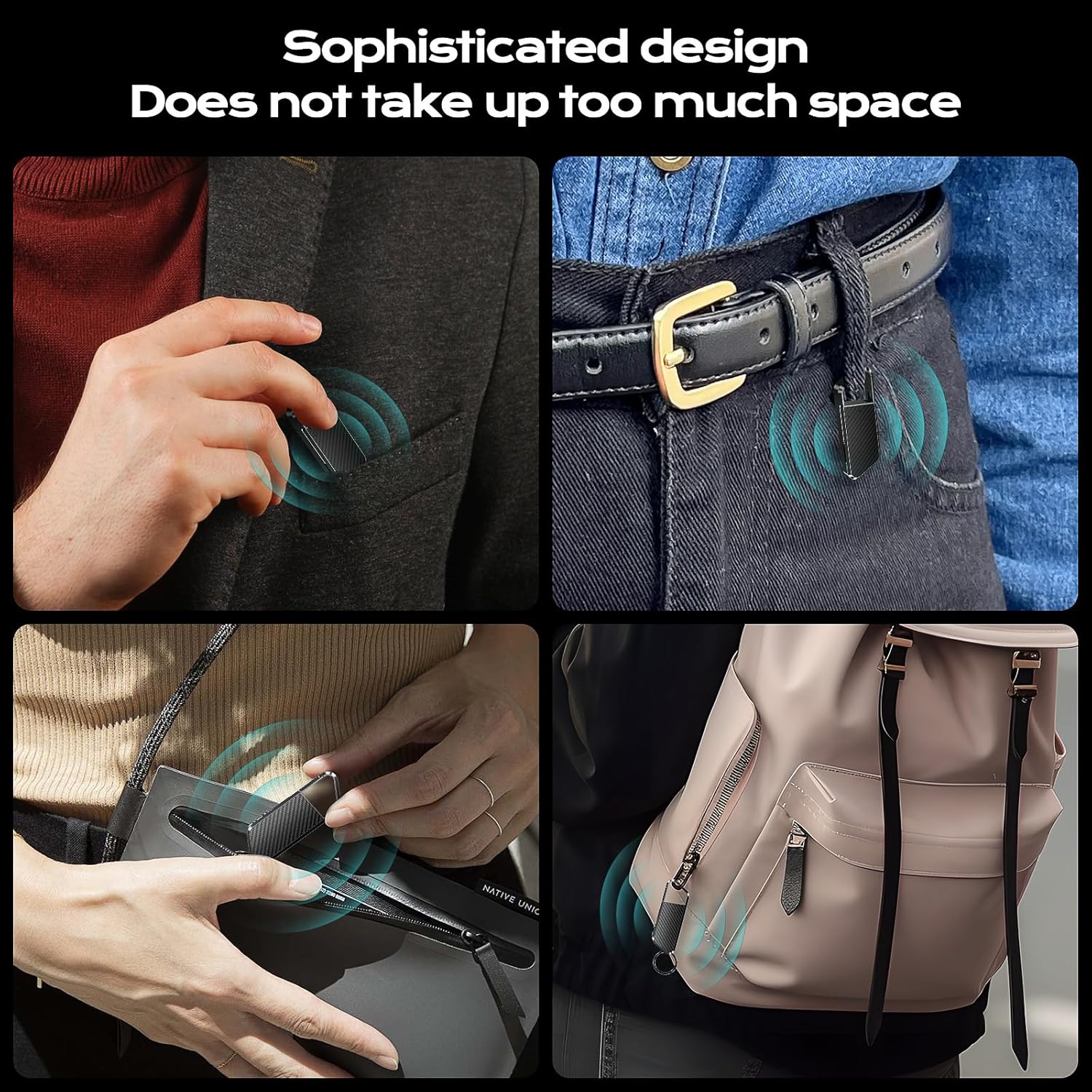
Image: The voice recorder demonstrating its compact size, easily fitting into pockets or attached to a belt, highlighting its portability.
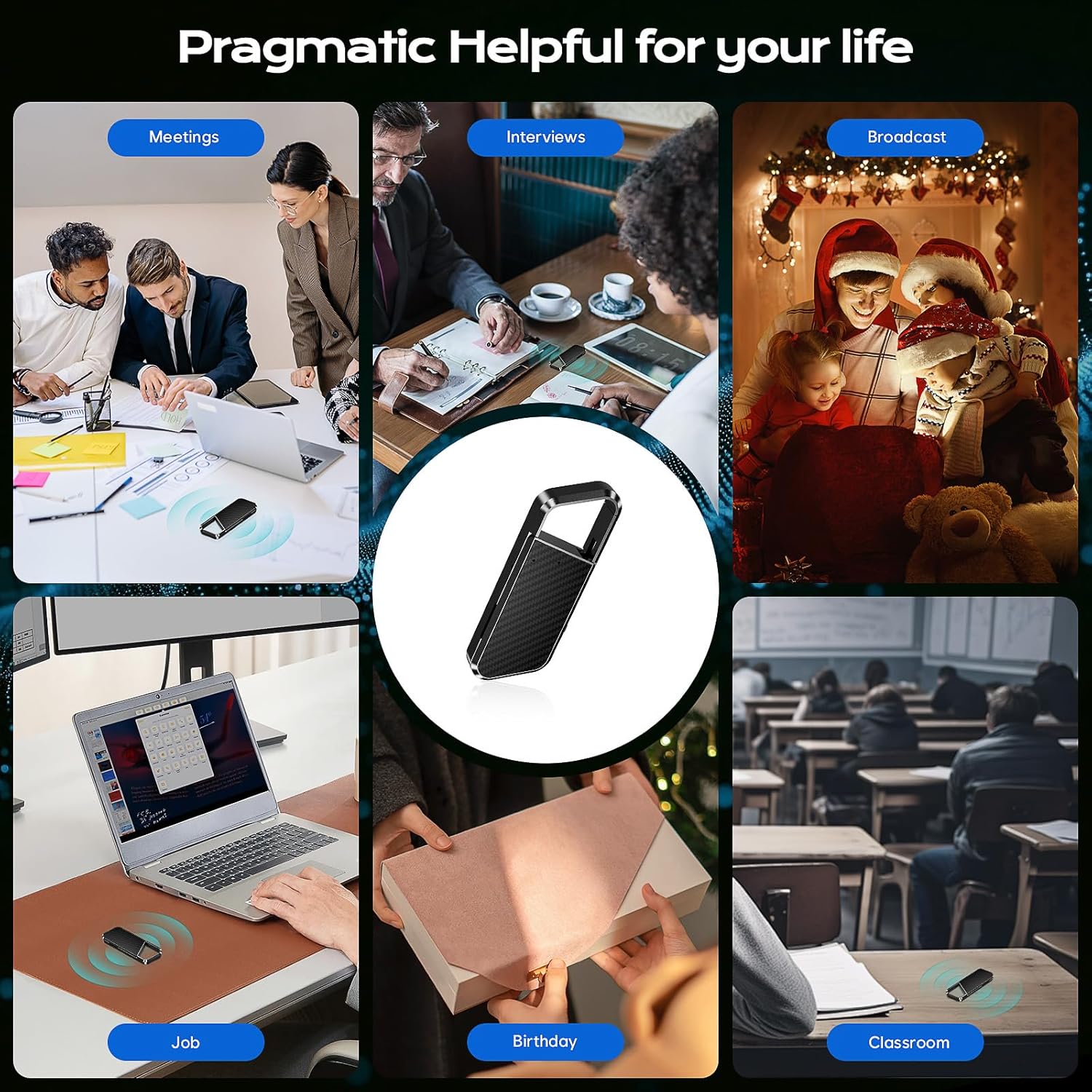
Image: A collage showing the voice recorder being used in various scenarios such as meetings, interviews, classrooms, and for personal memos, emphasizing its versatility.