
DEATTI T6
DEATTI T6 4K 48MP Solar WiFi Trail Camera User Manual
Model: T6
1. Introduction
Thank you for choosing the DEATTI T6 4K 48MP Solar WiFi Trail Camera. This manual provides essential information for the proper setup, operation, and maintenance of your camera. Please read it thoroughly before use to ensure optimal performance and longevity of the device.
The DEATTI T6 is designed for outdoor use, offering high-resolution imaging and video recording capabilities, robust weather protection, and convenient wireless connectivity for various applications including wildlife observation, hunting, and property surveillance.
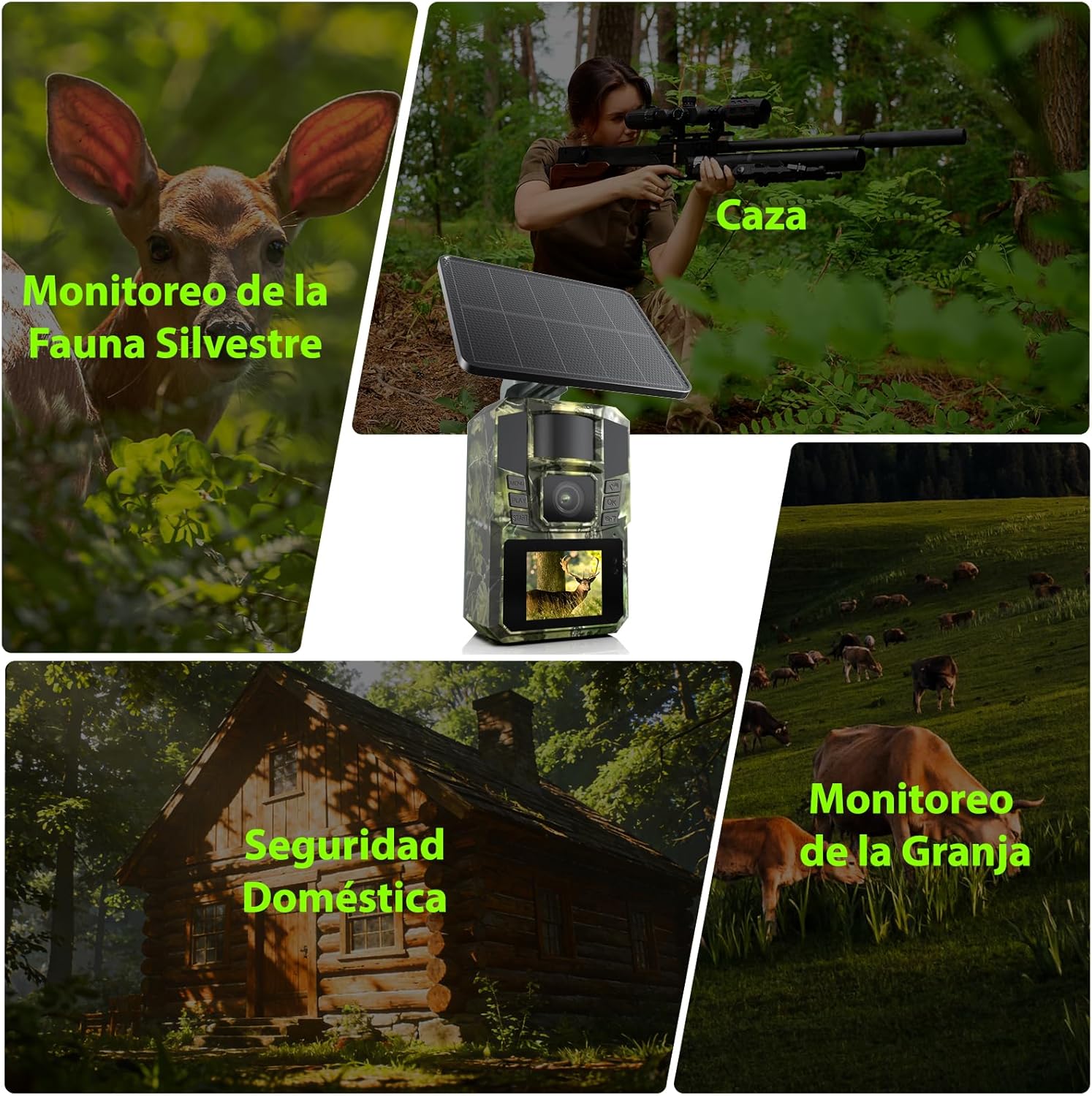
Figure 1: DEATTI T6 Camera Applications
The DEATTI T6 camera is versatile, suitable for hunting, farm monitoring, home security, and wildlife observation.
2. Product Overview
2.1 Key Features
- Ultra-Clear 48MP Images & 4K HD Video: Capture detailed photos and smooth video footage.
- Fast 0.1-Second Trigger Speed: Ensures quick capture of moving subjects.
- 90° Wide-Angle Lens: Provides a broad field of view to minimize blind spots.
- Advanced Night Vision: 65-foot (20m) night vision range with 850nm IR LEDs for clear images in darkness.
- IP65 Waterproof Design: Durable and robust, resistant to dust and water, suitable for harsh outdoor conditions.
- Solar Power & 5200mAh Battery: Integrated solar panel and high-capacity rechargeable battery for extended operation.
- WiFi & Bluetooth Connectivity: Direct connection to your mobile phone via the "Trailcam Go" app for easy photo/video download and settings adjustment (within 55 feet range, does not support home WiFi).
- Included 64GB SD Card: Provides ample storage for your recordings.
2.2 Package Contents
The DEATTI T6 package includes:
- DEATTI T6 Trail Camera with integrated solar panel
- Mounting bracket/strap
- 64GB SD Card
- USB Cable (for charging)
- User Manual

Figure 2: DEATTI T6 Camera with 4K HD Video Display
The camera captures high-quality 4K video, as shown by the deer footage on its display.
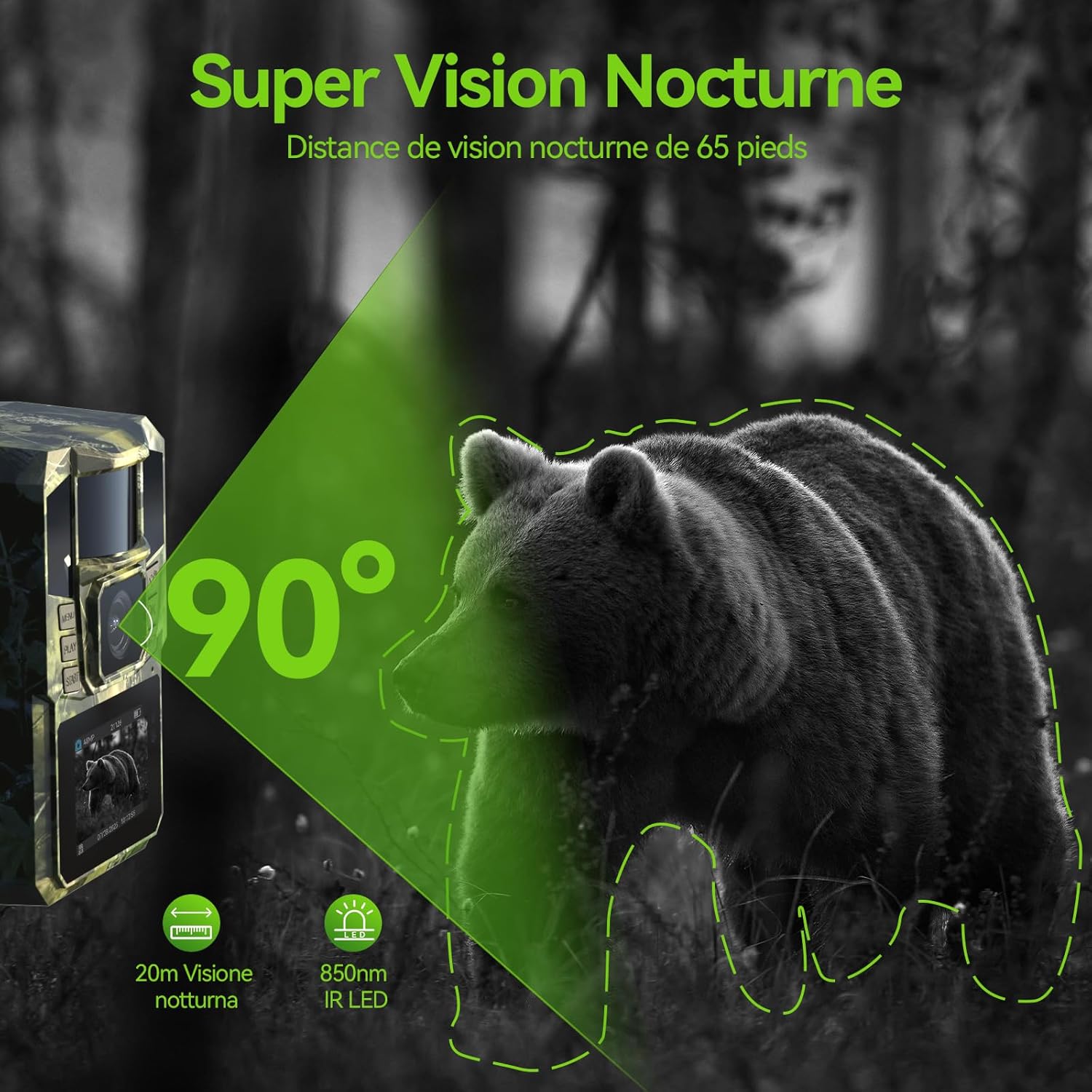
Figure 3: Super Night Vision Capability
The camera offers a 65-foot night vision range, capturing clear images of wildlife like bears in low-light conditions.
3. Setup
3.1 Charging the Battery
The camera is equipped with a built-in 5200mAh rechargeable battery and a solar panel. For initial use, it is recommended to fully charge the battery using the provided USB cable and a DC 5V/2A adapter (not included).
- Connect the USB cable to the camera's charging port.
- Connect the other end of the USB cable to a DC 5V/2A power adapter.
- Allow the camera to charge until the battery indicator shows full.
The integrated solar panel will continuously charge the battery when exposed to sunlight, extending the camera's operational time.

Figure 4: Charging Methods
The camera can be charged via its solar panel or a DC 5V/2A adapter (not included).
3.2 Inserting the SD Card
A 64GB SD card is included with your camera. Ensure it is inserted correctly before use.
- Locate the SD card slot on the camera.
- Insert the 64GB SD card into the slot with the metal contacts facing the correct direction (refer to the diagram on the camera).
- Push the card in until it clicks into place.
3.3 Mounting the Camera
The camera can be mounted using the provided strap or bracket. Choose a location that offers a clear view of the area you wish to monitor and ensures adequate sunlight exposure for the solar panel.
- Using the Strap: Thread the strap through the camera's mounting slots and secure it around a tree or pole.
- Using the Bracket: Attach the bracket to a surface (e.g., wall, tree) using screws (not included), then mount the camera onto the bracket.
- Adjust the camera's angle to achieve the desired field of view.

Figure 5: Detachable Solar Panel Mounting Options
The solar panel can be mounted directly on the camera or separately up to 2 meters away for optimal sun exposure.
4. Operating Instructions
4.1 Powering On/Off
- To power on the camera, slide the power switch to the "ON" position.
- To power off the camera, slide the power switch to the "OFF" position.
4.2 Using the "Trailcam Go" App
The "Trailcam Go" app allows you to connect to your camera via WiFi and Bluetooth for remote control, viewing, and downloading media.
- Download the "Trailcam Go" app from your mobile device's app store.
- Ensure your camera is powered on.
- On your mobile device, activate WiFi and Bluetooth.
- Open the "Trailcam Go" app and follow the on-screen instructions to connect to your camera. The camera's WiFi range is approximately 55 feet (17 meters). Note: The camera does not support connection to home WiFi networks.
- Once connected, you can view live footage, adjust settings, and download photos/videos directly to your phone.

Figure 6: WiFi and Bluetooth Connectivity via App
Connect your smartphone to the camera using the "Trailcam Go" app for remote access and control.

Figure 7: "Trailcam Go" App Interface
The app allows you to manage camera settings, view media, and download files.
4.3 Recording Modes
The DEATTI T6 camera supports various recording modes, typically configured through the "Trailcam Go" app:
- Photo Mode: Captures still images when motion is detected.
- Video Mode: Records video clips when motion is detected.
- Photo + Video Mode: Captures both a still image and a video clip when motion is detected.
- Time-Lapse Mode: Captures images at set intervals, regardless of motion.
Adjust settings such as resolution, video length, and sensitivity within the app to suit your monitoring needs.
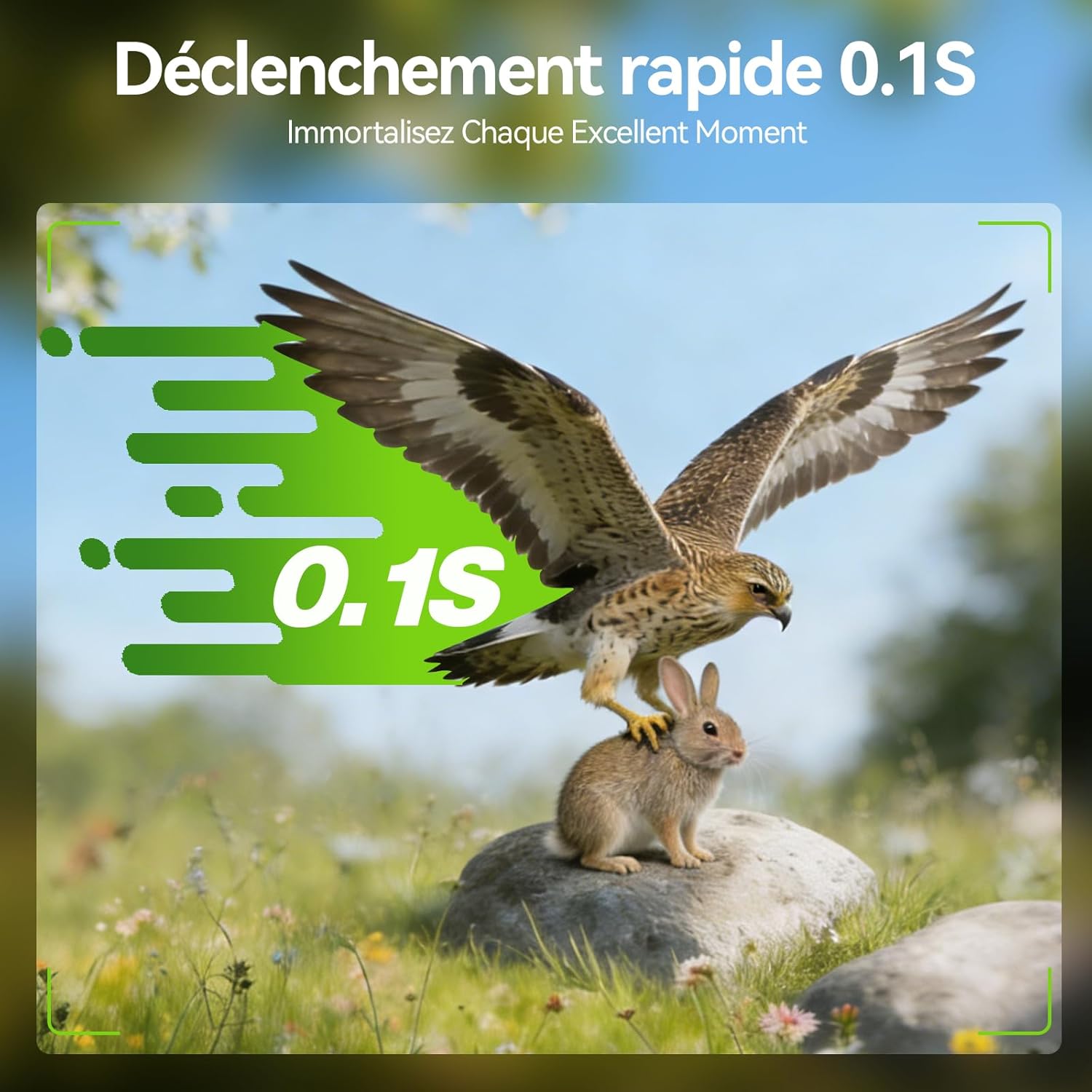
Figure 8: Fast Trigger Speed
The camera's 0.1-second trigger speed ensures you capture fast-moving subjects.
5. Maintenance
5.1 Cleaning
- Gently wipe the camera lens and solar panel with a soft, dry cloth to remove dust and dirt.
- Do not use abrasive cleaners or solvents, as they may damage the camera's surface or lens.
5.2 Battery Care
- Ensure the solar panel is regularly exposed to direct sunlight for continuous charging.
- If storing the camera for an extended period, fully charge the battery and store it in a cool, dry place. Recharge periodically to maintain battery health.
5.3 Weather Protection
The DEATTI T6 camera has an IP65 waterproof rating, making it resistant to rain and dust. However, avoid submerging the camera in water.

Figure 9: IP65 Weather Resistance
The camera is designed to withstand diverse outdoor conditions, from sun to rain and snow.
6. Troubleshooting
| Problem | Possible Cause | Solution |
|---|---|---|
| Camera not powering on | Low battery; Power switch off | Charge the battery fully; Ensure power switch is in "ON" position. |
| Cannot connect to app via WiFi/Bluetooth | Camera too far; WiFi/Bluetooth not enabled on phone; App not open; Camera not in pairing mode | Move closer to the camera (within 55 feet); Enable WiFi and Bluetooth on your phone; Open "Trailcam Go" app; Ensure camera is powered on and ready for connection. |
| Poor image/video quality | Dirty lens; Low light conditions; Incorrect settings | Clean the lens; Ensure adequate lighting or proper night vision settings; Adjust resolution and other settings in the app. |
| Motion detection not working | PIR sensor blocked; Sensitivity too low; Object out of range | Clear any obstructions from the PIR sensor; Increase motion detection sensitivity in the app; Ensure subjects are within detection range. |
| SD card error | SD card not inserted correctly; Corrupted card; Full card | Reinsert the SD card; Format the SD card (this will erase all data); Replace with a new SD card if issues persist; Delete old files to free up space. |
7. Specifications
| Feature | Detail |
|---|---|
| Brand | DEATTI |
| Model Name | T6 |
| Image Resolution | 48 Megapixels |
| Video Resolution | 4K HD |
| Video Format | AVI |
| Trigger Speed | 0.1 seconds |
| Lens Angle | 90° Wide-Angle |
| Night Vision Range | 65 feet (20 meters) with 850nm IR LEDs |
| Connectivity | WiFi, Bluetooth (via "Trailcam Go" app) |
| WiFi Range | Up to 55 feet (17 meters) |
| Power Source | 5200mAh Rechargeable Battery, Solar Panel |
| External Power Input | DC 5V/2A |
| Storage | 64GB SD Card (included) |
| Waterproof Rating | IP65 |
| Dimensions (L x W x H) | 20 x 8 x 10 cm (approximate) |
| Usage Environment | Outdoor |
8. Warranty and Support
For warranty information and technical support, please refer to the contact details provided with your purchase or visit the official DEATTI website. Keep your purchase receipt as proof of purchase for warranty claims.
If you encounter any issues not covered in this manual, please contact DEATTI customer service for assistance.
Ask a question about this manual
Ask about setup, troubleshooting, compatibility, parts, safety, or missing instructions. Manuals+ will review the question and use this page’s manual context to help answer it.