
Introduction
Thank you for choosing the Monster Airclip AC700 Wireless Earbuds. These open-ear headphones are designed to provide a comfortable listening experience with clear audio and reliable connectivity. This manual provides essential information on how to set up, operate, and maintain your earbuds.
Package Contents
Please check the package for the following items:
- Monster Airclip AC700 Wireless Earbuds (Left and Right)
- Charging Case
- USB Charging Cable
- User Manual
Product Overview
The Monster Airclip AC700 earbuds feature an open-ear design for comfort and situational awareness. The compact charging case provides additional power for extended use.
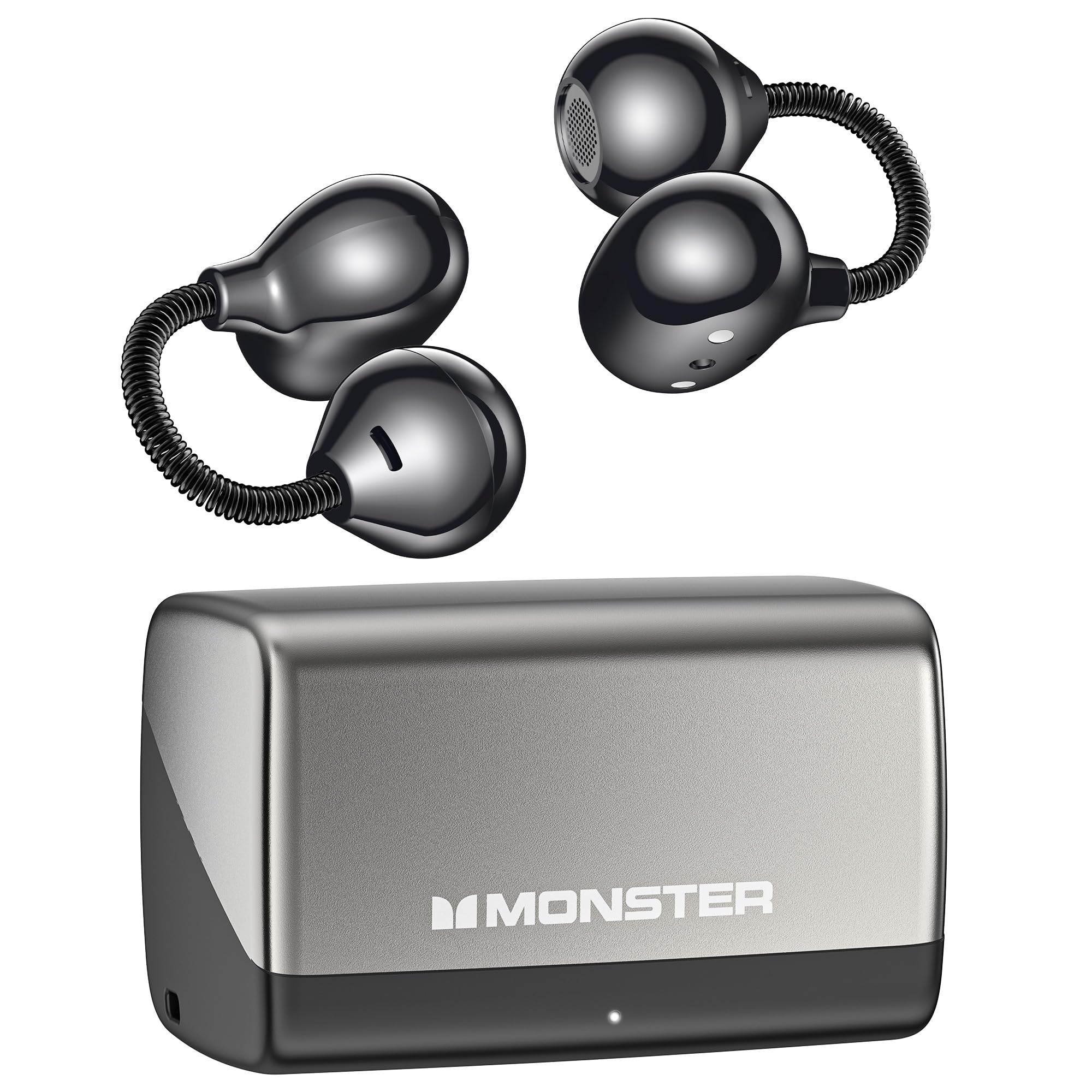
Image: Monster Airclip AC700 Wireless Earbuds and charging case. This image displays the earbuds and their charging case, providing a general view of the product components.

Image: Detailed view of the flexible, spring-loaded ear hook mechanism designed for a secure and adaptive fit.
Setup
1. Charging the Earbuds and Case
Before first use, fully charge the earbuds and the charging case.
- Place the earbuds into the charging case. Ensure they are correctly seated.
- Connect the USB charging cable to the charging port on the case and to a power source (e.g., USB wall adapter, computer USB port).
- The indicator lights on the case will show the charging status. Refer to the case for specific light patterns.
- Once fully charged, disconnect the charging cable.

Image: The Monster Airclip AC700 earbuds and their charging case, highlighting the extended battery life of up to 32 hours with the case.
2. Pairing with a Bluetooth Device
The earbuds use Bluetooth 6.0 for efficient and stable connections.
- Open the charging case. The earbuds will automatically enter pairing mode, indicated by a flashing light (refer to specific light patterns in the quick start guide if available).
- On your device (phone, tablet, laptop), enable Bluetooth.
- Search for available Bluetooth devices and select "Monster Airclip AC700" from the list.
- Once connected, the indicator light on the earbuds will change (e.g., stop flashing).
- The earbuds will automatically reconnect to the last paired device when taken out of the case, if Bluetooth is enabled on the device.
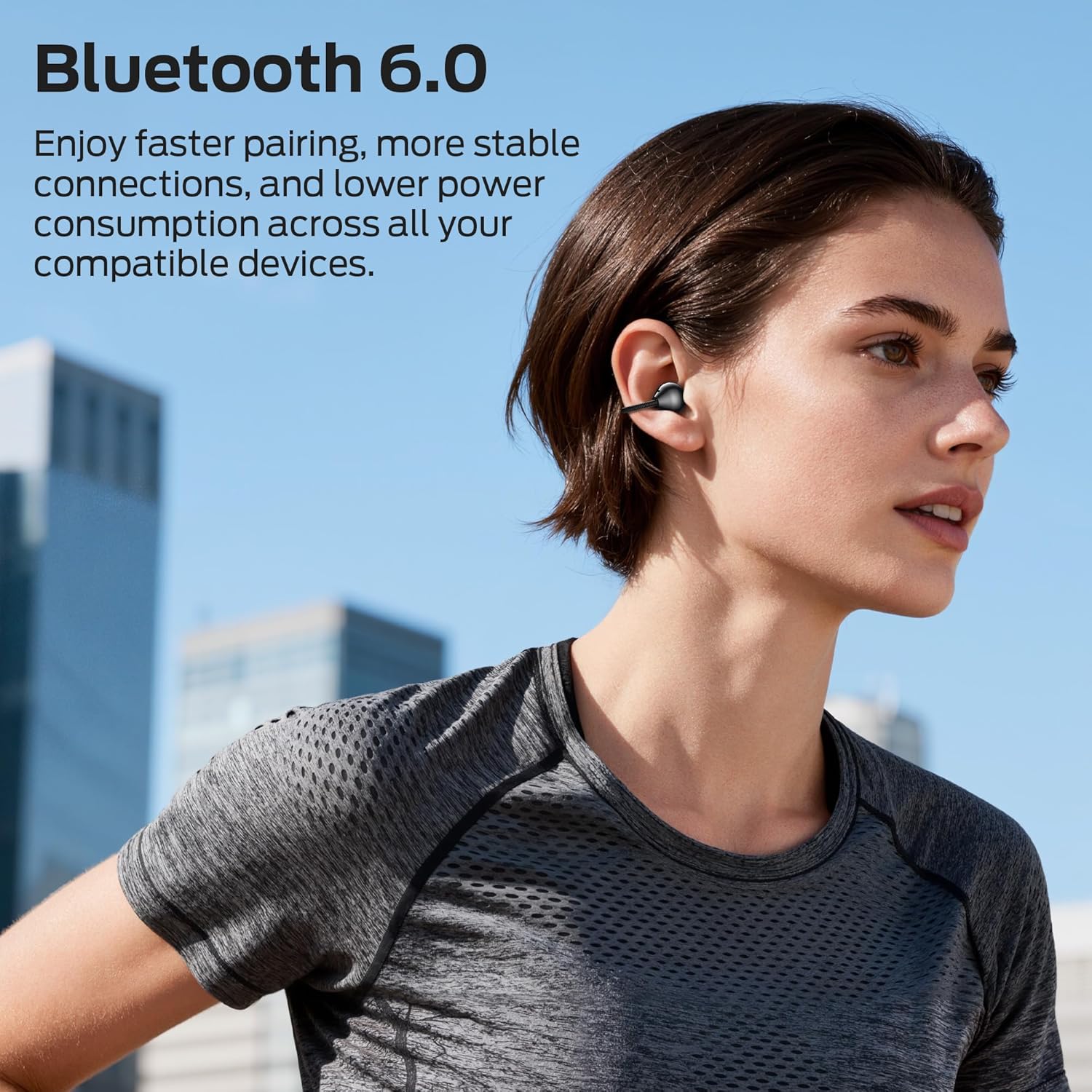
Image: A person wearing the Monster Airclip AC700 earbuds, demonstrating their use with Bluetooth 6.0 technology for stable connections.
Operating the Earbuds
Wearing the Earbuds
The unique spring-loaded ear hook design adapts to your ear shape for a secure and comfortable fit.
- Identify the left (L) and right (R) earbuds.
- Gently place the earbud over your ear, allowing the ear hook to rest securely around the back of your ear.
- Adjust for a snug and comfortable fit.

Image: Two people wearing the Monster Airclip AC700 earbuds, illustrating the lightweight and ergonomic design for comfortable extended wear.
Controls (Push Button)
The earbuds feature push-button controls for various functions:
- Play/Pause: Single press the button on either earbud.
- Next Track: Double press the button on the right earbud.
- Previous Track: Double press the button on the left earbud.
- Answer/End Call: Single press the button on either earbud during an incoming call or active call.
- Reject Call: Press and hold the button on either earbud for 2 seconds during an incoming call.
- Activate Voice Assistant: Triple press the button on either earbud.
Ambient Awareness
The open-ear design allows you to remain aware of your surroundings while listening to audio, enhancing safety in various environments.

Image: A user wearing the earbuds in an office setting, demonstrating the ambient awareness feature that allows connection to surroundings.
Clear Voice Capture
The integrated directional microphone is engineered to capture your voice clearly, making calls distinct and easy to understand.
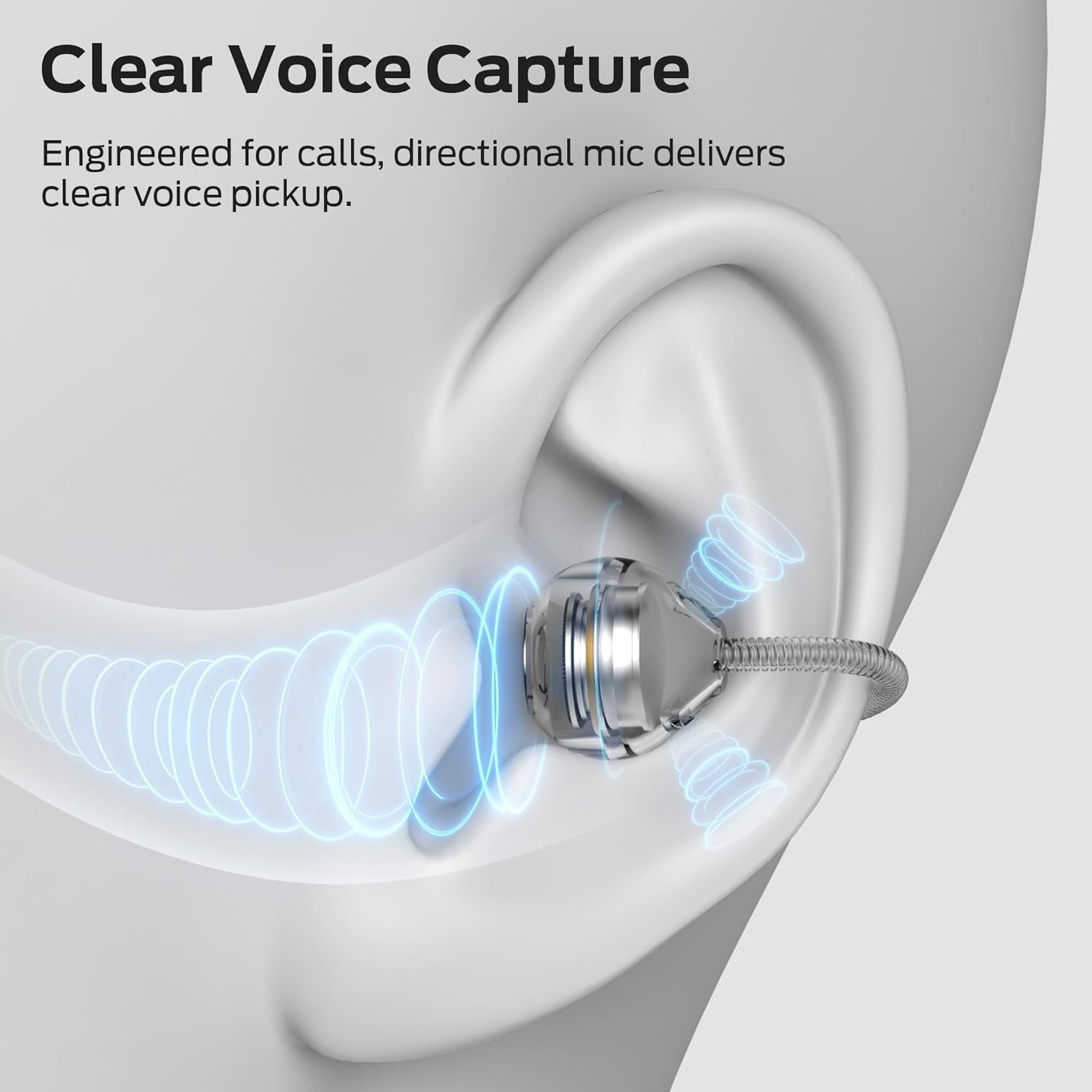
Image: An illustrative diagram depicting the directional microphone technology within the earbud for clear voice capture during calls.
Maintenance
Cleaning
- Wipe the earbuds and charging case with a soft, dry, lint-free cloth.
- Do not use harsh chemicals, cleaning solvents, or strong detergents.
- Avoid getting moisture into any openings.
Storage
- When not in use, store the earbuds in their charging case to protect them and keep them charged.
- Store in a cool, dry place, away from extreme temperatures and direct sunlight.
Troubleshooting
If you encounter issues, try the following solutions:
- Earbuds not turning on: Ensure the earbuds and charging case are fully charged.
- Cannot pair with device:
- Ensure Bluetooth is enabled on your device.
- Make sure the earbuds are in pairing mode (indicator lights flashing).
- Forget the device from your phone's Bluetooth settings and try pairing again.
- Move the earbuds closer to your device.
- No sound or intermittent sound:
- Check the volume level on both your device and the earbuds.
- Ensure the earbuds are properly connected to your device.
- Try restarting your device and reconnecting the earbuds.
- Earbuds not charging:
- Ensure the charging cable is securely connected to both the case and the power source.
- Verify that the charging contacts on the earbuds and in the case are clean and free of debris.
- Try a different charging cable or power adapter.
Specifications
| Model Name | E132 |
| Connectivity Technology | Bluetooth 6.0 |
| Ear Placement | Open Ear |
| Control Method | Push Button |
| Water Resistance Level | Waterproof |
| Battery Life (with case) | Up to 32 hours |
| Item Weight | 2.46 ounces |
| Material | Silicone |
| Compatible Devices | Phones, Tablets, Laptops |
Safety Information
- Do not expose earbuds or charging case to extreme temperatures, direct sunlight, or fire.
- Avoid dropping or applying excessive force to the product.
- Keep out of reach of children and pets.
- Do not attempt to disassemble or modify the product.
- Use only the provided charging cable or a certified equivalent.
- Prolonged listening at high volume levels may cause hearing damage.
Warranty and Support
Monster products come with a worry-free warranty. For warranty claims, technical support, or customer service inquiries, please refer to the contact information provided on the official Monster website or your purchase documentation.


