
Introduction
This manual provides essential information for setting up, operating, and maintaining your HP 17 Laptop, Model 17-cn3003dx. It covers key features, connectivity options, and troubleshooting tips to ensure optimal performance and user experience. Please read this manual thoroughly before using your device.
What's in the Box
- 1 x HP 17.3" Laptop
- 1 x Power Adapter
- 1 x Instruction Manual (this document)
- 1 x Accessory kit (includes Branded wireless mouse)
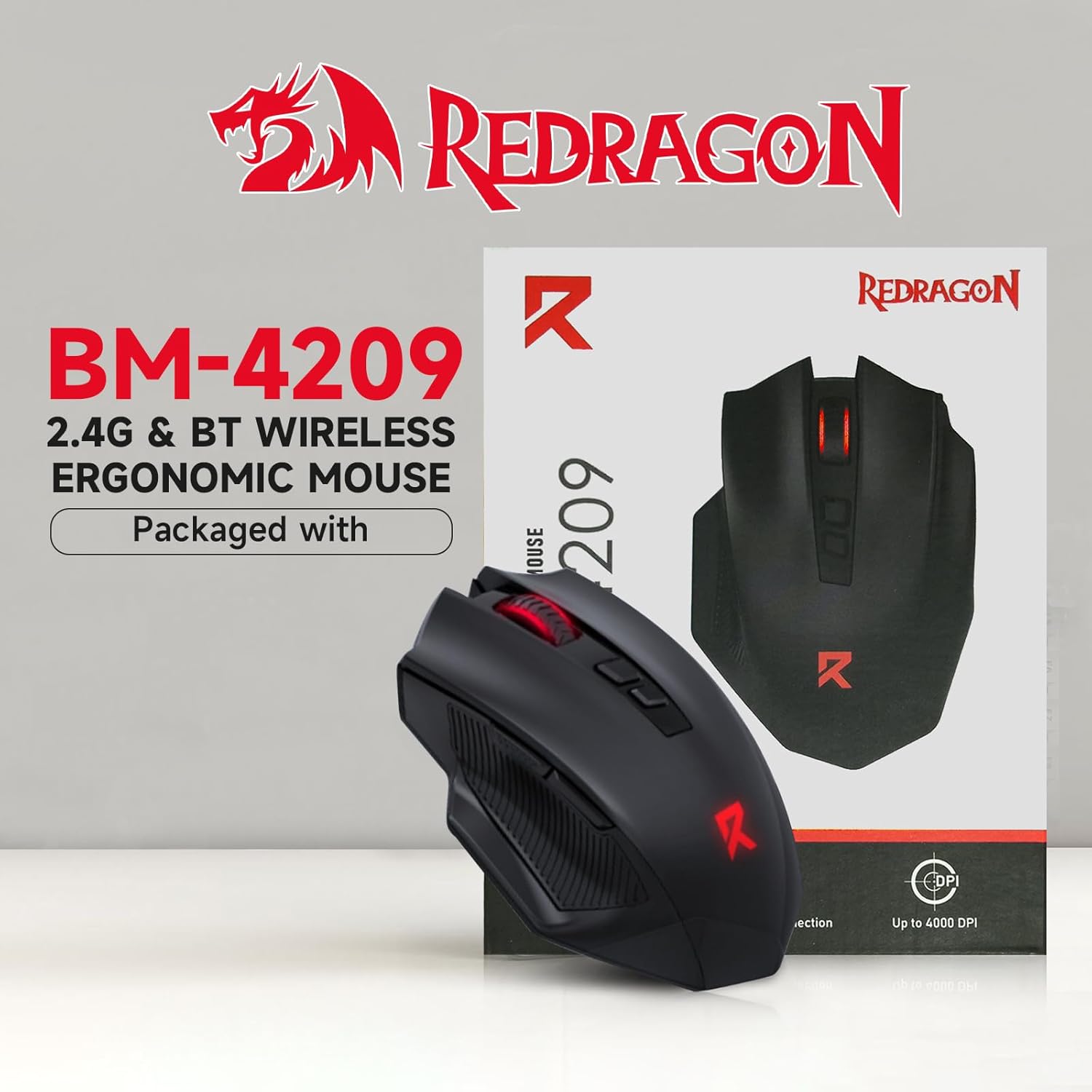
Image: The included Redragon wireless ergonomic mouse, part of the accessory kit.
Setup
- Unpack the Laptop: Carefully remove the laptop and all accessories from the packaging.
- Connect Power: Plug the power adapter into the laptop's AC smart pin port and then into a power outlet.
- Initial Power On: Open the laptop lid and press the power button. The laptop will guide you through the initial Windows 11 Pro setup process.
- Windows 11 Pro Setup: Follow the on-screen instructions to configure your language, region, network connection, user account, and privacy settings.
- Install Updates: After initial setup, connect to the internet and allow Windows to download and install any pending updates to ensure system stability and security.
- Connect Wireless Mouse: Insert the USB receiver for the included wireless mouse into an available USB-A port on the laptop. Turn on the mouse.
Operating Instructions
Power On/Off
- Power On: Press the power button located on the keyboard deck.
- Shut Down: Click the Start button, then Power, and select "Shut down."
- Restart: Click the Start button, then Power, and select "Restart."
- Sleep: Close the laptop lid or click the Start button, then Power, and select "Sleep."
Keyboard and Touchpad
- The full-size keyboard includes a numeric keypad for efficient data entry.
- The touchpad supports multi-touch gestures for navigation. Refer to Windows settings for customization.
Connecting Peripherals
Utilize the available ports (USB-A, USB-C, HDMI) to connect external devices such as monitors, printers, or external storage drives. The headset jack supports headphones or a headset with a microphone.
Features Overview
The HP 17 Laptop is designed for productivity and comfortable use, featuring a large display and efficient components.
Display
The 17.3-inch HD+ anti-glare display (1600 x 900 resolution, 250 nits brightness) provides ample screen space and reduces reflections for comfortable viewing during extended use.

Image: The 17.3-inch anti-glare display reduces reflections and eye strain, providing a clear viewing experience.
Performance
Equipped with an Intel 8-core Core i3-N305 processor and 16GB DDR4 RAM, the laptop delivers smooth performance for everyday tasks, multitasking, and quick application launches. The 512GB SSD ensures fast boot times and rapid file access.
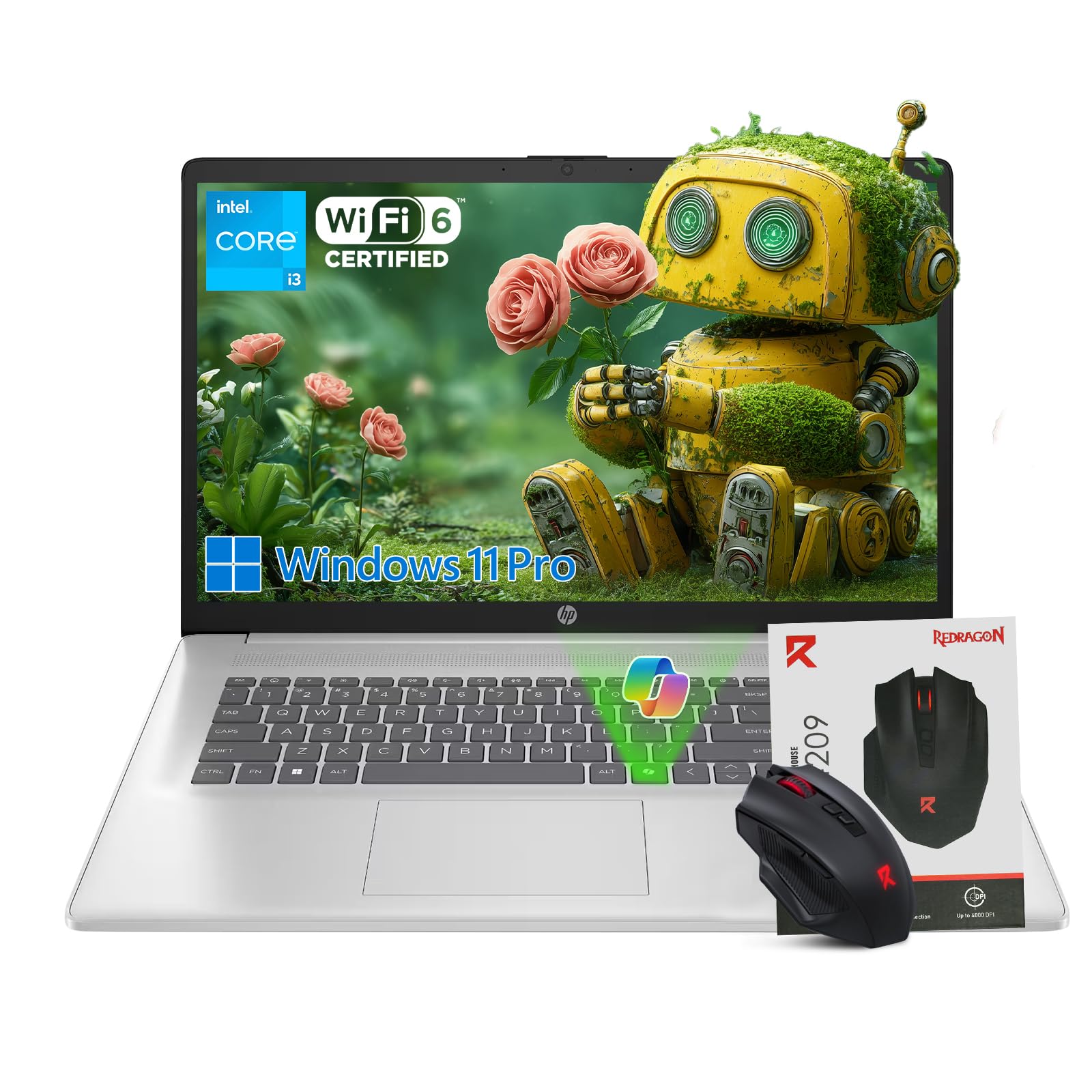
Image: Key performance components including the Intel Core i3-N305 processor, Intel UHD Graphics, 16GB RAM, and 512GB SSD.
Windows 11 Pro with AI Copilot
The laptop comes pre-installed with Windows 11 Pro, offering advanced security and productivity features. The integrated Microsoft Copilot AI assists with tasks like drafting documents, summarizing notes, and organizing ideas, enhancing workflow efficiency.
Video: An overview of the HP 17 inch Laptop, highlighting its features and design.
Battery Life and Fast Charge
Enjoy up to 9 hours of battery life, with HP Fast Charge support allowing you to recharge the battery from 0% to 80% in approximately 60 minutes.

Image: The laptop supports fast charging, reaching 80% battery in 60 minutes.
Webcam and Audio
The integrated 720p Camera and HD Audio, combined with AI noise removal, ensure clear video calls and audio quality, minimizing background distractions.
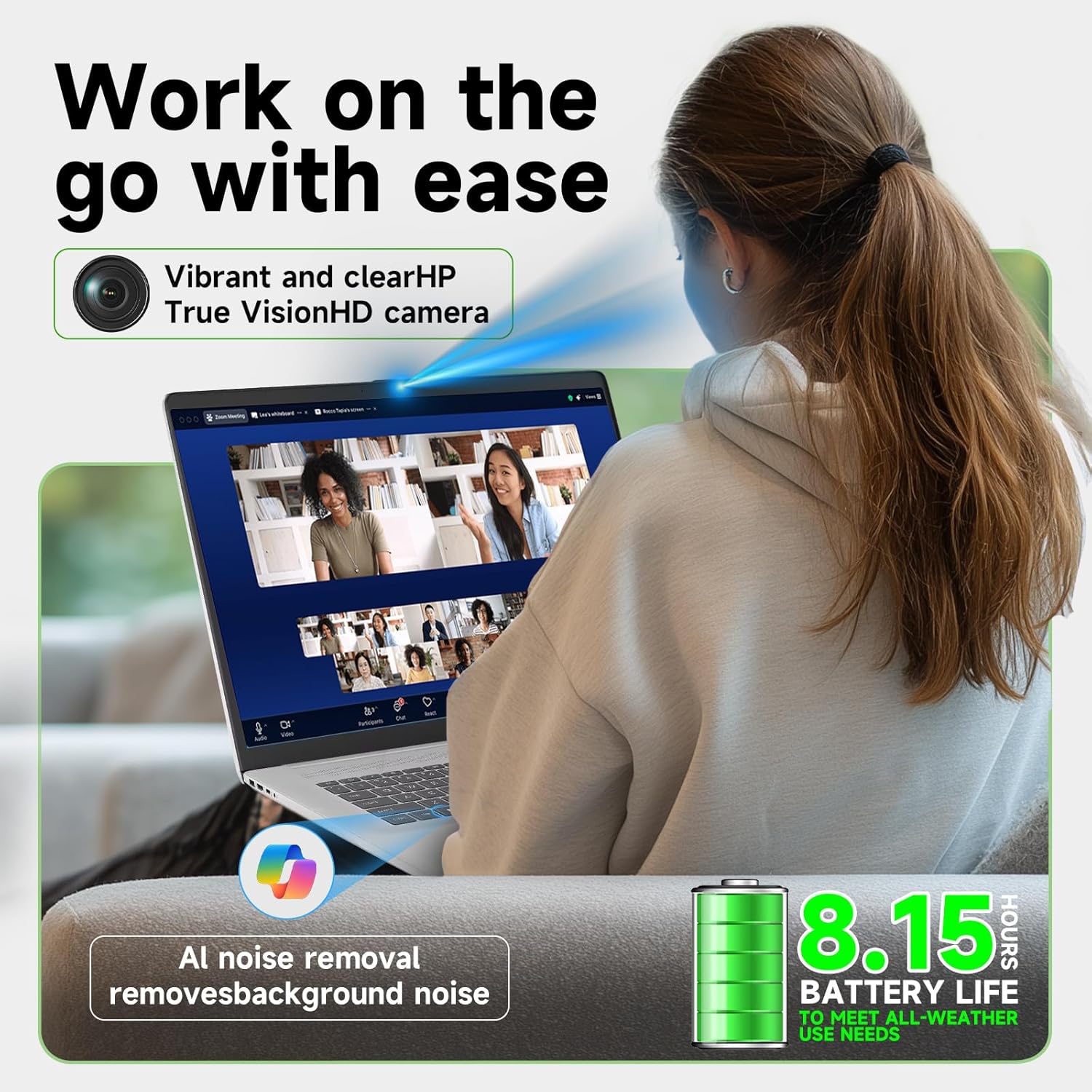
Image: The laptop features an HP True Vision HD camera and AI noise removal for enhanced video conferencing.
Ports and Connectivity
The HP 17 Laptop offers a variety of ports for versatile connectivity:
- 1 x HDMI 1.4: For connecting to external displays.
- 1 x USB-C 3.0: For data transfer and connecting modern peripherals.
- 2 x USB-A 3.0: For connecting standard USB devices.
- 1 x AC smart pin: For power adapter connection.
- 1 x Headset Jack: For audio input/output.
Wireless connectivity includes Wi-Fi 6 and Bluetooth 5.3 for fast and stable connections.

Image: Detailed view of the laptop's ports for connecting various devices.
Maintenance
- Cleaning: Use a soft, lint-free cloth to clean the screen and exterior. Avoid harsh chemicals.
- Software Updates: Regularly check for and install Windows updates and HP driver updates to ensure optimal performance and security.
- Battery Care: To prolong battery life, avoid extreme temperatures and fully discharging the battery frequently.
- Storage Management: Periodically clear unnecessary files and applications to maintain SSD performance.
Troubleshooting
Common Issues and Solutions
- Laptop not powering on:
- Ensure the power adapter is securely connected to both the laptop and a working power outlet.
- Check if the power outlet is functional by plugging in another device.
- If the battery is completely drained, allow it to charge for a few minutes before attempting to power on.
- Display issues (no image, flickering):
- Ensure the laptop is powered on.
- If an external monitor is connected, try disconnecting it to see if the internal display works.
- Adjust display brightness using the function keys (Fn + Fx keys).
- Wi-Fi connectivity problems:
- Check if Wi-Fi is enabled in Windows settings.
- Restart your router and modem.
- Ensure you are within range of a Wi-Fi network and have the correct password.
- Slow performance:
- Close unnecessary applications running in the background.
- Check for and install any pending Windows updates.
- Ensure your SSD has sufficient free space.
Specifications
| Brand | HP |
| Model | 17-cn3003dx |
| Operating System | Windows 11 Pro |
| Processor | Intel Core i3-N305 (8-Core, up to 3.8 GHz) |
| Graphics | Intel UHD Graphics |
| Display | 17.3 inches, HD+ (1600 x 900), Anti-Glare, 250 nits |
| Memory (RAM) | 16GB DDR4 |
| Storage | 512GB SSD |
| Ports | 1x HDMI 1.4, 1x USB-C 3.0, 2x USB-A 3.0, 1x AC smart pin, 1x Headset Jack |
| Wireless Connectivity | Wi-Fi 6, Bluetooth 5.3 |
| Camera | 720p Camera |
| Numeric Keypad | Yes |
| Battery Life | Up to 9 Hours |
| Dimensions (LxWxH) | 15.78" x 10.15" x 0.78" |
| Weight | 4.6 lbs |
| Color | Natural Silver |
Warranty and Support
Your HP 17 Laptop is covered by a manufacturer's warranty. For detailed warranty information, technical support, or service inquiries, please refer to the official HP support website or contact HP customer service. Keep your proof of purchase for warranty claims.
Official HP Support: www.hp.com/support


