
Introduction
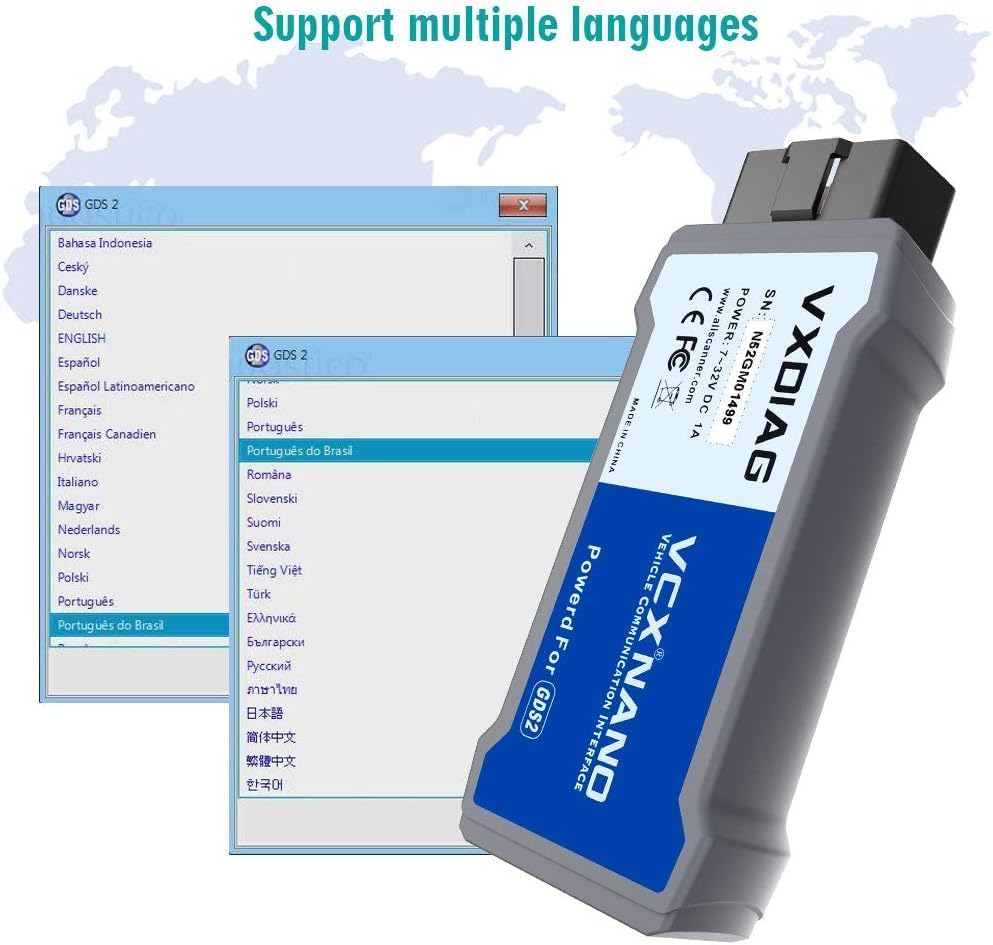
The VXDIAG VCX Nano is a vehicle communication interface designed for comprehensive diagnostic and programming tasks compatible with GM/OPEL vehicles. It supports both GM Tech2Win and GDS2 software, serving as an alternative to original GM MDI tools. This device is fully compatible with SAE-J2534-1 & SAE-J2534-2 protocols, covering CAN, UART, KW2000, Class2, and GM LAN. It offers USB connectivity to a PC and is compliant with CE and FCC standards for hardware. The firmware is updatable, ensuring compatibility with new models and features.
What's in the Box
- VXDIAG VCX Nano Device
- USB Cable
- Software USB Drive (or download instructions)
Specifications
| Feature | Detail |
|---|---|
| Brand | VXDIAG |
| Model | VCX Nano |
| Connectivity | USB vehicle-to-PC |
| Supported Protocols | SAE-J2534-1 & SAE-J2534-2 (CAN, UART, KW2000, Class2, GM LAN) |
| Supported Operating Systems | Windows XP, Windows 7, Windows 10 Pro (64-bit recommended for GDS) |
| Minimum PC Requirements | 4GB RAM |
| Compliance | CE and FCC |
Setup
Software Installation Tips
- Before installation, ensure your computer meets the minimum requirements (at least 4GB RAM).
- Turn off any anti-virus software before installing the VXDIAG software to prevent conflicts.
- Tech2Win software should only be installed on Windows 7 32-bit computers and on a physical system.
- GDS software requires a 64-bit computer and is typically used within a VMware virtual machine environment.
- Do not install VXDIAG software on Windows Home versions (any Home version cannot install successfully). Install on Windows Pro Version.
- Download the latest VXManager from the official VXDIAG website for proper device management.
Firmware and License Update
- Use the VXManager software to update the device's firmware and driver.
- After updating firmware and drivers, ensure you update your device authorization within VXManager.
Operating Instructions
Vehicle Connectivity
The VXDIAG VCX Nano connects to your vehicle's diagnostic connector and to your PC via USB. This USB vehicle-to-PC connectivity allows quick access to vehicle data for maintenance or management reports.
Global Diagnostic System (GDS & GDS2)
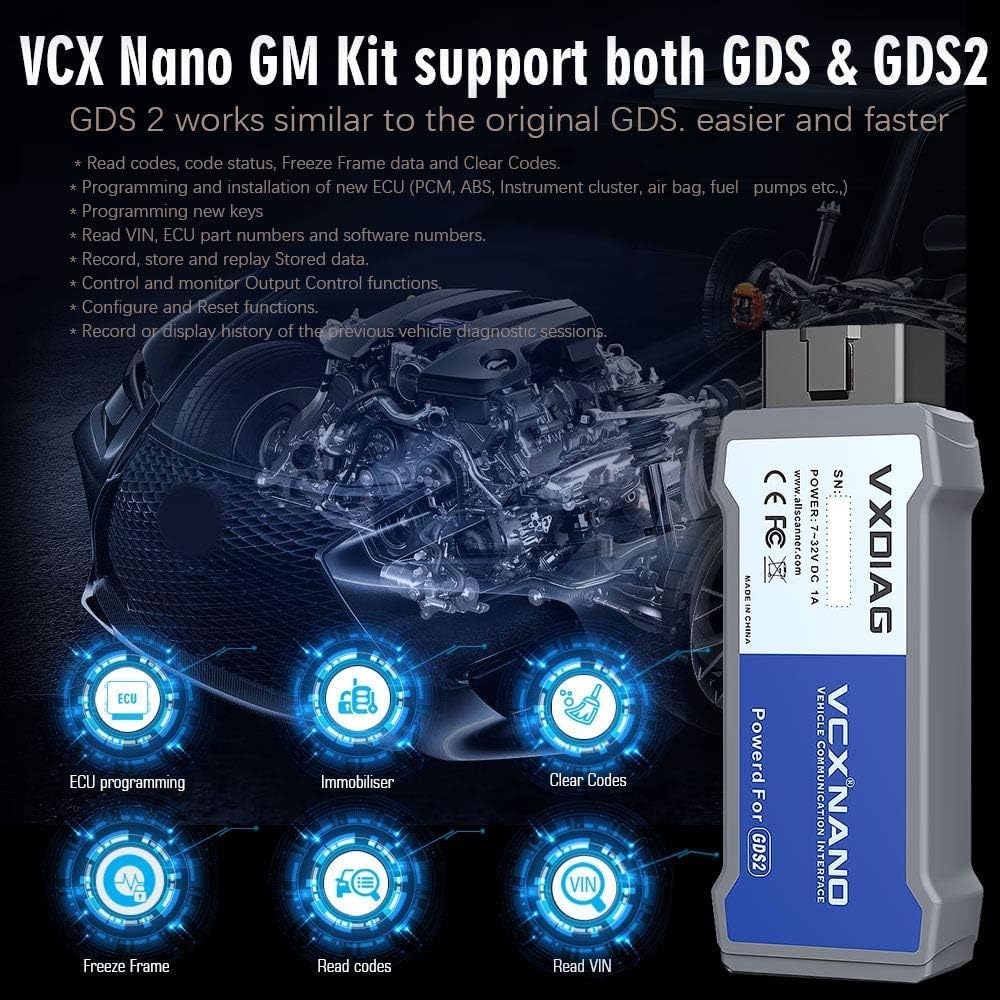
GDS and GDS2 are diagnostic application software required for all GM Global Architecture (Global A) vehicles. These systems run on a specific PC and receive updates via TIS2Web. They enable reading codes, viewing data status, freeze frame data, and clearing codes.
Service Programming System (SPS)
The SPS allows passthrough programming on GM past model and Global A vehicles. It can increase reprogramming speed by 20-70% and is essential for servicing new models. For module programming, you need to download Techline Connect first and then install the pass-thru driver in VXManager. Online programming (SPS) requires a purchased subscription and a Windows 10 64-bit operating system, along with a GM online account.
Media
Product Images


Official Product Videos
No relevant official product videos from the seller were found for this product.
Troubleshooting & Technical Assistance
For any installation problems or technical assistance regarding your VXDIAG VCX Nano, please email us. We can provide technical support and help you install software online. Always refer to the installation manual before proceeding with any setup.


