
Introduction
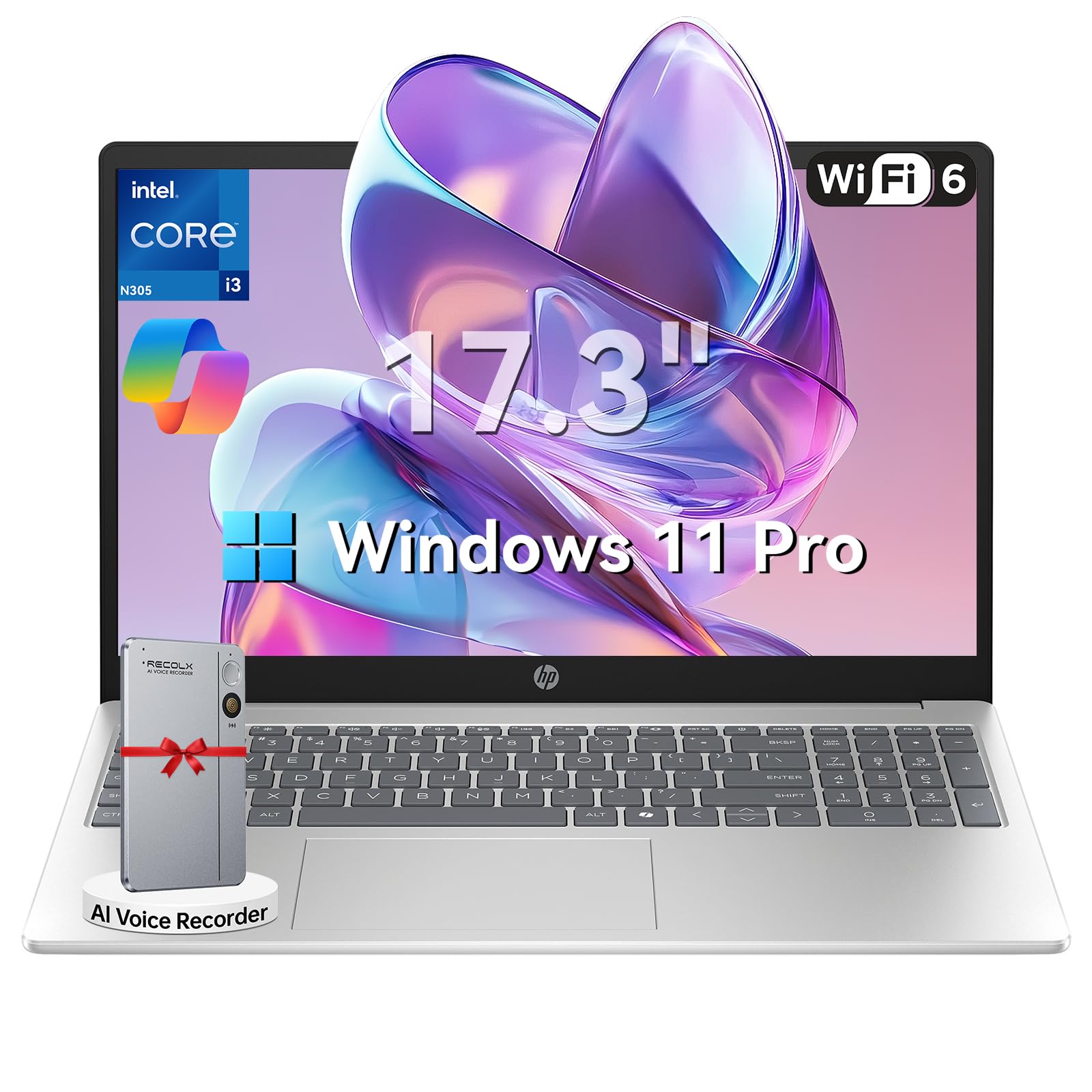
This manual provides essential information for setting up, operating, maintaining, and troubleshooting your HP 17.3" Laptop. Designed for productivity and entertainment, this laptop features an 8-core Intel Core i3-N305 processor, 16GB DDR4 RAM, and a 512GB PCIe NVMe SSD, running on Windows 11 Pro. Its 17.3-inch Full HD IPS anti-glare display offers clear visuals, and the integrated Microsoft Copilot AI assistant enhances user experience. Please read this manual thoroughly to ensure optimal performance and longevity of your device.

Image: The HP 17.3" Laptop, showcasing its sleek design and large display.
Setup
1. Unboxing and Initial Inspection
Carefully remove the laptop and all accessories from the packaging. Ensure all components listed in the 'What's in the Box' section of your product documentation are present and undamaged. The packaging includes the laptop, power adapter, instruction manual, and a G255 Accessory Kit.
Video: Unboxing and overview of the laptop's physical features and ports. Note: This video features an 18.5-inch model, but the unboxing process and port types are generally similar.
2. Powering On and Initial Configuration
- Connect the power adapter to the laptop's power port and then to a wall outlet.
- Open the laptop lid and press the power button.
- Follow the on-screen instructions to complete the Windows 11 Pro setup, including language selection, network connection, and user account creation.
3. Connecting Peripherals
Your HP laptop is equipped with various ports for connecting external devices:
- USB-A Ports: Connect USB devices such as mice, keyboards, or external storage drives.
- USB-C Port: For data transfer and connecting compatible USB-C devices.
- HDMI 1.4b Port: Connect to an external monitor or TV for extended display.
- Headphone/Microphone Combo Jack: For audio output and input.

Image: Detailed diagram illustrating the various ports available on the HP laptop.
Operating Instructions
1. Keyboard and Touchpad
The laptop features a full-size keyboard with a numeric keypad and a responsive touchpad. Use the touchpad for navigation, clicking, and multi-touch gestures. The keyboard provides a comfortable typing experience for extended use.
2. Display and Visuals
The 17.3-inch Full HD (1920 x 1080) IPS anti-glare display offers wide viewing angles and reduces reflections, providing a comfortable viewing experience for work, study, and entertainment.

Image: The HP laptop's 17.3" Full HD anti-glare display, ideal for comfortable viewing.
3. Performance and Multitasking
Powered by an 8-core Intel Core i3-N305 processor and 16GB DDR4 RAM, the laptop delivers smooth performance for multitasking, video conferencing, and various applications. The 512GB PCIe NVMe SSD ensures fast boot-up and quick access to files.
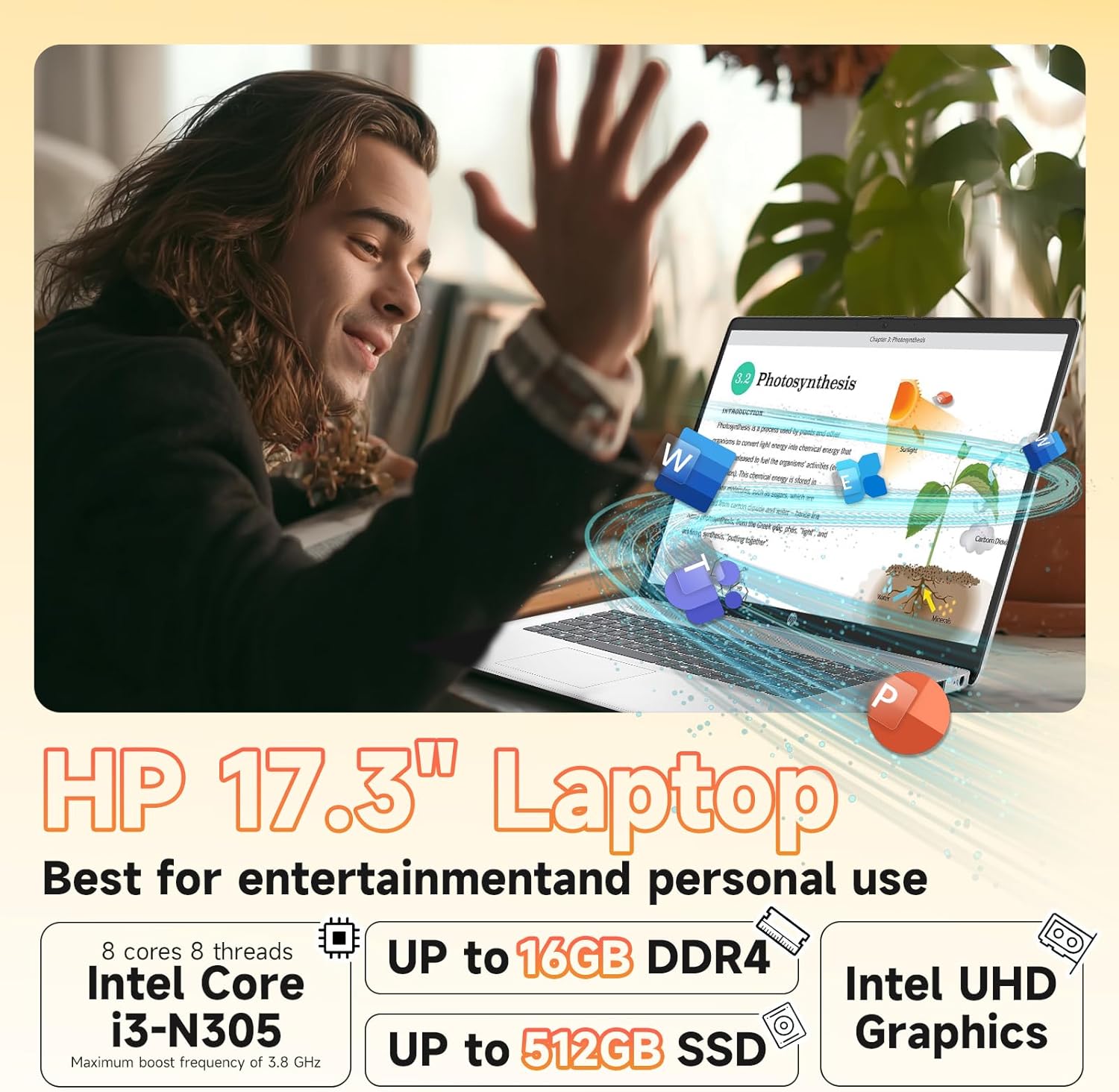
Image: Visual representation of the laptop's core components: Intel Core i3-N305 processor, 16GB DDR4 RAM, and 512GB SSD.
4. Connectivity
Stay connected with Wi-Fi 6 (2x2) for faster and more stable wireless internet access, and Bluetooth 5.4 for connecting wireless peripherals like headphones and mice.

Image: The HP laptop emphasizing its advanced Wi-Fi 6 and Bluetooth 5.4 connectivity features.
5. Webcam and Privacy
The integrated HD webcam includes a physical privacy shutter. Slide the shutter to cover the camera lens when not in use to ensure your privacy. The laptop also features a microphone mute button for enhanced security during calls.
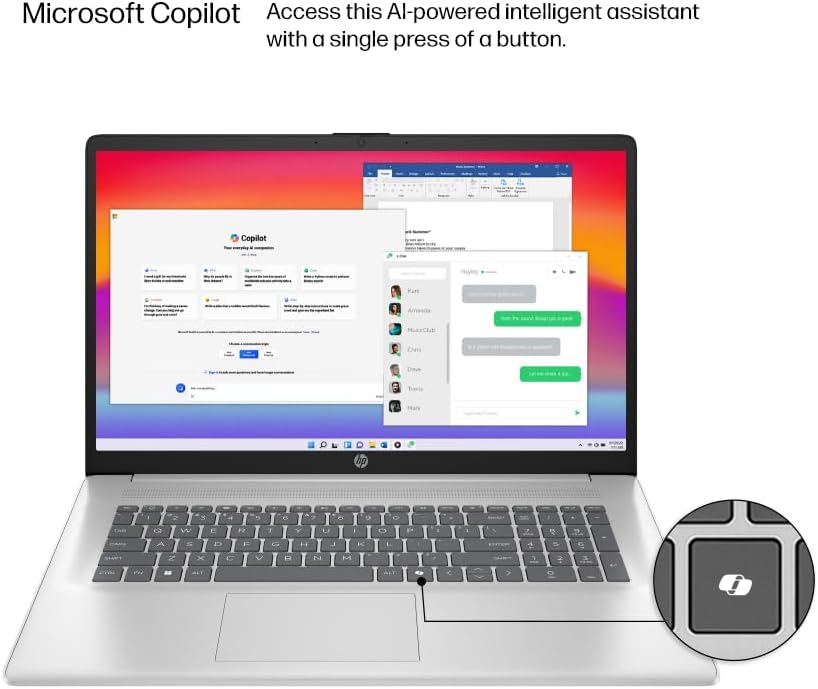
Image: The HP laptop keyboard, highlighting the dedicated Microsoft Copilot key for quick AI assistant access.
6. Microsoft Copilot AI Assistant
Utilize the integrated Microsoft Copilot AI assistant in Windows 11 Pro to streamline tasks, find answers, and get intelligent help for your projects. Access it with a single key press.
7. Battery Life and Charging
The laptop offers up to 9.5 hours of battery life. HP Fast Charge technology allows you to charge the battery to approximately 50% in just 45 minutes.
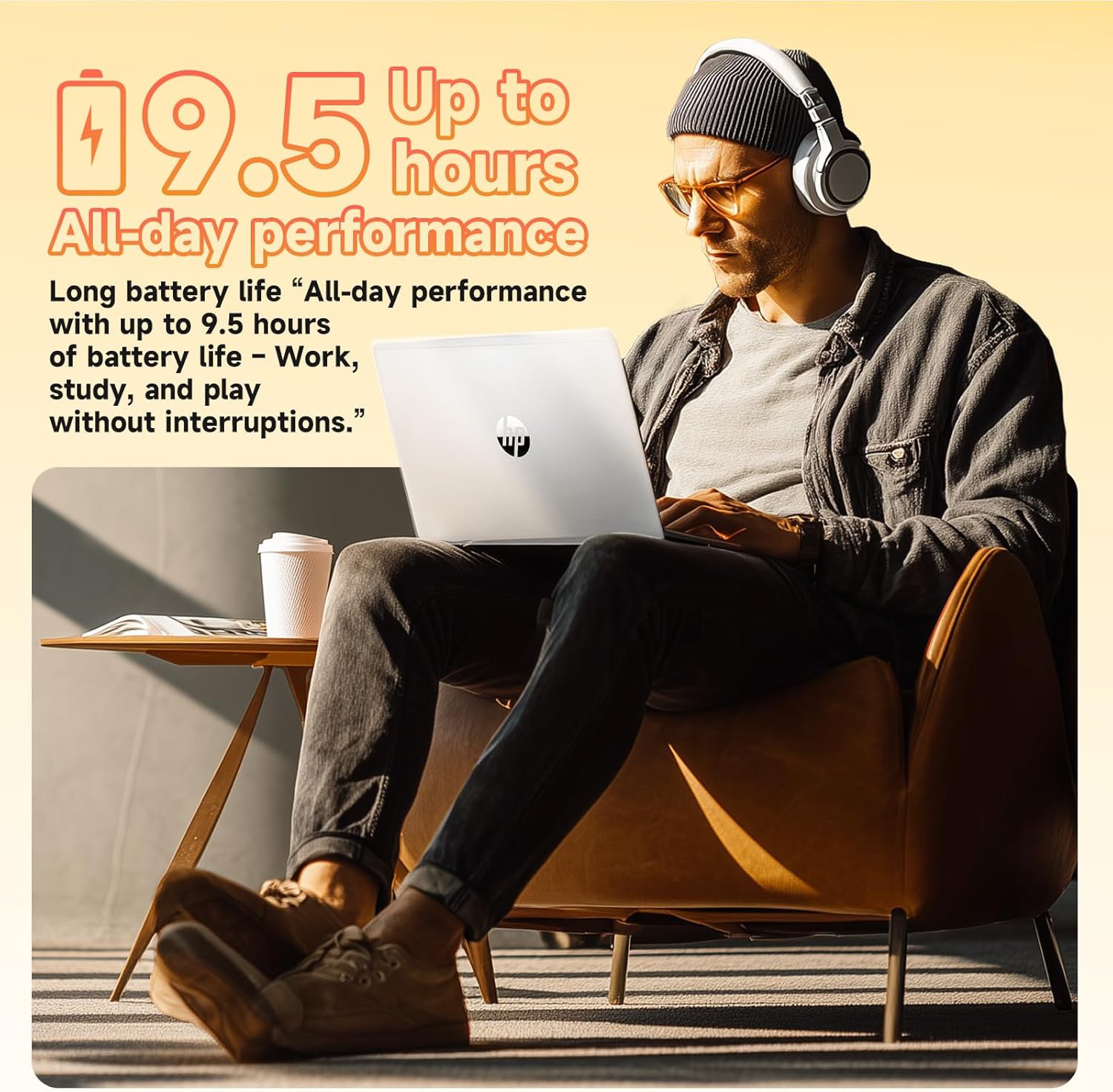
Image: A user enjoying the HP laptop, illustrating its long battery life for all-day performance.
Video: An official overview of the HP 2026 17.3" FHD Laptop, highlighting its key features and design.
Maintenance
1. Cleaning Your Laptop
- Use a soft, lint-free cloth to clean the screen and exterior surfaces. Avoid abrasive materials or harsh chemicals.
- For the anti-glare screen, use a screen cleaner specifically designed for electronics.
- Gently clean the keyboard with compressed air to remove dust and debris.
2. Software Updates
Regularly check for and install Windows updates to ensure your system has the latest security patches and performance improvements. Go to Settings > Windows Update to manage updates.
3. Battery Care
To prolong battery life, avoid extreme temperatures and fully discharging the battery frequently. It is recommended to keep the battery charge between 20% and 80% for optimal longevity.
Troubleshooting
If you encounter issues with your HP laptop, consider the following basic troubleshooting steps:
- No Power: Ensure the power adapter is securely connected and the outlet is functional. Try a different outlet.
- Display Issues: If the screen is blank, try connecting an external monitor to check if the issue is with the laptop's display. Adjust brightness settings.
- Connectivity Problems: For Wi-Fi issues, restart your router and the laptop. For Bluetooth, ensure the device is discoverable and within range.
- Slow Performance: Close unnecessary applications, check for malware, and ensure your system is up-to-date. Consider freeing up disk space.
- Webcam Not Working: Ensure the physical privacy shutter is open. Check camera settings in Windows and application permissions.
For more complex issues, refer to the HP support website or contact customer service.
Specifications
| Feature | Detail |
|---|---|
| Processor | Intel® Core™ i3-N305 (8-core, up to 3.8 GHz, 6MB cache) |
| Memory (RAM) | 16GB DDR4-3200 MHz RAM |
| Storage | 512GB PCIe NVMe M.2 SSD |
| Operating System | Windows 11 Pro |
| Display | 17.3" FHD (1920 x 1080), IPS, Anti-Glare, 178° viewing angle |
| Graphics | Integrated Intel® UHD Graphics |
| Wireless Connectivity | Wi-Fi 6 (2x2), Bluetooth® 5.4 |
| Webcam | HD Webcam with Privacy Shutter |
| Audio | HD Audio with stereo speakers |
| Ports | 1 x HDMI 1.4b, 1 x USB-C, 2 x USB-A, 1 x Headphone/Microphone combo jack |
| Battery | 3-cell, 41 Wh Lithium-ion (Up to 9.5 hours battery life) |
| Dimensions (in) | 14.12 x 9.24 x 0.75 inches |
| Weight | 4.6 lbs |
| Color | Natural Silver |
| Eco Features | ENERGY STAR® certified, EPEAT® Gold registered, made with recycled plastics |
Warranty and Support
Warranty Information
Your HP 17.3" Laptop comes with a 1-Year Limited Hardware Warranty. This warranty covers manufacturing defects and hardware malfunctions under normal use conditions. Please retain your proof of purchase for warranty claims.
Customer Support
For technical assistance, troubleshooting, or warranty service, please visit the official HP Support website or contact HP customer service. You can find detailed support resources, drivers, and contact information on their website.
Additionally, the laptop includes a 30-day McAfee trial with Smart AI for security. For any issues related to the G255 Accessory Kit, please refer to its specific documentation or contact the accessory provider.


