
Introduction
Thank you for choosing the Guardhouse 1080P Wireless Security Camera. This manual provides essential information for the safe and efficient use of your device. Please read it thoroughly before operation and retain it for future reference.
This camera is designed for both indoor and outdoor surveillance, offering 1080P HD video, motion detection, night vision, and two-way audio capabilities. It connects wirelessly to your smartphone for remote monitoring.
What's in the Box
- Guardhouse 1080P Wireless Security Camera
- Charging Cable
- User Manual (this document)
Note: An SD card (not included) is required for local video storage.
Product Features
- 1080P HD Video: Captures clear, detailed footage.
- Infrared Night Vision: Provides 24/7 visibility in low-light conditions.
- Two-Way Audio: Built-in microphone and speaker for real-time communication.
- 150° Wide-Angle Lens: Expands field of view to cover larger areas.
- Motion Detection: Sends instant alerts to your smartphone upon activity detection.
- Wireless & Portable: USB rechargeable design for flexible placement.
- Weatherproof Design: Suitable for both indoor and outdoor use.
- Local Storage: Supports SD card recording (no monthly fees).
- Smartphone App Control: Remote monitoring and control via a dedicated app.

Image: Key features of the Guardhouse 1080P Wireless Security Camera, including motion detection, infrared night vision, 150-degree wide-angle lens, rechargeable battery, and secure local storage via SD card.
Setup Guide
1. Charging the Camera
Before initial use, fully charge the camera using the provided USB charging cable. Connect the cable to the camera's charging port and a standard USB power adapter (not included).
2. Inserting an SD Card (Optional)
For local video recording, insert a compatible SD card into the camera's SD card slot. Ensure the camera is powered off before inserting or removing the card.

Image: The Guardhouse camera with an arrow indicating the insertion point for an SD card, highlighting its local storage capability.
3. Powering On/Off
Locate the "ON/OFF" button on the camera. Press and hold to power on or off the device.

Image: A close-up of the Guardhouse camera, showing the "ON/OFF" and "MODE" buttons on its top surface.
4. App Download and Connection
Download the dedicated Guardhouse smartphone application from your device's app store. The camera supports two connection methods:
- Network Connection (Wi-Fi): Connect the camera to a 2.4GHz Wi-Fi network. Note: 5GHz Wi-Fi networks are not supported. This allows real-time video viewing from anywhere.
- Direct Connection (Bluetooth/Hotspot): Connect directly to the camera via Bluetooth or its built-in hotspot when your smartphone is nearby.
Follow the in-app instructions to pair your camera with your smartphone.

Image: Illustration of the two connection methods for the Guardhouse camera: Network Connection (via Wi-Fi router for remote access) and Direct Connection (via Bluetooth or hotspot for local access).
5. Mounting the Camera
The camera can be mounted indoors or outdoors without special tools or wiring. Choose a location that provides the desired field of view and is within range of your 2.4GHz Wi-Fi network (if using network connection). The camera's portable design allows for flexible placement.

Image: Examples of the Guardhouse camera's versatile placement, including on a desk, shelf, and mounted near a doorway, highlighting its discreet and portable design.
Operating Instructions
Live View and Recording
Once connected, open the Guardhouse app on your smartphone to access the live video feed. You can view real-time footage, initiate manual recordings, and capture screenshots.
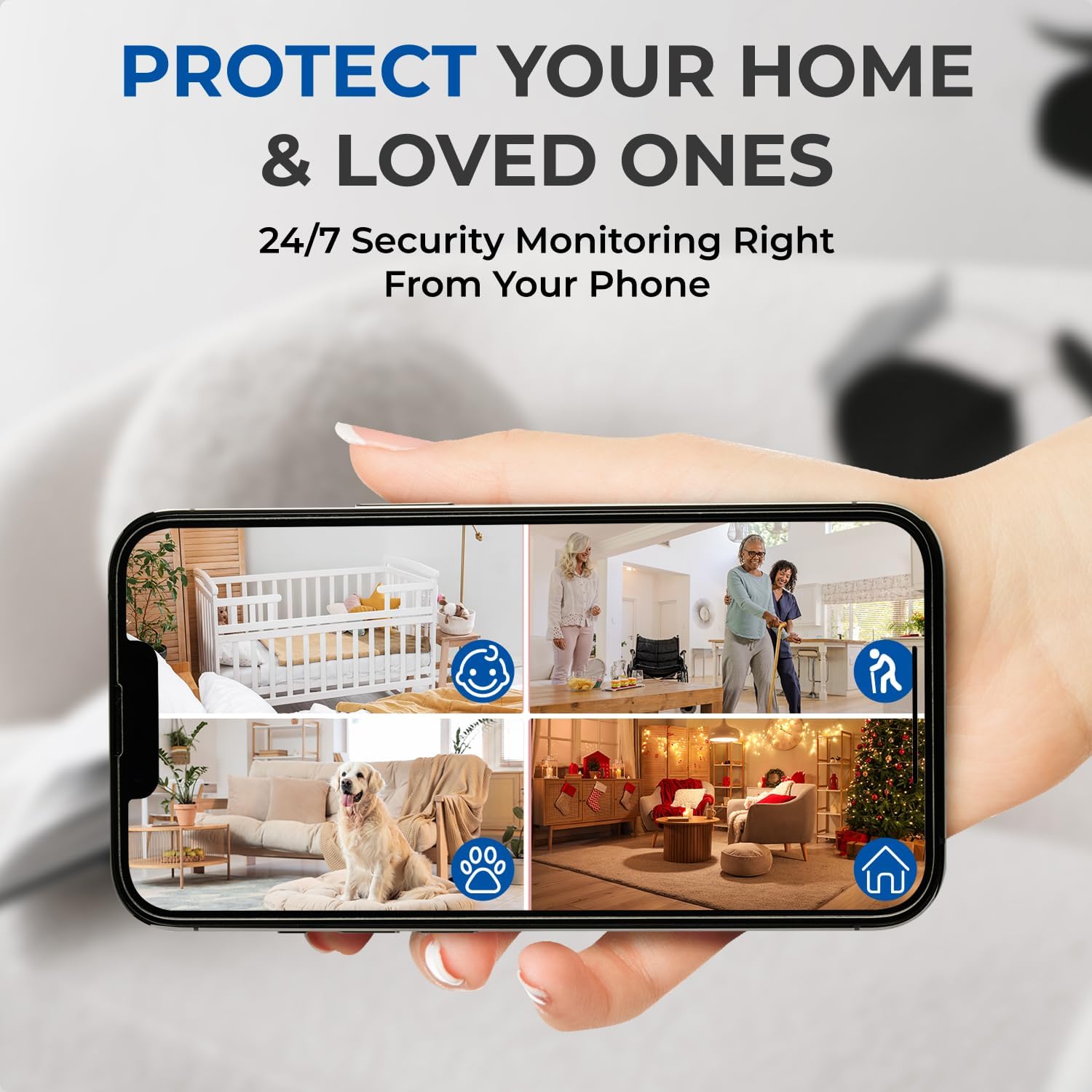
Image: A smartphone displaying a multi-camera view within the Guardhouse app, showing various areas being monitored simultaneously.
Motion Detection Alerts
Enable motion detection in the app settings to receive instant notifications on your smartphone when activity is detected. You can customize sensitivity levels and alert schedules.
Two-Way Audio
Use the two-way audio feature through the app to speak and listen remotely. This allows for communication with individuals near the camera or to deter intruders.
Night Vision
The camera automatically switches to infrared night vision in low-light conditions, providing clear black-and-white footage.
Video Playback
Access recorded footage stored on the SD card directly through the Guardhouse app for playback and review.
Maintenance
- Cleaning: Gently wipe the camera lens and body with a soft, dry cloth. Avoid using harsh chemicals or abrasive materials.
- Battery Care: Recharge the camera regularly to maintain battery health. Avoid prolonged exposure to extreme temperatures.
- Firmware Updates: Check the Guardhouse app periodically for available firmware updates to ensure optimal performance and security.
- SD Card Management: Regularly back up important footage from your SD card and format the card periodically to prevent storage issues.
Troubleshooting
| Problem | Possible Cause | Solution |
|---|---|---|
| Camera does not power on. | Low battery; faulty charging cable/adapter. | Ensure the camera is fully charged. Try a different charging cable or power adapter. |
| Camera disconnects frequently. | Weak Wi-Fi signal; interference; incorrect Wi-Fi band. | Ensure the camera is within range of a strong 2.4GHz Wi-Fi signal. Avoid placing near sources of interference. Confirm your router is set to 2.4GHz. |
| Short battery life. | Frequent motion detection; continuous recording; cold weather. | Adjust motion detection sensitivity. Reduce continuous recording duration. Battery performance can be affected by cold temperatures. |
| Cannot connect to the app. | Incorrect Wi-Fi password; camera not in pairing mode; app issues. | Double-check Wi-Fi password. Restart the camera and your smartphone. Reinstall the app if necessary. Ensure camera is in pairing mode as per app instructions. |
| No video recording to SD card. | SD card full; incompatible SD card; card not inserted correctly. | Check SD card capacity and format if full. Ensure the SD card is correctly inserted and compatible (e.g., Class 10, up to 64GB). |
Specifications
| Feature | Detail |
|---|---|
| Model Name | Guardhouse 1080P Wireless Security Camera |
| Model Number | 30963 |
| Video Capture Resolution | 1080p |
| Connectivity Technology | Wireless (Wi-Fi 2.4GHz) |
| Power Source | Battery Powered |
| Indoor/Outdoor Usage | Indoor, Outdoor |
| Special Features | HD Resolution, Motion Detection, Night Vision, Two-Way Audio, Wide-Angle Lens |
| Compatible Devices | Smartphone (Android, iOS) |
| Item Dimensions (LxWxH) | 1.61 x 2.04 x 3.93 inches |
| Storage | SD Card (not included) |
Warranty and Support
Satisfaction Guarantee
Guardhouse offers a 30-day satisfaction guarantee for this product. If you are not fully satisfied, please contact the retailer for return or exchange within 30 days of purchase.
Technical Support
For technical assistance or further inquiries, please refer to the Guardhouse official website or contact their customer support. Contact information is typically available on the product packaging or the official Guardhouse website.