
Introduction
Thank you for choosing the VSITOO S3 Ultra Self-Heating Coffee Mug. This manual provides essential information for the safe and efficient operation of your new smart mug. Please read it thoroughly before use and retain it for future reference.
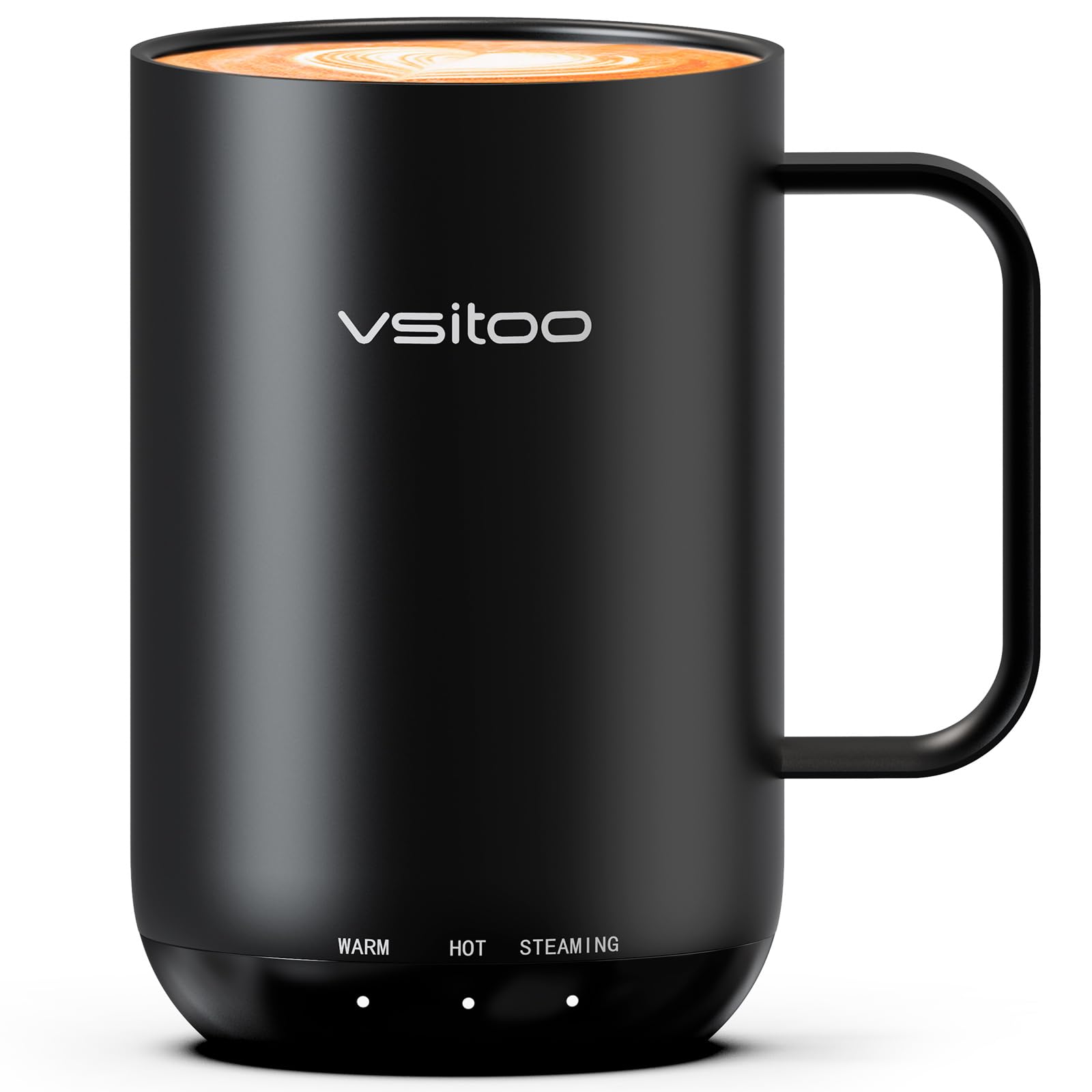
The VSITOO S3 Ultra Self-Heating Coffee Mug in black, showcasing its sleek design.
Package Contents
Ensure all items are present in the package:
- S3 Ultra Smart Mug
- Charging Coaster
- Power Adapter
- Spill-proof Lid
- User Manual

Image showing the VSITOO S3 Ultra mug, charging coaster, and spill-proof lid.
Setup
- Unboxing: Carefully remove all components from the packaging.
- Initial Charge: Before first use, fully charge the mug. Connect the power adapter to the charging coaster, then place the mug onto the coaster. The indicator lights on the mug will illuminate and flash to confirm charging. A full charge may take approximately 4 hours.
- Lid Assembly: The spill-proof lid can be placed on the mug to help retain heat and prevent spills. Ensure it is securely fitted.
Operating Instructions
The VSITOO S3 Ultra offers multiple ways to control your beverage temperature:
1. AI Auto-Sensing
The mug features AI auto-sensing technology. Simply pour your hot beverage into the mug, and it will automatically detect the liquid and begin heating to your last set temperature. No buttons or app interaction are required for this function.

Visual representation of the AI Auto-Sensing feature: Pour, Detect, Heat, Enjoy.
2. Button Control
The mug has an on-board button for manual temperature adjustment:
- Power On/Off: Press and hold the button to turn the mug on or off.
- Temperature Selection: Tap the button to cycle through preset temperature settings. The available range is 120°F to 150°F. Indicator lights on the mug's base will show the selected temperature level (e.g., Warm, Hot, Steaming).
3. App Control
For precise temperature control and customization, download the free VSITOO app:
- Pairing: Follow the in-app instructions to pair your S3 Ultra mug with your smartphone.
- Custom Temperature: Use the app to set the exact desired temperature between 120°F and 150°F.
- Monitoring: The app allows you to monitor the current temperature and battery level of your mug.

The three methods of controlling the VSITOO S3 Ultra mug: AI sensing, button, and app.
Charging and Battery Life
The mug provides 2-4 hours of warmth on a full charge when off the coaster. When placed on the charging coaster, it can maintain your beverage's temperature all day (up to 24 hours).
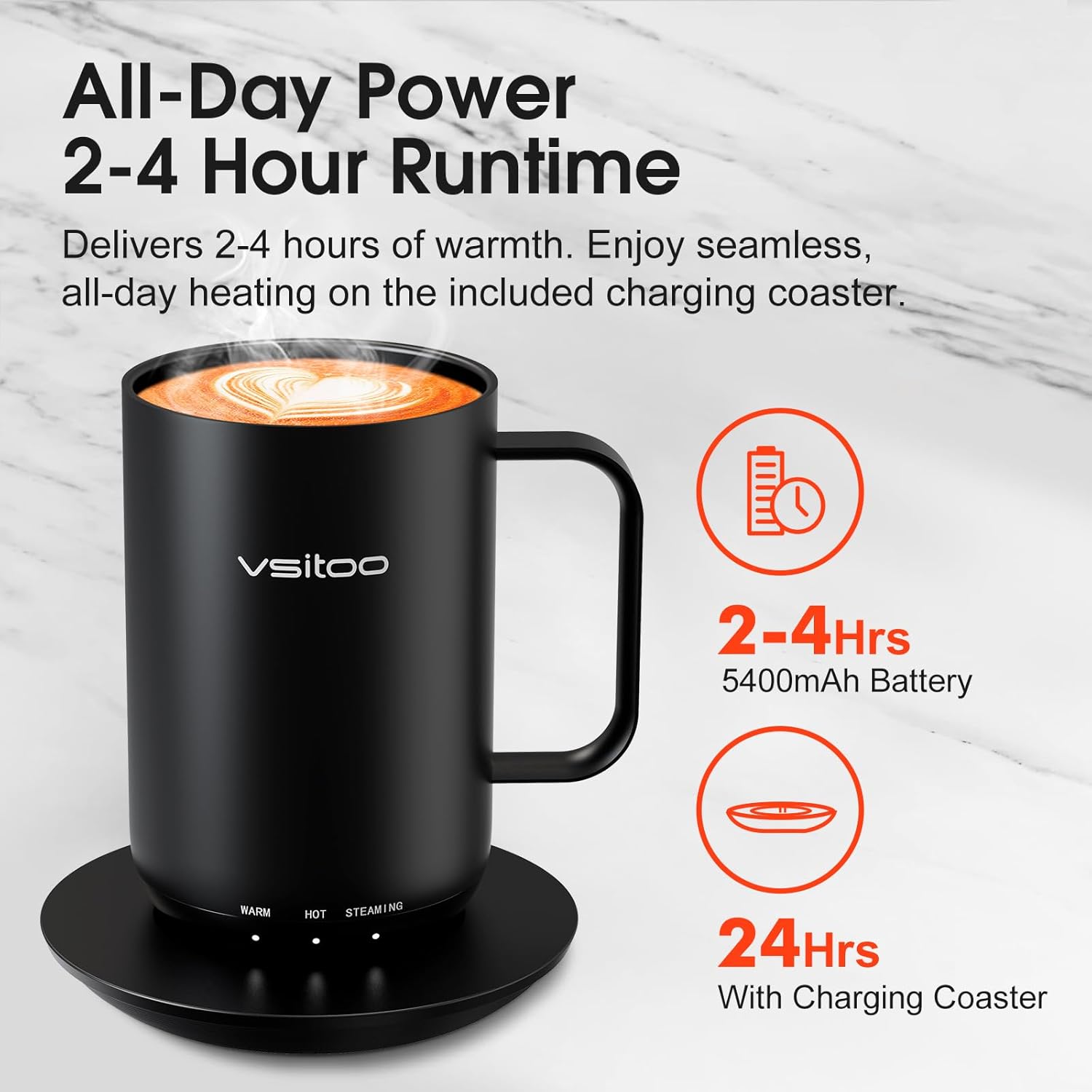
Battery performance: 2-4 hours runtime, extended to 24 hours with the charging coaster.
Safety Features
- Dry-Boil Defense: The mug will not heat if there is no liquid inside, preventing dry-boil situations.
- Auto-Off Intelligence: The mug can be customized via the app to automatically shut off after a set period of inactivity or when empty.

Built-in safety features: Dry-Boil Defense and Auto-Off Intelligence.
Maintenance and Cleaning
The VSITOO S3 Ultra mug is designed for easy cleaning:
- Waterproof Design: The mug has an IPX7 waterproof rating, allowing it to be rinsed under running water.
- Hand Wash Only: Do not wash the mug or charging coaster in a dishwasher. Hand wash the mug with mild soap and water.
- Drying: Ensure the mug is completely dry before placing it back on the charging coaster or storing it.
- Material: Crafted with premium 316 stainless steel, the mug resists stains and odors.

The mug's construction features 316 Stainless Steel, IPX7 Waterproofing, and is BPA-Free.
Troubleshooting
| Problem | Possible Cause | Solution |
|---|---|---|
| Mug not heating | Low battery; No liquid detected; Incorrect temperature setting. | Place mug on charging coaster; Ensure liquid is above minimum fill line; Check and adjust temperature setting via button or app. |
| App connectivity issues | Bluetooth not enabled; App not updated; Pairing issue. | Ensure Bluetooth is on; Update the VSITOO app to the latest version; Re-pair the mug through the app settings. |
| Short battery life | Mug not fully charged; High temperature setting; Frequent off-coaster use. | Ensure mug is fully charged before use; Lower temperature setting if possible; Keep mug on charging coaster for extended warmth. |
| Lid does not seal properly | Rubber gasket misplaced or damaged. | Inspect the rubber gasket around the lid for proper placement. If damaged, contact support for a replacement. |
Specifications
- Model: S3 Ultra
- Brand: VSITOO
- Capacity: 20oz (1.3 Pounds)
- Material: 316 Stainless Steel
- Power Source: Battery Powered
- Maximum Temperature: 150°F (65°C)
- Waterproof Rating: IPX7
- Included Components: Mug, Coaster, Lid
Official Product Video Guide
Official video demonstrating the features and operation of the VSITOO S3 Ultra Self-Heating Mug.
Warranty Information
No specific warranty information was provided in the product details. Please refer to the product packaging or contact VSITOO customer service for warranty details.
Customer Support
For further assistance, technical support, or inquiries, please refer to the contact information provided on the product packaging or the official VSITOO website. No specific customer support contact details were available in the provided product information.


