
1. Introduction
Thank you for choosing the UNIHAND AI Smart Chips Rechargeable Hand Warmers. This manual provides essential information for the safe and efficient use of your new device. Please read it thoroughly before operation and retain it for future reference.
2. Safety Information
To ensure safe operation and prevent damage, please observe the following precautions:
- Do not expose the hand warmers to water or excessive moisture.
- Avoid dropping or subjecting the devices to strong impacts.
- Keep out of reach of children and pets.
- Do not attempt to disassemble, repair, or modify the device. This will void the warranty and may cause harm.
- Use only the provided charging cable or a certified Type-C cable for charging.
- Do not use the device if it appears damaged or malfunctions.
- The maximum operating temperature is 130°F (54°C). Avoid prolonged direct contact with skin at the highest setting to prevent discomfort or burns.
- Ensure proper ventilation during charging.
- The product has obtained CE and FCC safety certifications.
3. Package Contents
- 2 x UNIHAND Rechargeable Hand Warmers
- 1 x Type-C Charging Cable
- 1 x User Manual
4. Product Overview
The UNIHAND AI Smart Chips Rechargeable Hand Warmers are designed to provide consistent warmth in cold conditions. They feature an intelligent AI temperature control chip for precise heat management and extended battery life.
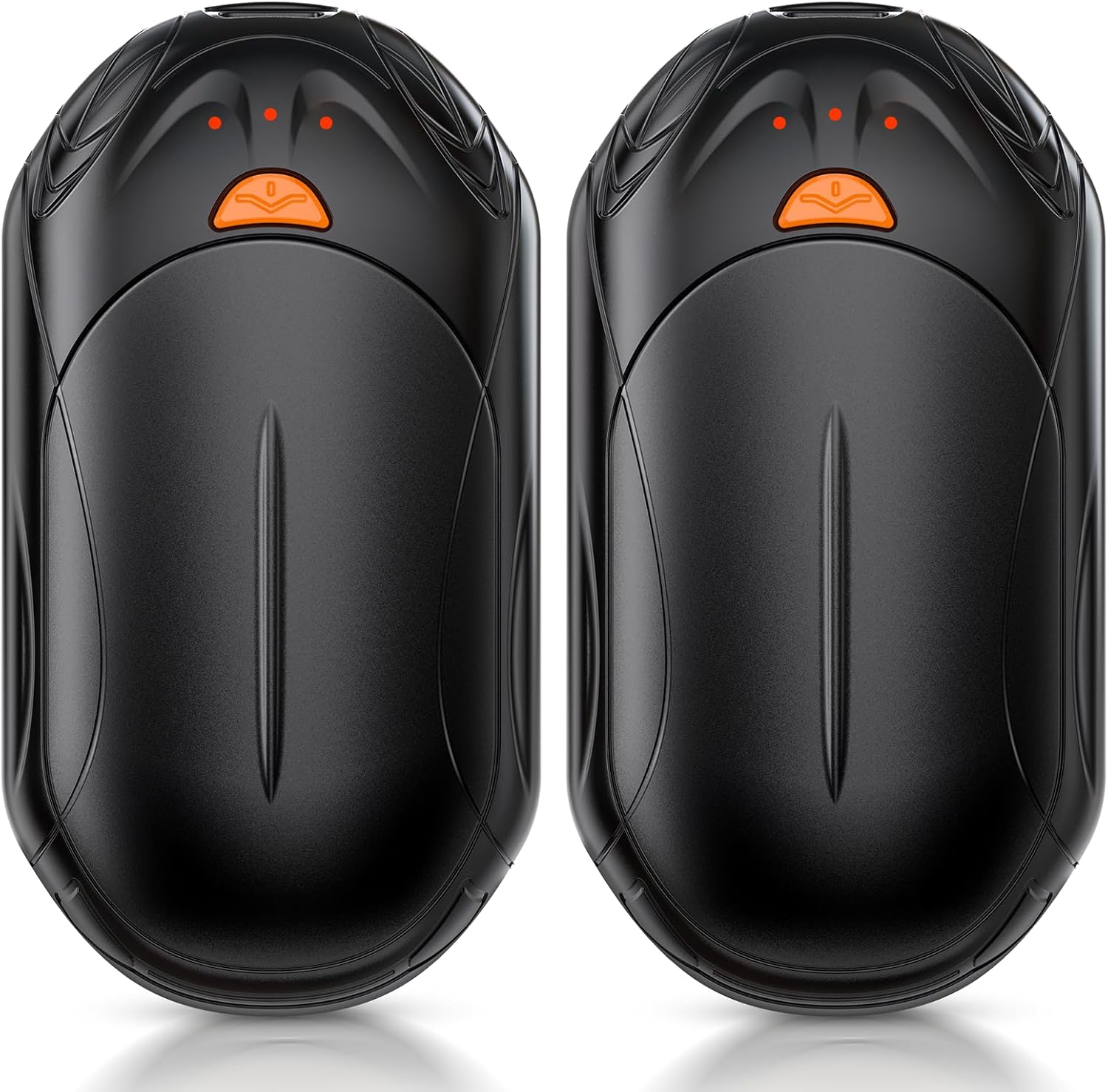
Image: Two black UNIHAND rechargeable hand warmers, designed for portability and comfort.
Key Features:
- 2-in-1 Design: Can be used as two separate units or combined into a single palm-sized heater for 360-degree warmth.
- AI Temperature Sensor Chip: Offers 3 levels of precise heat control (95°F to 130°F) with continuous temperature analysis for optimal comfort and safety.
- Long-Lasting Warmth: Provides up to 8.5-20 hours of heat depending on the selected setting.
- Portable & Ergonomic: Lightweight (0.15 lbs each) with a supercar-inspired design that conforms to the natural curve of your palm for a secure, slip-resistant grip.
- Indicator Lights: 3-level indicator lights show remaining battery power and heating status.
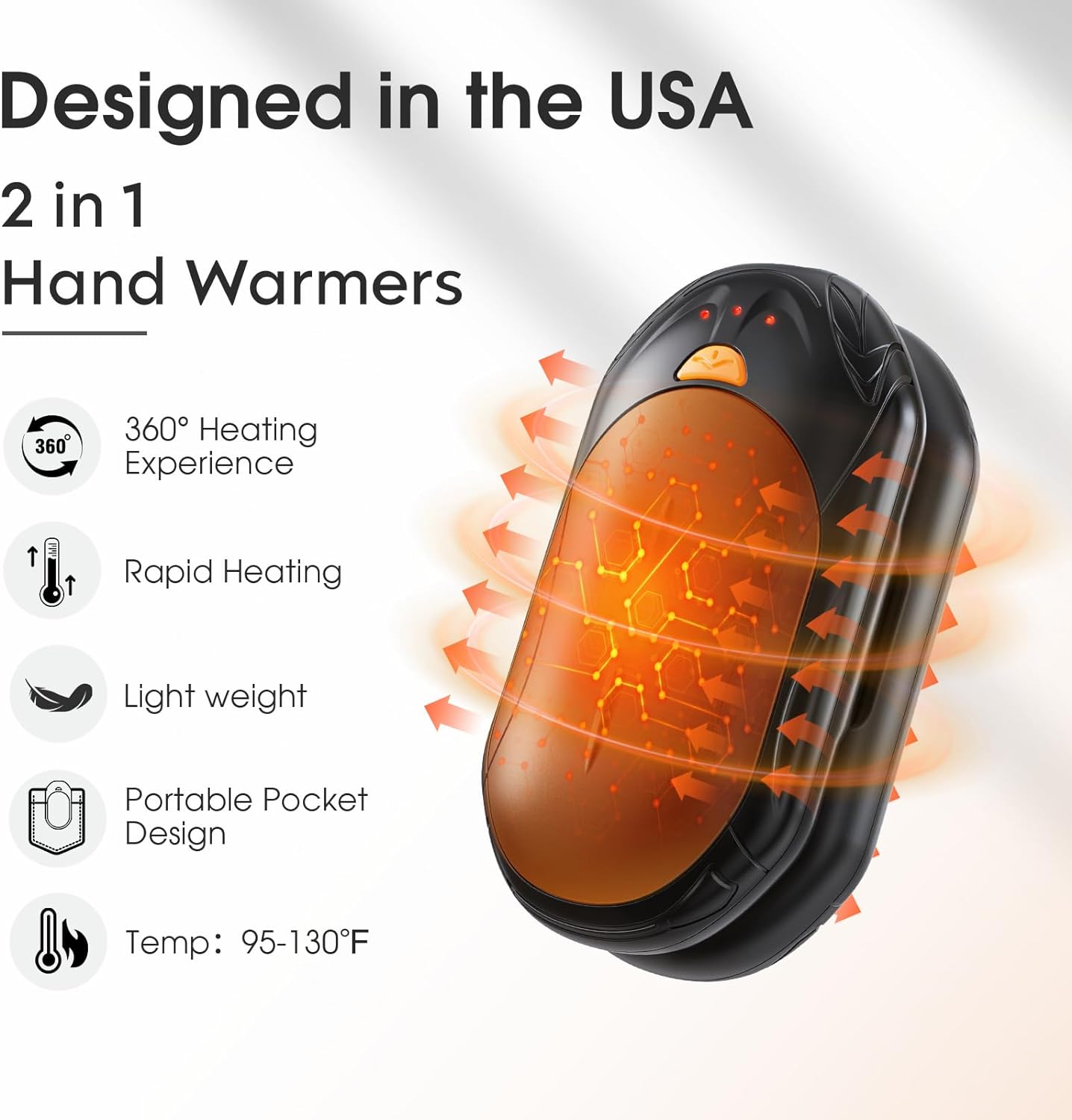
Image: A diagram illustrating the 2-in-1 functionality, 360-degree heating, rapid heating, lightweight design, portable pocket design, and temperature range of the hand warmers.

Image: A detailed view of the AI Smart Chip, highlighting improved heating performance and real-time temperature monitoring for enhanced safety and efficiency.
5. Setup
Charging the Hand Warmers:
- Connect the provided Type-C charging cable to a USB power source (e.g., wall adapter, computer USB port).
- Insert the two Type-C ends of the cable into the charging ports located on each hand warmer.
- The indicator lights will illuminate to show charging status. A full charge typically takes approximately 4 hours.
- Once fully charged, disconnect the hand warmers from the charging cable.

Image: Two UNIHAND hand warmers being charged simultaneously using the included dual Type-C charging cable.
6. Operating Instructions
Power On/Off:
- To turn on: Long press the power button (orange button) on each hand warmer until the red indicator light illuminates.
- To turn off: Long press the power button again until the red indicator lights turn off.
Adjusting Heat Levels:
The hand warmers offer three heat settings:
- Low (95-107.5°F): One red light. Up to 20 hours of warmth.
- Medium (104-118.5°F): Two red lights. Up to 14 hours of warmth.
- High (118.5-130°F): Three red lights. Up to 8.5 hours of warmth.
To cycle through the heat settings, short press the power button while the device is on. The number of red lights indicates the current heat level.
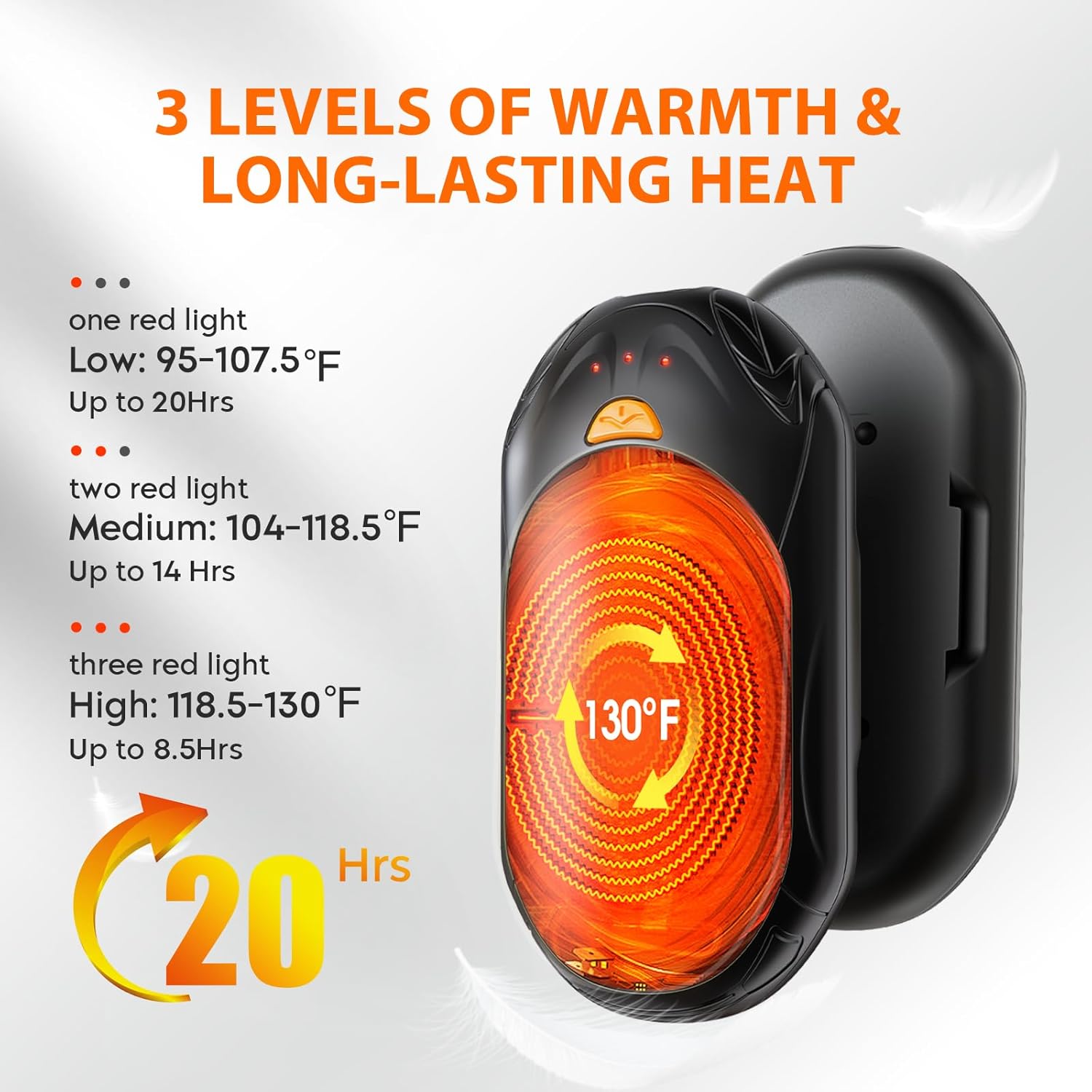
Image: A visual guide to the three heat levels (Low, Medium, High) indicated by red lights, along with their respective temperature ranges and approximate battery durations.
Checking Battery Life:
Double press the power button to check the remaining battery life. Blue indicator lights will show the charge level:
- 1 blue light: Less than 35% battery.
- 2 blue lights: 35-70% battery.
- 3 blue lights: 70-100% battery.

Image: A circular diagram detailing how red lights indicate temperature levels and blue lights indicate remaining battery charge on the hand warmers.
7. Maintenance
- Clean the surface of the hand warmers with a soft, dry cloth. Do not use abrasive cleaners or immerse in water.
- Store the hand warmers in a cool, dry place when not in use.
- For prolonged storage, ensure the devices are partially charged (around 50%) to maintain battery health.
8. Troubleshooting
Device Not Turning On:
- Ensure the device is charged. Connect it to the charging cable and a power source.
- Perform a long press on the power button to activate.
Device Not Heating:
- Check the battery level. Recharge if necessary.
- Ensure the device is powered on and a heat setting is selected (indicated by red lights).
Charging Issues:
- Verify that the charging cable is securely connected to both the hand warmers and the power source.
- Try a different USB port or wall adapter.
9. Specifications
| Feature | Detail |
|---|---|
| Model Name | AOY-766 |
| Brand | UNIHAND |
| Color | Black |
| Material | Aluminum |
| Size | Small (5.2 x 3.98 x 0.98 inches item package dimensions) |
| Weight | 0.2 Kilograms (Package Weight) |
| Battery Capacity | 6000 Milliamp Hours |
| Charging Time | 4 Hours |
| Lower Temperature Rating | 95 Degrees Fahrenheit |
| Upper Temperature Rating | 130 Degrees Fahrenheit |
| Reusability | Rechargeable |
| Power Source | Battery Powered |
| Manufacturer | Guangdong Aoyun Technology Co., Ltd. |
| UPC | 753775977908 |
10. Warranty and Support
Your UNIHAND AI Smart Chips Rechargeable Hand Warmers come with a 2-year warranty from the date of purchase. This warranty covers manufacturing defects and malfunctions under normal use.
For warranty claims, technical support, or any questions regarding your product, please contact the seller or manufacturer directly through your purchase platform. Please have your proof of purchase and product model number (AOY-766) ready.