
1. Product Overview
The CJkao AI Smart Glasses G3 are advanced wearable technology designed to integrate seamlessly into your daily life. These glasses feature an 8-megapixel camera for photo and video recording, Bluetooth connectivity for music and calls, and an AI voice assistant for intelligent recognition and control. They are designed for hands-free operation and come with interchangeable lenses.

Image: The CJkao AI Smart Glasses G3 in black, showcasing their sleek design.
2. Package Contents
Before using your CJkao AI Smart Glasses G3, please ensure all items are present in the package:

Image: A visual representation of the items included in the CJkao AI Smart Glasses G3 package.
- Smart Glasses (G3)
- Additional Lenses (two sets in other colors)
- Charging Cable
- Drying Cloth
- Glasses Pouch
- User Manual
- Sound Guide Tube
3. Setup
3.1 Initial Charging
Before first use, fully charge your smart glasses using the provided magnetic charging cable. Connect the magnetic end of the cable to the charging port on the glasses. The charging indicator will show the charging status.
Video: An overview of the smart glasses, including a demonstration of the magnetic charging feature.
3.2 App Installation and Bluetooth Pairing
- Scan the QR code provided in the user manual to download the dedicated application for the smart glasses.
- Register an account via email within the application.
- Ensure the smart glasses are powered on.
- Enable Bluetooth on your mobile phone.
- Open the glasses application and allow the phone to pair with the glasses via Bluetooth.
Important: If you deny the app's permission to use Bluetooth, the pairing will fail. In such cases, you may need to uninstall and re-download the app to restore normal pairing functionality.

Image: A visual guide demonstrating the easy setup process and stable connection with the companion app.
4. Operating Instructions
4.1 Controls and Interaction
The smart glasses feature integrated touch-sensitive temples and physical buttons for seamless interaction. These controls allow you to adjust volume, skip tracks, answer calls, and activate functions with a tap or swipe.

Image: Diagram illustrating the location of the front right button, rear right button, charging port, touch area, camera, and flash on the smart glasses.
4.2 Photo and Video Recording
The glasses are equipped with an 8-megapixel camera. You can capture photos and record videos directly through the glasses. The captured media can be exported to your mobile phone via the companion application. By default, video recording duration is 3 minutes, which can be adjusted to 9 or 12 minutes within the application settings.
Privacy Note: For privacy policy requirements, the indicator lights on the glasses will automatically turn on when recording videos or taking pictures.

Image: The smart glasses camera capturing a scene, highlighting its photo and video capabilities.
4.3 Bluetooth Music and Calls
Connect your smart glasses to your phone via Bluetooth to play music and handle calls. The integrated speakers provide clear audio, and the touch controls allow for easy management of media playback and call functions.
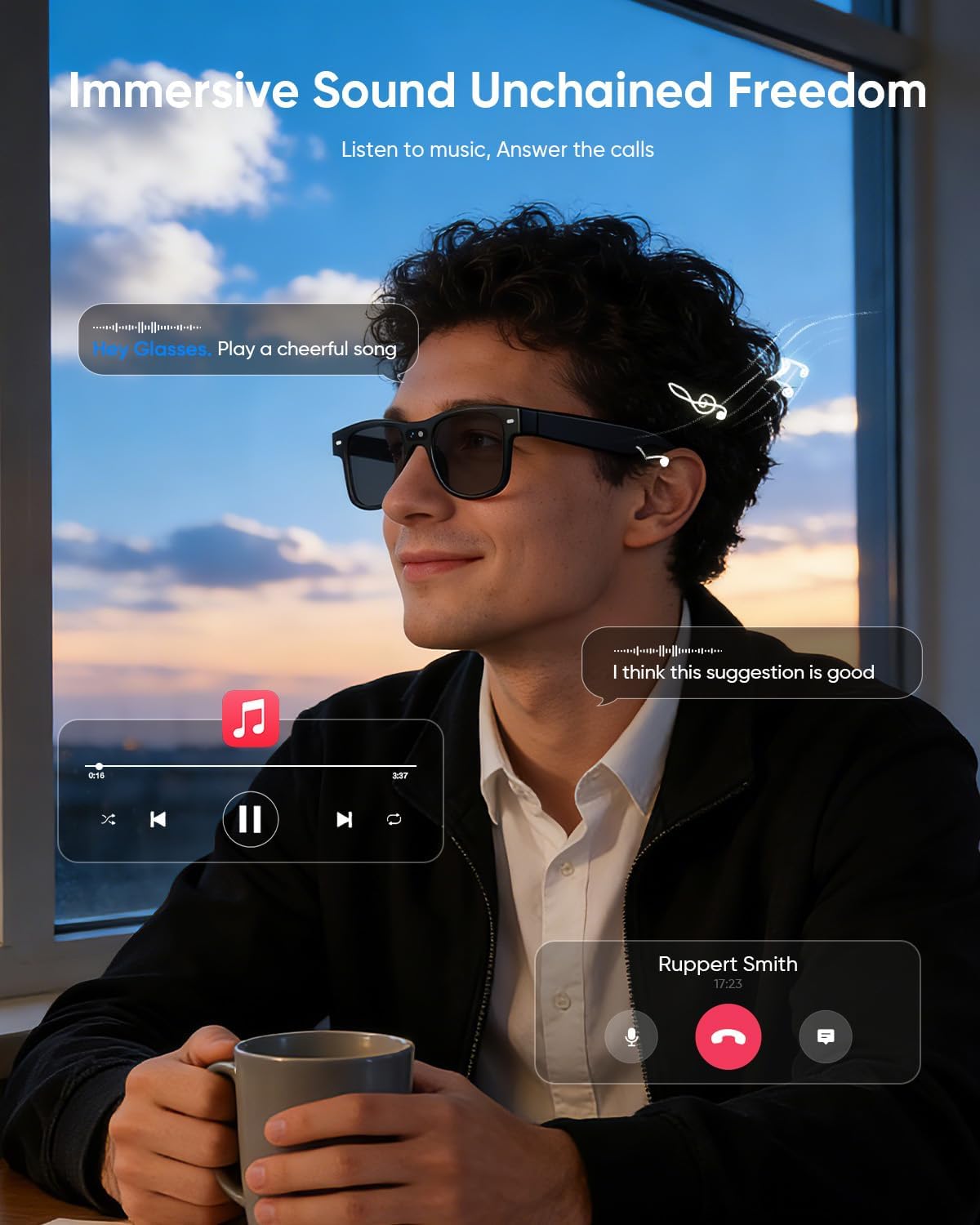
Image: A user enjoying music and managing calls through the smart glasses, demonstrating the immersive sound experience.
4.4 AI Function and Voice Assistant
The smart glasses utilize an AI model for various functions, including object recognition, information search, and volume adjustment. Activate the voice assistant by saying "Hey Glasses" to execute commands.

Image: A user interacting with the AI voice assistant for object recognition, demonstrating hands-free information retrieval.
Note: Functions pause when the glasses are removed and resume when worn again. This feature can be disabled in the app settings if not desired.
5. Maintenance
Proper care ensures the longevity and optimal performance of your smart glasses:
- Clean the lenses and frame with a soft, dry cloth.
- Store the glasses in the protective case when not in use.
- Avoid exposing the glasses to extreme temperatures or high humidity.
6. Troubleshooting
6.1 Pairing Issues
If pairing fails after enabling Bluetooth and opening the app, ensure you have granted all necessary permissions to the application. If permissions were denied, uninstall and re-download the app to reset permissions and attempt pairing again.
6.2 Limited Video Quality
The glasses are equipped with an 8-megapixel camera. For best results, use them in a well-lit environment. The video quality should not be compared directly to smartphones, as smartphone cameras typically range from 5 to 20 million pixels.
6.3 AI Assistance Function Not Working
To activate the AI assistance function, you must say "Hey Glasses." During the transmission of videos or images, other functions, including AI assistance, will be temporarily suspended.
6.4 Music Playback Issues
If music cannot be played, you might not have touched the correct spot on the temple. First, slide your finger along the right temple of the glasses to identify the touch area, then perform a double-click. If your mobile network is slow, it may also cause delays in music playback.
7. Specifications
| Feature | Detail |
|---|---|
| Model Number | AIMB-G3 |
| Camera | 8-megapixel |
| Battery Capacity | 290 mAh (included) |
| Audio Continuity | Approximately 9 hours |
| Video Shooting Time | Approximately 1 hour |
| Material | Plastic |
| Item Weight | 41 Grams |
| Package Dimensions | 6.81 x 3.5 x 2.2 inches |
| Lens Width | 50 Millimeters |
| Bridge Width | 160 Millimeters |
| Lens Height | 50 Millimeters |
| Arm Length | 160 Millimeters |
| Color | Black |
| Special Features | Music Player, AI Voice Assistant, Video Recording |

Image: Visual representation of the battery capacity (290mAh) and internal components of the smart glasses.
8. Warranty and Support
The CJkao AI Smart Glasses G3 come with a one-year manufacturer's warranty. This warranty covers defects in materials and workmanship under normal use. For technical support or warranty claims, please contact the manufacturer or your retailer.
Additional accessories, including two sets of lenses in other colors and a sound guide tube, are included to enhance your experience. These can be installed and replaced as needed.