Operating Instructions
Familiarize yourself with the control panel and remote functions for optimal use of your massage chair.
Power On/Off
Plug the power cord into a grounded electrical outlet. Press the power button on the control panel to turn the chair on or off.
Selecting Massage Modes
Use the control panel or remote to select from the 5 preset automatic massage modes. Each mode offers a unique sequence of massage techniques and intensities.
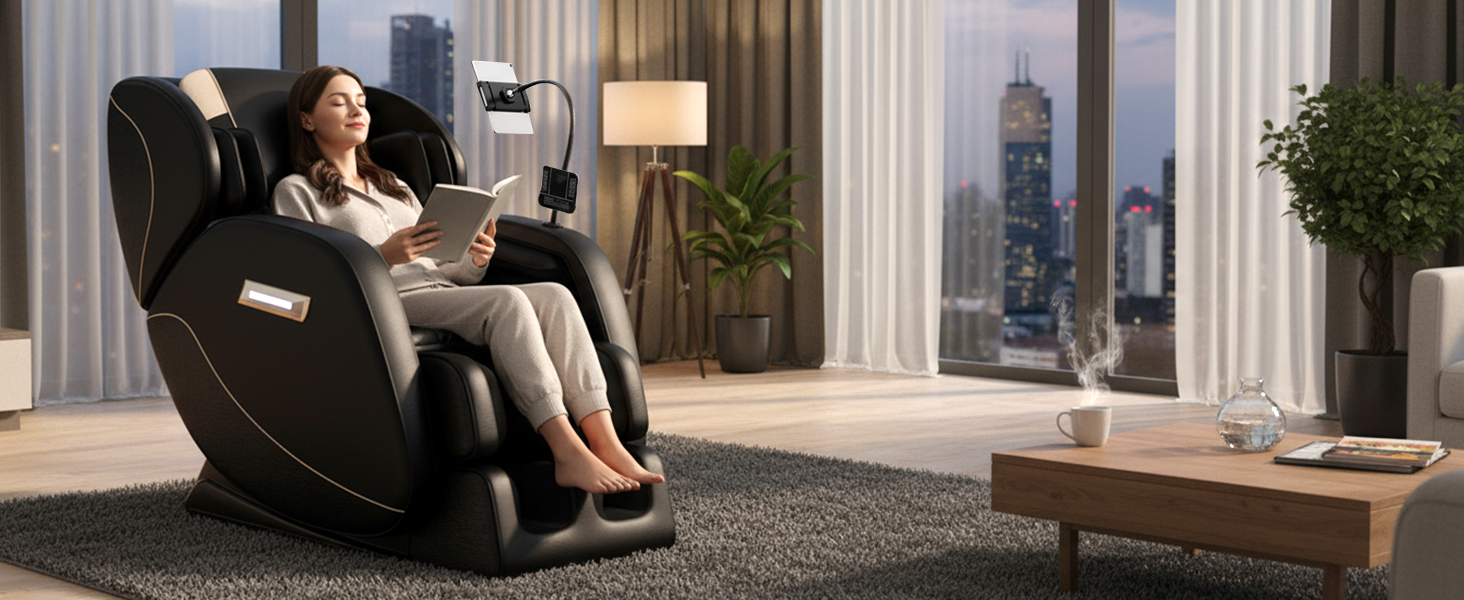
Image: The massage chair with its control panel, indicating various functions including auto modes.
Zero Gravity Function
Press the "Zero Gravity" button on the control panel to activate the recline function. The chair will adjust to a position that elevates your feet above your heart, reducing spinal pressure.
Heating Function
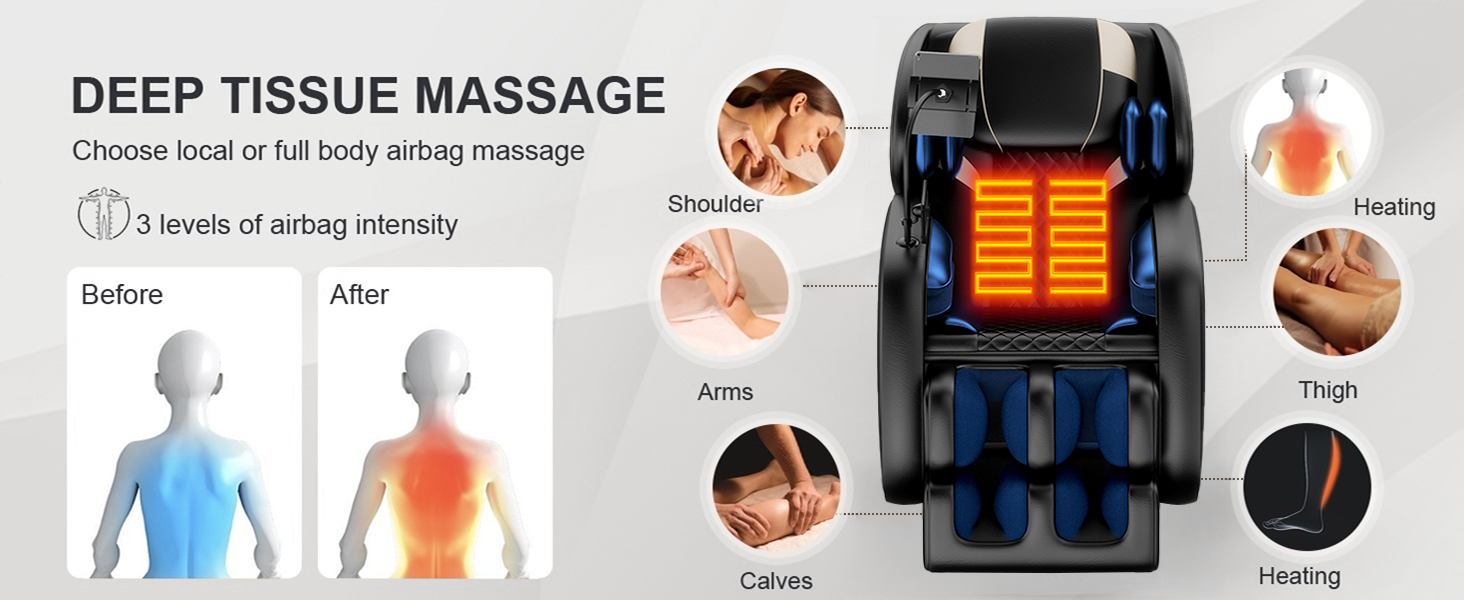
Activate the heating function for the waist and legs via the control panel. Allow a few minutes for the heating elements to reach optimal temperature.
Foot Massage
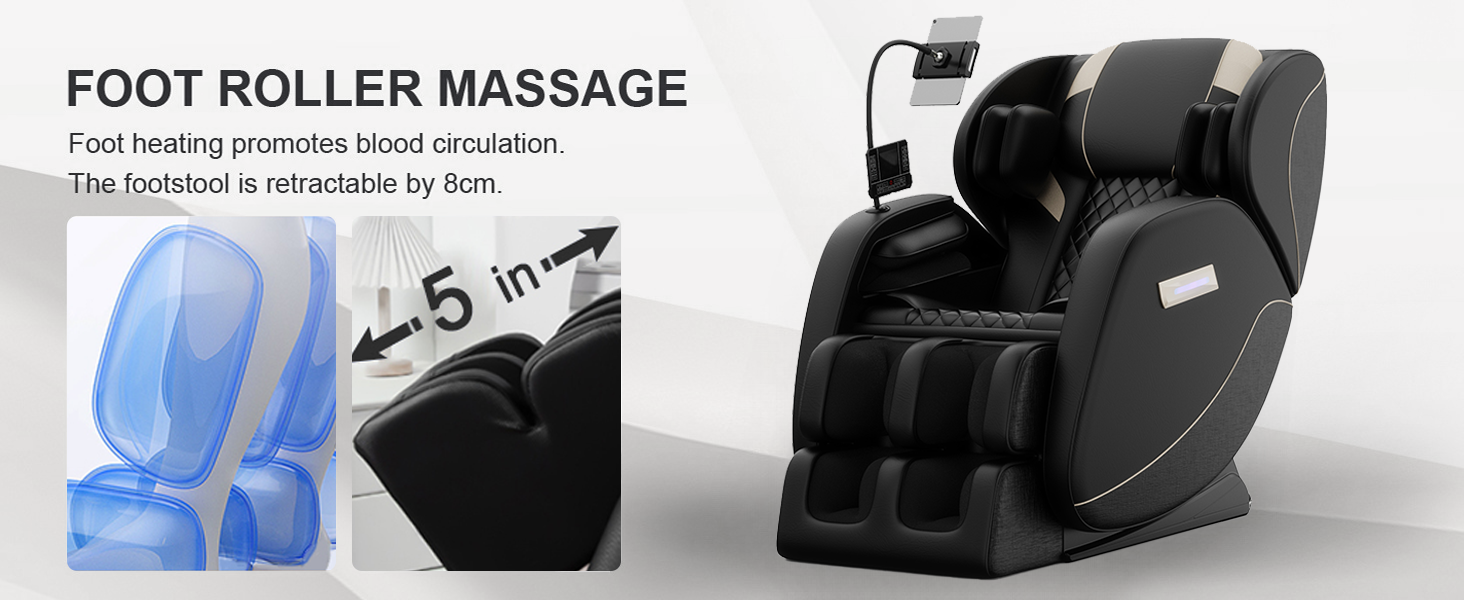
The foot massage rollers and airbags can be activated independently or as part of a preset program. Adjust the footrest length as needed for comfort.
Bluetooth Connectivity
To connect your device via Bluetooth, ensure Bluetooth is enabled on your smartphone or tablet. Search for "AYJOIR Massage Chair" (or similar name indicated in the specific product guide) in your device's Bluetooth settings and pair. You can then play audio through the chair's integrated speakers.
Maintenance
Regular maintenance ensures the longevity and optimal performance of your massage chair.
- Cleaning: Wipe the chair's surface with a soft, damp cloth. Do not use abrasive cleaners or solvents. Ensure the chair is unplugged before cleaning.
- Storage: When not in use for extended periods, store the chair in a cool, dry place away from direct sunlight.
- Inspection: Periodically check the power cord and all connections for any signs of wear or damage. If damage is found, discontinue use and contact customer support.