
Introduction
This manual provides detailed instructions for the setup, operation, and maintenance of your taopodo JX523 Smartwatch. Please read this guide thoroughly to ensure proper use and to fully utilize all features of your device.

Image: The taopodo JX523 Smartwatch highlighting its 1.27-inch AMOLED touchscreen and slim design.
What's in the Box
- taopodo JX523 Smartwatch (with Milanese steel strap)
- Additional Hypoallergenic Silicone Strap
- Charging Cable
- User Manual (this document)
Setup Guide
1. Charging the Smartwatch
Before first use, fully charge your smartwatch. Connect the magnetic charging cable to the charging points on the back of the watch and plug the USB end into a power adapter (not included) or a computer's USB port.
A full charge typically takes approximately 1.5 hours. The watch has a battery life of up to 7 days with typical use and up to 30 days in standby mode.

Image: The smartwatch connected to its magnetic charging cable, illustrating the charging process and battery life details.
2. App Installation
The taopodo JX523 Smartwatch requires the Da Fit application for full functionality and synchronization with your smartphone. Download the app from your device's app store:
- For Android devices: Search for "Da Fit" on Google Play Store.
- For iOS devices: Search for "Da Fit" on Apple App Store.

Image: Visual guide for downloading the Da Fit app and initiating the pairing process.
3. Pairing with Your Smartphone
- Ensure your smartphone's Bluetooth is activated.
- Open the Da Fit application on your smartphone.
- In the app, navigate to the "Device" section and tap "Add Device" or similar option.
- Select "JX523" from the list of available devices to initiate the pairing process.
- Follow any on-screen prompts on both your watch and phone to confirm the connection.
Once paired, the watch will synchronize data with the app, and you can customize settings, watch faces, and notifications.
Operating Instructions
Basic Navigation
The taopodo JX523 Smartwatch features a 1.27-inch AMOLED HD touchscreen for intuitive control. Swipe across the screen to access different functions and menus. The side button typically serves as a power button or a return-to-home function.
Making and Receiving Calls
With Bluetooth 5.4 connectivity, you can make and receive calls directly from your smartwatch when it's connected to your phone. The watch is equipped with a high-resolution speaker and a premium microphone for clear hands-free communication.
- To Answer a Call: When an incoming call notification appears, tap the green answer icon on the watch screen.
- To Decline a Call: Tap the red decline icon.
- To Make a Call: Access the dialer or contacts list on your watch (via the Da Fit app settings) and select a contact or dial a number.
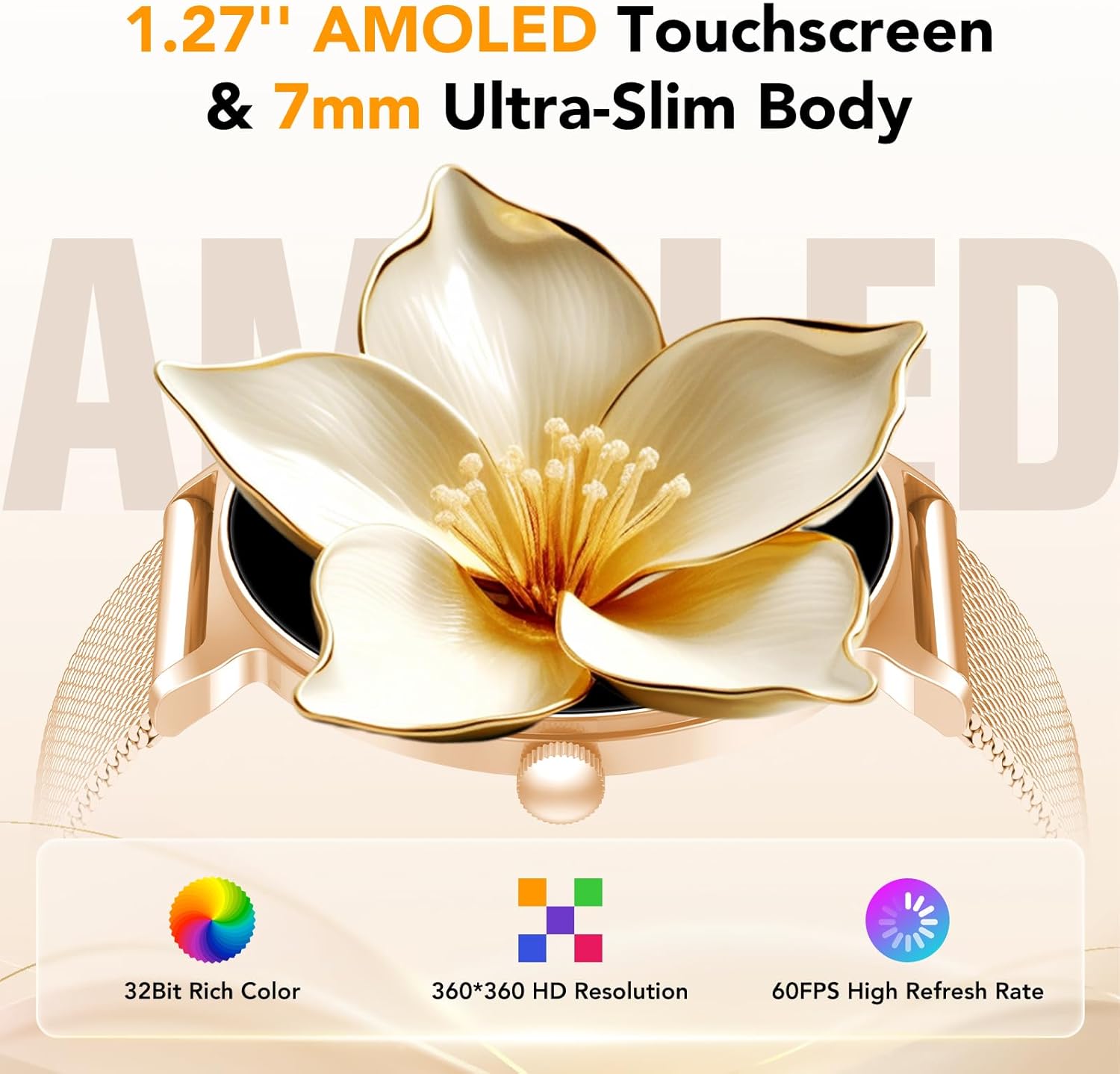
Image: The smartwatch screen showing call management features, including incoming call alerts, a dial pad, and contact display.
Notifications
Receive vibrating alerts and full-screen notifications for SMS, WeChat messages, and social media updates directly on your watch. Ensure notification permissions are enabled in the Da Fit app and your phone's settings.
Customizing Watch Faces
The smartwatch offers over 200 customizable watch faces. You can also use your own photos as watch faces. To change or customize watch faces:
- Open the Da Fit app on your smartphone.
- Navigate to the "Watch Faces" or "Dial Settings" section.
- Browse available watch faces or select an option to upload a custom photo.
- Synchronize the selected watch face to your smartwatch.

Image: A selection of customizable watch faces, demonstrating the variety and personalization options available through the Da Fit app.
Sports Modes
The smartwatch supports over 120 sports modes, providing real-time data tracking for activities such as steps, calories burned, heart rate, and distance. To access sports modes:
- Swipe on the watch screen to find the "Sports" or "Workout" menu.
- Select your desired activity from the list.
- Start your workout. The watch will begin tracking relevant metrics.
- End your workout to save the data, which will then sync with the Da Fit app.

Image: The smartwatch displaying real-time activity data and icons representing over 120 sports modes.
Health Monitoring
The taopodo JX523 Smartwatch provides comprehensive health monitoring features, including heart rate, blood oxygen (SpO2), sleep tracking, and menstrual cycle monitoring.
- Heart Rate (HR) & Blood Oxygen (SpO2): The watch continuously monitors your heart rate and can measure your SpO2 levels using the built-in VC30F sensor. View real-time data on the watch or detailed historical data in the Da Fit app.
- Sleep Tracking: Wear the watch during sleep to track your sleep patterns, including deep sleep, light sleep, and awake times. This data helps you understand and improve your sleep quality.
- Menstrual Cycle Monitoring: This feature helps track menstrual cycles, predict periods, ovulation, and identify safe days. Set up your profile in the Da Fit app to utilize this function.
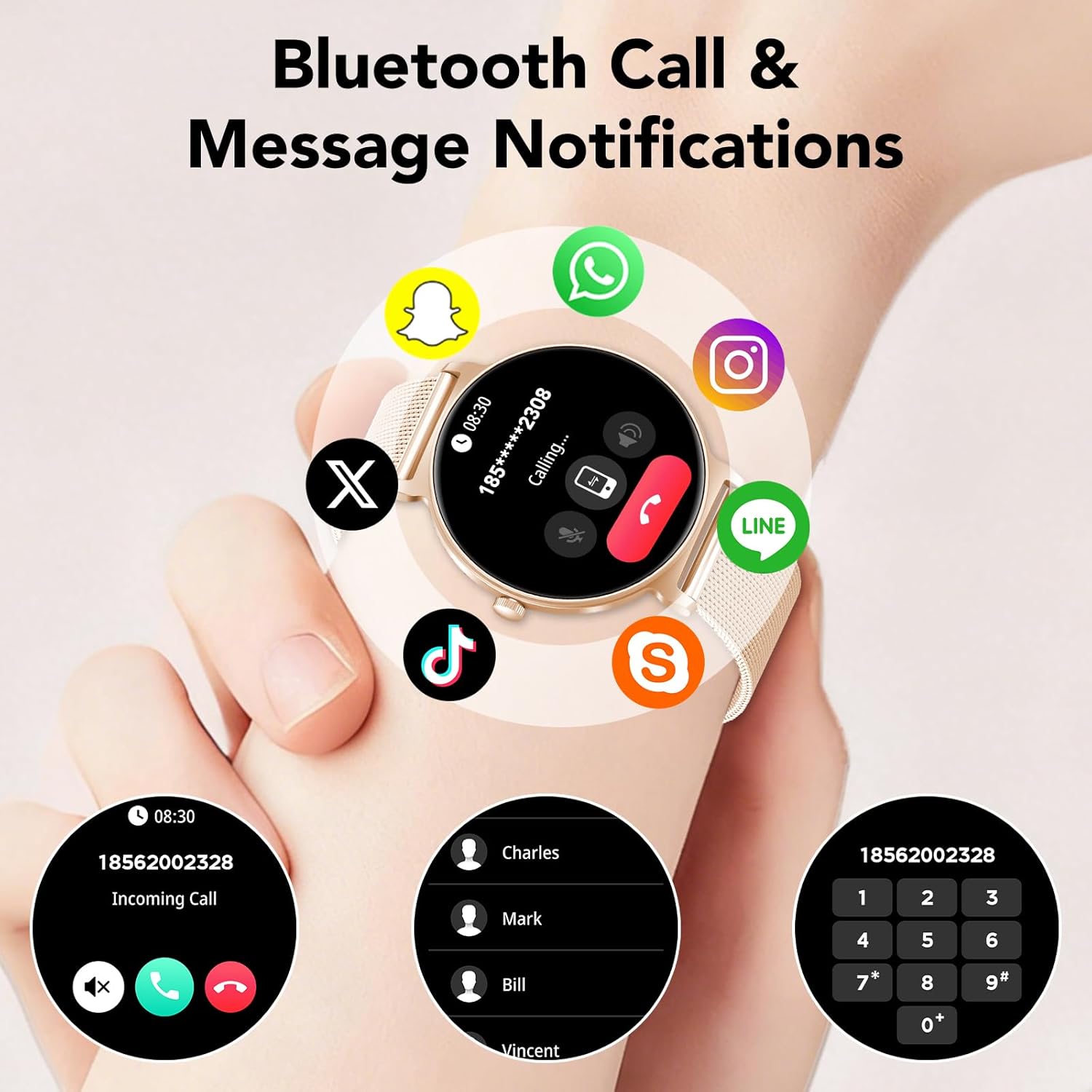
Image: The smartwatch displaying health monitoring data, including sleep duration, heart rate, and stress levels.

Image: The smartwatch screen showing the menstrual cycle monitoring interface with a calendar view.
Maintenance
Cleaning Your Smartwatch
Regularly clean your smartwatch and straps to prevent skin irritation and maintain optimal performance. Use a soft, lint-free cloth. If necessary, slightly dampen the cloth with water. Avoid using harsh chemicals or abrasive materials.
Water Resistance (IP68)
The taopodo JX523 Smartwatch is IP68 rated, meaning it is resistant to dust, splashes, and can withstand immersion in water up to 1.5 meters for up to 30 minutes. It is suitable for daily use, hand washing, and light rain. However, it is not recommended for hot showers, saunas, or diving, as steam and high water pressure can compromise the seal.
Strap Replacement
Your smartwatch comes with two interchangeable straps: a Milanese steel strap and a hypoallergenic silicone strap. To replace a strap:
- Locate the quick-release pins on the underside of the strap where it connects to the watch body.
- Slide the pin inwards to detach the strap.
- Align the new strap with the watch body and slide the pin back into place until it clicks securely.

Image: A diagram illustrating the dimensions of the smartwatch and its straps, useful for understanding strap replacement.
Troubleshooting
| Problem | Possible Solution |
|---|---|
| Watch does not turn on | Ensure the watch is fully charged. Connect it to the charger for at least 30 minutes. |
| Unable to pair with phone |
|
| No notifications received |
|
| Inaccurate health data |
|
Specifications
| Model Number | JX523 |
| Brand | taopodo |
| Display | 1.27-inch AMOLED HD Touchscreen (360 x 360 pixels) |
| Connectivity | Bluetooth 5.4 |
| Compatibility | Android and iOS devices |
| Special Features | Voice Call, 120+ Sports Modes, 200+ Watch Faces, 24/7 Heart Rate Monitor, SpO2 Monitor, Sleep Tracker, Menstrual Cycle Tracker |
| GPS | No built-in GPS |
| Water Resistance | IP68 (Dust and water resistant up to 1.5m for 30 minutes) |
| Battery Life | Up to 7 days (typical use), 30 days (standby) |
| Charging Time | Approx. 1.5 hours |
| Strap Material | Milanese Steel, Hypoallergenic Silicone |
| Input Method | Touchscreen |
Warranty and Support
Warranty Information
The taopodo JX523 Smartwatch comes with a 1-year limited warranty from the date of purchase. This warranty covers manufacturing defects and workmanship under normal use. It does not cover damage caused by misuse, accidents, unauthorized modifications, or failure to follow the instructions in this manual.
Please retain your proof of purchase for warranty claims.
Customer Support
For any questions, technical assistance, or warranty inquiries, please contact taopodo customer support through the retailer where you purchased the product or visit the official taopodo website for contact information.

