
1. Introduction
This instruction manual provides guidance for installing and operating your BrickSoul Light Up Kit, specifically designed for the LEGO 10349 Happy Plants Building Set. This kit enhances your LEGO model with integrated lighting, transforming it into a vibrant display piece. Please note that the LEGO 10349 model is not included with this lighting kit.
The kit features wired, dimmable LED lighting accessories and incorporates cable-hiding technology for a clean and polished appearance. It is recommended for users aged 14 and above.
2. Package Contents
Before beginning installation, please verify that all components listed below are present in your package. Refer to the image for a visual representation of the included items.
Included in the package:
- Light kits (various LED components and wires)
- Light control button (integrated into USB cable)
- Battery box (requires AAA batteries, not included)
- Instructions for Use (digital access via QR code/online)
3. Setup and Installation
The BrickSoul Light Up Kit is designed for straightforward installation. Detailed step-by-step instructions are available through online video guides and a PDF manual. These resources will guide you through the process of integrating the lighting components with your LEGO 10349 Happy Plants Building Set.
Key Installation Steps:
- Access the digital instructions (PDF or video) using the provided QR code or link.
- Follow the numbered steps to carefully disassemble specific sections of your LEGO model as instructed.
- Integrate the light wires and LED components into the designated areas, ensuring wires are neatly hidden.
- Reconnect the LEGO bricks, securing the lighting elements in place.
- Connect the lighting kit to the power source (USB or battery box).
Patience and careful placement are essential during installation to ensure a clean look and proper functionality. The kit is engineered to fit securely without damaging the original LEGO build.

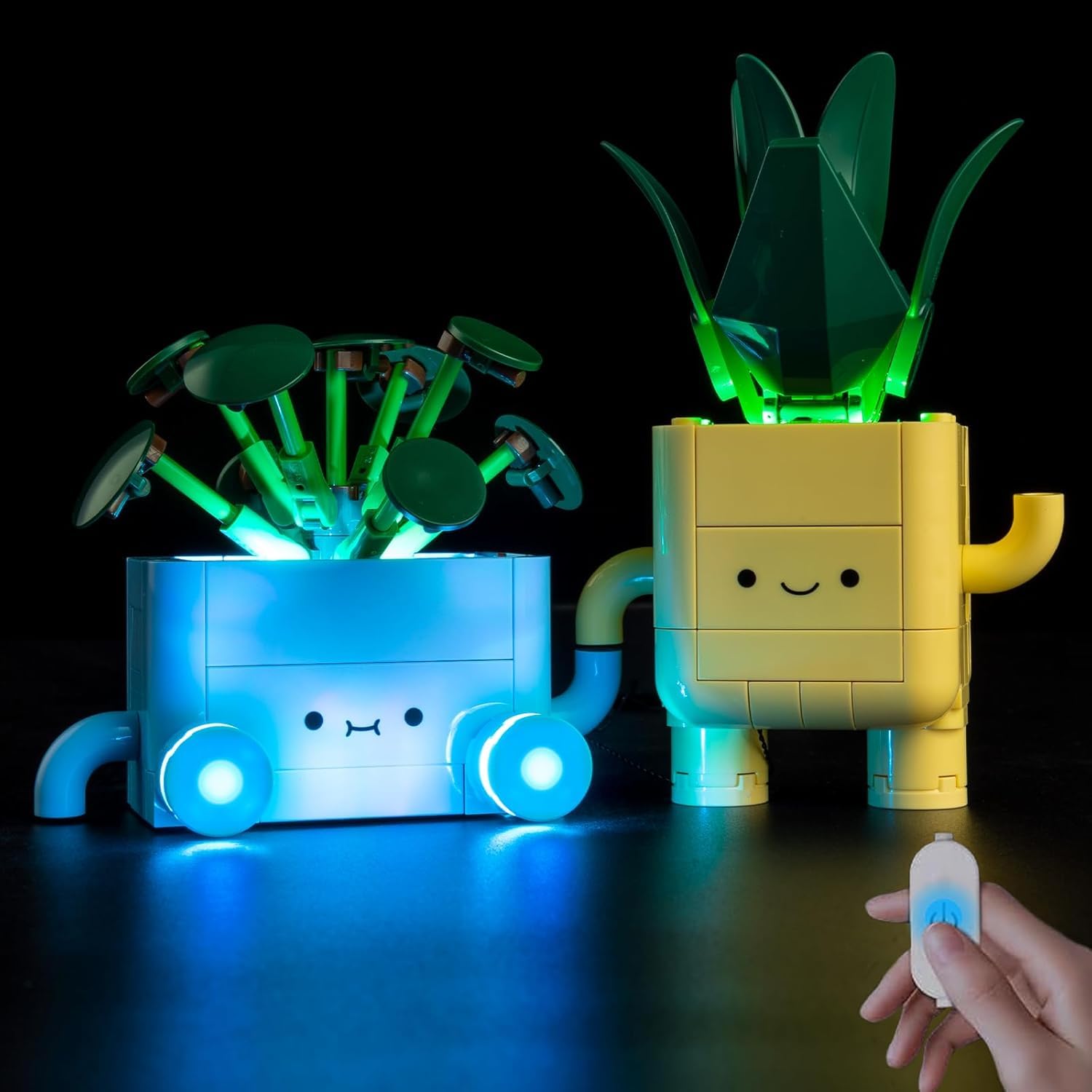
The LEGO 10349 Happy Plants set with the BrickSoul Light Up Kit installed, showcasing the illuminated plants.
Installation Video Guide
For a visual walkthrough of the installation process, please refer to the official video guide below. This video demonstrates how to integrate the lighting kit with your LEGO model.
Official installation video for the BrickSoul Light Up Kit for LEGO 10349 Happy Plants. This video demonstrates the lighting effects and the touch control feature.
4. Operating Instructions
The BrickSoul Light Up Kit features a convenient one-touch brightness control system, eliminating the need to constantly plug and unplug the power source.
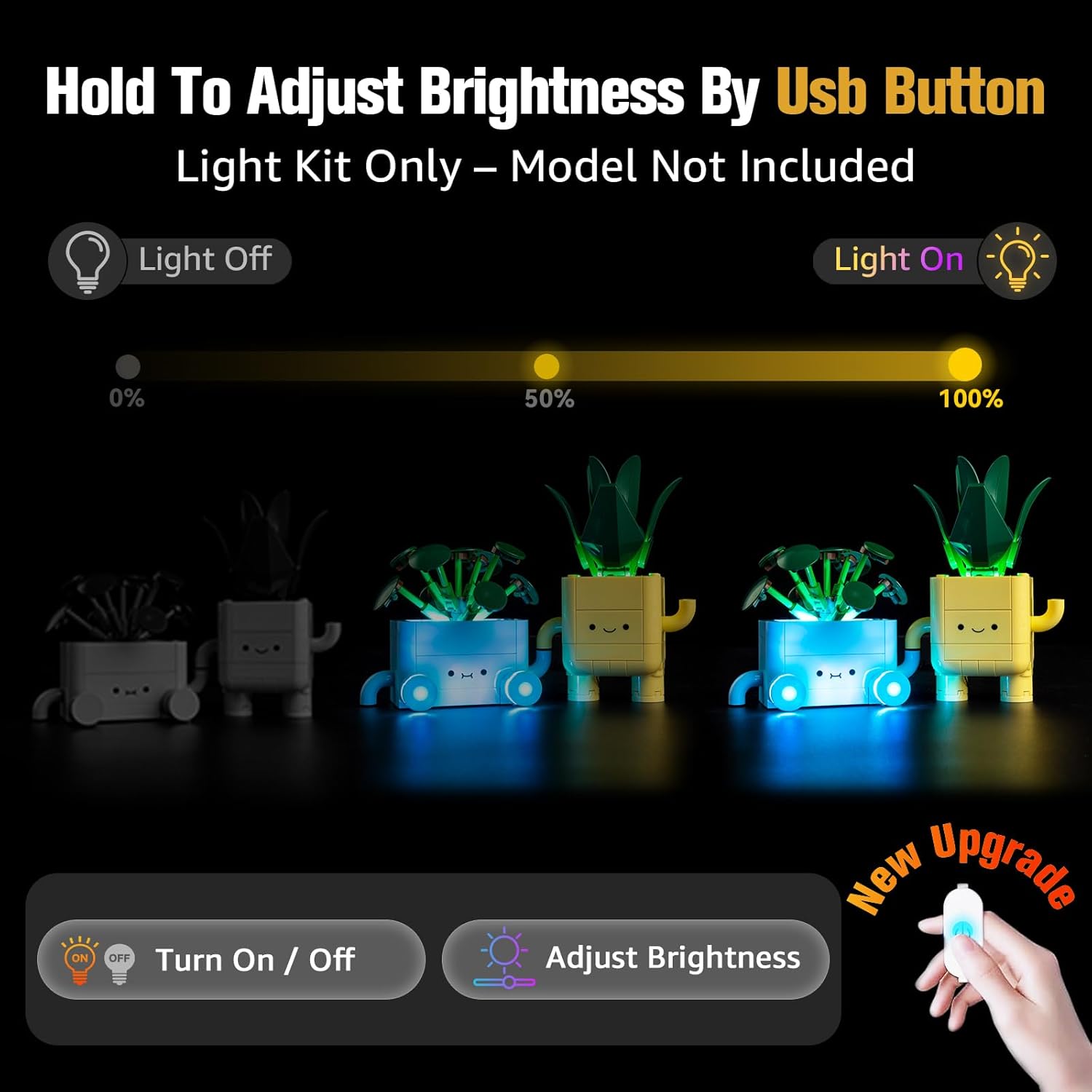
Visual guide to the USB button control for turning lights on/off and adjusting brightness.
Using the USB Control Button:
- Turn On/Off: Tap the button on the USB cable once to toggle the lights on or off.
- Adjust Brightness: Press and hold the button to smoothly adjust the brightness level. Release the button when the desired brightness is achieved.
This intuitive control allows you to customize the lighting intensity to suit your display environment and conserve energy.
5. Maintenance
To ensure the longevity and optimal performance of your BrickSoul Light Up Kit, follow these maintenance guidelines:
- Cleaning: Gently wipe the LED components and wires with a dry, soft cloth. Avoid using liquids or abrasive cleaners.
- Handling: Handle the wires and LED components with care to prevent bending or breaking.
- Power Source: Always ensure the power source (USB or battery box) is within the recommended voltage range (3-5V). Remove batteries from the battery box if the kit will not be used for an extended period.
- Storage: If disassembling for storage, carefully coil wires and store components in a dry, dust-free environment.
6. Troubleshooting
If you encounter any issues with your BrickSoul Light Up Kit, please refer to the following common troubleshooting steps:
| Problem | Possible Cause | Solution |
|---|---|---|
| Lights do not turn on. |
|
|
| Lights are dim or flickering. |
|
|
| Individual lights not working. |
|
|
If these steps do not resolve the issue, please contact BrickSoul customer support for further assistance.
7. Specifications
Below are the technical specifications for the BrickSoul Light Up Kit:
- Model Number: BS-10349-tv-vine-1
- Product Dimensions: 6.1 x 5.18 x 1.18 inches
- Item Weight: 4.8 ounces (0.3 Pounds)
- Material: High-quality ABS Plastic and Flexible Copper Wiring
- Power Source: USB (3-5V recommended) or Battery Box (AAA batteries not included)
- Recommended Age: 14 years and up
- Compatibility: Specifically designed for LEGO 10349 Happy Plants Building Set
8. Warranty and Support
BrickSoul offers a worry-free warranty and dedicated customer support to ensure your satisfaction.
- Warranty Coverage: We provide quick, hassle-free replacements for accidental damage, including bent connectors or broken wires.
- Customer Support: The BrickSoul support team is available to assist with any questions or issues you may encounter during installation or operation.
- Contact: For support or warranty claims, please refer to the contact information provided in your digital manual or visit the official BrickSoul website.
Our goal is to ensure a smooth, stress-free lighting experience for all our customers.