
1. Introduction
The Scatach Q10 is a versatile portable device designed to provide emergency jump-starting for vehicles, inflate tires, and serve as a power bank and LED light source. This manual provides essential information for the safe and effective use of your device.

Image: The Scatach Q10 device, highlighting its capability to jump start vehicles with up to 10.0L Gas and 8.0L Diesel engines, and its 6000A peak current.
2. Safety Information
Read all safety warnings and instructions before using this product. Failure to follow the warnings and instructions may result in electric shock, fire, and/or serious injury.
- Do not operate the jump starter if the cables or clamps are damaged.
- Ensure proper polarity when connecting to a vehicle battery (red to positive, black to negative).
- Do not jump start a frozen battery.
- Keep out of reach of children.
- Use in a well-ventilated area.
- Avoid exposing the device to extreme temperatures or moisture.
- Do not disassemble the unit.

Image: The Scatach Q10 device highlighting its safety features, including spark-proof technology and intelligent protection.
3. Package Contents
Verify that all items are present in the package:
- 1x Jump Starter with Air Compressor
- 1x Smart Jumper Cables
- 1x USB-C Charging Cable
- 1x Air Hose
- 3x Air Nozzles
- 1x User Manual

Image: An overview of the Scatach Q10 package contents, including the main unit, jumper cables, air hose, USB-C cable, and various nozzles.
4. Product Overview
The Scatach Q10 integrates multiple functions into a compact design:
- Jump Starter: 6000A peak current, capable of starting 12V vehicles (up to 10.0L Gas/10.0L Diesel engines).
- Air Compressor: 150 PSI cordless inflator with a digital screen for real-time tire pressure display.
- Power Bank: Equipped with USB outputs to charge mobile devices.
- LED Light: Features lighting, warning, and SOS modes.
- Safety Protection: Incorporates 10 layers of safety protection, including short-circuit, reverse connection, and over-load protection.
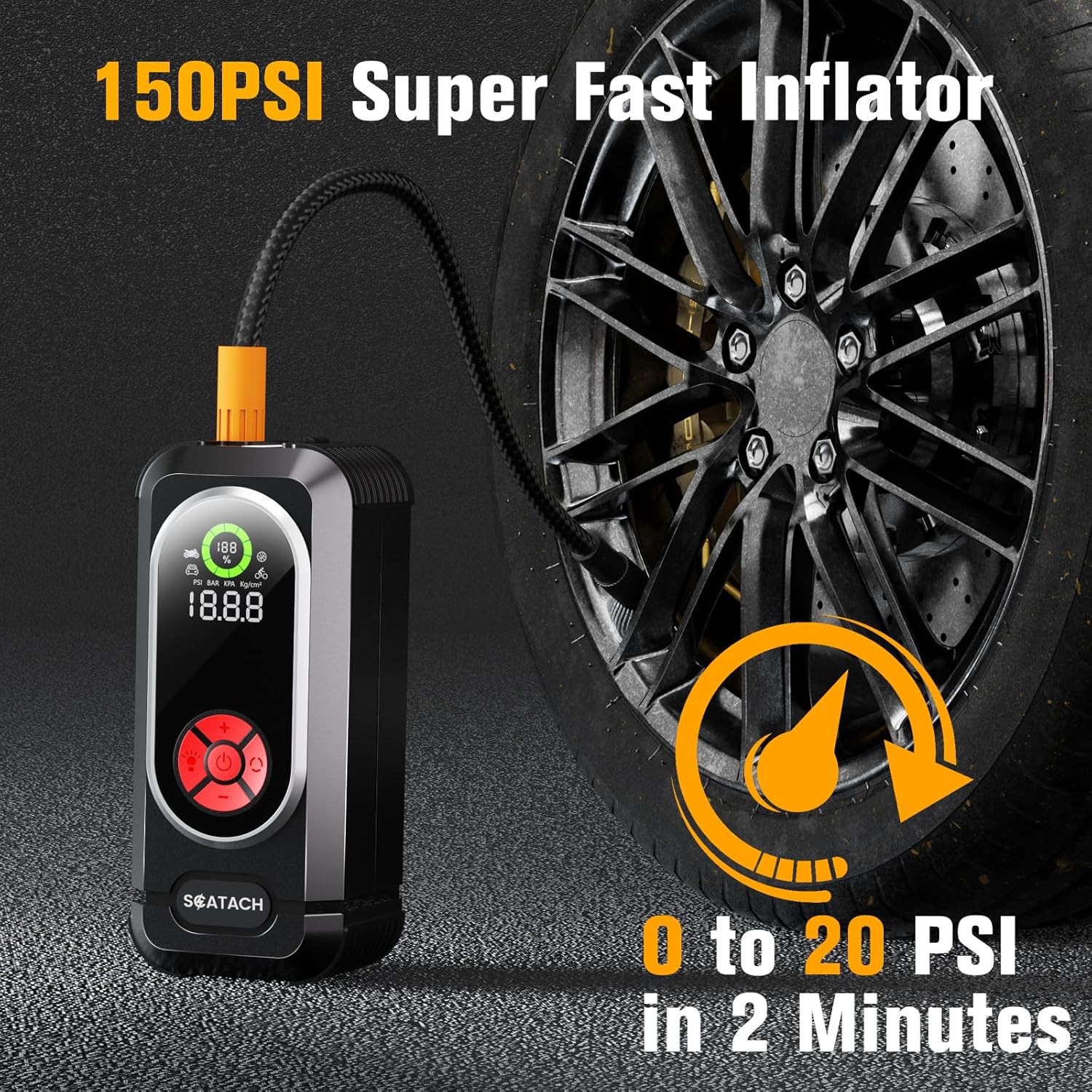
Image: The Scatach Q10 device, showcasing its large LED display and control buttons.
5. Charging the Device
Before initial use, fully charge the Scatach Q10. Use the provided USB-C charging cable to connect the device to a compatible USB power adapter (not included). The LED display will indicate the charging status and battery level.
- Connect the USB-C cable to the input port on the device.
- Connect the other end of the USB-C cable to a USB power source.
- The device is fully charged when the battery indicator shows 100%.
6. Operating Instructions
6.1. Jump Starting a Vehicle
- Ensure the jump starter has sufficient charge (at least 50%).
- Connect the smart jumper cable plug into the jump starter's output port.
- Connect the red clamp to the positive (+) terminal of the vehicle battery.
- Connect the black clamp to the negative (-) terminal of the vehicle battery.
- Once connected, the smart cable indicator light will turn green, indicating it is safe to proceed.
- Start your vehicle's engine.
- Once the engine starts, immediately remove the jumper cables from the vehicle battery, then disconnect from the jump starter.

Image: The Scatach Q10 device with jumper cables connected to a car battery, ready for jump starting.

Image: Visual instructions demonstrating the process of connecting the jump starter to a vehicle battery.
6.2. Inflating Tires
- Connect the air hose to the inflation port on the device.
- Attach the appropriate nozzle to the air hose and then to the tire valve.
- Long press the power button to turn on the device.
- Press the 'M' button to select the desired inflation mode (car, motorcycle, bicycle, ball).
- Use the '+' and '-' buttons to set the target pressure.
- Press the power button again to start inflation. The device will automatically stop when the target pressure is reached.
- Disconnect the air hose and store the nozzles.
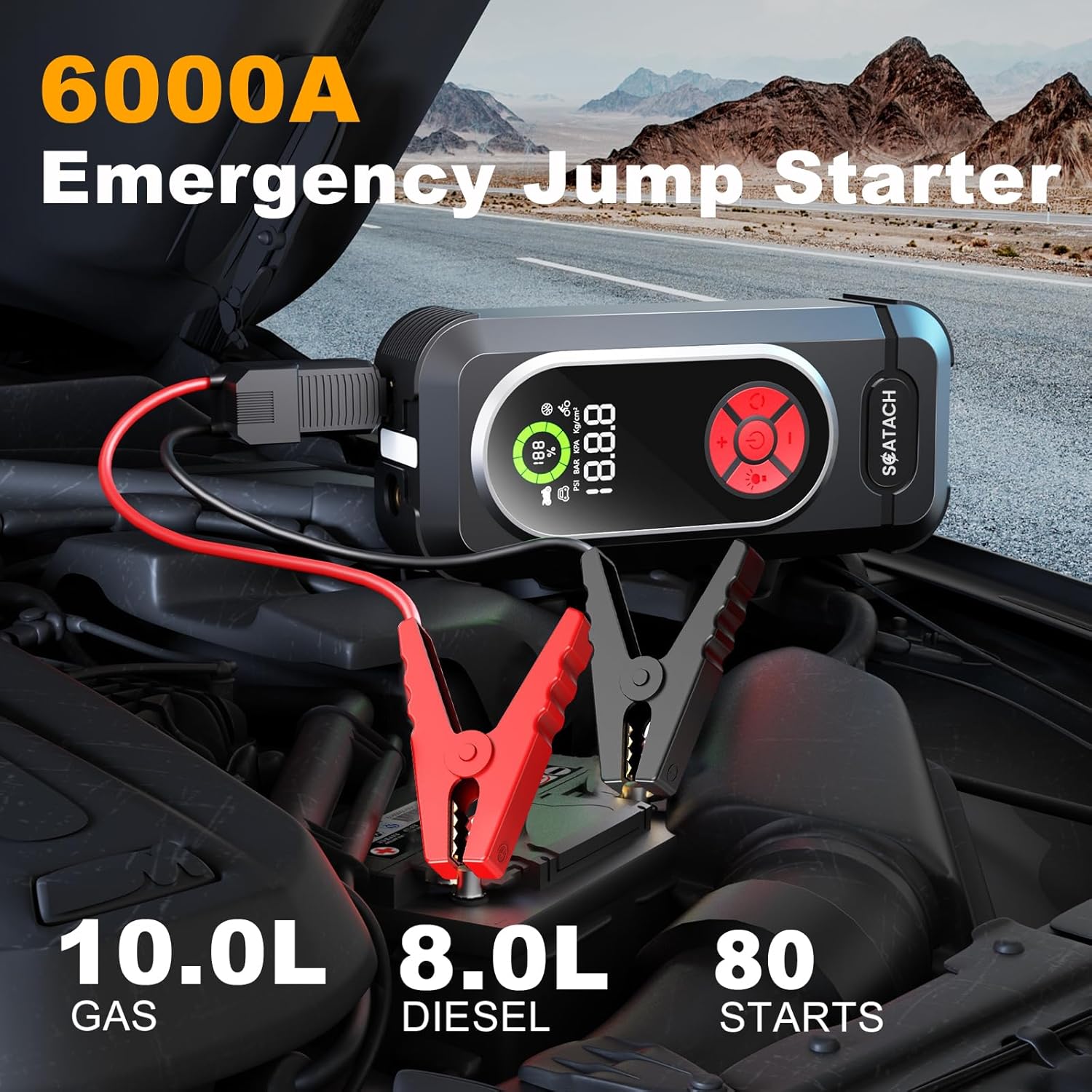
Image: The Scatach Q10 device actively inflating a car tire, demonstrating its 150 PSI inflation capability and digital display.

Image: The Scatach Q10 functioning as a cordless digital inflator, suitable for various items including car tires, bicycle tires, and sports balls.
6.3. Using as a Power Bank
The Scatach Q10 can charge mobile phones, tablets, and other USB-powered devices.
- Connect your device's USB charging cable to one of the USB output ports on the jump starter.
- The jump starter will automatically begin charging your device.
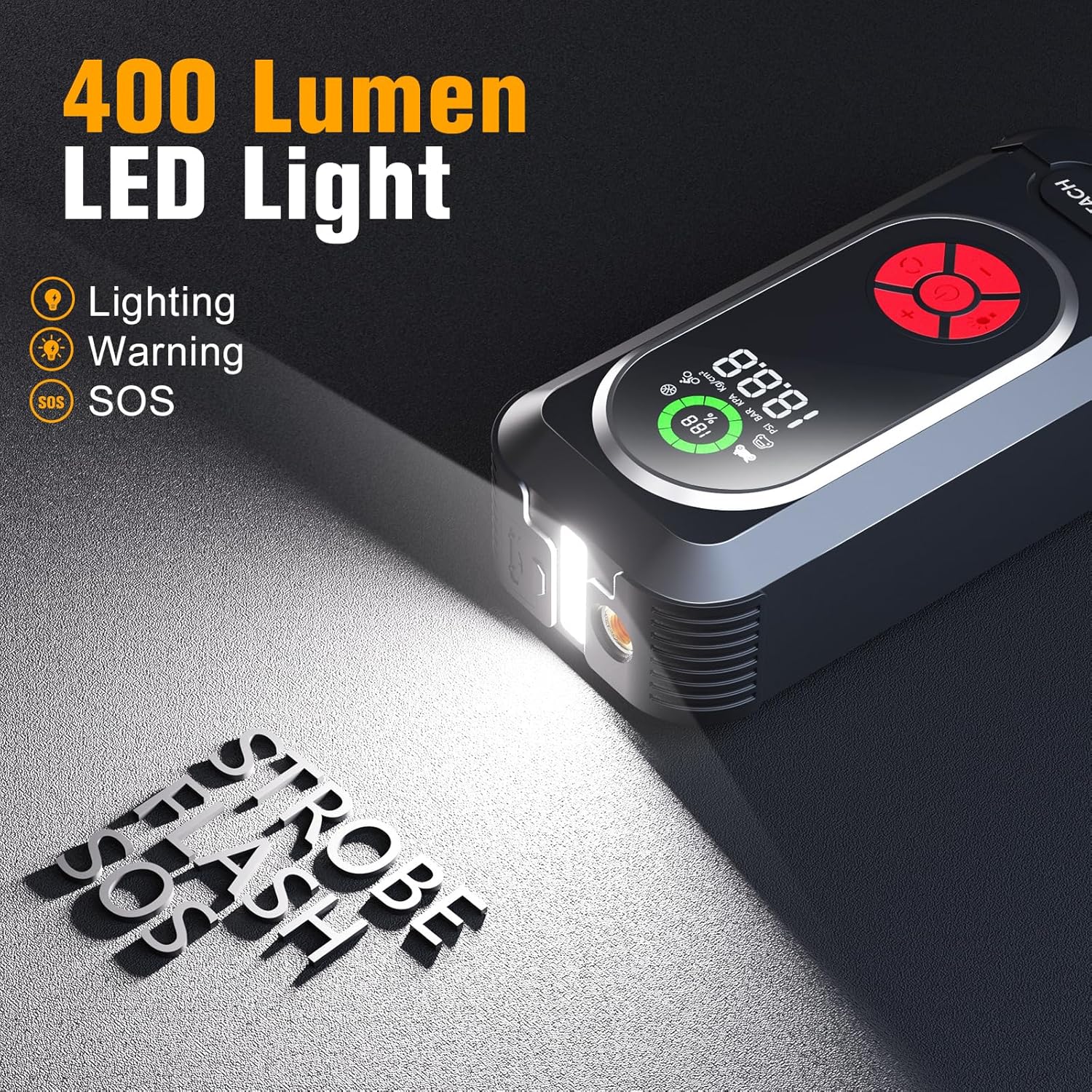
Image: The Scatach Q10 device acting as a portable power bank, charging a smartphone and a tablet simultaneously.
6.4. Using the LED Light
The integrated LED light has multiple modes for various situations.
- To turn on/off: Short press the light button.
- To cycle modes: Short press the light button repeatedly to switch between Lighting, Warning (strobe), and SOS modes.

Image: The Scatach Q10 device with its 400 Lumen LED light illuminated, demonstrating its lighting, warning, and SOS capabilities.

Image: The Scatach Q10 device positioned on a road, with its LED light functioning as a warning signal, similar to a warning triangle.
7. Maintenance
Proper maintenance ensures the longevity and performance of your Scatach Q10.
- Store the device in a cool, dry place when not in use.
- Recharge the device every 3-6 months to maintain battery health, even if not used.
- Clean the exterior with a soft, damp cloth. Do not use harsh chemicals or abrasives.
- Inspect jumper cables and air hose for any damage before each use.
8. Troubleshooting
| Problem | Possible Cause | Solution |
|---|---|---|
| Device does not turn on | Low battery charge | Charge the device fully. |
| Vehicle does not jump start | Incorrect cable connection; Vehicle battery completely dead; Engine too large for device | Check cable polarity; Ensure device is fully charged; Consult vehicle manual for battery health; Verify engine displacement is within device limits. |
| Air compressor not inflating | Air hose not securely connected; Incorrect pressure setting; Low device battery | Ensure air hose is tightly screwed on; Verify target pressure is set; Charge the device. |
| LED light not working | Low battery charge; Device off | Charge the device; Ensure device is powered on. |
9. Specifications
| Feature | Specification |
|---|---|
| Model Number | Q10 |
| Peak Amperage | 6000 Amps |
| Voltage | 12 Volts |
| Engine Compatibility | Up to 10.0L Gas / 10.0L Diesel |
| Air Compressor Pressure | 150 PSI |
| Battery Type | Lithium Polymer |
| Item Weight | 1.32 pounds |
| Product Dimensions | 1 x 3 x 6 inches (or 1"D x 3"W x 6"H) |
| Operating Temperature | -4°F to 140°F (-20°C to 60°C) |
10. Warranty and Support
The Scatach Q10 Jump Starter with Air Compressor comes with a 1-Year Warranty from the date of purchase. This warranty covers manufacturing defects and workmanship.
For technical support, warranty claims, or any questions regarding your product, please contact Scatach customer service. Our support team is available to assist you.
Please retain your proof of purchase for warranty validation.


