
1. Introduction
Thank you for choosing the Tehanld 30 Pint Dehumidifier. This manual provides essential information for the safe and efficient operation, maintenance, and troubleshooting of your new appliance. Please read it thoroughly before use and retain it for future reference.
This dehumidifier is designed to reduce excess moisture in indoor environments, helping to prevent issues such as mold, mildew, and musty odors. It features smart humidity control, multiple operating modes, and convenient drainage options to enhance your comfort.
2. Important Safety Instructions
- Read all instructions before using the appliance.
- Ensure the power supply matches the voltage specified on the rating label.
- Always plug the unit into a grounded electrical outlet. Do not use extension cords or adapter plugs.
- Do not operate the dehumidifier if the power cord or plug is damaged.
- Keep the unit at least 8 inches (20 cm) away from walls and other objects on all sides to ensure proper airflow.
- Maintain a minimum of 16 feet (approximately 5 meters) of clear space above the unit for optimal performance and safety.
- Do not block the air inlet or outlet.
- Do not insert fingers or foreign objects into the air vents.
- Always turn off and unplug the unit before cleaning or performing any maintenance.
- Do not use the appliance near water or in excessively wet areas.
- This appliance is not intended for use by persons (including children) with reduced physical, sensory or mental capabilities, or lack of experience and knowledge, unless they have been given supervision or instruction concerning use of the appliance by a person responsible for their safety.
- The unit features an automatic shut-off when the water tank is full and an advanced frost sensor for operation in low temperatures (down to 42°F / 5.5°C).
3. Product Overview
Key Features:
- 3-in-1 Operation: Dehumidify (DEHU), Dry Clothes (DRY), and Fan (FAN) modes.
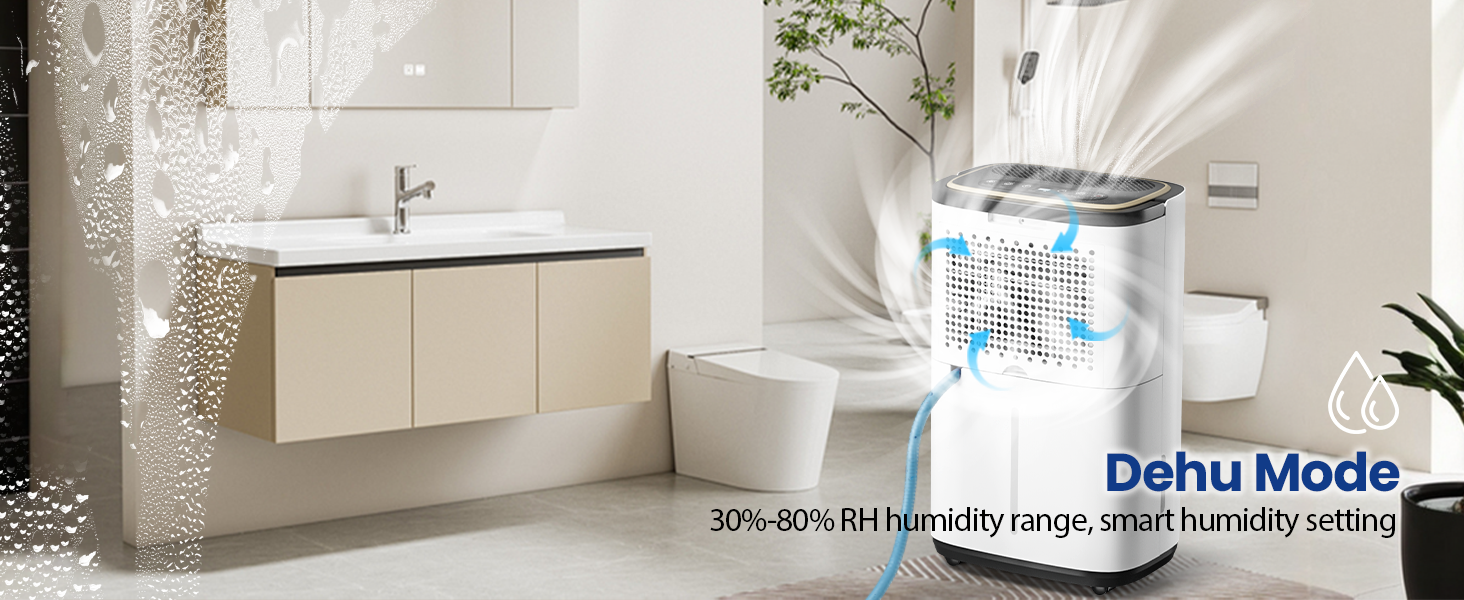
- Smart Humidity Control: Adjustable humidity range from 30% to 80%.
- 24-Hour Timer: Program operation for convenience.
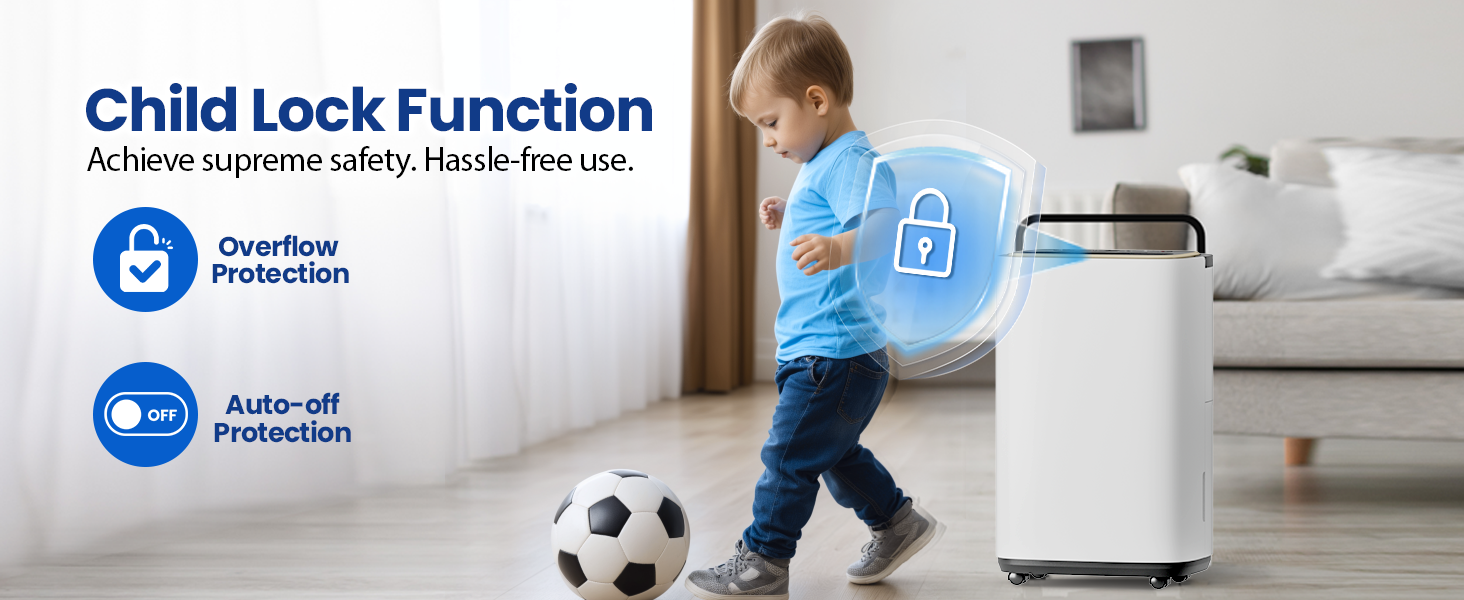
- Child Lock: Prevents accidental changes to settings.
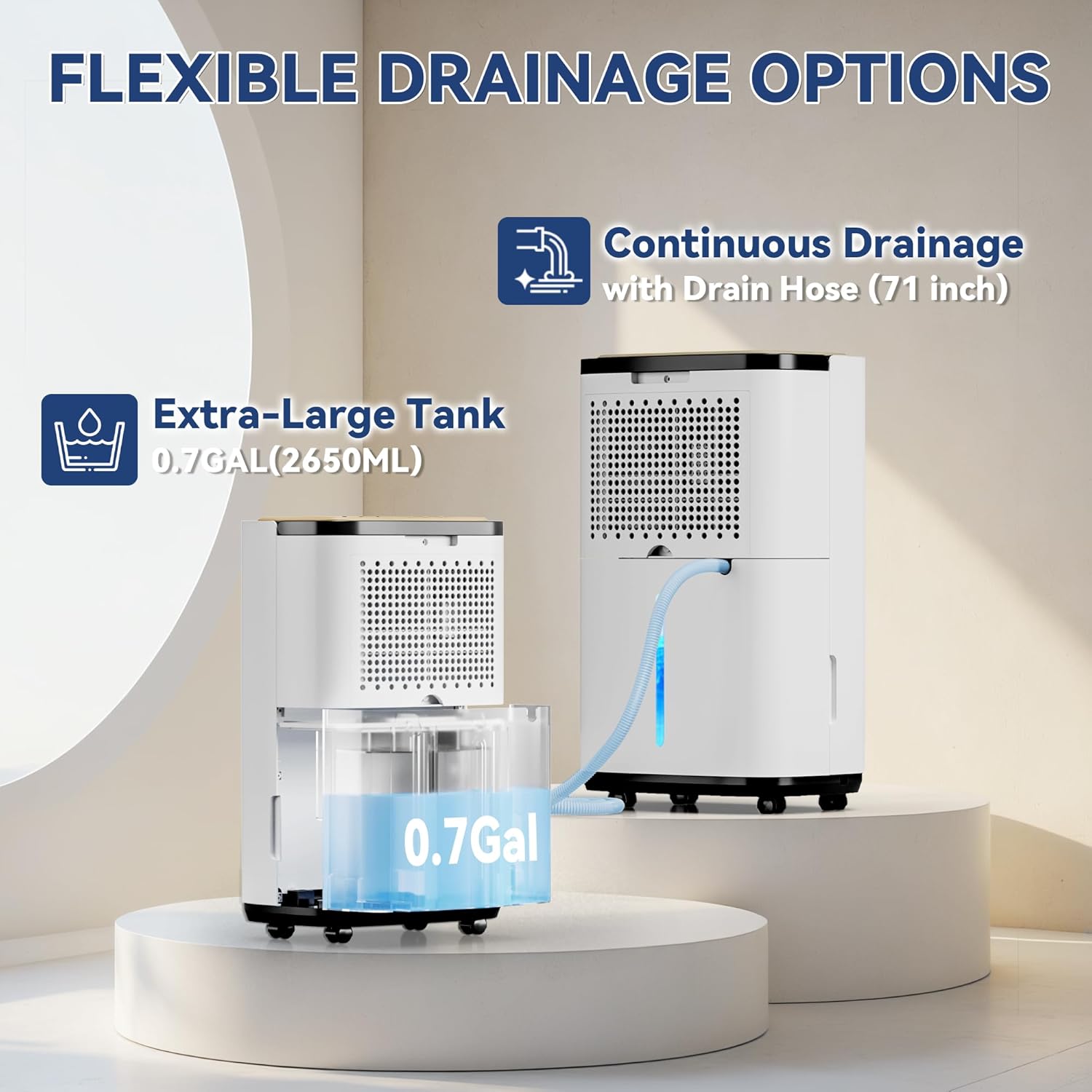
- Flexible Drainage: 0.7-gallon removable water tank with auto-shutoff or continuous drainage with included 60-inch hose.
- Washable Filter: Easy to clean for consistent performance.
- Portability: 360° smooth-rolling wheels and a comfortable handle.
- Frost Sensor: Ensures reliable operation in cooler environments.
Components:


4. Setup
4.1 Unpacking
- Carefully remove the dehumidifier from its packaging.
- Remove all packing materials, including any tape or protective films.
- Inspect the unit for any damage during transit. If damaged, do not operate and contact customer service.
4.2 Placement
Proper placement is crucial for optimal performance and safety.
- Place the dehumidifier on a flat, stable surface.
- Ensure there is at least 8 inches (20 cm) of clear space around all sides of the unit to allow for adequate air circulation.
- Ensure there is approximately 16 feet (5 meters) of clear vertical space above the unit.
- For best results, operate the unit in an enclosed area, keeping doors and windows closed to prevent humid outdoor air from entering.

4.3 Drainage Options
Your dehumidifier offers two drainage methods:
- Manual Drainage (Water Tank): The unit will collect water in its 0.7-gallon removable tank. When the tank is full, the unit will automatically shut off and an indicator light will illuminate. You must manually empty the tank.
- Continuous Drainage (Drain Hose): For uninterrupted operation, connect the included 60-inch drain hose to the continuous drainage port on the back of the unit. Route the hose to a suitable drain (e.g., floor drain, sink) ensuring it is sloped downwards to allow gravity to drain the water.
5. Operating Instructions
5.1 Control Panel
Refer to the 'Smart Touch Panel' image in Section 3 for button layout.
- POWER Button: Turns the unit ON or OFF.
- MODE Button: Cycles through DEHU (Dehumidify), DRY (Clothes Drying), and FAN (Air Circulation) modes.
- HUMI+ / HUMI- Buttons: Adjust the desired humidity level (30%-80% RH) in DEHU mode or set the timer.
- SPEED Button: Selects High or Low fan speed.
- TIMER Button: Sets the auto-on or auto-off timer (1-24 hours).
- Child Lock: Press and hold the 'HUMI+' and 'TIMER' buttons simultaneously for 3 seconds to activate or deactivate the child lock.
- Indicator Lights: 'DEFROST' illuminates when the unit is defrosting. 'FULL' illuminates when the water tank is full.
5.2 Operating Modes


5.3 Initial Operation
- Plug the power cord into a grounded electrical outlet.
- Press the POWER button to turn on the unit.
- The display will show the current room humidity.
- Press the MODE button to select your desired operating mode (DEHU, DRY, or FAN).
- In DEHU mode, use the HUMI+ or HUMI- buttons to set your desired humidity level. The unit will operate until the set humidity is reached, then cycle on and off to maintain it.
- Press the SPEED button to choose between High or Low fan speed.
5.4 Timer Function
The 24-hour timer allows you to schedule when the unit turns on or off.
- To set Auto-Off: While the unit is running, press the TIMER button. Use HUMI+ or HUMI- to select the desired number of hours (1-24) after which the unit will turn off.
- To set Auto-On: While the unit is off, press the TIMER button. Use HUMI+ or HUMI- to select the desired number of hours (1-24) after which the unit will turn on.
Video: Easy to Set Up and Easy to Use. This video demonstrates the basic setup and user-friendly controls of the Tehanld dehumidifier, including setting the timer and humidity levels.
Video: Tehanld Dehumidifiers for Basement or Home. This video provides an overview of the dehumidifier's features and its application in various home environments like basements.
Video: Designed for Daily Home Use. This video highlights the practical aspects and convenience of using the Tehanld dehumidifier in daily household routines.
6. Maintenance
Regular maintenance ensures optimal performance and extends the lifespan of your dehumidifier.
6.1 Emptying the Water Tank
- When the 'FULL' indicator light illuminates, the tank needs to be emptied.
- Carefully pull out the water tank from the front of the unit.
- Pour out the collected water.
- Slide the empty tank back into the unit until it clicks into place. The unit will resume operation.
6.2 Cleaning the Air Filter
The washable filter should be cleaned every two weeks or more frequently depending on usage and air quality.
- Turn off and unplug the dehumidifier.
- Remove the filter from the back of the unit (refer to 'Humanized Design' image for location).
- Rinse the filter under running tap water to remove dust and debris.
- Allow the filter to air dry completely before reinstalling it. Do not use a dryer or direct heat.
- Reinsert the dry filter into the unit.
6.3 Storage
If the unit will not be used for an extended period:
- Empty the water tank and ensure it is clean and dry.
- Clean the air filter.
- Unplug the power cord and coil it neatly.
- Store the dehumidifier in an upright position in a cool, dry place, away from direct sunlight and extreme temperatures.
7. Troubleshooting
Before contacting customer service, please refer to the following table for common issues and solutions.
| Problem/Error Code | Possible Cause | Solution |
|---|---|---|
| Unit does not turn on | No power, power cord loose, water tank full. | Check power connection, empty water tank. |
| Unit not collecting water | Humidity too low, room temperature too low, air filter clogged, unit in Fan mode. | Ensure humidity setting is below current room humidity, clean filter, select DEHU or DRY mode. |
| E1 Error Code | Humidity sensor error. | Unplug the unit for 5 minutes, then plug back in. If error persists, contact support. |
| CL Error Code | Child Lock activated. | Press and hold 'HUMI+' and 'TIMER' buttons for 3 seconds to deactivate. |
| CH Error Code | High humidity sensor error. | Unplug the unit for 5 minutes, then plug back in. If error persists, contact support. |
| LO Error Code | Low temperature operation (below 42°F / 5.5°C). | Move unit to a warmer environment. Unit will automatically defrost if needed. |
| HI Error Code | High temperature operation (above 95°F / 35°C). | Move unit to a cooler environment. |
| Unit is noisy | Unit not on a level surface, air filter clogged. | Ensure unit is on a flat surface, clean air filter. |
8. Specifications
| Feature | Detail |
|---|---|
| Brand | Tehanld |
| Model Number | 2026 Promax002 |
| Dehumidification Capacity | 30 Pints per Day |
| Coverage Area | Up to 3000 Square Feet |
| Water Tank Volume | 0.7 Gallons |
| Number of Speeds | 2 (High/Low) |
| Material | Plastic |
| Operation Mode | Intermittent |
| Color | White |
| Dimensions (H x W x D) | 18.2" x 10.2" x 8.9" |

9. Warranty and Support
Tehanld is committed to providing high-quality products and excellent customer service.
- 365-Day Money Back Guarantee: If you encounter any quality problems within 12 months of purchase, you may contact us for a resolution.
- Customer Service: Our online customer service team is available to answer your questions.
- Free Parts Replacement: We offer free parts replacement for eligible issues.
For support, please refer to the contact information provided with your purchase or visit the official Tehanld website.