
1. Introduction
Thank you for purchasing the PIKOY Rose Light Projector. This device is designed to create a romantic and ambient atmosphere by projecting rose-shaped light patterns onto walls and ceilings. Please read this manual carefully before use to ensure proper operation and to maximize your enjoyment of the product.
1.1 What's in the Box
- PIKOY Rose Light Projector (Model WH-E29)
- Type-C USB Cable
- Remote Control (battery not included)
- User Manual

Image: Contents of the PIKOY Rose Light Projector package, including the projector, USB-C cable, remote, and manual.
2. Safety Information
- This product is for indoor use only.
- Keep the device away from water, moisture, and high temperatures.
- Do not attempt to disassemble or modify the device. This will void the warranty.
- Use only the provided USB-C cable. Ensure the power adapter (not included) meets the device's power requirements (e.g., 5V/1A).
- Keep out of reach of children. This is not a toy.
- Avoid direct eye exposure to the light source for prolonged periods.
3. Setup
- Unpack the Device: Carefully remove all components from the packaging.
- Insert Remote Battery: Open the battery compartment on the remote control and insert the required battery (e.g., CR2025 or similar button cell, not included), ensuring correct polarity.
- Connect Power: Plug the Type-C USB cable into the projector's power port. Connect the other end of the USB cable to a compatible USB power adapter (e.g., phone charger, computer USB port, power bank – adapter not included).
- Placement: Place the projector on a stable, flat surface. For optimal projection, position it in a dark room, aiming towards a wall or ceiling. The distance from the projection surface will affect the size and clarity of the projected image.
4. Operating Instructions
4.1 Power On/Off
- Device Button: Press the button on the lamp body to turn the projector on or off.
- Remote Control: Press the ON/OFF button on the remote control.
4.2 Color Modes
The projector offers 4 solid colors and 11 mixed color combinations. Use the Color buttons on the remote control to cycle through different single colors or mixed color patterns.

Image: The projector showcasing its 4 solid and 11 mixed color lighting modes.
4.3 Adjustable Brightness
Adjust the light intensity to suit your preference:
- Remote Control: Use the Brightness buttons on the remote to select from 5 preset brightness levels.
- Device Button: Press and hold the button on the lamp body for stepless dimming, allowing for smooth transitions between brightness levels.

Image: Demonstrating the 5-level brightness adjustment feature.
4.4 Dynamic Light Movement (Speed)
Control the movement speed of the projected patterns:
- Use the Speed buttons on the remote control to choose from 4 adjustable speed settings: Slow, Medium, Fast, or stop the pattern movement entirely.
4.5 Smart Timer Function
Set the projector to automatically turn off after a specified duration:
- Press the Timer buttons (1H, 2H, 4H) on the remote control to set the automatic shut-off timer for 1, 2, or 4 hours.
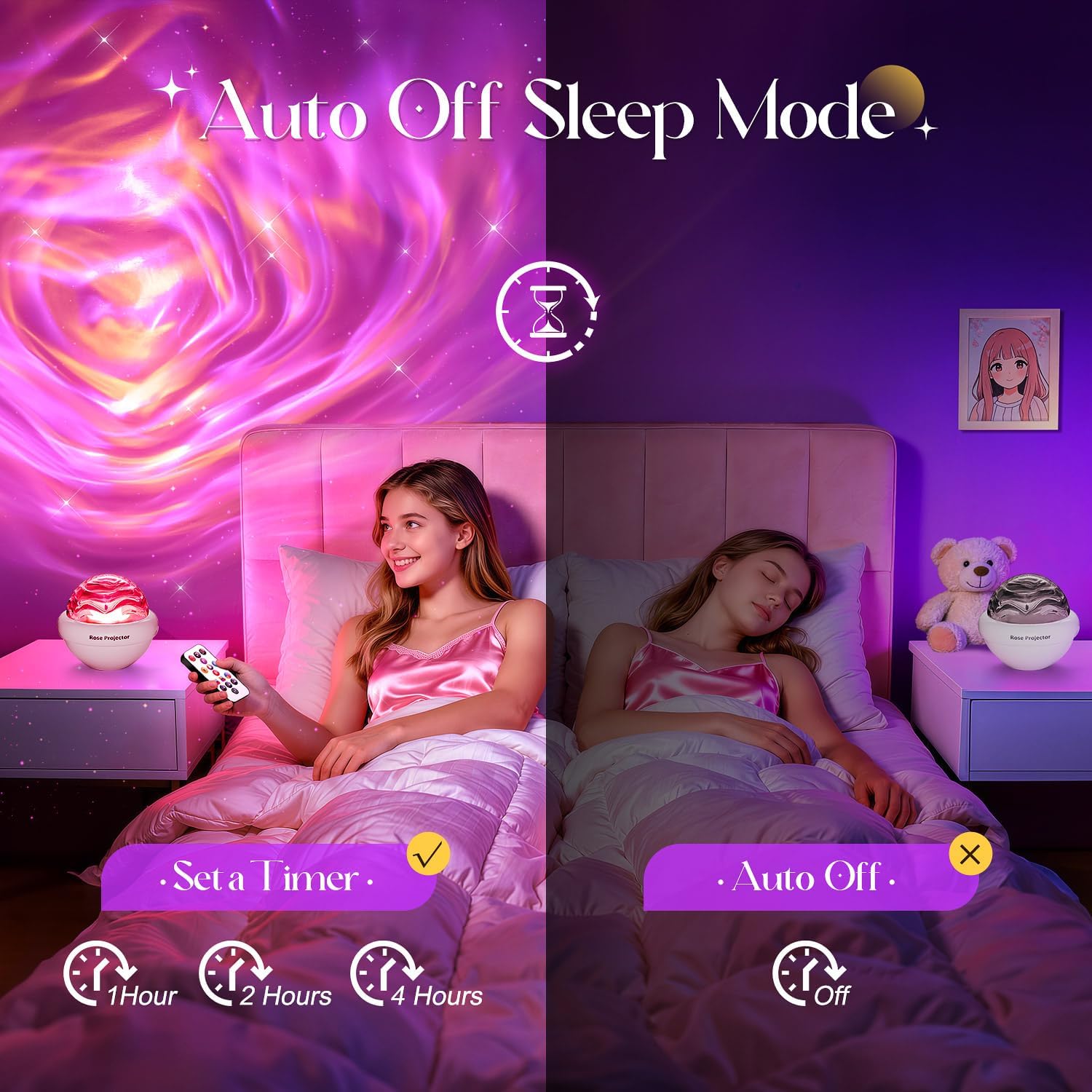
Image: Setting the auto-off timer for 1, 2, or 4 hours.
4.6 Remote Control Overview
The included remote control provides full functionality for the projector:

Image: Remote control layout with functions for color mixing, cycling, and presets.
- On/Off: Power the device on or off.
- Brightness: Adjust the light intensity.
- Speed: Control the movement speed of the projection.
- Color: Select solid colors or mixed color patterns.
- Timer: Set automatic shut-off for 1, 2, or 4 hours.
4.7 Official Product Video
Video: Official product video demonstrating the PIKOY Rose Light Projector's various color modes and ambient lighting effects.
5. Maintenance
- Cleaning: Disconnect the power before cleaning. Wipe the projector's exterior with a soft, dry cloth. Do not use abrasive cleaners or solvents.
- Storage: When not in use, store the projector in a cool, dry place, away from direct sunlight and extreme temperatures.
6. Troubleshooting
| Problem | Possible Cause | Solution |
|---|---|---|
| Projector does not turn on. | No power connection or faulty cable/adapter. | Ensure the USB-C cable is securely connected to both the projector and a working power adapter. Try a different USB port or adapter. |
| Remote control is not working. | Battery is dead or incorrectly inserted; remote is too far or obstructed. | Replace the remote control battery. Ensure correct polarity. Point the remote directly at the projector within range. |
| Projection is blurry or dim. | Incorrect focus distance; ambient light is too bright. | Adjust the distance of the projector from the projection surface. Ensure the room is sufficiently dark for optimal visibility. |
| Colors are not changing. | Incorrect remote button pressed; device is in a static color mode. | Press the appropriate color or color combination buttons on the remote. Ensure the speed setting is not set to 'stop' if dynamic colors are desired. |
7. Specifications
- Model Number: WH-E29
- Color: White
- Material: Acrylonitrile Butadiene Styrene (ABS), Polycarbonate (PC)
- Light Source Type: LED
- Shade Material: ABS+PC
- Power Source: Corded Electric (USB-C)
- Mounting Type: Table Mount
- Special Features: Dimmable, Remote Control, Adjustable Lighting Effects
- Number of Light Sources: 1
- Bulb Base: E27 (Internal LED module)
- Smart Home Compatibility: Not Smart Home Compatible
- Manufacturer: TK CO.,Ltd.
8. Warranty and Support
Manufacturer Warranty: This product comes with a 1-year manufacturer warranty from the date of purchase. This warranty covers defects in materials and workmanship under normal use.
Exclusions: The warranty does not cover damage caused by misuse, accident, unauthorized modification, or improper installation.
Customer Support: For warranty claims, technical assistance, or any questions regarding your PIKOY Rose Light Projector, please contact the seller or manufacturer directly through your purchase platform. Please have your order number and product model (WH-E29) available when contacting support.