
1. Product Overview
This BrickSoul Light Up Kit is designed to enhance your Lego Bugatti Centodieci Hyper Sports Car 77240 building set, bringing it to life with integrated lighting. This kit includes all necessary lighting components and wiring for installation. Please note: The Lego building set (model 77240) is NOT included with this light kit.

Image 1.1: The BrickSoul Light Up Kit packaging and included components.
Key features include cable-hiding technology for a clean display, easy-to-follow assembly instructions, and durable, safety-tested components.
2. Package Contents
Verify that all items listed below are present in your package:
- Numbered Light Bags (containing various LED lights and connecting wires)
- Battery Box (requires 3 AAA batteries, not included)
- USB Power Cable (adapter not included)
- Installation Guide (provides access to online video and PDF instructions)
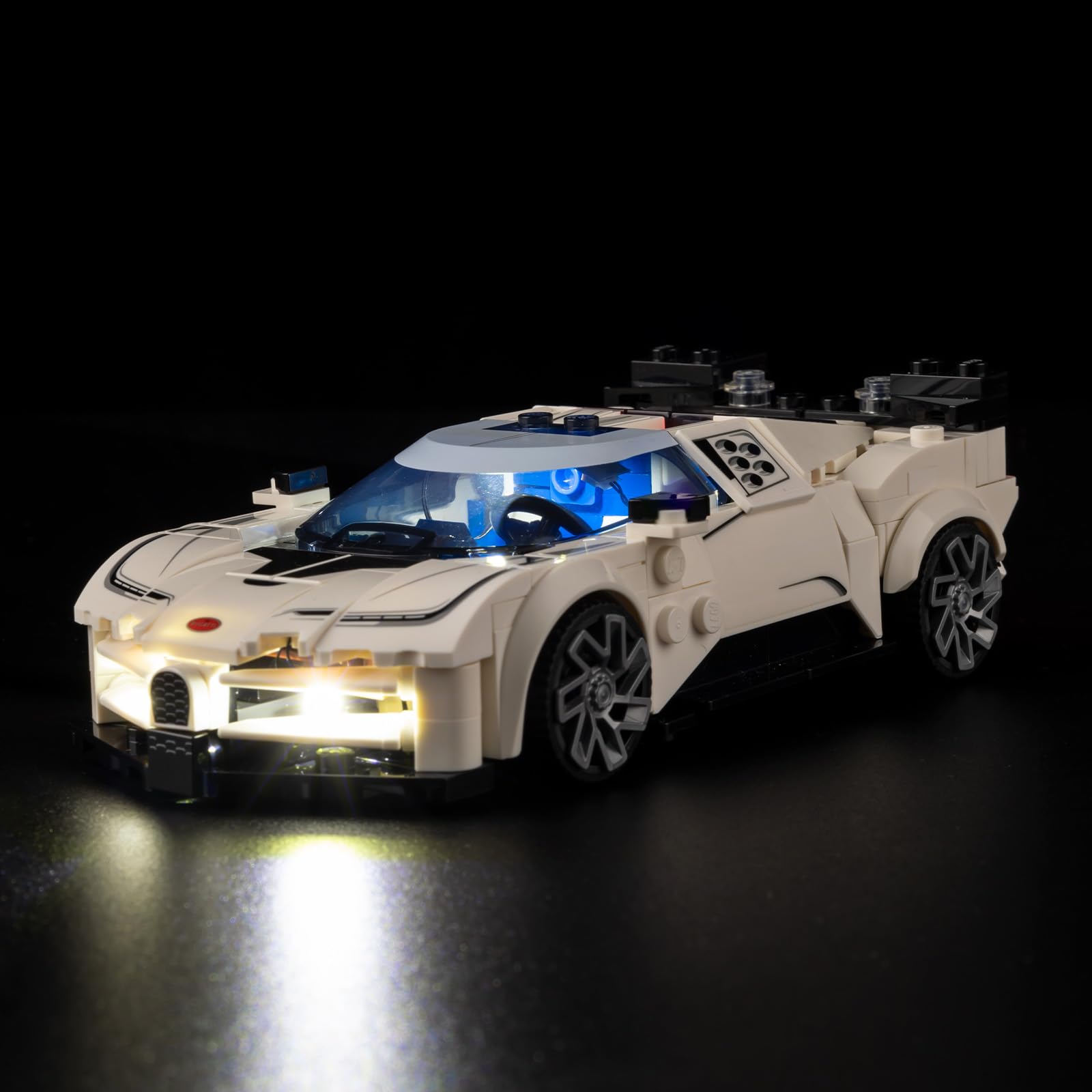
Image 2.1: Visual representation of the light kit box and its contents, including light bags, battery box, and installation guide.
3. Safety Information
- Age Recommendation: This product is suitable for individuals aged 14 years and older.
- Low Voltage: The light kit operates on stable 5V low-voltage components.
- Materials: Made with high-quality, safety-tested plastic materials.
- Power Source: Use either the provided USB cable with a compatible 5V USB adapter (not included) or the battery box with 3 AAA batteries (not included). Do not use power sources exceeding 5V.
- Small Parts: Contains small parts which may pose a choking hazard. Keep out of reach of young children.
4. Setup and Installation
The BrickSoul Light Up Kit is designed for straightforward installation. Follow the detailed online instructions for the best results.
4.1 Accessing Instructions
Scan the QR code on the included installation guide or visit the BrickSoul website (link provided in the guide) to access comprehensive video and PDF instructions. Input your product model number (77240) to find the specific guide for your kit.

Image 4.1: Digital instructions are available online via QR code or website, showing the model 77240 guide.
4.2 Installation Process
- Preparation: Ensure your Lego Bugatti Centodieci 77240 model is fully assembled and ready for lighting integration.
- Identify Components: Refer to the numbered light bags and the online instructions to identify the correct lights and wires for each step.
- Wire Routing: Utilize the cable-hiding technology by carefully routing wires through the designated internal channels of your building set. This ensures a clean and professional display with virtually hidden wires.
- Connecting Lights: Use the snap-on connectors to attach the lights to the main power hub or to each other as indicated in the instructions.
- Testing: Periodically test the lights during installation to ensure proper function before completing the assembly.

Image 4.2: A visual comparison demonstrating the model with lights off and with lights on, highlighting the enhanced appearance.

Image 4.3: Detailed views showcasing the various illuminated sections of the Lego Bugatti Centodieci, including headlights, taillights, and interior lighting.
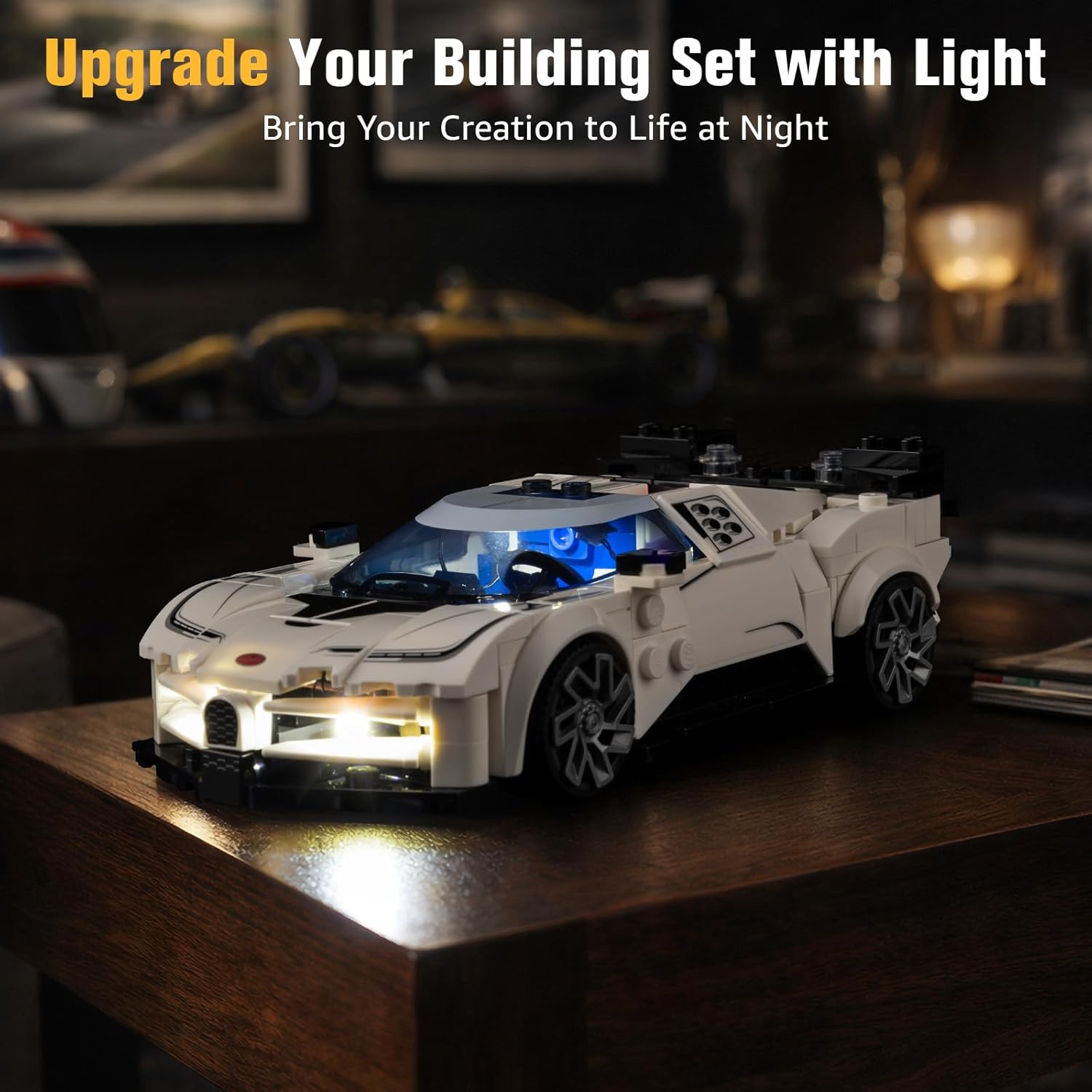
Image 4.4: The fully lit Lego Bugatti Centodieci model displayed in a room, demonstrating its visual impact.

Image 4.5: A comparison illustrating the clean and tidy wiring of BrickSoul kits compared to tangled wires from alternative products, emphasizing the cable-hiding technology.
5. Operating Instructions
Once the light kit is fully installed, you can power your model using one of two methods:
- USB Power: Connect the provided USB cable to the light kit's power input and then to a 5V USB power adapter (not included) or a USB port on a computer or power bank.
- Battery Box Power: Insert 3 AAA batteries (not included) into the battery box, ensuring correct polarity. Connect the battery box to the light kit's power input. Use the switch on the battery box to turn the lights on or off.
Ensure all connections are secure before powering on the lights.
6. Maintenance
- Cleaning: Gently wipe the LED lights and wires with a dry, soft cloth to remove dust. Avoid using liquids or abrasive cleaners.
- Battery Replacement: If using the battery box, replace all 3 AAA batteries when the lights dim or stop working. Always use new batteries and dispose of old ones responsibly.
- Storage: When not in use for extended periods, disconnect the power source (unplug USB or remove batteries) to prevent drainage or damage.
- Handling: Handle wires and connectors with care to avoid bending or breaking.
7. Troubleshooting
If you encounter any issues with your BrickSoul Light Up Kit, please refer to the following common solutions:
- Lights Not Working:
- Check all power connections. Ensure the USB cable is securely plugged in or batteries are correctly inserted in the battery box.
- If using batteries, ensure they are new and correctly oriented.
- Verify the power source (USB adapter or battery box) is functional.
- Dim Lights:
- If using batteries, replace them with new ones.
- Ensure the power source provides sufficient and stable 5V output.
- Individual Lights Not Working:
- Check the connection of the specific light to its connector. Re-seat if necessary.
- Inspect the wire for any visible damage or kinks.
- Loose Connections: Gently press on all snap-on connectors to ensure they are fully engaged.
If these steps do not resolve the issue, please contact BrickSoul customer support for further assistance.
8. Specifications
| Brand | BrickSoul |
| Model Name | BS-77240-cv |
| Compatible Set | Lego Bugatti Centodieci Hyper Sports Car 77240 |
| Power Source | USB (5V) or 3x AAA Batteries |
| Material Type | Plastic |
| Manufacturer Minimum Age | 14 Years |
| Indoor/Outdoor Usage | Indoor |
9. Warranty and Support
BrickSoul is committed to customer satisfaction. Your light kit comes with a 1-year hassle-free support period.
- Customer Support: For any questions, issues, or assistance with installation, please contact BrickSoul customer support.
- Replacements: We offer free and fast replacements for any defective or missing components within the warranty period.
- Problem-Solving: Our support team is dedicated to efficient problem-solving to ensure your experience is positive.
Contact information can be found on the BrickSoul official website or through the retailer where the product was purchased.
