
Introduction
The Vikye M113 AI Translator Earbuds provide real-time, two-way translation across 164 languages. Designed for travel, business, and communication, these earbuds integrate translation, music playback, and call functions. Featuring Bluetooth 5.49 connectivity and an ergonomic design, they offer a versatile audio experience.
What's in the Box
- 2 x AI Translator Earbuds
- 1 x Charging Case
- 1 x USB Type-C Charging Cable
- 1 x Hand Strap
- User Manuals (additional copies)

Image: Contents of the Vikye M113 AI Translator Earbuds package.
Specifications
| Feature | Detail |
|---|---|
| Model | M113 |
| Earbud Battery | Built-in 2 x 40mAh Li-ion battery |
| Charging Case Battery | Built-in 300mAh Li-ion battery |
| Bluetooth Version | Bluetooth 5.49 |
| Playback Format | Single ear or double ear |
| Operation Method | Touch control |
| Earphone Type | Ear hook style |
| Language Translation | Supports 164 languages |
| Translation Modes | 7 modes |
| App Support | Ear Dance (iOS/Android) |
| Water Resistance | IP5 coating |
| Charging Time | Approx. 1.5 hours (Type-C) |
| Playback Time | Over 8 hours (earbuds), up to 48 hours (with charging case) |
Setup
1. Charging the Earbuds and Case
Before first use, fully charge the earbuds and charging case. Connect the provided USB Type-C cable to the charging case and a power source. The smart LED digital display on the case indicates battery levels. A full charge takes approximately 1.5 hours. The earbuds provide over 8 hours of playback, and the charging case extends total usage to up to 48 hours.
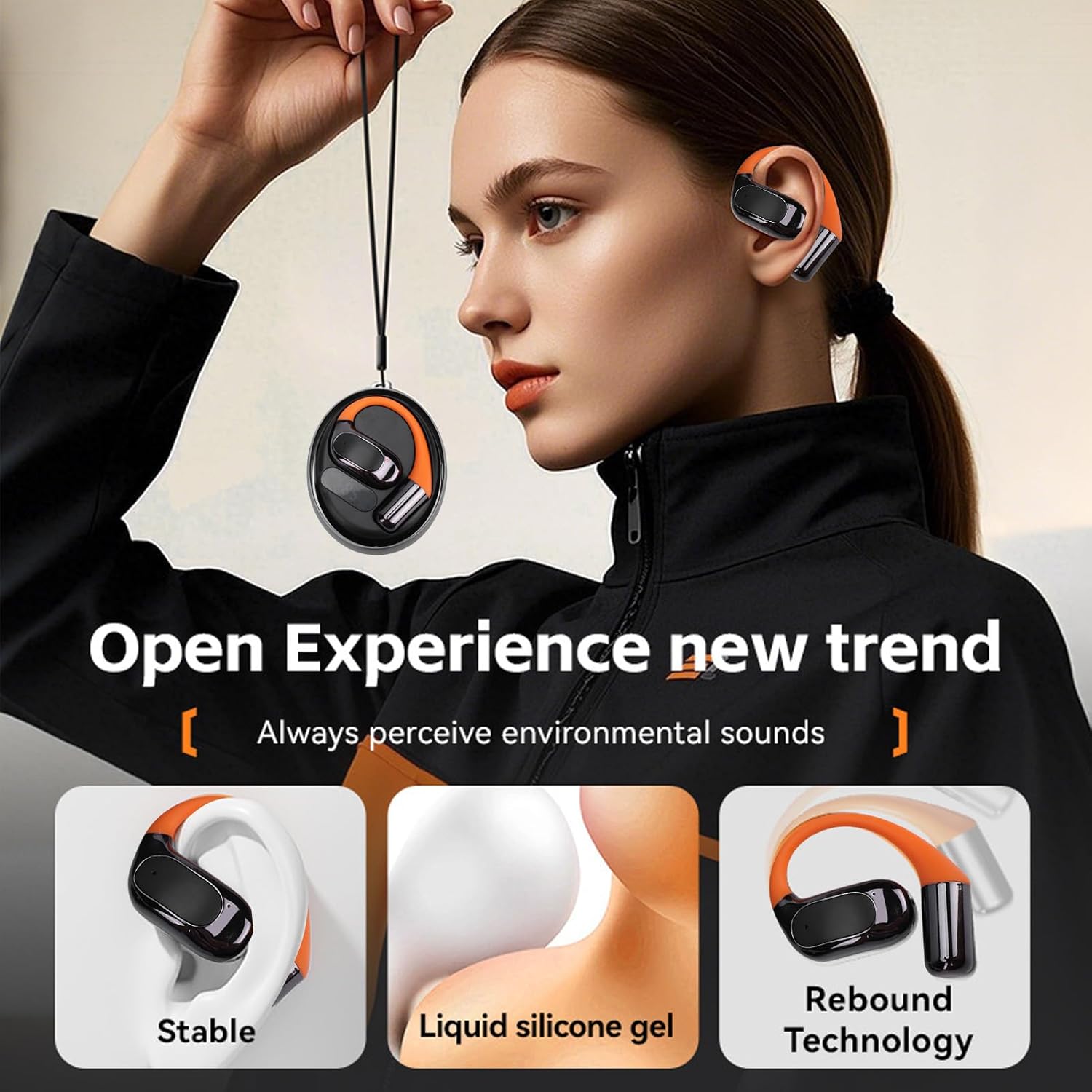
Image: Earbuds in charging case with LED display.
2. App Installation
The Vikye M113 earbuds require the 'Ear Dance' application for translation functions. Scan the QR code provided in the physical user manual or search for 'Ear Dance' in your device's application store (iOS or Android) to download and install the app.
3. Bluetooth Pairing
- Ensure the earbuds are charged and removed from the charging case to activate pairing mode.
- On your smartphone or tablet, enable Bluetooth.
- Search for available devices and select 'Vikye M113' (or similar name) to connect.
- Once paired, open the 'Ear Dance' app to configure translation settings.
Operating Instructions
Basic Controls (Touch Control)
The earbuds feature touch controls for various functions. Refer to the detailed instructions within the 'Ear Dance' app or the physical user manual for specific touch gestures for playback, calls, and translation mode activation.
Music Playback and Calls
The M113 earbuds are equipped with a 14.2mm HiFi driver for audio playback and ENC noise reduction technology for clear calls. Use the touch controls to manage music (play, pause, skip tracks) and answer/end calls.
Translation Modes
The 'Ear Dance' app provides 7 distinct translation modes:
- Freely Dialogue Mode: Enables automatic real-time voice translation for natural conversations.
- Headphone + Phone Mode: Facilitates fluent two-way communication, with one person speaking into the phone and the other listening via earbuds.
- Voice Memo Mode: Converts spoken voice directly into text.
- Speaker Mode: Plays translations audibly through the phone's speaker.
- Camera Mode: Translates text captured through your phone's camera.
- Video Mode: Provides real-time translation of audio and subtitles in videos.
- AI Chat: Offers interactive language practice and communication.

Image: Using the earbuds for audio and video call translation.
Maintenance
Cleaning
Gently wipe the earbuds and charging case with a soft, dry, lint-free cloth. Avoid using abrasive materials, alcohol, or chemical cleaners. Ensure charging ports are free of dust and debris.
Water Resistance
The earbuds feature an IP5 coating for water resistance, protecting them from sweat and light splashes. They are not designed for submersion in water. Avoid exposing them to heavy rain or showering.
Storage
When not in use, store the earbuds in their charging case to protect them and maintain battery life. Store in a cool, dry place away from direct sunlight and extreme temperatures.
Troubleshooting
- Earbuds not pairing: Ensure earbuds are charged, removed from the case, and Bluetooth is enabled on your device. Try restarting both the earbuds (by placing them back in the case and taking them out) and your device's Bluetooth.
- No sound: Check the volume levels on both your device and the earbuds. Ensure the earbuds are properly paired and selected as the audio output.
- Translation inaccuracy: Verify your internet connection is stable. Ensure the correct source and target languages are selected in the 'Ear Dance' app. Speak clearly and at a moderate pace.
- App connection issues: Ensure the 'Ear Dance' app is updated to the latest version. Close and reopen the app, or reinstall if necessary.
- Charging problems: Check the USB Type-C cable and power adapter. Ensure the charging contacts on the earbuds and case are clean and free of debris.
Warranty Information
The Vikye M113 AI Translator Earbuds come with a manufacturer's warranty for 90 days from the date of purchase. Please retain your proof of purchase for warranty claims. For support, refer to the contact information provided in the original product packaging or the 'Ear Dance' application.