
1. Introduction
The DREAME D15 is an intelligent robot vacuum and mop designed to provide efficient and thorough cleaning for your home. It features powerful suction, a 2-in-1 vacuuming and mopping function, specialized carpet cleaning, and smart navigation for comprehensive coverage.
2. Setup
2.1 What's in the Box
Carefully unpack all components and ensure they are present and in good condition.
- 1 x DREAME D15 Robot Vacuum
- 1 x Charging Base
- 1 x Power Cable
- 1 x Cleaning Tool
- 1 x Side Brush
- 1 x Mop Pad (pre-installed)
- 1 x User Manual

Image: Contents of the DREAME D15 Robot Vacuum box, showing the robot, charging base, cleaning tool, side brush, water tank, and mop pad.
2.2 Placing the Charging Base
Place the charging base against a wall on a hard, level surface. Ensure there is at least 0.5 meters (1.6 feet) of clear space on both sides and 1.5 meters (4.9 feet) in front of the base for optimal robot navigation and docking. Connect the power cable to the charging base and plug it into a power outlet.
2.3 Initial Charging
Place the robot on the charging base. The robot will automatically power on and begin charging. For first-time use, ensure the robot is fully charged before operation. A full charge typically takes approximately 4-5 hours.

Image: DREAME D15 Robot Vacuum charging on its base, highlighting its 5200mAh battery.
2.4 App Installation and Connection
Download the 'Dreamehome' app from your mobile device's app store. Follow the in-app instructions to connect your DREAME D15 robot vacuum to your home Wi-Fi network. The app allows for advanced control, scheduling, and mapping features.

Image: A person using the Dreamehome app on a smartphone to control the DREAME D15 Robot Vacuum.
3. Operating Instructions
3.1 Starting and Stopping Cleaning
- To Start: Press the power button on the robot or use the 'Start Cleaning' option in the Dreamehome app.
- To Pause: Press the power button during cleaning.
- To Resume: Press the power button again.
- To Stop/Return to Base: Press and hold the power button for 3 seconds, or use the 'Return to Base' option in the app.
3.2 Vacuuming Function
The DREAME D15 features a powerful 13,000 Pa Vormax suction system, capable of effectively removing dust, pet hair, and larger debris from various floor types. Adjust suction power settings via the Dreamehome app for different cleaning needs.

Image: DREAME D15 Robot Vacuum demonstrating its 13,000 Pa suction power.
3.3 Mopping Function
The 2-in-1 design allows for simultaneous vacuuming and mopping. Fill the 235 ml water tank and attach the mop pad. The app allows you to adjust the water flow (32 humidity levels) to suit different floor types and cleaning preferences. Ensure the mop pad is clean for optimal mopping performance.

Image: DREAME D15 Robot Vacuum's 2-in-1 vacuuming and mopping system.
3.4 Carpet Cleaning
The D15 features an innovative Carpet Boost function. When the robot detects a carpet, it automatically increases suction power to provide a deeper clean, effectively removing dust and dirt embedded in carpet fibers without wetting them.

Image: DREAME D15 Robot Vacuum's specialized carpet cleaning function.
3.5 Smart Navigation and Mapping
The DREAME D15 utilizes Smart Pathfinder technology for efficient navigation. It creates an editable map of your home, allowing for consistent cleaning routes, obstacle avoidance, and the ability to set virtual walls or no-go zones via the app. The robot can also climb thresholds up to 20mm.

Image: DREAME D15 Robot Vacuum's Smart Pathfinder navigation.

Image: Multi-floor mapping feature of the DREAME D15.

Image: Setting no-go zones for the DREAME D15.
3.6 Voice Control
The DREAME D15 is compatible with popular voice assistants such as Alexa, Siri, and Google Home. Once connected, you can use voice commands to start, pause, or stop cleaning, and send the robot back to its charging base.
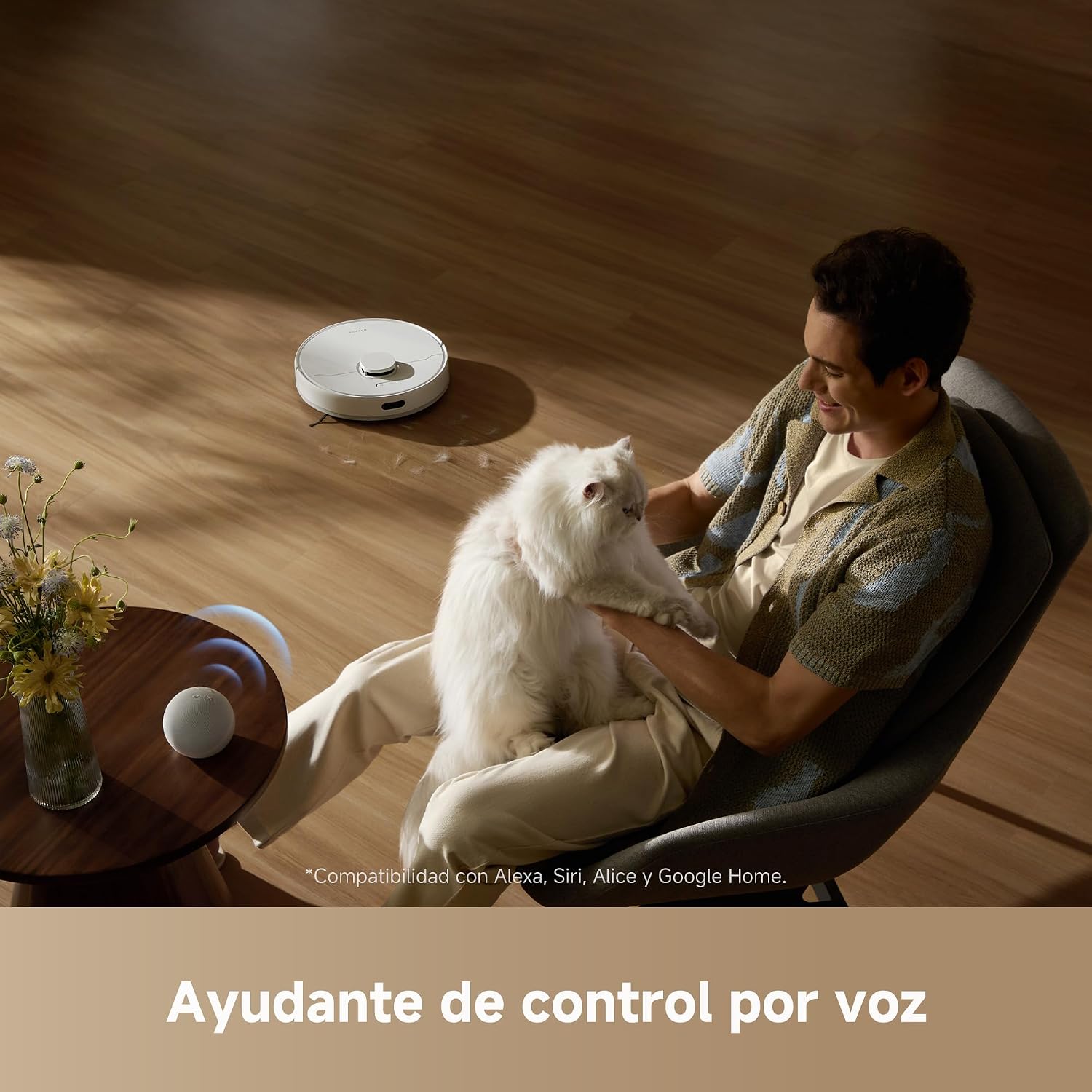
Image: DREAME D15 Robot Vacuum with voice control compatibility.
4. Maintenance
Regular maintenance ensures optimal performance and extends the lifespan of your DREAME D15.
4.1 Dustbin and Filter Cleaning
- Open the robot's top cover and remove the dustbin.
- Empty the dustbin contents into a trash can.
- Remove the filter from the dustbin and tap it gently to remove dust. Do not wash the HEPA filter with water.
- Rinse the dustbin with water if necessary, ensuring it is completely dry before re-installing.
4.2 Water Tank and Mop Pad Cleaning
- Remove the water tank from the robot.
- Empty any remaining water from the tank.
- Detach the mop pad and rinse it thoroughly with water. Allow it to air dry completely.
- Clean the water tank with a damp cloth.
4.3 Main Brush (Floating Rubber Brush) Cleaning
The floating rubber brush effectively collects hair and debris. Regularly check and clean the main brush to prevent tangles and maintain cleaning efficiency.

Image: DREAME D15 Robot Vacuum's floating rubber brush.
- Flip the robot over and unlatch the main brush cover.
- Remove the main brush. Use the provided cleaning tool to cut and remove any tangled hair or debris.
- Reinstall the main brush and secure the cover.
4.4 Side Brush Cleaning
- Gently pull the side brush to remove it.
- Remove any tangled hair or debris.
- Reattach the side brush, ensuring it clicks into place.
4.5 Sensor Cleaning
Wipe all sensors (cliff sensors, wall sensors, charging contacts) with a clean, dry cloth to ensure proper operation and navigation.
5. Troubleshooting
If you encounter issues with your DREAME D15, refer to the following common problems and solutions:
| Problem | Possible Cause | Solution |
|---|---|---|
| Robot does not power on | Low battery; Power button not pressed correctly | Place on charging base; Press and hold power button for 3 seconds |
| Robot cannot charge | Charging contacts dirty; Charging base not powered | Clean charging contacts on robot and base; Ensure charging base is plugged in |
| Cleaning efficiency is low | Dustbin full; Filter clogged; Main brush tangled | Empty dustbin; Clean/replace filter; Clean main brush |
| Robot gets stuck frequently | Too many obstacles; Cliff sensors dirty | Clear obstacles; Clean cliff sensors |
| Mopping is ineffective | Water tank empty; Mop pad dirty; Water outlet clogged | Refill water tank; Clean mop pad; Clean water outlet |
| App connection issues | Incorrect Wi-Fi password; Router too far; App outdated | Verify Wi-Fi password; Move robot closer to router; Update app |
6. Specifications
| Feature | Specification |
|---|---|
| Model Name | Dreame D15 |
| Dimensions (L x W x H) | 35 cm x 35 cm x 9.7 cm |
| Suction Power | 13,000 Pa (Vormax) |
| Dustbin Capacity | 570 ml |
| Water Tank Capacity | 235 ml |
| Battery Type | Lithium Ion |
| Battery Capacity | 5200 mAh |
| Max Runtime | 300 minutes |
| Max Cleaning Area | 270 m² |
| Control Method | App Control, Voice Control |
| Navigation System | Smart Pathfinder |
| Threshold Climbing Ability | Up to 20 mm |
| Color | White |
7. Warranty and Support
7.1 Warranty Information
Your DREAME D15 Robot Vacuum and Mop comes with a standard manufacturer's warranty. Please refer to the warranty card included in your packaging for specific terms and conditions. Keep your proof of purchase for warranty claims.
7.2 Return Policy
A 30-day free return policy is available for this product. Please check the retailer's specific return guidelines for details.
7.3 Customer Support
For technical assistance, troubleshooting, or any product-related inquiries, please contact DREAME customer support:
- Email: support.mx@dreame.tech
- Phone (Mexico): +52 8008801356, +52 5517564928

Image: DREAME Customer Service and Policy Information.


