
1. Introduction
The ELAC NAVA100 is a portable Bluetooth speaker designed to deliver high-fidelity audio in a compact and durable form factor. This manual provides essential information for setting up, operating, and maintaining your speaker to ensure optimal performance and longevity. The NAVA100 combines intuitive controls with a timeless design, making it suitable for various listening environments, both indoors and outdoors.
2. Product Overview
2.1 Design and Construction
The NAVA100 features a precision-formed aluminum exterior, providing a cool-to-the-touch feel and a solid, balanced presence. This robust construction ensures durability without compromising on style. Its compact dimensions allow for easy portability, fitting comfortably in your hand or bag.
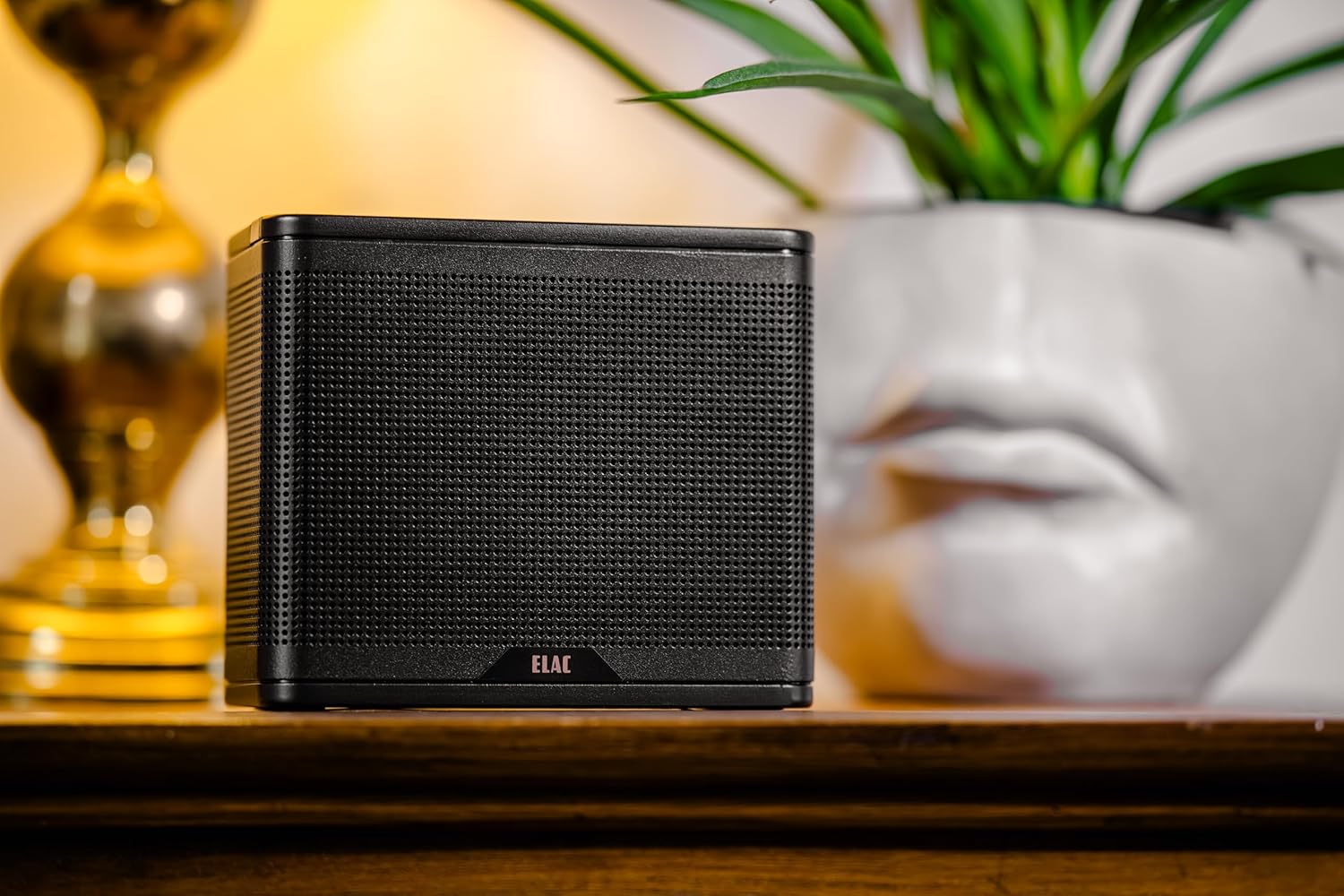
Figure 1: Front view of the ELAC NAVA100 Portable Bluetooth Speaker.

Figure 2: Side view of the ELAC NAVA100 Portable Bluetooth Speaker.
2.2 Controls
The speaker features minimalistic controls conveniently located on its top panel for ease of use. These controls include:
- Power Button: To turn the speaker on or off.
- Bluetooth Pairing Button: To initiate Bluetooth pairing mode.
- Play/Pause Button: To control audio playback.
- Volume Up/Down Buttons: To adjust the audio volume.

Figure 3: Top panel controls of the ELAC NAVA100.
2.3 Acoustic Design
The NAVA100 is engineered for rich, full-bodied sound performance. It incorporates a 3-inch full-range driver paired with dual passive radiators, delivering robust and balanced audio with surprisingly deep bass for its size. The internal amplification provides clear playback suitable for most indoor and small outdoor settings.
3. Setup
3.1 Bluetooth Pairing
- Ensure the NAVA100 speaker is powered on.
- Press and hold the Bluetooth pairing button on the top panel until the indicator light flashes, indicating it is in pairing mode.
- On your smartphone, tablet, or laptop, navigate to the Bluetooth settings.
- Select "ELAC NAVA100" from the list of available devices.
- Once connected, the indicator light will turn solid, and you can begin streaming audio.
3.2 Dual Play (Stereo Pairing)
For an expansive stereo soundstage, you can pair two NAVA100 speakers wirelessly using Dual Play technology. One speaker automatically becomes the left channel, and the other becomes the right, providing true stereo separation without the need for cables.
- Ensure both NAVA100 speakers are powered on and not connected to any other Bluetooth device.
- On one speaker (this will be your primary speaker), press and hold the Bluetooth pairing button until the indicator light flashes.
- On the second speaker, quickly double-press the Bluetooth pairing button.
- The speakers will automatically connect to each other. Once connected, the primary speaker's indicator light will turn solid, and the secondary speaker's light may change to a different solid color or turn off, depending on the model.
- Now, connect your audio source (phone, tablet, etc.) to the primary speaker via Bluetooth as described in section 3.1.
4. Operating the Speaker
4.1 Power On/Off
Press the power button on the top panel to turn the speaker on or off. An indicator light will confirm the power status.
4.2 Audio Playback
Once connected via Bluetooth, use the play/pause and volume buttons on the speaker's top panel, or control playback directly from your connected device.
4.3 Battery Life
The built-in rechargeable battery provides up to 15 hours of playtime at moderate volume levels. At full volume, the battery life is approximately 6 hours.
5. Maintenance
5.1 Charging
Recharge the speaker using the provided USB-C cable. The USB-C port is located on the back of the speaker. Charging is fast and convenient, typically taking a couple of hours for a full charge.
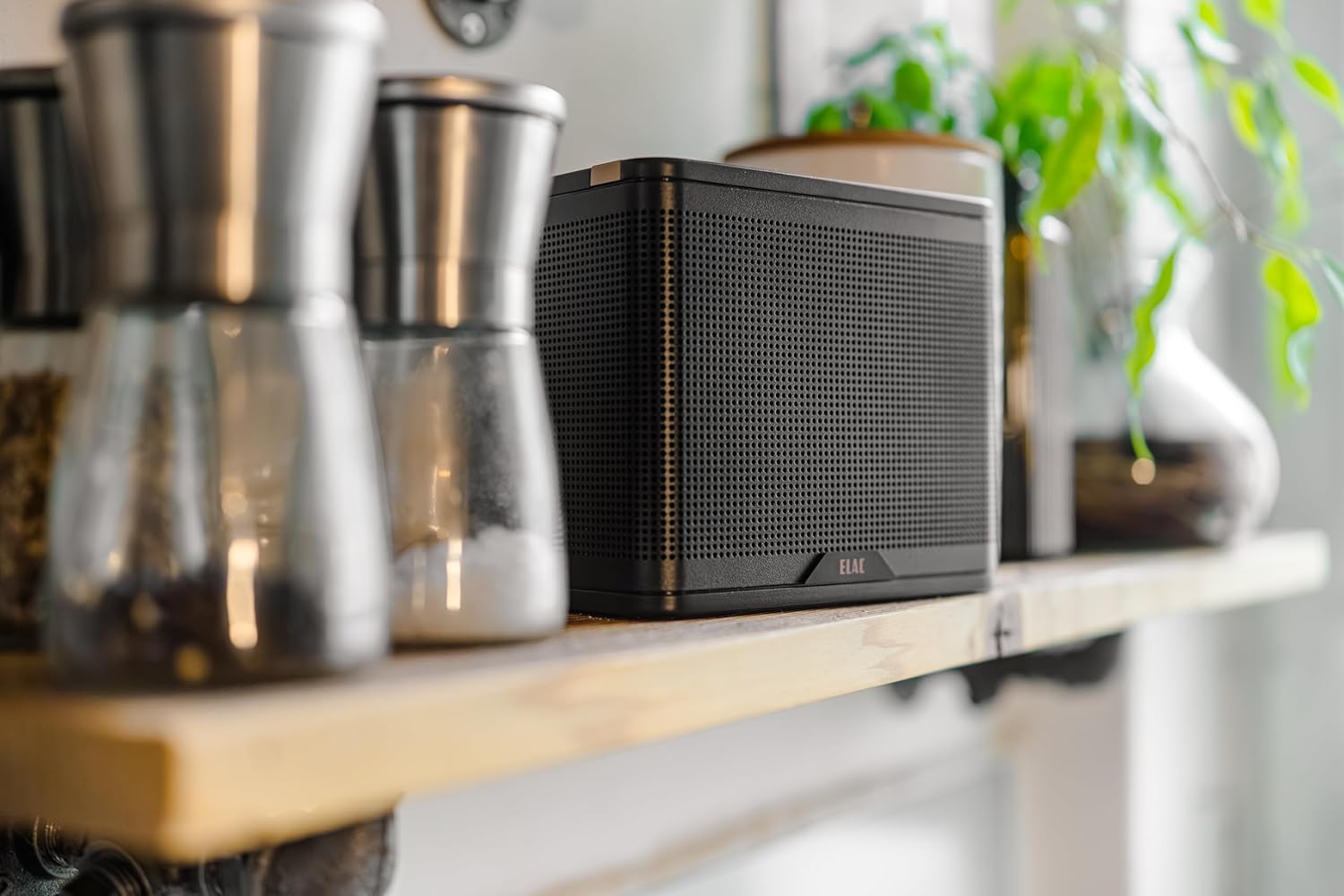
Figure 4: USB-C charging port on the back of the ELAC NAVA100.
5.2 Cleaning and Storage
To clean the speaker, use a soft, dry cloth. Avoid using abrasive cleaners or solvents. Store the speaker in a cool, dry place away from direct sunlight and extreme temperatures when not in use for extended periods.
6. Troubleshooting
If you encounter issues with your ELAC NAVA100 speaker, please refer to the following common troubleshooting steps:
- No Power: Ensure the battery is charged. Connect the speaker to a power source using the USB-C cable.
- Cannot Pair Bluetooth: Make sure the speaker is in pairing mode (flashing indicator light). Turn off and on Bluetooth on your device, then try pairing again. Ensure no other devices are currently connected to the speaker.
- No Sound: Check the volume levels on both the speaker and your connected device. Ensure the speaker is successfully paired.
- Poor Sound Quality: Move the speaker closer to your Bluetooth device to reduce interference. Ensure the speaker is placed on a stable surface.
- Dual Play Issues: Ensure both speakers are fully charged and within range of each other. Repeat the Dual Play pairing process if necessary.
If problems persist, please contact ELAC customer support for further assistance.
7. Specifications
| Feature | Specification |
|---|---|
| Model Name | ELAC NAVA 100 |
| Speaker Type | Portable Bluetooth Speaker |
| Connectivity Technology | Bluetooth 5.3 |
| Audio Output Mode | Stereo (with Dual Play) |
| Speaker Maximum Output Power | 5 Watts (RMS) |
| Frequency Response | 55 Hz - 19.6 kHz |
| Material | Aluminum |
| Product Dimensions | 3.07"D x 5.91"W x 5.04"H |
| Item Weight | 3.08 Pounds |
| Battery Life | Up to 15 hours (moderate volume) |
| Charging Port | USB-C |
| Special Feature | Dual Play |
8. What's in the Box
The ELAC NAVA100 Portable Bluetooth Speaker package includes:
- ELAC NAVA100 Portable Bluetooth Speaker
- USB-C Cable
9. Warranty and Support
9.1 Limited Warranty
The ELAC NAVA100 Portable Bluetooth Speaker comes with a limited warranty. Please refer to the warranty card included in your product packaging for specific terms, conditions, and duration of coverage. Keep your proof of purchase for warranty claims.
9.2 Customer Support
For technical assistance, warranty inquiries, or any other questions regarding your ELAC NAVA100 speaker, please visit the official ELAC website or contact their customer support team. Contact information can typically be found on the ELAC website or in your product documentation.


