
Introduction
Thank you for choosing the XIAOWTEK S58 Wireless Earbuds. These earbuds are designed to provide a superior audio experience with advanced features such as Bluetooth 5.4 connectivity, HiFi stereo sound, an LED power display, clear call technology, and IP7 waterproof protection. This manual will guide you through the setup, operation, and maintenance of your new earbuds.
What's in the Box
- XIAOWTEK S58 Wireless Earbuds (Left and Right)
- Charging Case
- USB Charging Cable
- User Manual

Product Overview
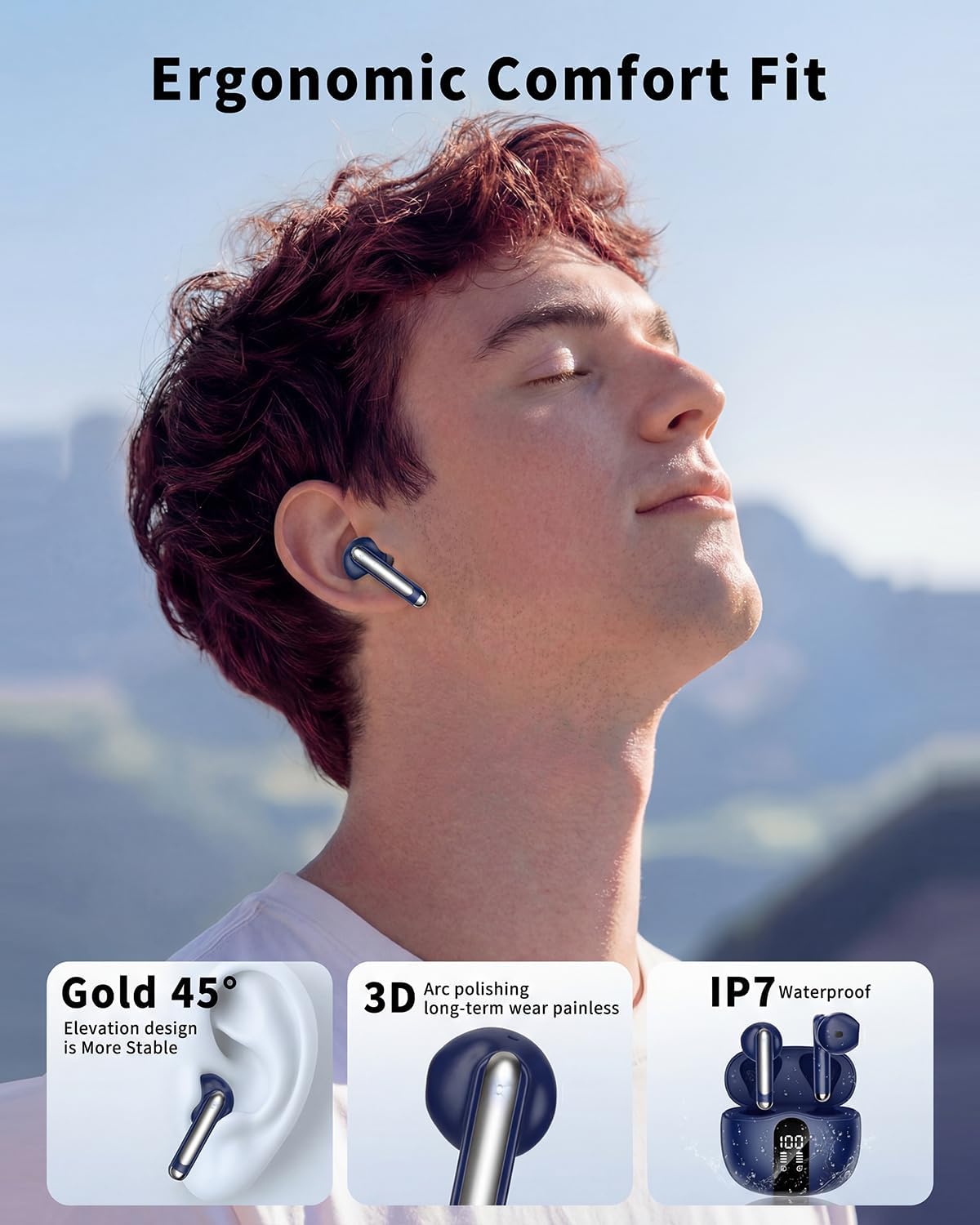
The S58 Wireless Earbuds are designed for comfort and performance. Each earbud weighs only 4 grams, ensuring a lightweight and secure fit for extended wear. The compact charging case features an intuitive LED display to monitor battery levels.

Setup
1. Charging the Earbuds and Case
Before first use, fully charge the earbuds and charging case. Connect the provided USB charging cable to the charging port on the case and a power source. The LED display on the charging case will show the current battery level of both the case and individual earbuds (0-100%).

2. Bluetooth Pairing
The S58 earbuds utilize Bluetooth 5.4 technology for a faster and more stable connection. They feature one-step auto-pairing.
- Open the charging case. The earbuds will automatically enter pairing mode.
- On your device (smartphone, tablet, laptop), go to Bluetooth settings.
- Select "S58" from the list of available devices to connect.
- Once connected, the earbuds are ready for use. They will automatically reconnect to the last paired device when removed from the case.

Operating Instructions
Smart Touch Controls
The S58 earbuds feature highly responsive touch controls on each earbud for easy management of audio and calls.
| Function | Left Earbud (L) | Right Earbud (R) |
|---|---|---|
| Play/Pause | Double-tap | Double-tap |
| Volume Up | Single tap | N/A |
| Volume Down | N/A | Single tap |
| Next Track | Press and hold for 2 seconds | N/A |
| Previous Track | N/A | Press and hold for 2 seconds |
| Answer/End Call | Double-tap | Double-tap |
| Reject Call | Press and hold for 2 seconds | Press and hold for 2 seconds |
| Activate Voice Assistant | Triple-tap | Triple-tap |

Single or Dual Earbud Mode
The S58 earbuds support both single and dual earbud modes. You can use either earbud independently for calls or music, or both together for a full stereo experience.
Audio Quality and Calls
Experience Hi-Fi stereo sound with 13.4mm graphene diaphragms, delivering powerful bass, clear mids, and bright highs. The dual hybrid ENC microphones passively eliminate 85% of background noise, ensuring crystal clear calls even in noisy environments.


Maintenance
Cleaning
Regularly clean your earbuds and charging case to ensure optimal performance and hygiene. Use a soft, dry, lint-free cloth to wipe down the surfaces. For earbud tips, gently remove them and clean with a mild soap solution, then rinse and dry thoroughly before reattaching.
Water Resistance (IP7)
The S58 earbuds are IP7 waterproof rated, meaning they can withstand immersion in water up to 1 meter for 30 minutes. This makes them suitable for sports and outdoor activities, protecting against sweat and rain. However, the charging case is not waterproof. Do not submerge the charging case in water.
Troubleshooting
- No Sound/Connection Issues: Ensure earbuds are charged. Turn off and on your device's Bluetooth, then try re-pairing.
- Only One Earbud Working: Place both earbuds back in the charging case, close the lid, wait a few seconds, then open and try connecting again.
- Charging Problems: Check if the charging cable is securely connected to both the case and the power source. Ensure the charging contacts on the earbuds and inside the case are clean and free of debris.
- Touch Controls Not Responding: Ensure your fingers are clean and dry. Try restarting the earbuds by placing them in the case and taking them out again.
Specifications
| Feature | Detail |
|---|---|
| Brand | XIAOWTEK |
| Model Name | S58 |
| Color | Navy Blue |
| Ear Placement | In Ear |
| Form Factor | In Ear |
| Noise Control | Passive Noise Cancellation |
| Bluetooth Version | 5.4 |
| Battery Average Life | 50 Hours (with charging case) |
| Water Resistance Level | Waterproof (IP7) |
| Compatible Devices | Laptops, Desktops, Telephones, Tablets, Smart Speaker, Television, Cellphones |
| Additional Features | Lightweight, Touch Control |
| Audio Driver Type | Dynamic Driver |
| Frequency Range | 20 Hz - 20,000 Hz |
| Material | Plastic, Silicone, Fabric |
Warranty and Support
The XIAOWTEK S58 Wireless Earbuds come with a 1 Year Manufacturer Warranty. For any support inquiries or warranty claims, please contact XIAOWTEK customer service through the retailer where you purchased the product or visit the official XIAOWTEK website for contact information.
Product Videos
Wireless Earbuds S58 Overview
Video: An overview of the S58 Wireless Earbuds, showcasing their design and features.
Wireless Earphones Navy Blue, Clear Calls & Sport
Video: Demonstrates the Navy Blue S58 Wireless Earphones, highlighting their clear call quality and suitability for sports activities.