
Introduction
Thank you for choosing the AICase Waterproof Case for your Samsung Galaxy S26 Plus. This case is engineered to provide robust 360-degree protection against water, snow, dust, and drops, ensuring your device remains safe in various environments. It also features MagSafe compatibility for convenient wireless charging and accessory use. Please read this manual carefully to ensure proper installation and optimal performance of your case.
Setup Instructions
Proper installation is critical for the waterproof integrity of your case. Follow these steps carefully:
- Perform a Water Test: Before installing your phone, place a tissue inside the empty case and submerge it in water for at least 30 minutes. Ensure all seals are closed tightly. If the tissue remains dry, the case is waterproof. If wet, re-check seals or contact support.
- Clean Your Phone: Ensure your Samsung Galaxy S26 Plus is clean and free of any dust, debris, or screen protectors. The case has a built-in screen protector.
- Open the Case: Carefully separate the front and back pieces of the case. Locate the small notch or opening point, usually at the bottom right corner, and gently pry it open.
- Insert Your Phone: Place your Samsung Galaxy S26 Plus into the front cover of the case, ensuring it sits snugly and aligns with the built-in screen protector.
- Close the Case: Align the back cover with the front cover and press firmly around all edges until you hear a click, indicating that the case is fully sealed. Double-check all edges to ensure there are no gaps.
- Fingerprint Sensor Setup: For optimal fingerprint recognition, ensure your fingerprint is registered after the case is installed. Clean the fingerprint area on the case and your finger, then follow your phone's instructions to add a new fingerprint.

Figure 1: Exploded view of the case components, showing the protective front cover with built-in screen protector and the crystal back cover.
Operating Instructions
Your AICase waterproof case allows full functionality of your Samsung Galaxy S26 Plus.
- Button and Port Access: The case features precise cutouts for the charging port, mute switch, power button, and volume buttons. Buttons are designed to be sensitive and responsive.
- MagSafe and Wireless Charging: The case is compatible with MagSafe chargers and other wireless charging accessories. Simply place your phone with the case onto a MagSafe charger or a standard wireless charging pad.
- Underwater Use: The IP68 rating allows your phone to be submerged up to 2-3 meters (6.6-10 feet) for 30 minutes. This enables underwater photography and video recording. Ensure all seals are secure before submerging.
- Call Quality: Special materials are used to maintain clear sound quality during calls.

Figure 2: The case securely attaches to a magnetic car mount, showcasing its MagSafe compatibility.

Figure 3: The case supports wireless charging with MagSafe and other compatible chargers.
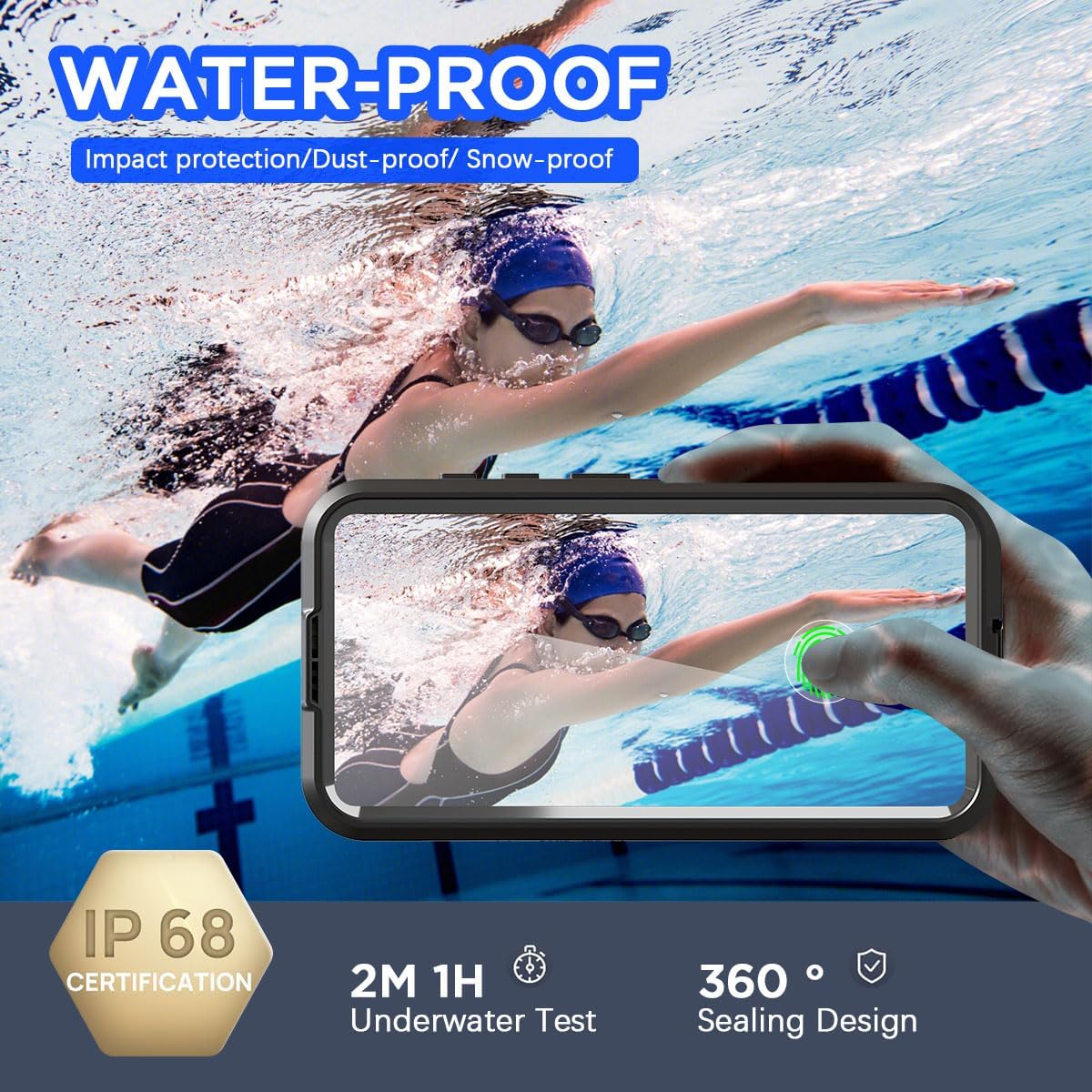
Figure 4: The IP68 certified case allows for underwater photography and use.
Maintenance
To ensure the longevity and continued protection of your AICase waterproof case, follow these maintenance guidelines:
- Regular Cleaning: Clean the case regularly with a soft, damp cloth. Avoid abrasive cleaners or solvents that could damage the case material or seals.
- Inspect Seals: Periodically inspect the rubber seals around the edges and ports for any signs of wear, tear, or debris. A damaged seal can compromise waterproof performance.
- Re-test Waterproofing: If the case has been dropped, subjected to extreme conditions, or if you plan to use it underwater after a long period, perform a water test (as described in Setup) without your phone inside to confirm its waterproof integrity.
- Avoid Extreme Temperatures: Do not expose the case to extreme heat or cold, as this can affect the material and seals.
Troubleshooting
If you encounter any issues with your AICase waterproof case, refer to the following common solutions:
- Water Leakage During Test: Ensure all edges are firmly pressed and sealed. Check for any foreign objects or damage to the rubber seals. If the issue persists, the case may be compromised.
- Reduced Touch Sensitivity: Ensure the phone screen and the inside of the case's screen protector are clean. Re-install the phone, making sure there are no air bubbles between the screen and the protector.
- Fingerprint Sensor Not Working: Re-register your fingerprint after the case is installed. Ensure the fingerprint area on the case is clean and dry.
- Muffled Call Quality: Check if the speaker and microphone membranes are clear of debris. Ensure the case is properly sealed, as improper sealing can affect sound transmission.
- Wireless Charging Issues: Ensure your phone is correctly aligned on the wireless charger. Remove any metal objects or thick accessories that might interfere with charging.
Specifications
| Compatible Model | Samsung Galaxy S26 Plus |
| Material | Polycarbonate, Thermoplastic Polyurethane (TPU) |
| Waterproof Rating | IP68 (Submersible up to 2-3 meters / 6.6-10 feet for 30 minutes) |
| Drop Protection | Military-grade drop test standards, protects from drops up to 3.6 meters (6 feet) |
| Features | MagSafe compatible, Built-in screen protector, Camera lens cover, Precise cutouts, Snowproof, Dustproof |
| Dimensions | 12.7 x 7.62 x 0.76 cm |
| Weight | 13.61 g |

Figure 5: The case features raised edges for enhanced screen and camera protection.
Warranty Information
AICase products are manufactured to high-quality standards. For specific warranty details, please refer to the product packaging or contact AICase customer support directly. Keep your purchase receipt as proof of purchase.
Customer Support
If you have any questions, concerns, or require assistance with your AICase Waterproof Case, please contact our customer support team. Refer to the contact information provided on the product packaging or the official AICase website for the most up-to-date support channels.