
1. Introduction
The UGREEN FineTrack2 Air Tracker is a compact Bluetooth tracking device designed exclusively for iOS devices. It integrates with the Apple Find My network, allowing you to locate your personal belongings such as keys, bags, wallets, and more. Its unique soccer-ball design is both functional and discreet, blending naturally with everyday items.
Key features include a long-lasting 5-7 year non-replaceable battery, IP68 water resistance for durability in various conditions, and a loud 110dB alarm to assist in finding nearby items. The tracker also supports lost item notifications and location sharing with family members (iOS 17 or later).
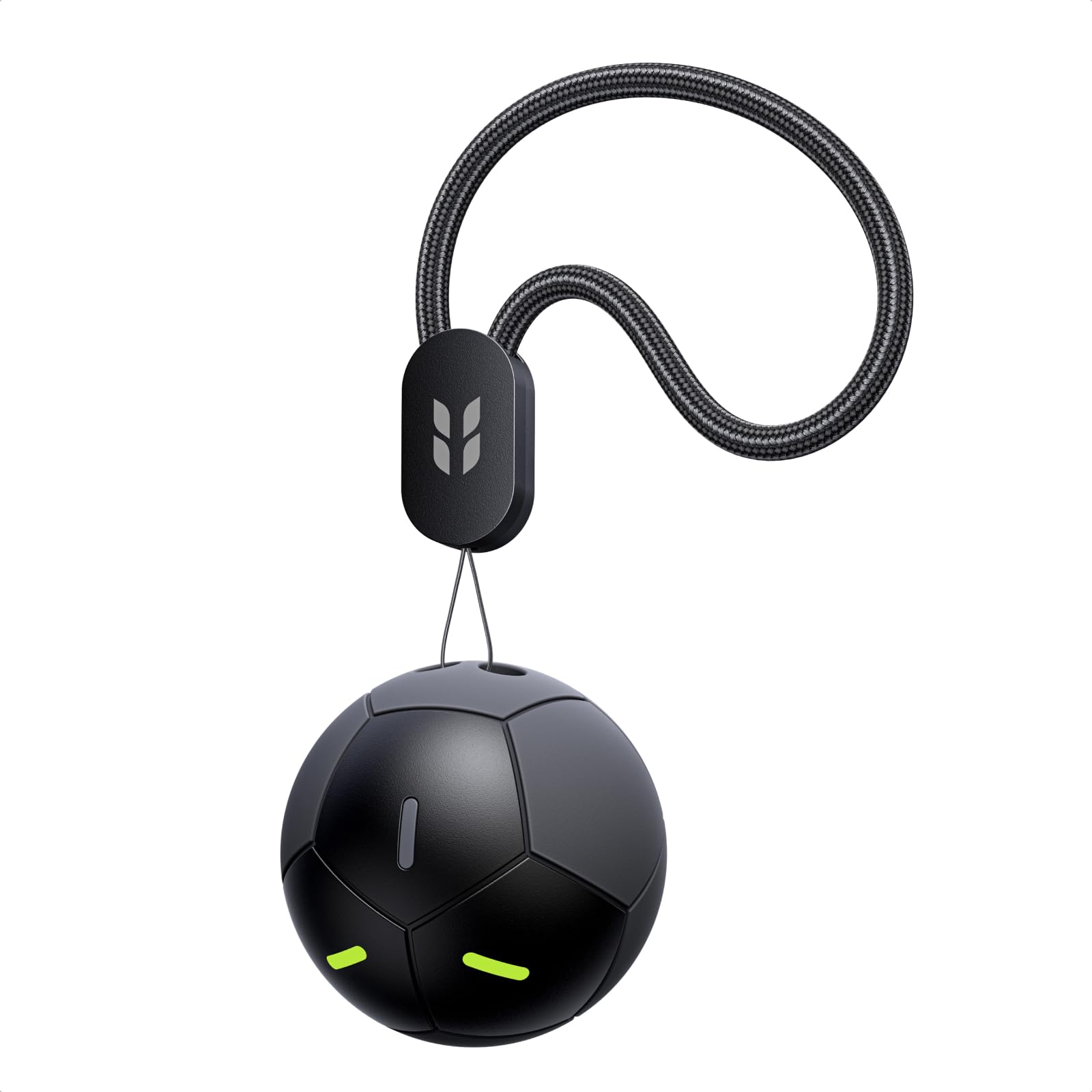
Image: The UGREEN FineTrack2 Air Tracker, designed in a soccer ball shape, positioned on a green grass field within a stadium setting. This image highlights its compatibility with Apple Find My.
2. Setup
Follow these steps to pair your UGREEN FineTrack2 Air Tracker with your iOS device:
- Power On: Press and hold the button on the tracker for 2 seconds to turn it on.
- Enable Bluetooth: Ensure Bluetooth is enabled on your iPhone or iPad.
- Open Find My App: Launch the pre-installed Apple Find My app on your device.
- Add Item: Navigate to the 'Items' tab, tap the '+' icon, and select 'Add Other Item'.
- Connect: Place the FineTrack2 tracker near your iPhone or iPad. The app will detect it. Tap 'Connect' to establish the connection.
- Name Your Tracker: Assign a descriptive name to your tracker (e.g., 'Keys', 'Backpack', 'Wallet').
Important Note: The pairing process must be completed within 5 minutes of powering on the tracker. If not completed, the product will automatically turn off and must be restarted to pair.

Image: A visual representation of the four-step pairing process for the UGREEN FineTrack2, showing how to power on, open the Find My app, add an item, and connect the tracker.
3. Operation
Locating Items
- Using the Map: Open the Find My app on your iOS device. The app will display the tracker's last known location on a map.
- Playing a Sound: When you are within Bluetooth range of your item, tap 'Play Sound' in the Find My app. The FineTrack2 will emit a loud 110dB alarm, helping you pinpoint its exact location, even if it's hidden under objects.

Image: A woman using her iPhone to activate the 110dB alarm on the UGREEN FineTrack2, demonstrating its audible range for locating items.
Lost Mode and Notifications
- Lost Item Notification: If your tracker moves out of range, the Find My app will send an instant alert to your phone with its last known location.
- Activate Lost Mode: In the Find My app, you can activate 'Lost Mode' for your tracker. This allows you to display your contact information to anyone who finds your item, and nearby Apple devices can help relay its location to you.
- Left-Behind Alerts: Set up alerts to notify you if you accidentally leave your tracked item behind at a specific location. You can also designate 'safe locations' where these alerts will not be triggered.

Image: An iPhone displaying a 'Time Sensitive' notification from the Find My app, indicating that 'Keys' (tracked by FineTrack2) have been left behind. The tracker is visible on a bag in a stadium setting.
Family Sharing
With iOS 17 or later, you can share the location of your UGREEN FineTrack2 tracker with family members. This allows everyone in your family group to help keep track of important shared items.
4. Maintenance
Battery Life
The UGREEN FineTrack2 features a built-in, non-rechargeable, and non-replaceable Lithium Ion battery. It is designed to provide a long operational life of 5-7 years, eliminating the need for frequent battery changes or charging. The current battery level can be viewed within the Apple Find My app.
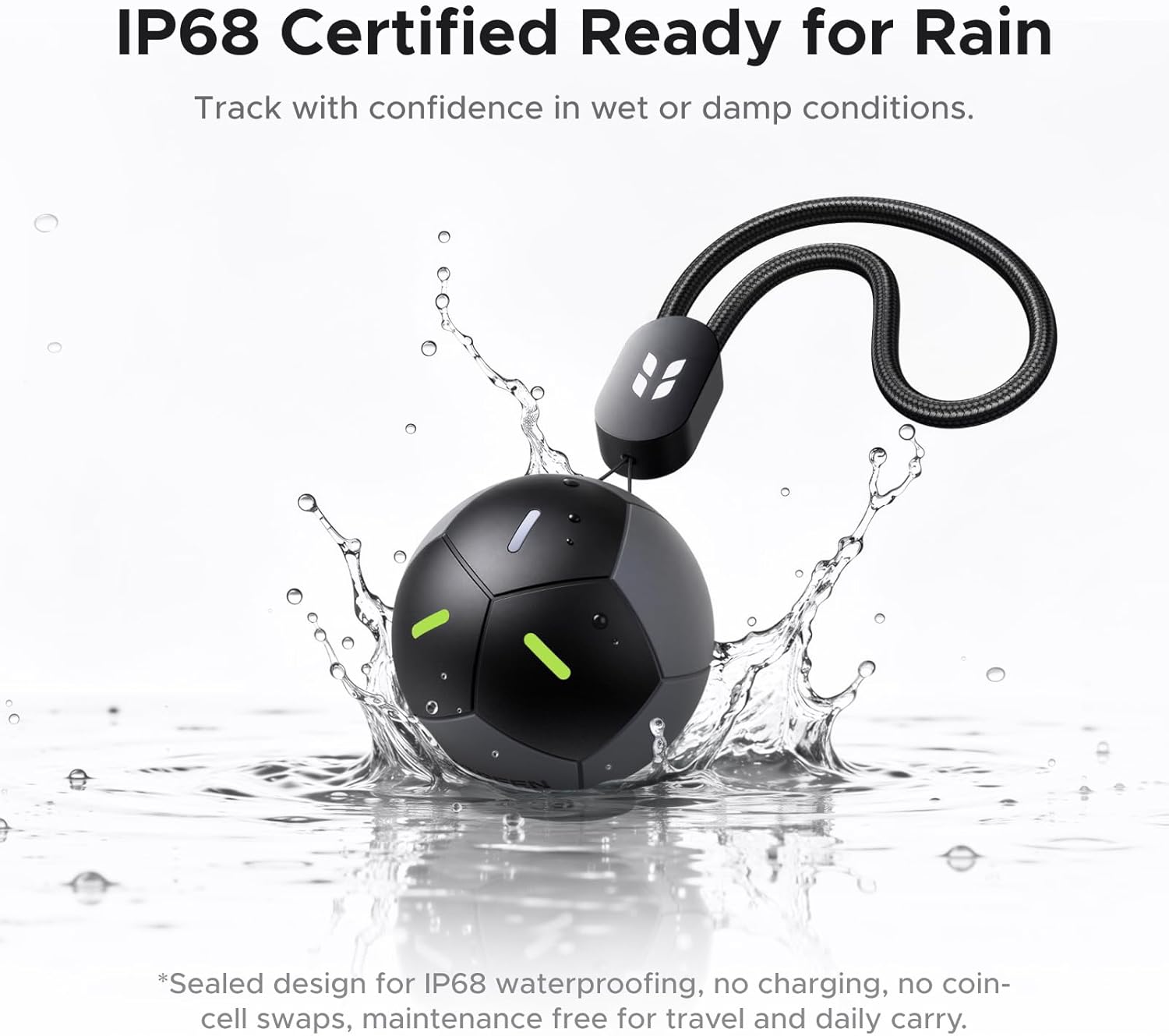
Image: The UGREEN FineTrack2 tracker shown with water splashing, illustrating its IP68 certification for water resistance.
Water Resistance
The tracker is IP68 rated, meaning it is resistant to dust and can withstand immersion in water up to 1.5 meters for up to 30 minutes. This ensures reliable performance in various environments, including rain, spills, and outdoor activities.
Cleaning
To clean your tracker, gently wipe it with a soft, dry cloth. Avoid using abrasive cleaners or harsh chemicals, as these may damage the device.
Fluorescent Design
The tracker incorporates a fluorescent design, making it easier to spot in low-light conditions or in the dark, further aiding in item recovery.

Image: A woman using a flashlight to search under a sofa, with an inset showing the UGREEN FineTrack2 tracker's fluorescent elements glowing in the dark, making it discernible.
5. Troubleshooting
Common Issues and Solutions
- Cannot Pair the Tracker:
- Ensure Bluetooth is enabled on your iOS device.
- Verify the tracker is powered on by pressing and holding its button for 2 seconds.
- Complete the pairing process within 5 minutes of powering on the tracker. If the time limit is exceeded, the tracker will turn off, and you will need to restart the process.
- Confirm that your device is an iOS device, as the FineTrack2 is not compatible with Android.
- No Precise Location (UWB):
- The UGREEN FineTrack2 supports Global Positioning but does not feature Ultra-Wideband (UWB) precise positioning. Location is displayed in meters on the map, with a circular area indicating proximity, but no directional arrow is provided.
- To locate items when nearby, use the 'Play Sound' function in the Find My app to activate the tracker's audible alarm.
- Battery Life Concerns:
- The tracker's battery is built-in, non-replaceable, and non-rechargeable, designed for a 5-7 year lifespan. This design choice supports the IP68 waterproof rating and reduces maintenance.
- The theoretical battery life calculation assumes the device plays a notification sound once a day for item finding. Actual battery life may vary based on usage and environmental conditions.
- How to Check Battery Level:
- After connecting the product to the Find My app, navigate to the homepage. The remaining battery level will be displayed below the device name.

Image: Frequently Asked Questions regarding the use of disposable batteries and the calculation of the 7-year battery life for the UGREEN FineTrack2.

Image: Frequently Asked Questions covering how to check battery level, whether the product supports UWB precise positioning, and if the battery is rechargeable.
6. Specifications
| Brand | UGREEN |
| Model Number | FT309 |
| Connectivity Technology | Bluetooth |
| Compatible Devices | iOS devices only |
| Battery Type | 1 Lithium Ion battery (included) |
| Battery Serviceability | Non-replaceable, Non-rechargeable |
| Battery Life | 5-7 years |
| Water Resistance | IP68 |
| Alarm Volume | Up to 110dB |
| Control Method | App (Apple Find My) |
| Manufacturer | Ugreen Group Limited |

Image: A size comparison diagram showing the UGREEN FineTrack2 tracker with a diameter of 34mm, alongside a US half-dollar coin to illustrate its compact size.
7. Warranty and Support
The UGREEN FineTrack2 Air Tracker comes with a 24 Months Warranty Service provided by UGREEN.
For technical support, warranty claims, or further assistance, please refer to the official UGREEN website or contact UGREEN customer service directly. Keep your purchase receipt or proof of purchase for warranty validation.

