Introduction
This manual provides essential information for the operation, maintenance, and troubleshooting of your FlashForge AD5X Multi-Color 3D Printer. Following these instructions will help ensure optimal performance and longevity of your device. This guide covers fundamental aspects from initial setup to advanced multi-color printing techniques.
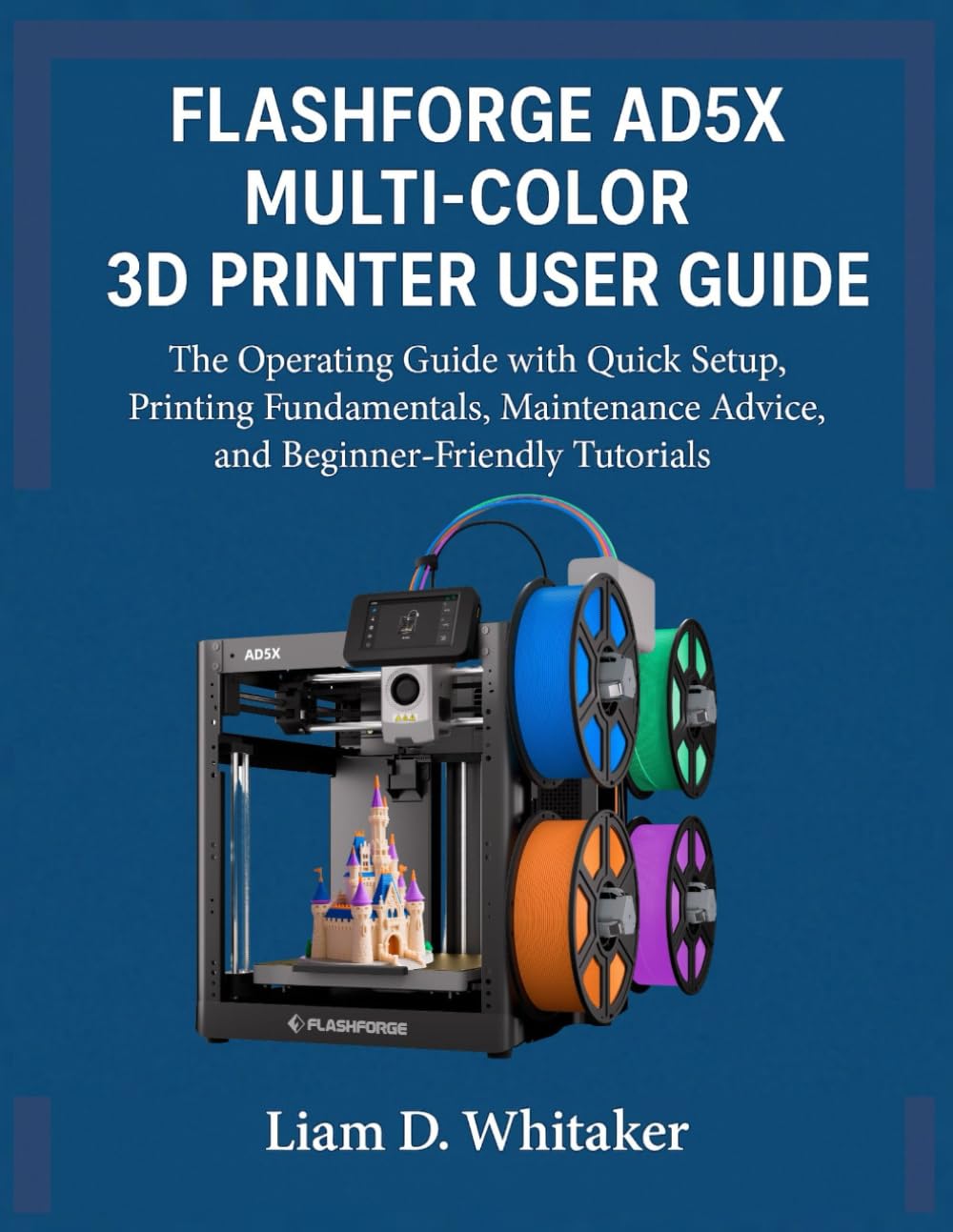
Image: Front cover of the FlashForge AD5X Multi-Color 3D Printer User Guide. This image displays the title and design of the instructional material.
1. Quick Setup
Follow these steps for the initial setup of your FlashForge AD5X 3D printer:
- Unpack the printer and remove all packaging materials.
- Place the printer on a stable, level surface.
- Connect the power cable and turn on the printer.
- Perform initial calibration steps as prompted on the printer's display.
- Install the FlashPrint 5 software on your computer for slicing models.
2. Operating Fundamentals
Understanding these core principles is crucial for achieving high-quality prints.
2.1 Filament Management
- Loading Filament: Carefully feed the filament into the designated extruder input until it is gripped by the gears.
- Storing Filament: Store unused filament in a dry, cool environment to prevent moisture absorption, which can degrade print quality.
- Managing Multiple Filaments: For multi-color printing, ensure each filament is correctly loaded into its respective channel.
2.2 Bed Leveling and Calibration
Accurate bed leveling is essential for consistent first layer adhesion.
- Perform automatic bed leveling via the printer's touchscreen interface.
- Manually adjust bed corners if necessary, using a calibration sheet or feeler gauge.
- Regularly calibrate the Z-offset to ensure proper nozzle-to-bed distance.
2.3 FlashPrint 5 Slicing Strategies
Utilize FlashPrint 5 software to prepare your 3D models for printing.
- Import your 3D model (STL, OBJ, 3MF formats are common).
- Configure print settings such as layer height, infill density, and print speed.
- For multi-color prints, assign different colors to specific parts of your model within FlashPrint 5.
- Generate support structures if your model has overhangs.
- Slice the model and save the G-code file to a USB drive or send it directly to the printer.
3. Maintenance
Regular maintenance ensures the longevity and consistent performance of your AD5X printer.
- Nozzle Cleaning: Periodically clean the nozzle to prevent clogs and ensure smooth extrusion. Use the provided cleaning needle or a brass brush.
- Print Bed Cleaning: Clean the print bed after each print with isopropyl alcohol to maintain adhesion.
- Lubrication: Apply a small amount of lubricant to the Z-axis lead screws and linear rails every few months.
- Firmware Updates: Check the official FlashForge website for the latest firmware updates to ensure your printer has the most current features and bug fixes.
4. Troubleshooting
This section addresses common printing issues and their solutions.
| Issue | Possible Cause | Solution |
|---|---|---|
| Warping | Insufficient bed adhesion, uneven bed temperature, drafts. | Ensure proper bed leveling, increase bed temperature, use an enclosure, apply adhesive (e.g., glue stick). |
| Stringing | Incorrect retraction settings, high nozzle temperature, wet filament. | Adjust retraction distance and speed, lower nozzle temperature, dry filament. |
| Layer Shifting | Loose belts, motor skipping steps, print head collision. | Check and tighten belts, reduce print speed, ensure no obstructions on the print path. |
| Extrusion Issues (Under/Over-extrusion, Clogging) | Clogged nozzle, incorrect E-steps, filament diameter mismatch, wet filament. | Clean or replace nozzle, calibrate E-steps, verify filament diameter, dry filament. |
5. Specifications
Key technical specifications for the FlashForge AD5X Multi-Color 3D Printer.
- Model: FlashForge AD5X
- Publisher of Guide: Independently published
- Publication Date of Guide: December 9, 2025
- Language of Guide: English
- Guide Print Length: 97 pages
- ISBN-13 (Guide): 979-8278061205
- Guide Item Weight: 313 g
- Guide Dimensions: 21.59 x 0.56 x 27.94 cm
Note: Printer-specific technical specifications (e.g., build volume, nozzle diameter, print speed) are typically found on the official FlashForge product page or included with the printer's packaging. The specifications listed above pertain to the instructional guide itself.
6. Warranty and Support
Information regarding product warranty and customer support is not provided within this instructional guide. For detailed warranty terms, technical support, and service inquiries for your FlashForge AD5X Multi-Color 3D Printer, please refer to the official FlashForge website or contact their customer service directly. Always retain your proof of purchase for warranty claims.


