
Introduction
This manual provides essential instructions for the safe and efficient operation of your ASHATA 5 Inch E-Book Reader (Model ASHATA7sn5yg8thx). Please read this manual thoroughly before using the device and retain it for future reference.
Safety Information
- Do not expose the device to extreme temperatures, direct sunlight, or high humidity.
- Avoid dropping or subjecting the device to strong impacts.
- Use only the provided charging cable and adapter to prevent damage.
- Keep the device away from water and other liquids.
- Do not attempt to disassemble or repair the device yourself. Contact support for assistance.
Package Contents
Verify that all items are present in the package:
- 1 x ASHATA E-Reader
- 1 x Earphones
- 1 x Charging Cable (Type-C)
- 1 x Writing Pad
- 1 x Capacitive Pen
- 1 x Screen Protector
- 1 x Protective Case
- 1 x User Manual (this document)
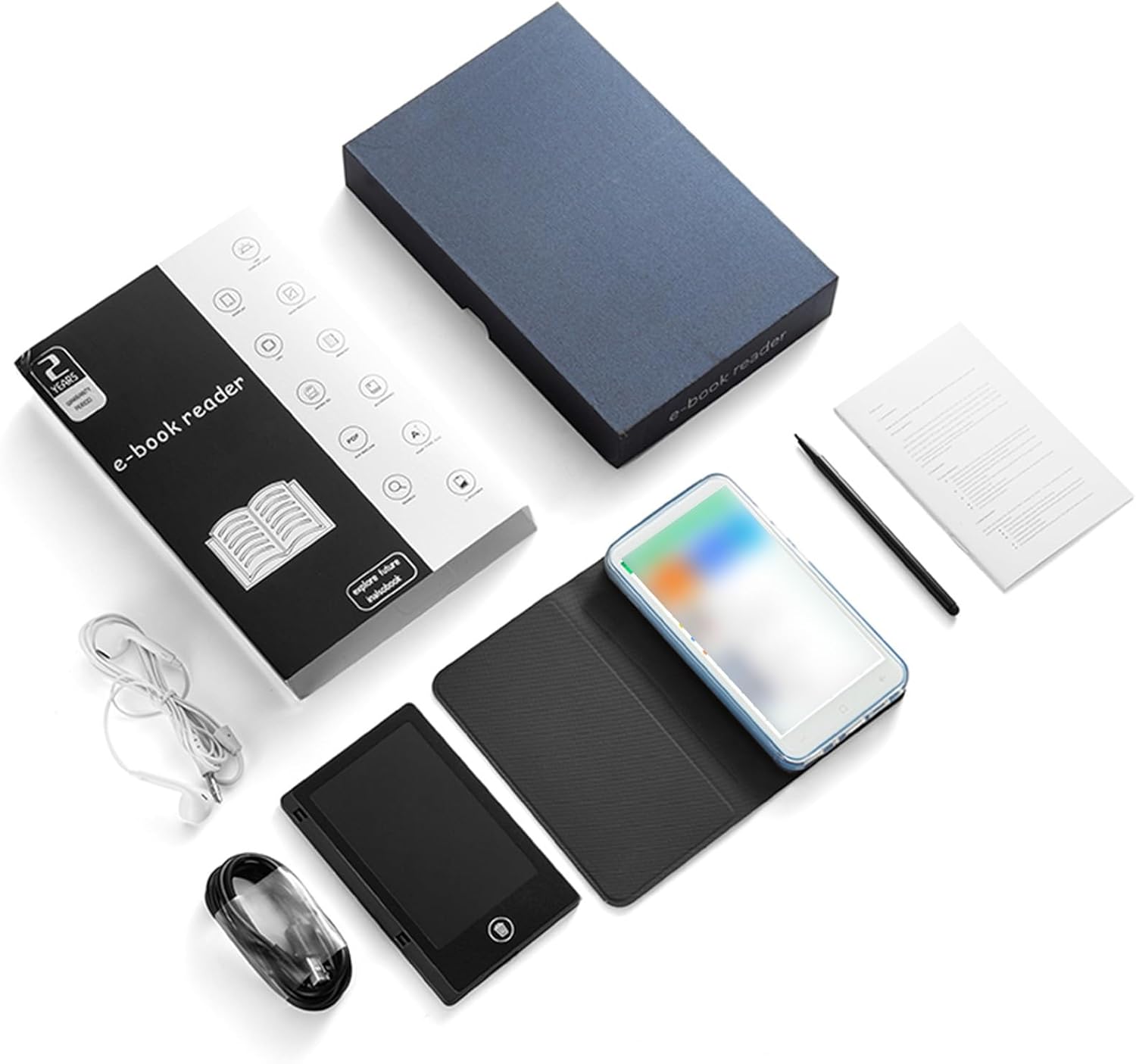
Image: All components included in the ASHATA E-Reader package.
Device Overview
The ASHATA E-Book Reader features a compact and lightweight design for comfortable handling and portability.

Image: Front, back, and side views of the ASHATA E-Reader, highlighting its lightweight design and button/port layout.
- Display: 5-inch, 480*854 touchscreen.
- Physical Buttons: Volume +/-, Camera, Power.
- USB Interface: Type-C port for charging and data transfer.
- Headphone Jack: 3.5mm port.
- Camera: 5M with flash.
Setup
- Initial Power On: Press and hold the power button for 1-3 seconds to turn on the device.
- Language Selection: Once the device is on, navigate to the settings menu to select your preferred language.
- Charging: Connect the provided Type-C charging cable to the device and a power source. Ensure the device is fully charged before first use.
- Screen Protector: Apply the included screen protector to prevent scratches.
- Protective Case: Place the device into the protective case for added durability and protection.
Operating Instructions
Basic Operation
- Power On/Off: Press and hold the power button for 1-3 seconds.
- Screen Navigation: Use the touchscreen to navigate menus and select options.
- Volume Control: Use the volume +/- buttons to adjust audio output.
Reading E-books
The device supports various e-book formats including PDF, EPUB, MOBI, TXT, and more. Its eye-guard screen technology mimics traditional ink on paper, reducing eye strain.
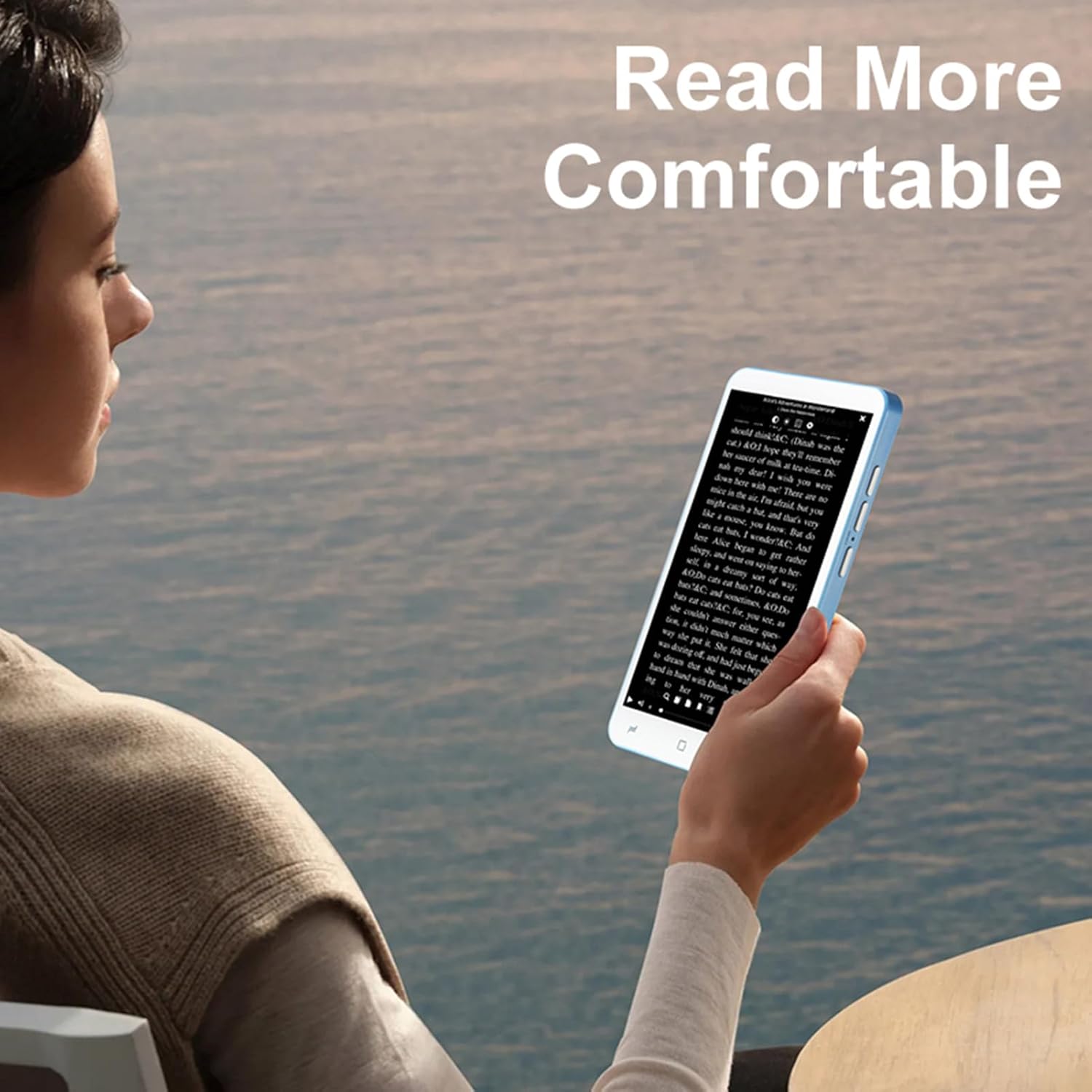
Image: A user holding the ASHATA E-Reader, demonstrating comfortable reading posture.
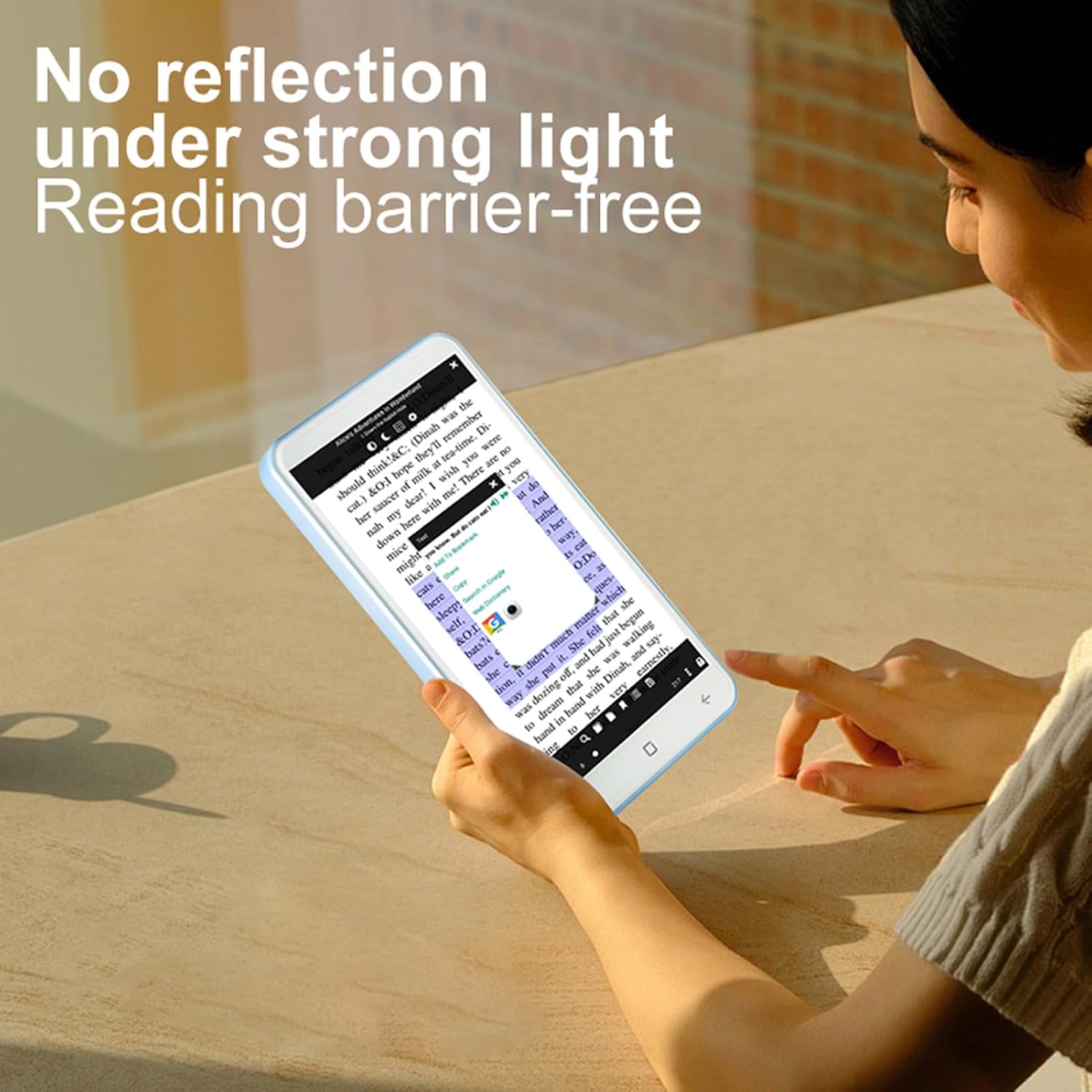
Image: The ASHATA E-Reader display showing text clearly visible even in bright conditions, demonstrating its non-reflective screen.
- Opening Books: Tap on an e-book file to open it.
- Page Turning: Swipe left or right on the screen to turn pages.
- Adjusting Text: Access settings within the e-book reader application to adjust font size, style, and line spacing.
Using the Handwriting Tablet
The device comes with a dedicated writing pad and capacitive pen, allowing you to take notes or make annotations.

Image: The ASHATA E-Reader alongside its capacitive pen, highlighting the flat TFT screen and handwriting capabilities.
- Activating Writing Mode: Open the dedicated writing application or annotation feature within an e-book.
- Using the Pen: Use the capacitive pen on the screen or the separate writing pad to write or draw.
Camera Functionality
The integrated 5MP camera with flash allows for capturing images.
- Accessing Camera: Locate and tap the camera application icon.
- Taking Photos: Press the dedicated camera button or the on-screen shutter button.
Connectivity
The device supports Wireless-Fidelity (Wi-Fi) and BT 4.0LE for internet access and connecting to other devices.
- Wi-Fi: Go to Settings > Wireless & Networks > Wi-Fi to connect to available networks.
- BT: Go to Settings > Connected Devices > BT to pair with BT headphones or other accessories.
Maintenance
- Cleaning the Screen: Use a soft, lint-free cloth to gently wipe the screen. Do not use abrasive cleaners or solvents.
- Battery Care: For optimal battery life, avoid fully discharging the device frequently. Charge the device regularly. The built-in 2500mAh battery provides extended usage.
- Software Updates: Periodically check for software updates in the device settings to ensure optimal performance and new features.

Image: The ASHATA E-Reader in its protective case, illustrating the device's high-capacity battery for extended reading.
Troubleshooting
| Problem | Possible Solution |
|---|---|
| Device does not turn on. | Ensure the device is charged. Connect to a power source and try again. If unresponsive, perform a hard reset by holding the power button for 10-15 seconds. |
| Screen is unresponsive. | Restart the device. If the issue persists, ensure the screen is clean and free of debris. |
| Cannot connect to Wi-Fi. | Check if Wi-Fi is enabled in settings. Ensure the password is correct. Restart your router and the e-reader. |
| E-books are not opening. | Verify the e-book format is supported. Try opening a different e-book. Ensure the e-book reader application is up to date. |
Specifications
| Feature | Detail |
|---|---|
| Item Type | E-reader with Handwriting Board |
| LCD Specification | 5-inch, 480*854 |
| Touchscreen | COF 6PIN |
| Camera | 5M with flash |
| Physical Buttons | Volume +/-, Camera, Power |
| E-reader Battery | 2500mAh (Built-in) |
| Handwriting Board Battery | 25mAh |
| USB Interface | Type-C |
| Headphone | 3.5mm (L-R-G-M) |
| Data Link | Wireless-Fidelity/BT 4.0LE |
| Hardware Platform | MT6580, Quad-core 1.3GHz, ARM Cortex-A7 |
| Memory | 1GB RAM + 8GB Internal Storage |
| Sensors | G-sensor |
| FM Radio | Support |
| Speaker | 2030 Single Magnetic Speaker |
| Microphone | Support |
| Language | Support multiple languages |
| Image Format Support | JPG, JPEG, BMP, GIF, PNG |
| Sound Format Support | MP3, MP2, AMR, APE, M4A, MIDI, OGG, WAV, FLAC, 3GP |
| Video Format Support | MPEG4-SP, H.264/AVC, H.263, 3GP, 3G2, MP4, MKV, AVI, WEBM |
| E-book Format Support | PDF, EPUB, EPUB3, MOBI, DjVu, FB2, DOC, DOCX, TXT, RTF, CBR, CBZ, HTML |
| Item Size | 13x7x1cm / 5.12x2.76x0.39in |
| Item Weight | 114g / 4.02oz |
Warranty and Support
The ASHATA E-Book Reader comes with a manufacturer warranty for 90 days from the date of purchase. This warranty covers defects in materials and workmanship under normal use.
For technical support, warranty claims, or further assistance, please contact ASHATA customer service through your retailer or the official ASHATA website. Please have your model number (ASHATA7sn5yg8thx) and proof of purchase ready.