
1. Introduction
Thank you for choosing the Generic AI Voice Recorder (64GB), Model FW920D. This device is designed to enhance your productivity by providing real-time transcription and summarization capabilities across 152 languages. Featuring advanced noise cancellation, app control, and a long-lasting battery, it is ideal for meetings, lectures, interviews, and calls. This manual provides essential information for setting up, operating, and maintaining your device.
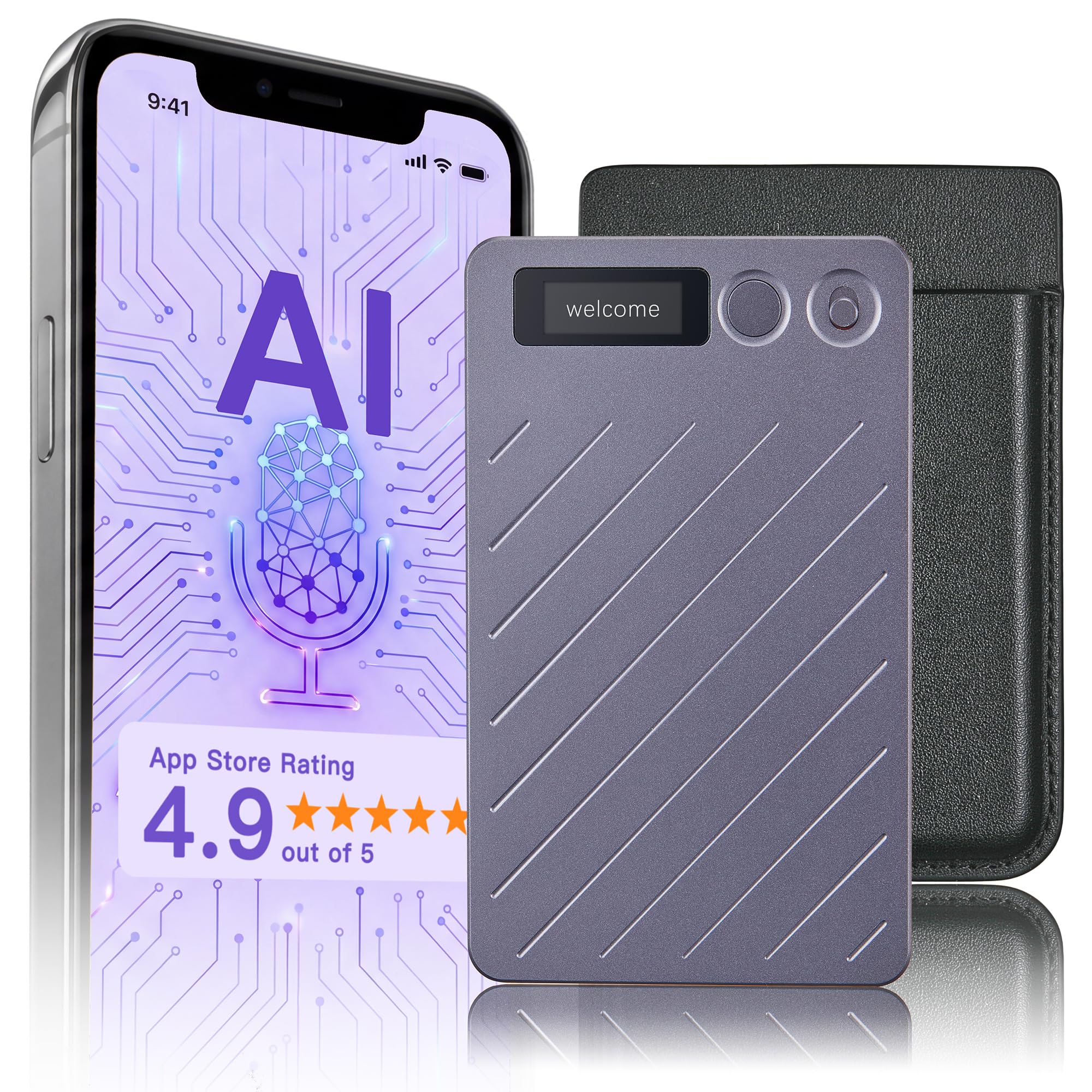
Image: The Generic AI Voice Recorder, a compact, sleek device with a small display and control buttons.
2. What's in the Box
Please check the package contents to ensure all items are present:
- 1 AI Recorder
- 1 Black Case
- 1 Charging Cable
- 1 OTG Adapter
- 1 Magnetic Ring
- 1 User Manual (this document)

Image: All components included in the product packaging, laid out clearly: the AI recorder, black case, charging cable, OTG adapter, magnetic ring, and user manual.
3. Setup
3.1 Charging the Device
Before first use, fully charge your AI Voice Recorder. Connect the provided charging cable to the device and a compatible USB power source. The device features a 35-hour battery life on a single charge.
3.2 Powering On/Off
Refer to the device's physical buttons for power control. Typically, a long press on the power button will turn the device on or off.
3.3 App Connection (Bluetooth)
The AI Voice Recorder connects to your smartphone via Bluetooth 5.3 for enhanced control and features. Download the dedicated app from your device's app store. Open the app, enable Bluetooth on your phone, and follow the on-screen instructions to pair your recorder. This connection allows for cloud sync and advanced settings management.

Image: A visual guide showing the steps to connect the AI Voice Recorder to a smartphone via Bluetooth using the companion app.
3.4 Premium Membership
Your purchase includes a 12-month premium membership. This membership provides unlimited transcription, AI templates, and smart organization tools. Activate your premium membership through the companion app to access these features.

Image: A table detailing the different AI membership plans (Starter, Pro, Max) and their features, including supported languages, transcription duration, and cloud storage.
4. Operating Instructions
4.1 Recording Modes
The device supports dual-mode recording:
- In-Person Recording: For capturing audio in meetings, lectures, or interviews.
- Phone Call Recording: For recording phone conversations. Ensure local laws and regulations regarding call recording are followed.
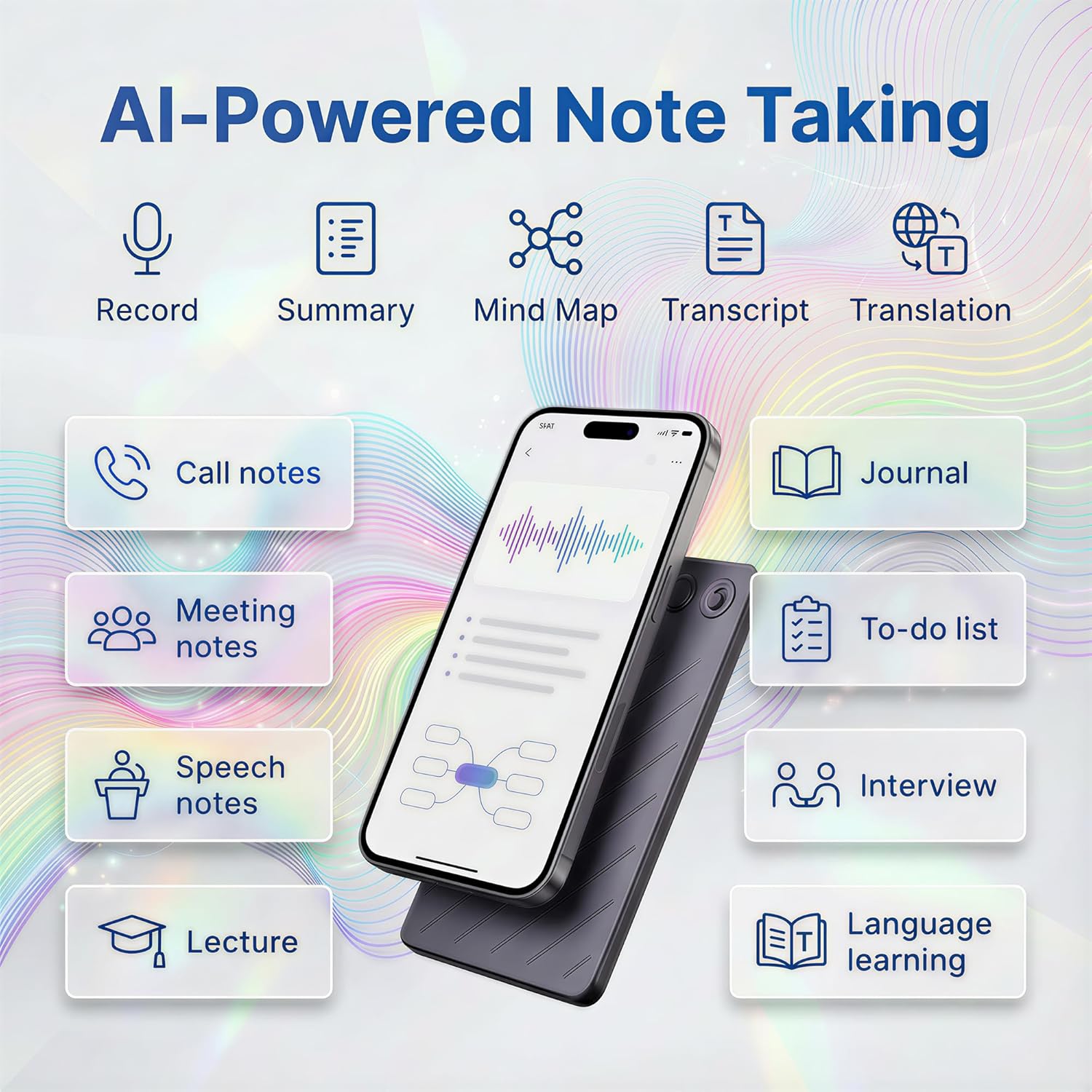
Image: Illustrates the two primary recording modes: phone call recording (a person talking on a phone in a city) and in-person recording (the device on a conference table during a meeting).
4.2 AI Transcription & Summarization
Leverage the device's AI capabilities to convert recordings into text and generate smart summaries. This feature supports 152 languages and includes advanced noise reduction for clear audio capture.

Image: Icons representing smart AI transcription features: 152 languages, 120+ professional summary templates, ability to label up to 10 speakers, and 98% accuracy rate.
4.3 App Control and Cloud Backup
Manage your recordings, access transcriptions, and utilize cloud backup through the companion app. The built-in 64GB storage holds over 500 hours of audio, with optional secure encrypted cloud sync.

Image: Depicts the device in use for live recording, with a mind map being generated on a screen, illustrating the integration of recording and note-taking features.
4.4 One-Tap Control
The device is designed for ease of use with one-tap recording functionality. Refer to the device's physical buttons for specific controls related to starting, pausing, and stopping recordings.
4.5 Mind Map Generation
Utilize the app's features to transform your transcribed notes into organized mind maps, aiding in visual comprehension and information retention.

Image: An infographic showing various AI-powered note-taking functions like record, summary, mind map, transcript, and translation, with applications such as call notes, meeting notes, and lectures.
5. Maintenance
To ensure the longevity and optimal performance of your AI Voice Recorder, follow these maintenance guidelines:
- Cleaning: Use a soft, dry cloth to clean the device. Avoid using liquid cleaners or abrasive materials.
- Storage: Store the device in a cool, dry place away from direct sunlight and extreme temperatures.
- Battery Care: For optimal battery health, avoid fully discharging the battery frequently. Charge the device regularly, especially if it will be stored for extended periods.
- Software Updates: Periodically check the companion app for firmware updates for your device to ensure you have the latest features and performance improvements.
6. Troubleshooting
If you encounter issues with your AI Voice Recorder, refer to the following common solutions:
- Device Not Turning On: Ensure the device is fully charged. Connect it to a power source and try again.
- Cannot Connect to App: Verify Bluetooth is enabled on your smartphone and the recorder. Ensure the app is updated to the latest version. Try restarting both the recorder and your phone.
- Poor Recording Quality: Check that the microphones are not obstructed. Ensure you are recording in an environment suitable for the noise cancellation feature. Update device firmware if available.
- Transcription Inaccuracies: Ensure clear audio input. Speak clearly and at a moderate pace. Verify the correct language is selected in the app for transcription.
- Storage Full: Transfer recordings to your computer or utilize the encrypted cloud backup feature to free up local storage.
7. Specifications
| Feature | Detail |
|---|---|
| Brand | Generic |
| Model Number | FW920D |
| Memory Storage Capacity | 64 GB |
| Battery Average Life | 35 Hours |
| Digital Recording Time | 35 hours |
| Hardware Interface | Bluetooth 5 |
| Microphone Form Factor | Built-In |
| Microphone Operation Mode | Noise Cancellation |
| Compatible Devices | Smartphone |
| Product Dimensions | 0.12"D x 2.09"W x 3.39"H |
| Item Weight | 32 Grams |
| Headphones Jack | 2.5 millimeters |
| UPC | 772224819934 |
8. Warranty
This product comes with a 1-Year Warranty from the date of purchase. This warranty covers manufacturing defects under normal use. It does not cover damage caused by misuse, accidents, unauthorized modifications, or external causes. Please retain your proof of purchase for warranty claims.
9. Support
For further assistance, technical support, or warranty inquiries, please refer to the contact information provided with your purchase or within the companion app. You may also visit the manufacturer's official website for FAQs and additional resources.


