
Introduction
Thank you for choosing the PUSOKEI Mini Cordless Dry Iron. This compact and portable iron is designed for quick touch-ups and travel, offering cordless convenience and multiple temperature settings. Please read this manual thoroughly before use to ensure safe and efficient operation.
Safety Instructions
- Always ensure the iron is fully charged before use to avoid interruptions.
- Do not use the iron near water or in damp environments.
- Keep the iron out of reach of children and pets.
- Do not touch the hot soleplate during or immediately after use. Allow it to cool completely before handling or storing.
- Use the iron only for its intended purpose of ironing clothes.
- If the charging cable is damaged, do not use it. Contact customer support for a replacement.
- Unplug the charging cable when the iron is not in use or before cleaning.
- Do not attempt to disassemble or repair the iron yourself. Refer all servicing to qualified personnel.
Package Contents
Verify that all items are present in the package:
- 1 x PUSOKEI Mini Cordless Dry Iron
- 1 x USB Charging Cable
- 1 x Instruction Manual (this document)

Image: The PUSOKEI Mini Cordless Dry Iron shown alongside its USB charging cable.
Product Features
- Rapid Heat Up: Heats up in approximately 5 seconds, suitable for quick ironing tasks.
- 3 Temperature Settings: Adjustable heat levels up to 200 degrees Celsius, accommodating various fabric types.
- Cordless Convenience: Offers freedom of movement without a power cord, preventing entanglement.
- Long Battery Life: Equipped with a 1200mAh battery, providing up to 40 minutes of continuous use, sufficient for 2-3 garments.
- Lightweight and Portable: Compact design with a convenient handle, comparable in size to a smartphone, ideal for travel.
- Dry Iron Function: Operates without water, simplifying use and maintenance.

Image: A collage showing the iron's 3 temperature modes, constant temperature ironing, quick ironing, and 180-degree rotatable handle for flat or hanging ironing.
Setup
Initial Charging
Before first use, fully charge the iron. Connect the provided USB charging cable to the iron's charging port and plug the other end into a compatible USB power adapter (not included). The charging indicator light will show the charging status. A full charge typically takes several hours.
Handle Adjustment
The iron features a 180-degree rotatable handle. Adjust the handle to your preferred position for either flat ironing or hanging ironing by gently rotating it until it clicks into place.
Operating Instructions
Powering On/Off
- To turn on the iron, press and hold the power key for a few seconds until the indicator light illuminates.
- To turn off the iron, press and hold the power key again until the indicator light turns off.

Image: The PUSOKEI Mini Cordless Dry Iron in use, demonstrating its rapid heating capability.
Selecting Temperature Settings
The iron has 3 adjustable temperature levels. After powering on, press the temperature selection button (usually indicated by arrows or a mode button) to cycle through the available heat settings. Select the appropriate temperature for your fabric type:
- Level 1: Low heat, suitable for delicate fabrics like silk and synthetics.
- Level 2: Medium heat, suitable for wool and blends.
- Level 3: High heat (up to 200°C), suitable for cotton and linen.
Always test the iron on an inconspicuous area of the garment first to prevent damage.
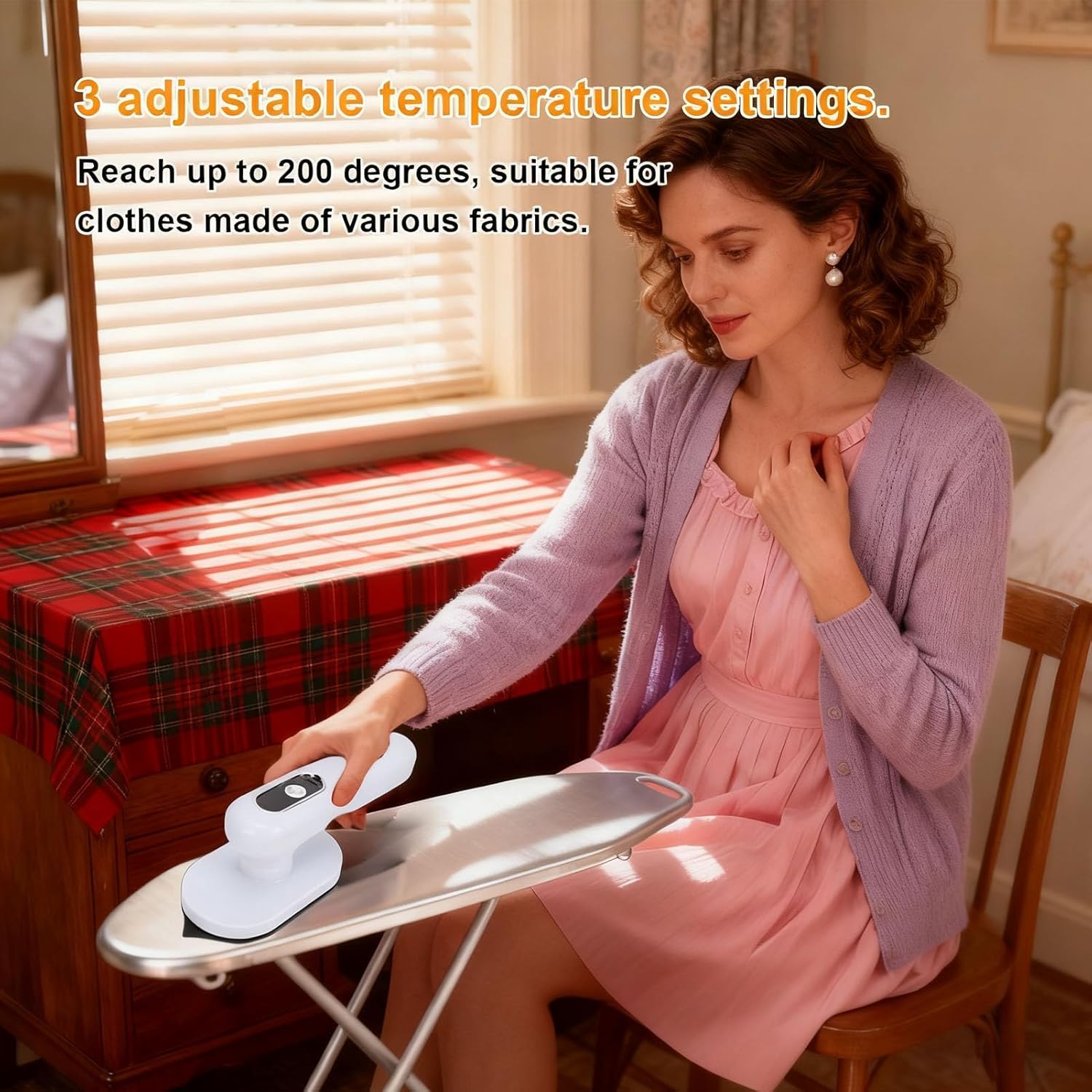
Image: A user adjusting the temperature settings on the PUSOKEI Mini Cordless Dry Iron while ironing a garment.
Ironing
Once the desired temperature is reached (indicated by the iron's display or light), gently glide the iron over the fabric. For best results, iron in smooth, continuous strokes. The cordless design allows for easy maneuverability.
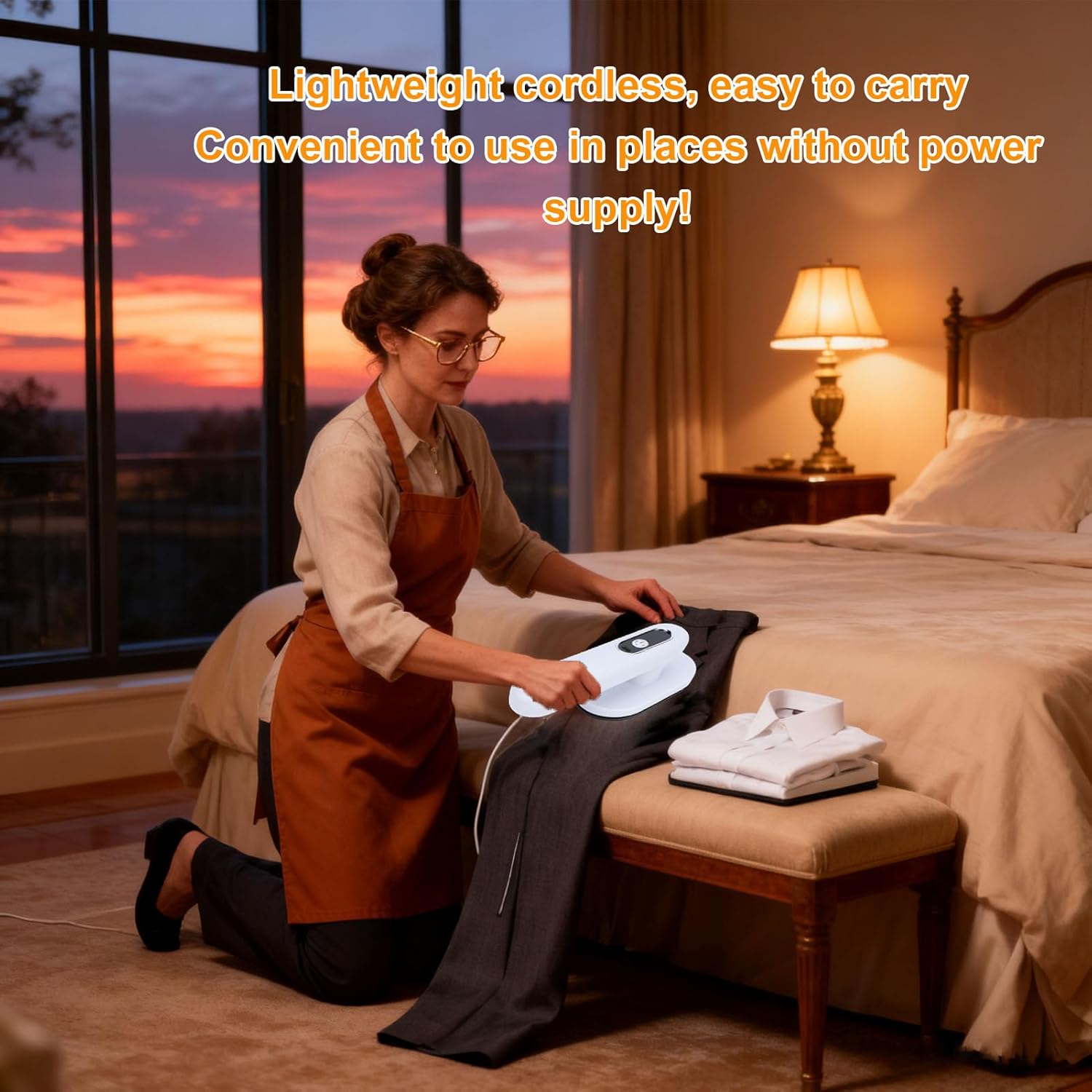
Image: A woman using the PUSOKEI Mini Cordless Dry Iron to iron trousers, highlighting its lightweight and cordless design for use in various locations.
Charging
When the battery is low, the indicator light will signal. Connect the USB charging cable to the iron and a power source. The iron cannot be used while charging. Ensure the iron is turned off before connecting the charging cable.

Image: An internal view of the PUSOKEI Mini Cordless Dry Iron, illustrating its 1200mAh large capacity battery.
Maintenance
Cleaning the Soleplate
Allow the iron to cool completely before cleaning. Wipe the soleplate with a soft, damp cloth. For stubborn stains, a mild, non-abrasive cleaner designed for iron soleplates can be used. Do not use harsh chemicals or abrasive pads.
Storage
Store the iron in a cool, dry place. Ensure the soleplate is clean and cool before storing. The compact size allows it to fit easily into drawers or travel bags.
Troubleshooting
- Iron not heating: Ensure the iron is charged and powered on. Check the temperature setting.
- Iron not holding charge: Ensure the charging cable is properly connected and the power source is functional. The battery may require replacement after extended use.
- Iron not gliding smoothly: Clean the soleplate as described in the Maintenance section. Ensure no residue is present on the soleplate.
- Indicator lights not working: If the iron is otherwise functional, this may indicate a minor electrical issue. If the iron is not functional, contact customer support.
Specifications
| Feature | Specification |
|---|---|
| Brand | PUSOKEI |
| Model Name | PUSOKEIr0zcs86x4g |
| Item Type | Cordless Clothes Iron |
| Material | ABS |
| Battery Type | Li Battery (Built-in) |
| Battery Capacity | 1200mAh |
| Adjustable Levels | 3 Temperature Settings |
| Wattage | 100W |
| Item Weight | 360 g |
| Country of Origin | China |

Image: A diagram illustrating the dimensions of the PUSOKEI Mini Cordless Dry Iron: 20cm (7.87in) in height, 7.2cm (2.83in) in width at the base, and 7cm (2.75in) in handle depth.
Warranty and Support
This product comes with a standard manufacturer's warranty. Please refer to the warranty card included with your purchase for specific terms and conditions. For technical support, troubleshooting assistance, or warranty claims, please contact PUSOKEI customer service through the retailer where the product was purchased or visit the official PUSOKEI website for contact information.