
1. Introduction
Thank you for choosing the Riuiio G01Lite Electric Scooter. This manual provides essential information for the safe operation, assembly, maintenance, and troubleshooting of your new electric scooter. Please read this manual thoroughly before your first ride to ensure optimal performance and safety.
2. Safety Information
Your safety is paramount. Always wear a helmet and appropriate protective gear (knee pads, elbow pads) when riding. Adhere to local traffic laws and regulations. Avoid riding in wet conditions, on uneven surfaces, or at night without proper lighting. Do not perform stunts or ride with more than one person. Ensure the scooter is fully charged and all components are securely fastened before each use.
- Always wear a helmet and protective gear.
- Observe local traffic laws and regulations.
- Avoid riding in adverse weather conditions.
- Do not exceed the maximum weight limit of 264 lbs (120 kg).
- Regularly check brakes, tires, and all connections.
3. Package Contents
Upon unpacking, please verify that all items listed below are included and in good condition:
- Riuiio G01Lite Electric Scooter
- Charger
- User Manual (this document)
- Assembly Tools (if applicable)
4. Setup & Assembly
The Riuiio G01Lite Electric Scooter comes mostly pre-assembled. Follow these steps for quick setup:
- Unfolding the Scooter: Carefully lift the handlebar stem until it locks into the upright position. Ensure the folding mechanism is securely latched.
- Attaching the Handlebars: Insert the handlebar assembly into the stem. Align the holes and secure it with the provided screws using the included tools.
- Initial Charge: Before first use, fully charge the scooter's battery. Connect the charger to the charging port located on the deck and plug it into a power outlet. The indicator light on the charger will change when fully charged.

Figure 4.1: The 3-second folding system allows for easy portability and storage.
Video 4.1: Demonstrates the assembly process and initial setup of the electric scooter, including handlebar attachment and folding.
Video 4.2: Shows the ease of putting the scooter together, highlighting the simple steps for quick readiness.
5. Operating Instructions
Familiarize yourself with the controls before riding.
- Power On/Off: Press and hold the power button on the display for a few seconds to turn the scooter on or off.
- Speed Modes: Double-click the power button to cycle through the available speed modes: Walk (3 MPH), ECO (7 MPH), Drive (11 MPH), and Sport (19 MPH). Select the mode appropriate for your environment and experience level.
- Throttle: Gently press the thumb throttle on the right handlebar to accelerate. The scooter features a zero-start mode, which can be enabled via the app.
- Brakes: Use the electronic brake lever on the left handlebar for responsive stopping. The scooter also has a rear foot brake for additional control.
- Lights: Single-click the power button to turn the front headlight and rear taillight on or off. The rear taillight also functions as a brake light, flashing when brakes are applied.
- Folding: To fold the scooter, disengage the folding latch near the base of the handlebar stem and carefully fold the stem down until it clicks into place with the rear fender.

Figure 5.1: Adjustable 4 Speed Modes for various riding preferences.
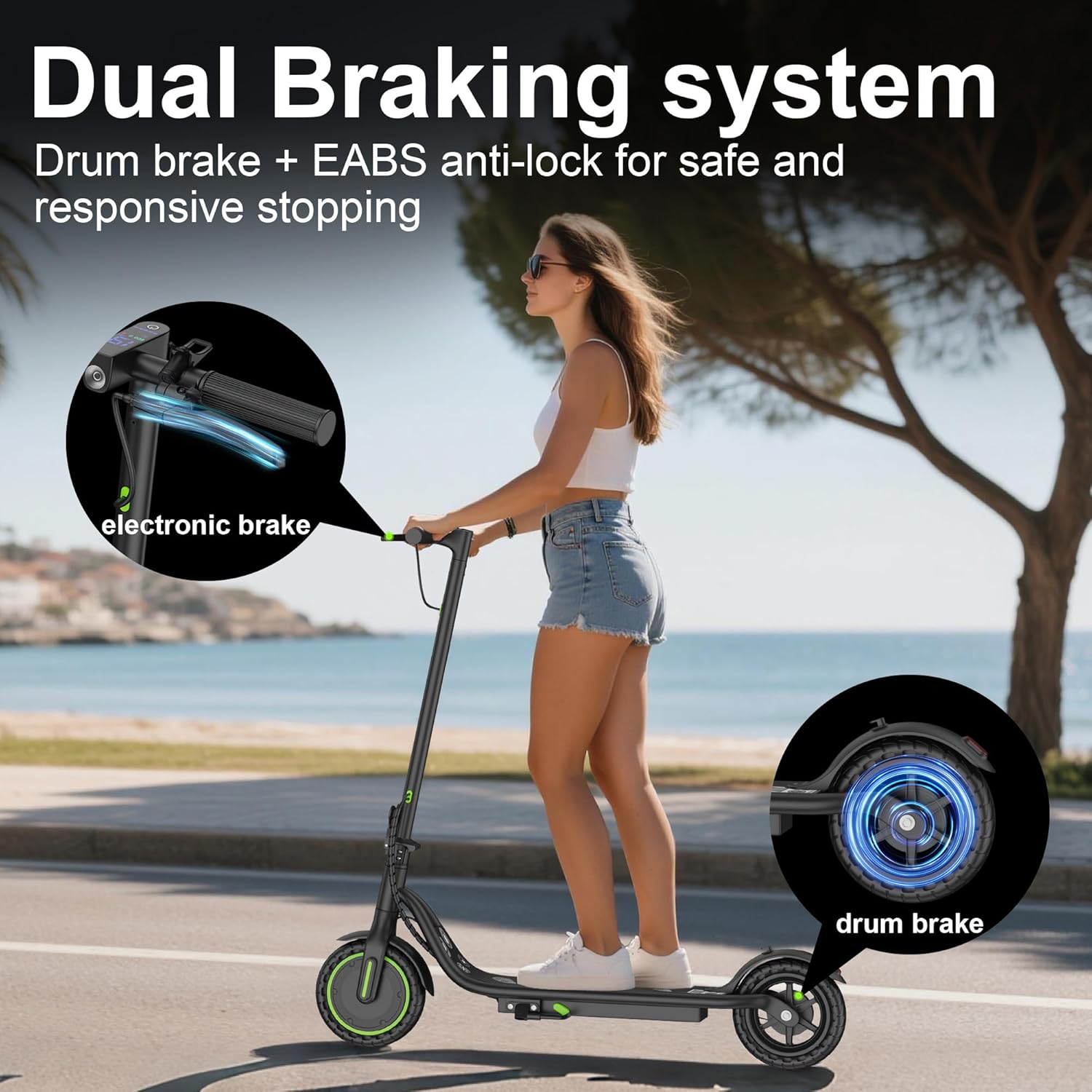
Figure 5.2: Dual Braking System (electronic + rear foot brake) for enhanced safety.

Figure 5.3: Front headlight and rear taillight ensure visibility and safety during night rides.
5.1 Smart App Control
Enhance your riding experience by connecting your Riuiio G01Lite to the dedicated smartphone app. The app provides access to advanced features and real-time data:
- Cruise Control: Maintain a consistent speed without holding the throttle.
- Zero Start Mode: Enable or disable the feature that allows the scooter to accelerate from a standstill without an initial kick.
- Anti-Theft Lock: Secure your scooter remotely.
- Real-Time Riding Statistics: Monitor speed, battery level, mileage, and more.

Figure 5.4: Smart App Control interface for personalized settings and monitoring.
6. Maintenance
Regular maintenance ensures the longevity and safe operation of your scooter.
- Tires: The 8.5-inch solid tires are maintenance-free and anti-slip, providing better grip and durability. Regularly inspect them for wear and tear.
- Cleaning: Wipe down the scooter with a damp cloth. Avoid using high-pressure water jets or harsh chemicals.
- Battery Care: Charge the battery regularly, even if not in use, to maintain its health. Avoid completely draining the battery.
- Storage: Store the scooter in a cool, dry place away from direct sunlight and extreme temperatures.
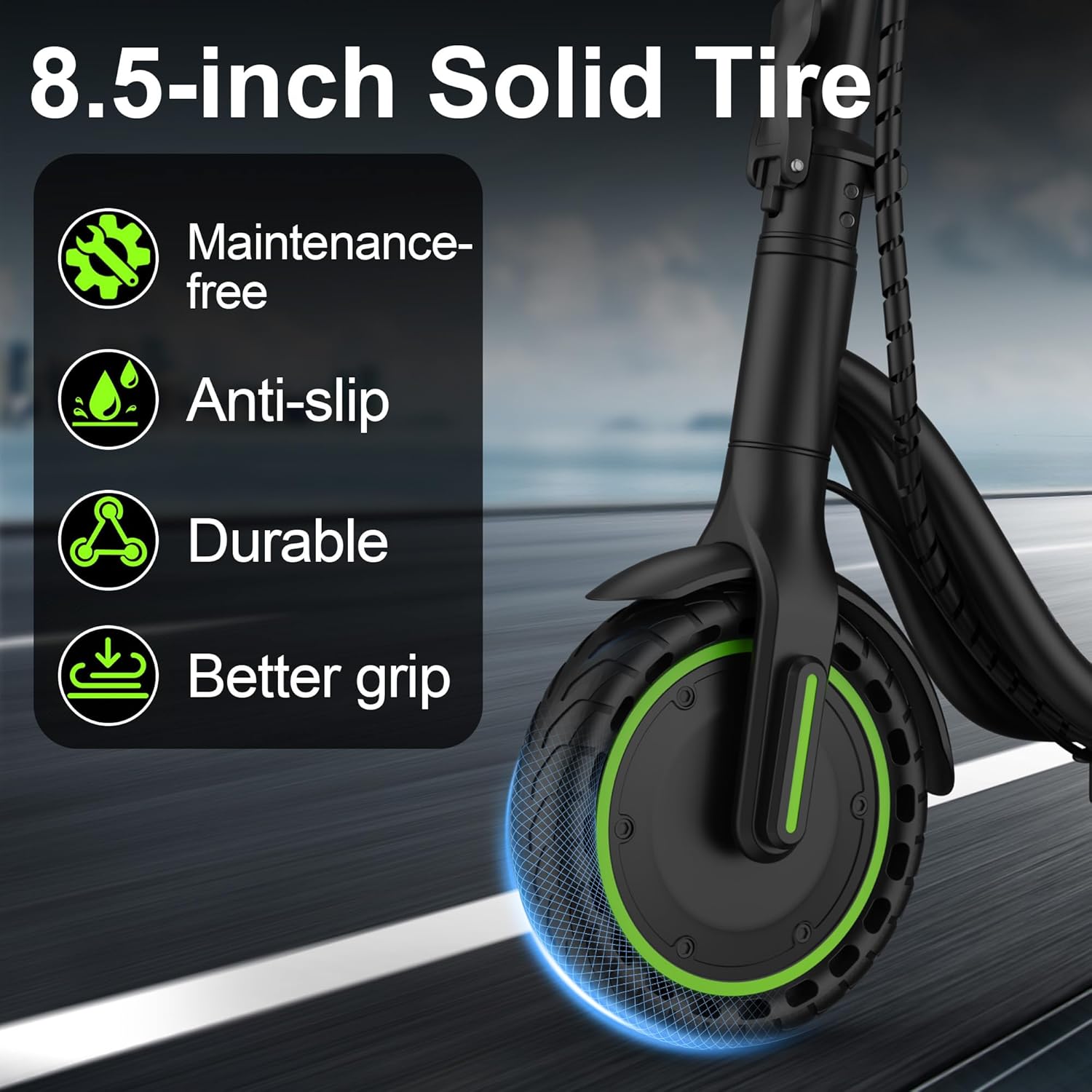
Figure 6.1: The 8.5-inch solid tires offer durability and require minimal maintenance.
7. Troubleshooting
If you encounter any issues, refer to the following common troubleshooting tips:
- Scooter not turning on: Ensure the battery is charged. Press and hold the power button for a few seconds.
- Loss of power/reduced range: Check battery level. Ensure the charger is functioning correctly. Riding conditions (hills, heavy load, low temperature) can affect range.
- Brakes not responding: Inspect brake cables for damage or looseness. Adjust as necessary or consult a service professional.
- App connectivity issues: Ensure Bluetooth is enabled on your smartphone and the scooter is within range. Restart both the app and the scooter.
8. Specifications
| Feature | Specification |
|---|---|
| Brand | Riuiio |
| Model Name | G01Lite |
| Motor | 350W Brushless |
| Top Speed | Up to 19 MPH |
| Maximum Distance Range | 15 Miles |
| Battery | 36V 5.2Ah Lithium (188WH) |
| Weight Limit | 264 Pounds |
| Product Dimensions | 39"L x 5.5"W x 42"H |
| Wheel Size | 8.5 Inches |
| Wheel Type | Solid |
| Brake Style | Front Braking, Rear Braking |
| Frame Material | Aluminum |
| Age Range (Description) | Age 16+ |
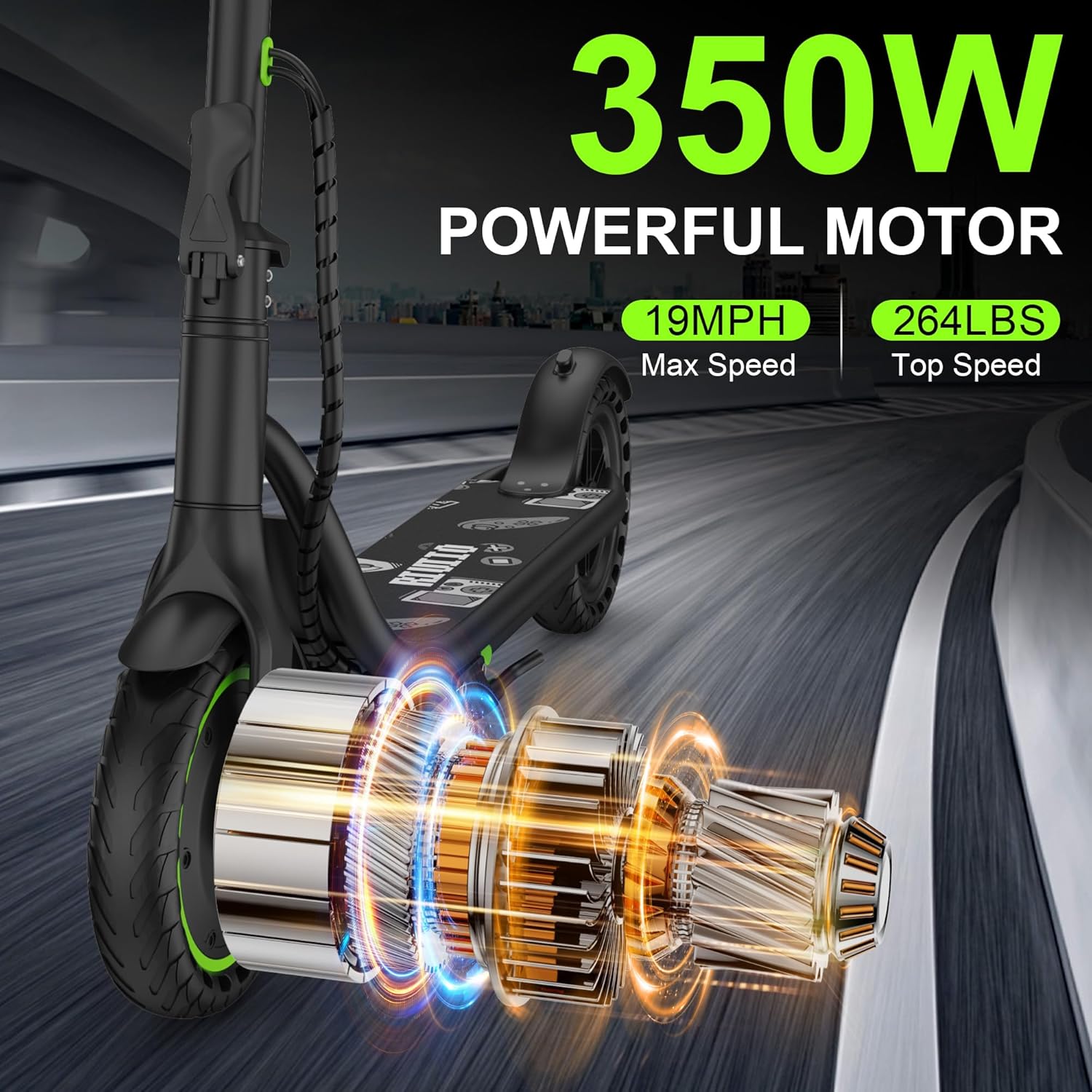
Figure 8.1: Key performance specifications of the Riuiio G01Lite Electric Scooter.

Figure 8.2: Battery specifications and range details.
9. Warranty & Support
The Riuiio G01Lite Electric Scooter comes with a 1-Year Limited Warranty. For warranty claims, technical support, or any inquiries, please contact Riuiio customer service through the retailer's platform or the official Riuiio website.