
1. Introduction
This manual provides essential instructions for the safe operation, setup, and maintenance of your Genérico H18 4K Professional Drone. Please read this manual thoroughly before operating the drone to ensure proper use and to prevent damage or injury.
Product Overview
The Genérico H18 is a professional-grade drone featuring a 4K adjustable camera, 360° obstacle avoidance, and intelligent flight modes. It is designed for both beginners and experienced users, offering stable flight and high-quality aerial photography and videography.
Packing List
- Drone (1)
- Remote Control (1)
- Batteries (3)
- USB Cable (1)
- Screwdriver (2)
- Spare Propeller Blades (4)
- Instruction Manual (1)
- Propeller Guards (4)
2. Safety Information
Always operate the drone in open areas, away from people, animals, and obstacles. Ensure you have sufficient space for flight and landing. Do not fly in strong winds or adverse weather conditions. Always maintain visual line of sight with the drone during operation.
Drone Misconception: A drone cannot remain perfectly stationary. Whenever there is airflow, the drone will drift. You must use the remote control to maintain its flight direction.
3. Setup
3.1 Installing Propeller Guards
Before use, please install the propeller guards. It is not necessary to fix the propeller guards with screws. Then, manually rotate the fan blades to ensure they do not contact the guards. After this, you can proceed with the following steps.

Image: Genérico H18 Drone with propeller guards installed.
3.2 Battery Installation and Charging
Ensure all three batteries are fully charged before flight. Use the provided USB cable for charging. Insert the charged batteries into the drone and remote control as indicated in their respective compartments.
4. Operating Instructions
4.1 Powering On and Pairing
- Power on the drone; the drone's indicator light will flash.
- Power on the remote control. Move the left joystick on the remote control up and down once; you will hear a "beep" sound. The indicator lights on both the remote control and the camera will stop flashing, indicating a successful connection. If the indicators continue to flash, it means the camera is not powered or the connection failed.
4.2 Connecting to WiFi and App
After successfully pairing the drone, turn on your mobile device's WiFi and search for the drone's WiFi network (usually named after the drone model) in the list of available WLAN networks. This WiFi network does not require a password. Once connected, open the corresponding application for recording and filming. Do not open the application before connecting to the WiFi.

Image: Drone, remote, and smartphone showing live video feed.
Important: Simultaneous control via mobile phone and remote control is not possible. You must disable one of the control signals. Otherwise, it can cause confusion, and mobile phone control may also be more difficult.
4.3 Basic Flight Controls
The remote control allows for precise flight maneuvers. Use the joysticks to control altitude, direction, and rotation. Refer to the remote control diagram in the included manual for specific functions of each button and joystick.

Image: One-button takeoff/landing feature.
4.4 Camera Operation
The drone is equipped with a 4K camera with a 90° viewing angle, 50x zoom, and remote focus function. Use the remote control or the app to adjust the camera angle and zoom during flight.
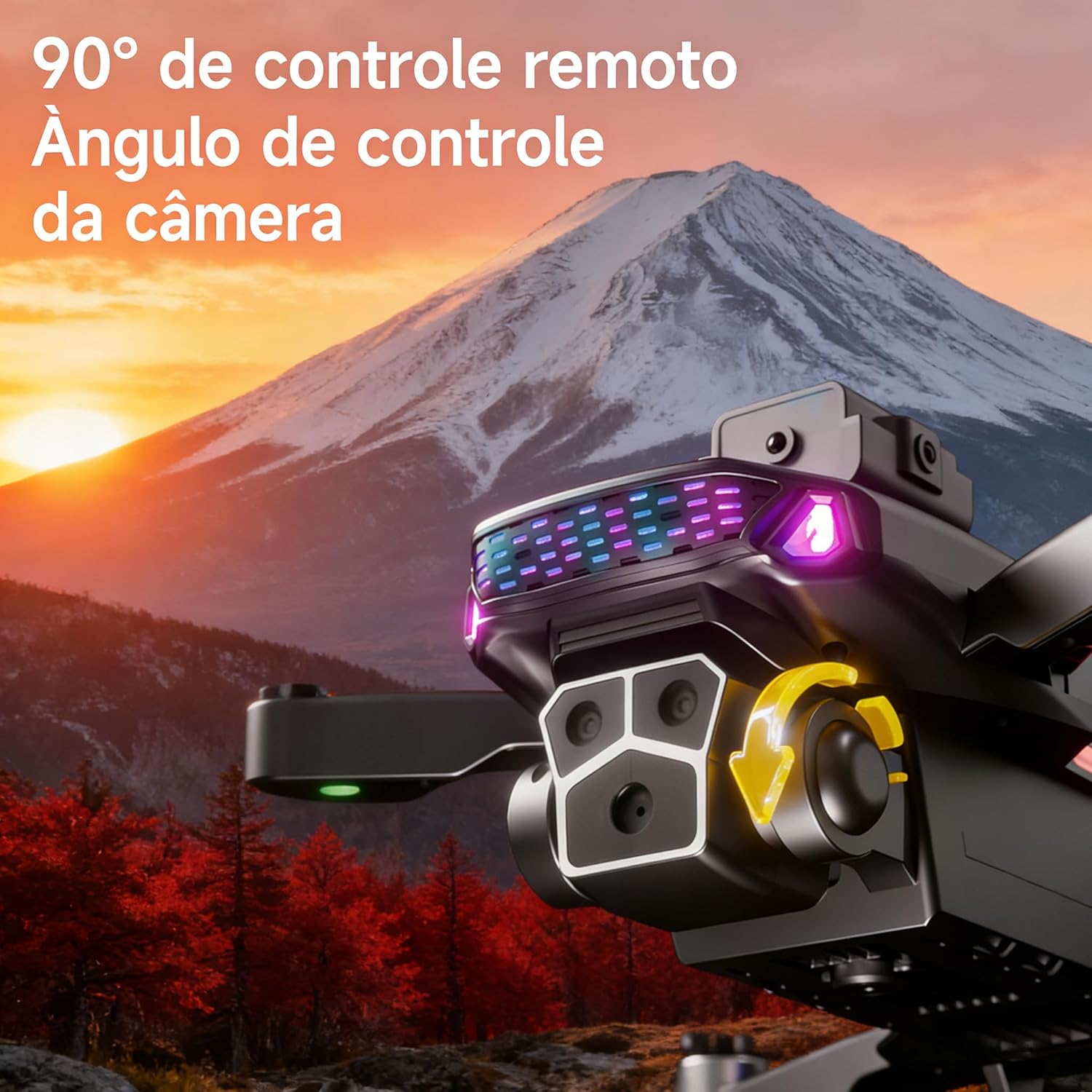
Image: Remote control camera angle adjustment.
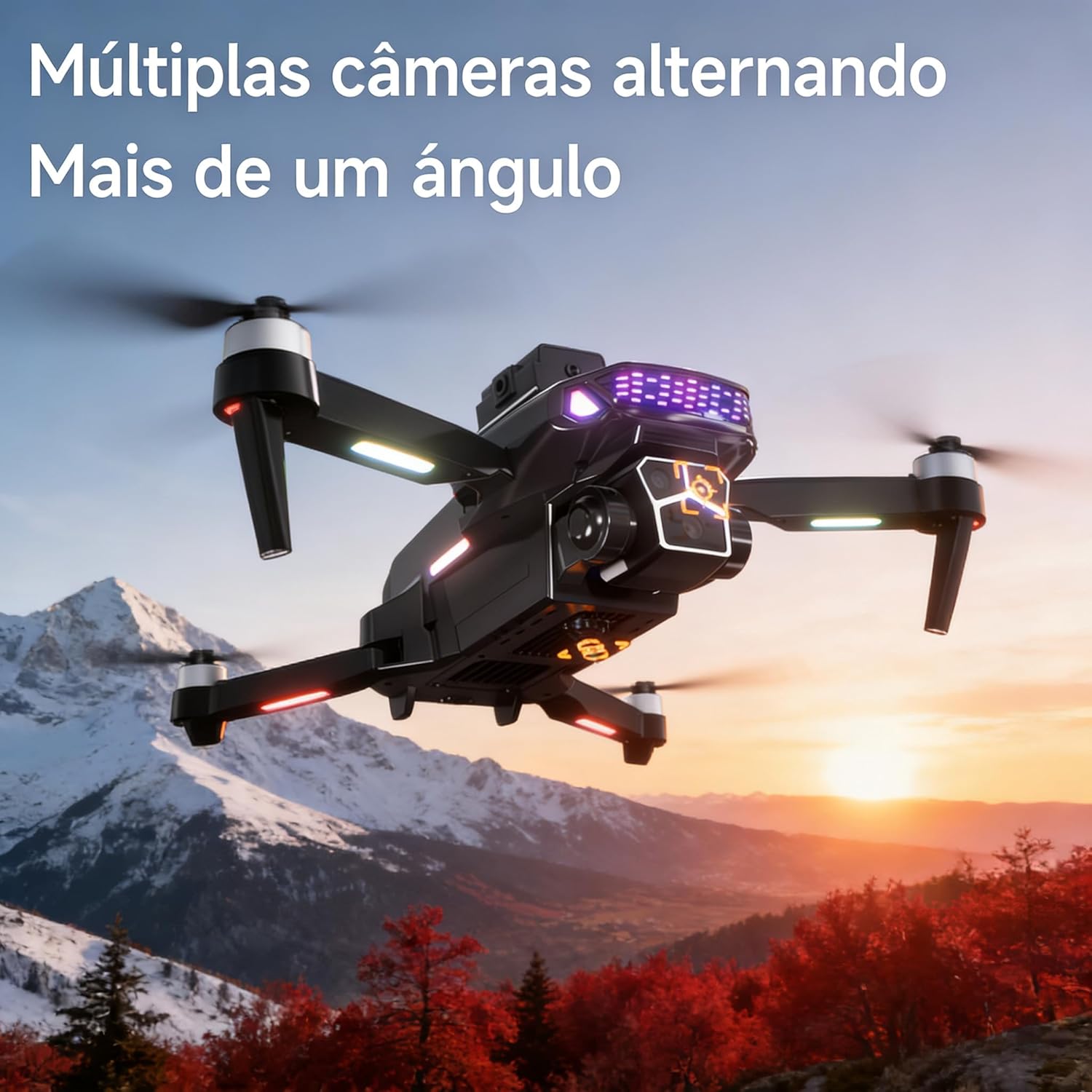
Image: Multiple camera views.
4.5 Intelligent Features
- 360° Intelligent Obstacle Avoidance: The drone scans and avoids obstacles throughout the flight using automatic detection technology. Sensors detect risks in real-time and can autonomously perform avoidance actions.

Image: 360° obstacle avoidance in action.
- Intelligent Filming Modes: Includes automatic GPS tracking, gesture recognition for photos/videos, 360° flip flight, and APP route planning. Draw a trajectory on the screen, which the drone will follow precisely, facilitating creative filming.
5. Maintenance
5.1 General Care
Keep the drone clean and free from dust and debris. Store it in a cool, dry place when not in use. Avoid exposing the drone to extreme temperatures or direct sunlight for extended periods.

Image: Foldable design for portability.
5.2 Propeller Replacement
If propeller blades are damaged, replace them with the spare blades provided in the packing list. Use the screwdriver to carefully remove and install new blades, ensuring they are securely fastened.
6. Troubleshooting
Drone Not Staying Stationary
As noted in the safety section, drones will drift due to airflow. This is normal. Use the remote control to constantly adjust its position and maintain desired flight direction.
Connection Issues (Drone/Remote or Drone/WiFi)
If indicator lights continue to flash after attempting to pair the drone and remote, ensure the camera is powered and repeat the pairing steps. For WiFi connection issues, ensure the drone is paired first, then connect to its WiFi network before opening the app. Restarting both the drone and your mobile device may resolve temporary issues.
7. Specifications
| Feature | Detail |
|---|---|
| Brand | Genérico |
| Model | H18 |
| Color | Black |
| Material | Ethylene Vinyl Acetate (EVA) |
| Manufacturer | SAIL UP |
| Package Dimensions | 27 x 27 x 8 cm |
| Product Weight | 500 g |
| Battery Operated | No (refers to main unit, but batteries are included for flight) |
| Camera | 4K, 90° adjustable angle, 50x zoom, remote focus |
| Obstacle Avoidance | 360° Intelligent Detection |
| Flight Time | Up to 30 minutes (3 batteries, 10 min/battery) |
| Control Distance | 80m (open areas), 50m (with obstacles) |
| Motor Type | Brushless |
| Wind Resistance | Level 7 |
8. Warranty and Support
Specific warranty information for the Genérico H18 Drone is not provided in the product details. For warranty claims or technical support, please contact the retailer or manufacturer directly. Keep your purchase receipt as proof of purchase.