
1. Product Overview
The HP Laptop 15-fd2353la is a versatile and efficient computing device designed for everyday tasks, entertainment, and productivity. It features an Intel Core Ultra 5 processor, a vibrant 15.6-inch Full HD display, ample memory, and fast solid-state storage. This manual will guide you through the setup, operation, and maintenance of your new laptop.

Front view of the HP Laptop 15-fd2353la, highlighting its Intel Core Ultra 5 processor, 24 GB RAM, 512 GB SSD, and 15.6-inch Full HD display.
2. Setup
2.1 Unpacking
Carefully remove your laptop and all accessories from the packaging. Ensure the following items are present:
- HP Laptop 15-fd2353la
- Power Adapter and Cable
- Documentation (Quick Start Guide, Warranty Information)
2.2 Connecting the Power Adapter
Before first use, connect the power adapter to the laptop's power port and then plug it into a wall outlet. Allow the battery to charge for a few hours, or until fully charged, before initial use.
2.3 Initial Power On and Windows Setup
Press the power button located on the keyboard to turn on the laptop. Follow the on-screen instructions to complete the Windows 11 Home setup process. This includes selecting your language, connecting to a Wi-Fi network, and creating a user account.
3. Operating Instructions
3.1 Power On/Off and Sleep Mode
- Power On: Press the power button.
- Shut Down: Click the Start button, then Power > Shut down.
- Sleep Mode: Close the lid or click the Start button, then Power > Sleep.
3.2 Using the Keyboard and Touchpad
The laptop features a full-size Spanish QWERTY keyboard and a precision touchpad. Use the touchpad for navigation, clicking, and multi-touch gestures. Refer to Windows settings for touchpad customization.
3.3 Connecting to Wi-Fi
To connect to a wireless network:
- Click the Wi-Fi icon in the taskbar.
- Select your desired network from the list.
- Enter the network password if prompted, then click Connect.
4. Key Features
The HP Laptop 15-fd2353la offers a range of features designed to enhance your computing experience:
- Processor: Intel Core Ultra 5 225U (up to 4.8 GHz with Intel Turbo Boost Technology, 12 MB L3 Cache, 12 cores, 14 threads) for efficient multitasking.
- Storage: 512 GB PCIe NVMe M.2 Solid State Drive for fast boot times and application loading.
- Memory: 24 GB DDR5-5600 MT/s RAM for smooth performance across demanding applications.
- Display: 15.6-inch Full HD (1920 x 1080) IPS anti-glare display with 250 nits brightness and 62.5% sRGB for clear visuals.
- Operating System: Pre-installed with Windows 11 Home.
- Battery Life: Up to 9 hours and 45 minutes of AI-optimized battery life, with HP Fast Charge capable of recharging 50% in approximately 30 minutes.
- Webcam and Audio: Integrated webcam with a privacy shutter and a clear microphone featuring external noise reduction for improved video calls.
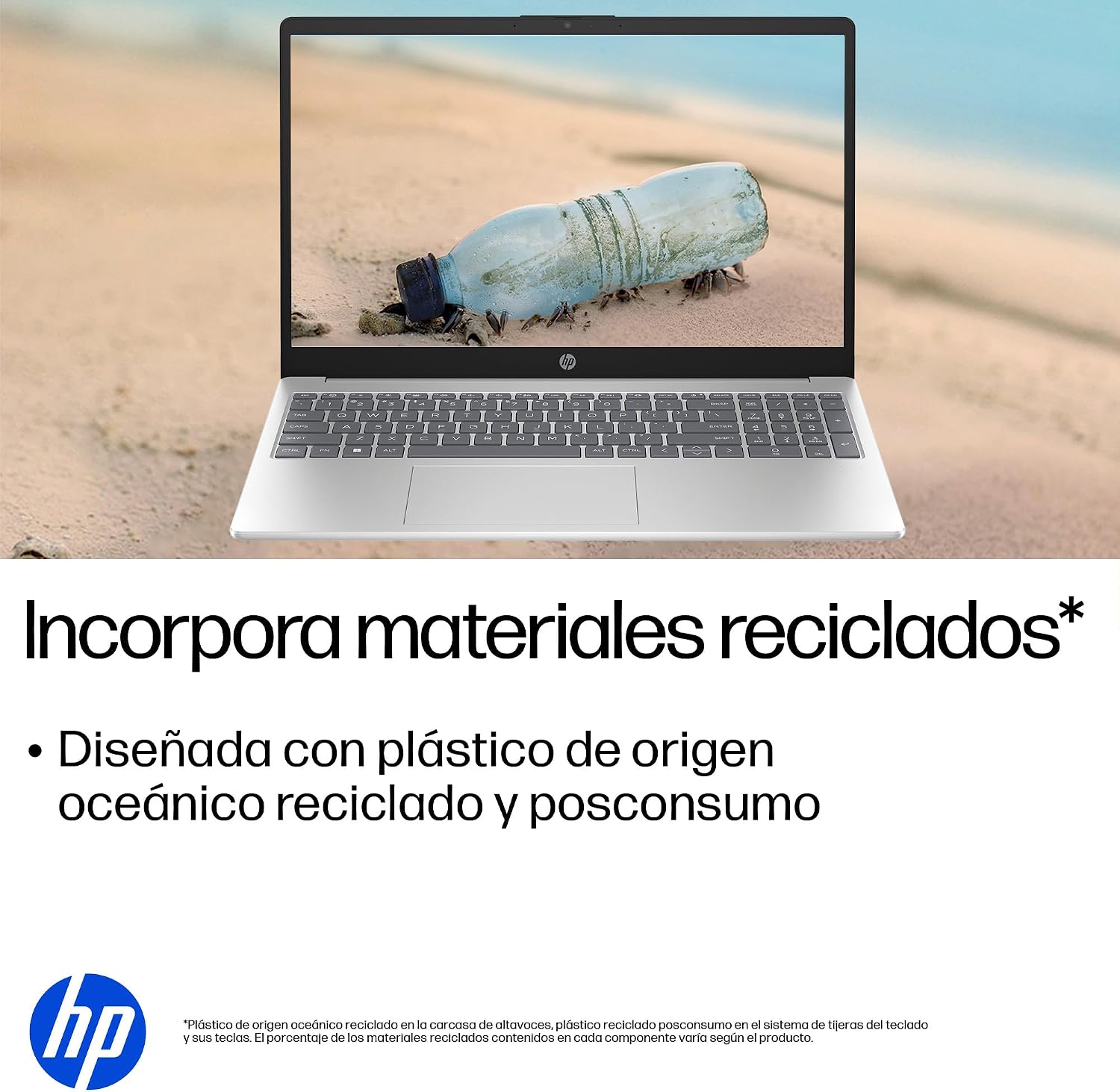
- Sustainable Design: Constructed with ocean-bound and post-consumer recycled plastics in various components.

The laptop features an integrated webcam shutter for privacy and a clear microphone with external noise reduction.

Experience an immersive visual display with an 85% screen-to-body ratio and an anti-glare Full HD screen.

Enjoy extended use with up to 9 hours and 45 minutes of AI-optimized battery life, and quickly recharge 50% in 30 minutes with HP Fast Charge.

This laptop incorporates recycled materials, including ocean-bound and post-consumer plastics, in its design.
5. Ports and Connectivity
Your HP Laptop 15-fd2353la is equipped with various ports for connecting peripherals and external devices:

Diagram illustrating the location and type of ports on the HP Laptop 15-fd2353la.
- Left Side:
- 1 x USB Type-A 5 Gbps signaling rate port
- 1 x HDMI port
- 1 x USB Type-C 5 Gbps signaling rate port
- 1 x Headphone/Microphone combo jack
- Right Side:
- 1 x USB Type-A 5 Gbps signaling rate port
- 1 x Power connector
6. Specifications
| Feature | Specification |
|---|---|
| Brand | HP |
| Model Name | 15-fd2353la |
| Screen Size | 15.6 Inches |
| Max Screen Resolution | 1920 x 1080 Pixels (FHD) |
| Display Type | IPS, Anti-glare LCD |
| Color | Silver |
| CPU Model | Intel Core Ultra 5 225U |
| Processor Speed | Up to 4.8 GHz |
| RAM Size | 24 GB |
| RAM Technology | DDR5-5600 MT/s |
| Hard Drive Size | 512 GB SSD (PCIe NVMe M.2) |
| Operating System | Windows 11 Home |
| Graphics Coprocessor | Intel Integrated Graphics |
| USB Ports | 3 (2x USB Type-A, 1x USB Type-C) |
| HDMI Ports | 1 |
| Battery Type | Lithium Ion |
| Battery Energy Content | 41 Watt-hours |
| Keyboard Layout | QWERTY (Spanish) |
| Weight | 1.65 Kilograms |
| Dimensions (L x W x H) | 23.6 x 36 x 1.9 cm |
Visual representation of the laptop's dimensions and weight.
7. Maintenance
7.1 Cleaning the Laptop
- Use a soft, lint-free cloth slightly dampened with water or a screen cleaner to clean the display.
- For the keyboard and chassis, use a soft cloth. Avoid harsh chemicals or abrasive materials.
- Use compressed air to clear dust from keyboard keys and vents.
7.2 Battery Care
- Avoid extreme temperatures.
- Do not fully discharge the battery frequently.
- If storing the laptop for an extended period, ensure the battery is charged to about 50%.
7.3 Software Updates
Regularly update your Windows operating system and drivers to ensure optimal performance and security. Windows Update can be accessed via Settings > Windows Update.
7.4 Storage Management
Periodically review and delete unnecessary files to maintain sufficient free space on your 512 GB SSD, which helps in sustaining system performance.
8. Troubleshooting
8.1 Power Issues
- Laptop not turning on: Ensure the power adapter is securely connected to both the laptop and a working power outlet. Check if the power outlet is functional.
- Battery not charging: Verify the power adapter is correctly connected. Try a different power outlet.
8.2 Display Problems
- No image on screen: Connect an external monitor to the HDMI port to check if the issue is with the laptop's display or the graphics card.
- Dim or flickering screen: Adjust screen brightness using the keyboard function keys. Update display drivers.
8.3 Connectivity Issues
- Wi-Fi not connecting: Ensure Wi-Fi is enabled. Restart your router and modem. Check network settings in Windows.
- USB devices not recognized: Try connecting the device to a different USB port. Ensure device drivers are installed.
8.4 Performance Issues
- Slow performance: Close unnecessary applications. Check for background processes consuming high resources (Task Manager). Ensure sufficient free storage space.
- System freezes: Restart the laptop. Check for recent software installations or updates that might be causing conflicts.
9. Warranty and Support
9.1 Warranty Information
Your HP Laptop 15-fd2353la comes with a 1-year limited warranty. This warranty covers manufacturing defects and hardware failures under normal use conditions. Please refer to the warranty documentation included with your product for full terms and conditions.
9.2 Technical Support
For technical assistance, warranty claims, or service inquiries, please visit the official HP support website or contact HP customer service. Have your product model number (15-fd2353la) and serial number ready when contacting support.
You can find more information and support resources at the official HP website: www.hp.com/support